How to Schedule TikTok Posts: Native and PostQuickAI Steps
Yes, you can schedule TikTok videos. Learn the native desktop steps and how to review TikTok settings before scheduling in PostQuickAI.
Honest comparisons of Buffer, Hootsuite, Later, and other social media tools, plus guides on scheduling, repurposing, and using AI to write and design posts.
Yes, you can schedule TikTok videos. Learn the native desktop steps and how to review TikTok settings before scheduling in PostQuickAI.
Schedule Threads posts from the app’s composer menu. Find your scheduled drafts or follow the PostQuickAI steps for planning across networks.

Original data from 4,278 real posts: single images beat video 16×, 1–3 hashtags work best, questions double engagement, and hard CTAs slightly hurt.

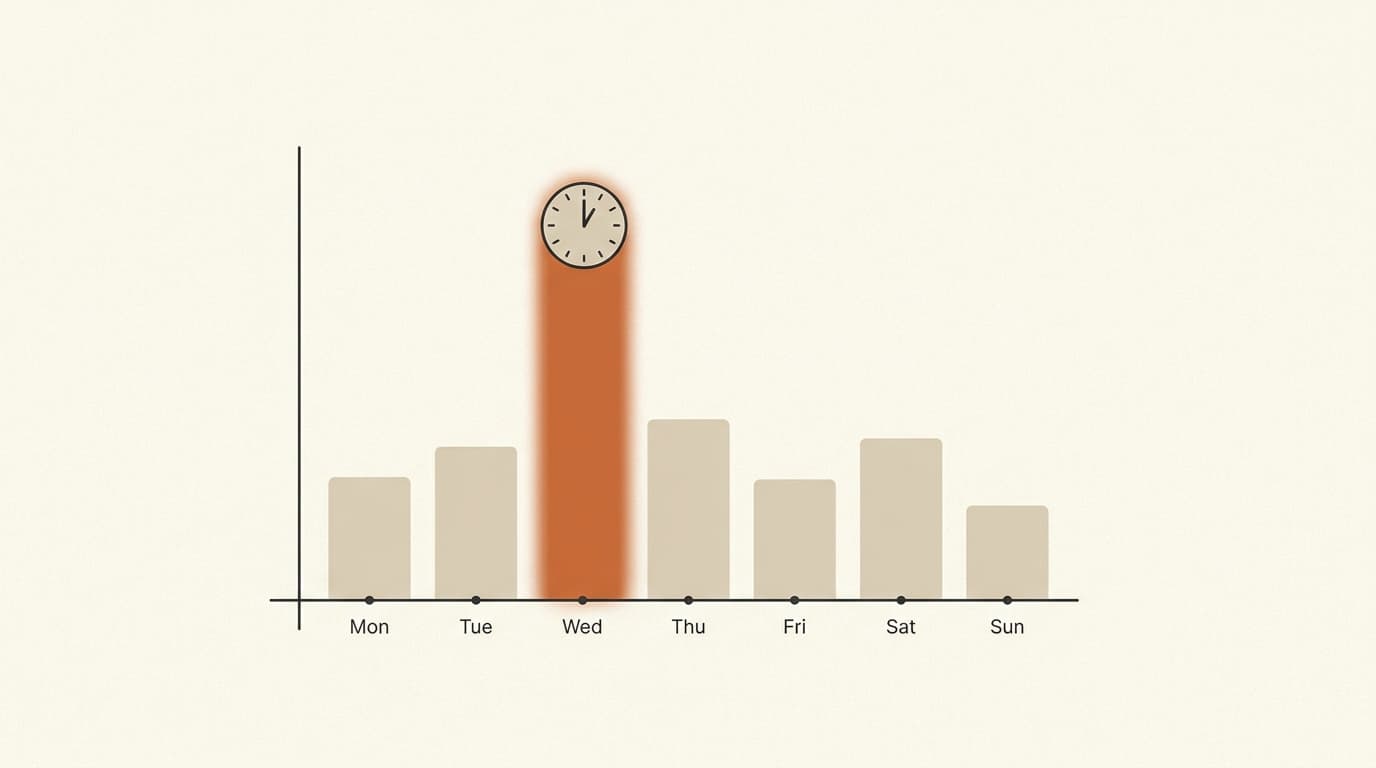
We studied 4,105 posts on Instagram, Threads and TikTok. See the best days and hours (ET) to post, and why high views don't always mean engagement.

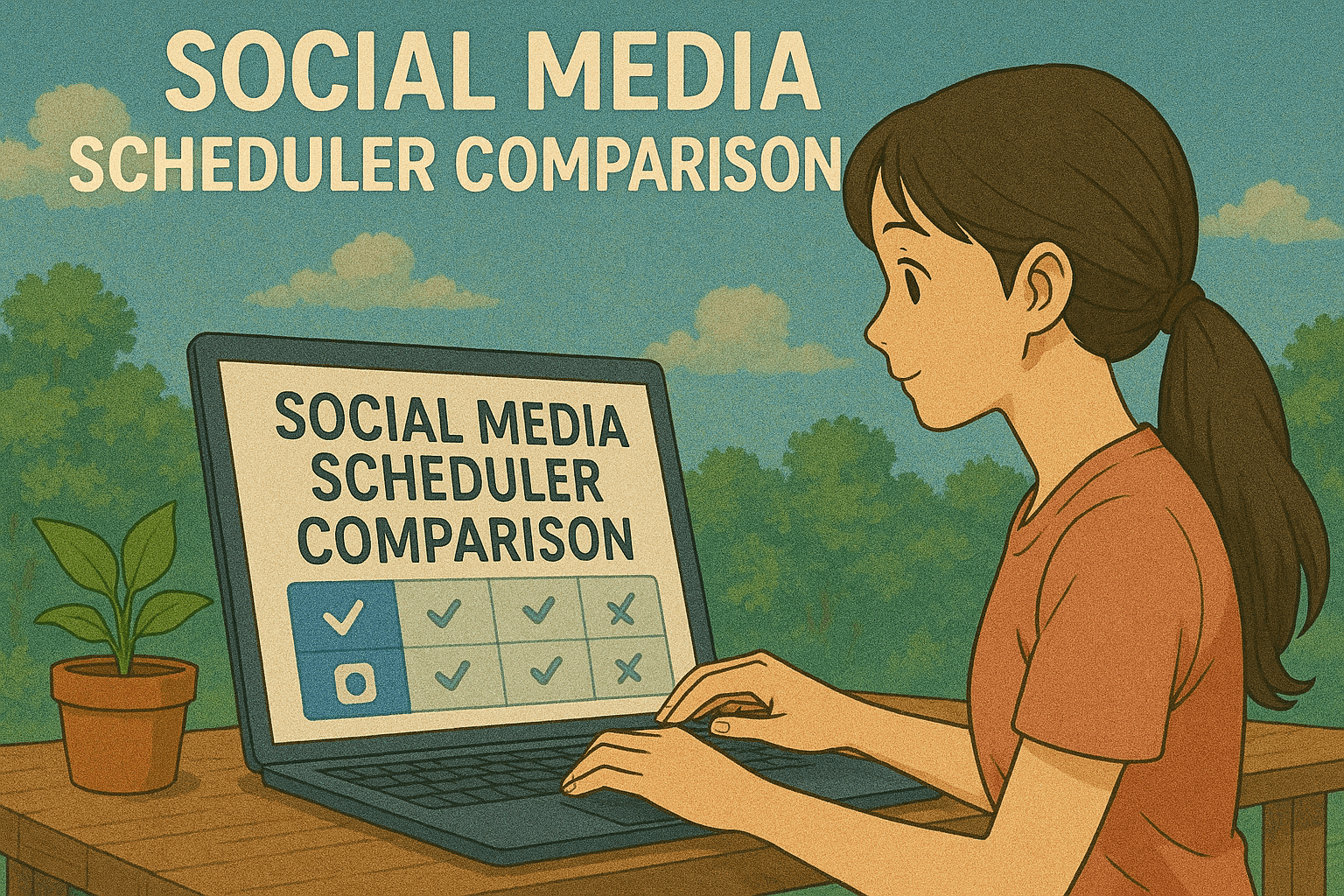
Compare the top social media schedulers of 2026: features, pricing, AI, and which tool fits creators, small businesses, and agencies.

Nano Banana Pro, GPT Image 2, Gemini 3.1 Flash and Imagen 4 Ultra tested side by side for 4K output, editing, style and photorealism.
Connect the right PostQuickAI tool set, choose a content group, review a draft and schedule to connected accounts.

See likes, comments, views and shares for every post on 8 networks in one dashboard, or pull them through the API or an AI agent like Claude.

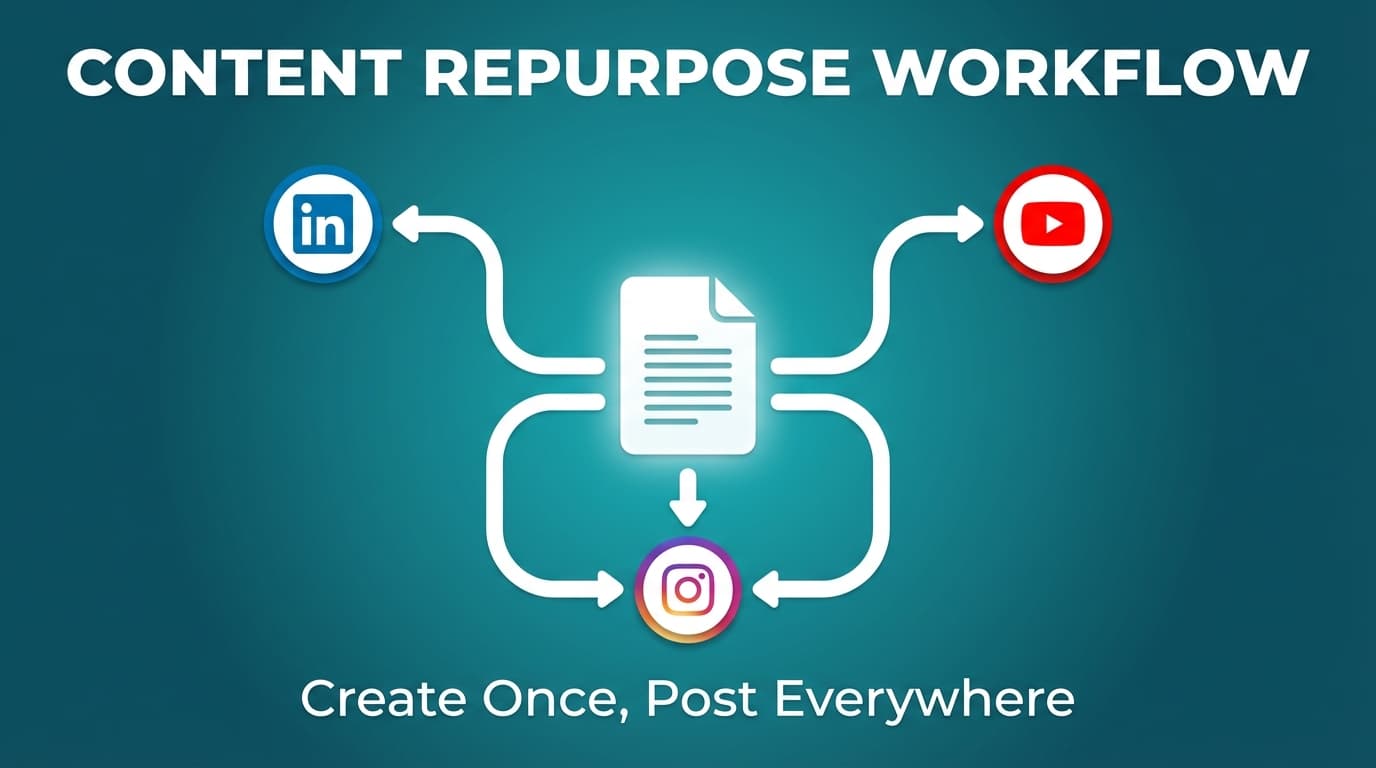
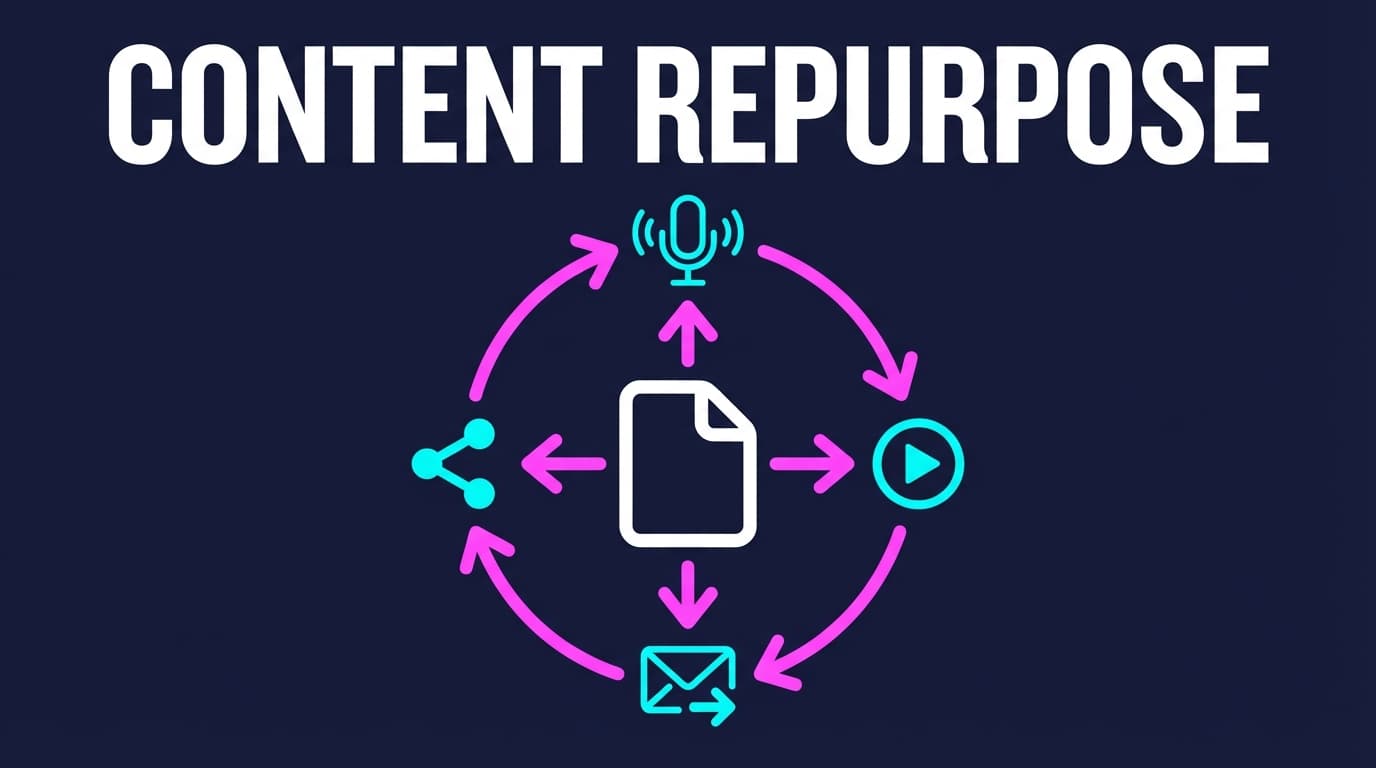
Create once, post everywhere: a repurposing workflow that adapts each post to its network instead of copy-pasting, with a template and examples.

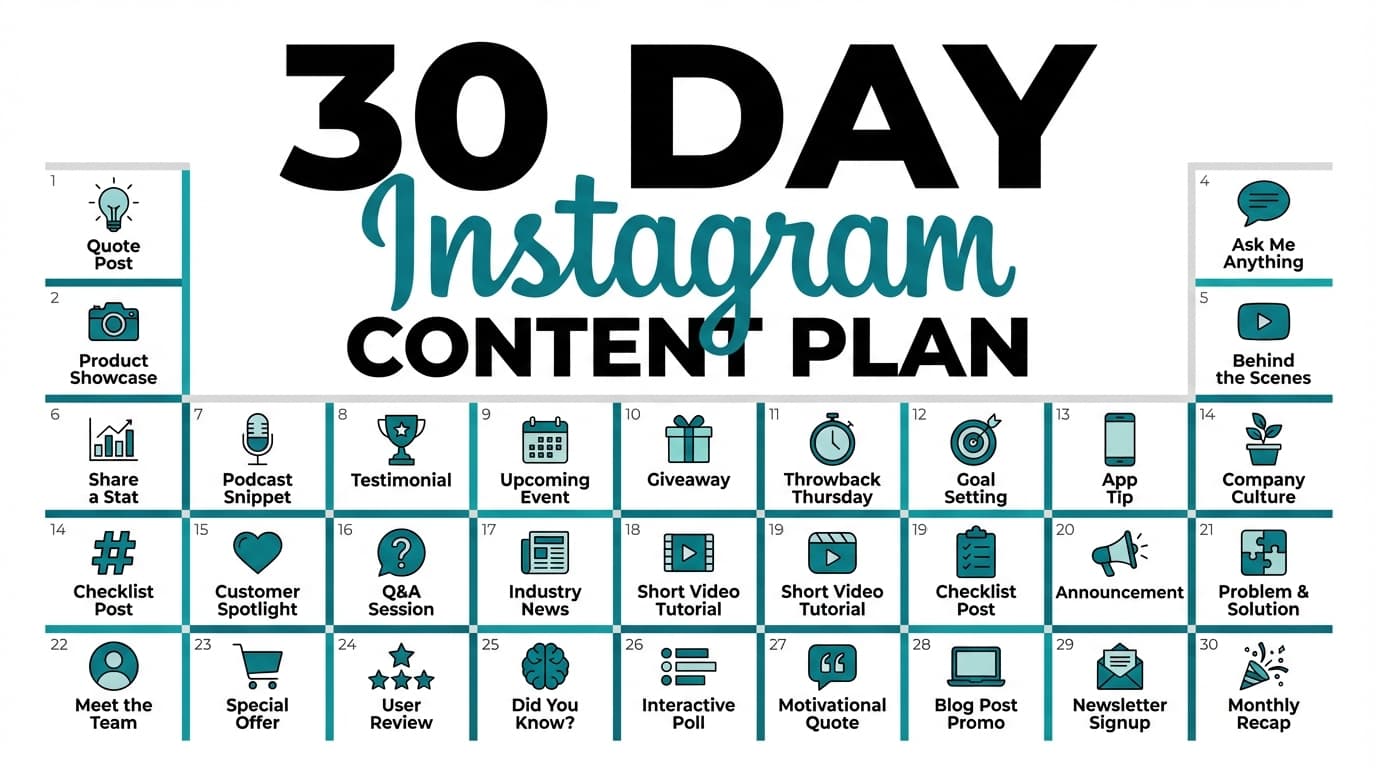
Plan 30 days of Instagram feed content with a simple system, a sample calendar, and guidance on when to use Reels or carousels.
Check the intended Instagram account, media, time zone and result before and after scheduling.

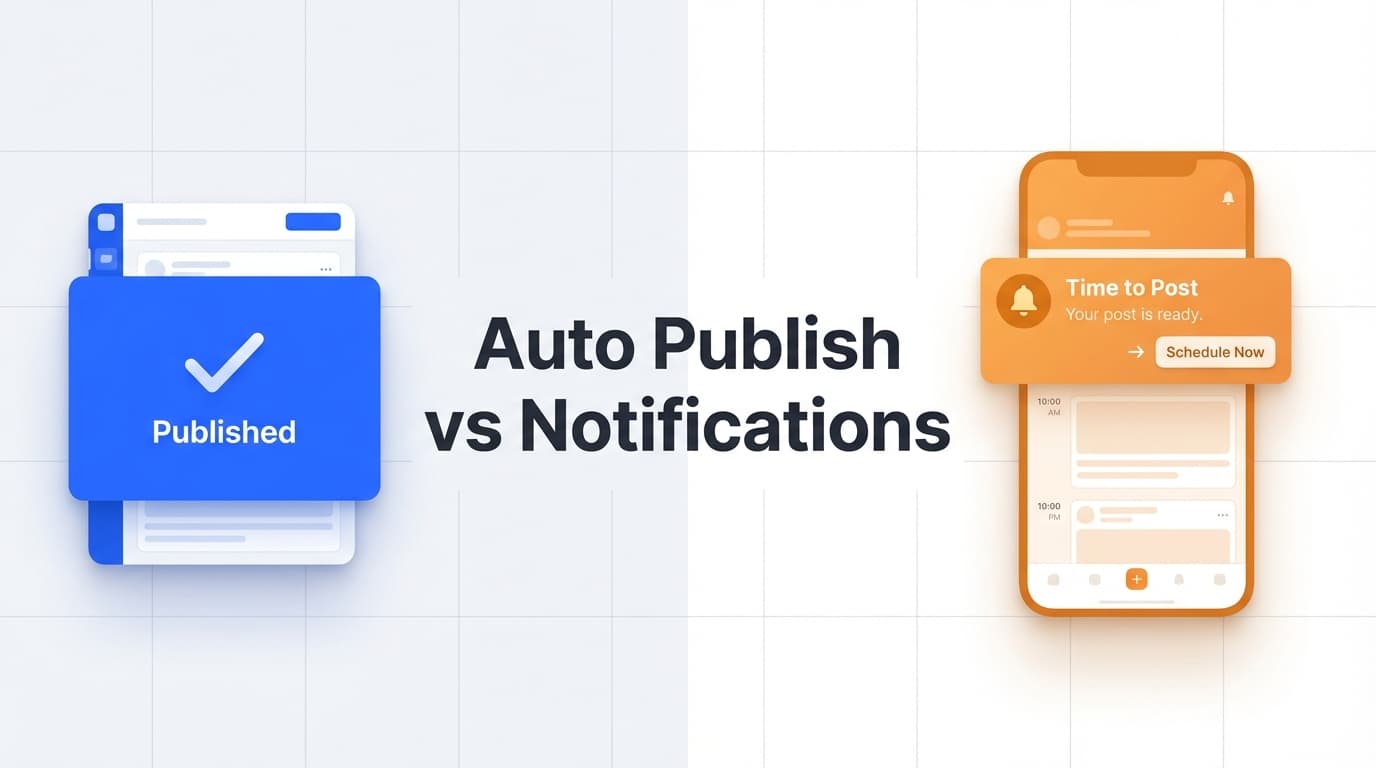
Some Instagram schedulers post for you; others only send a reminder. How to tell them apart, and what to check on API access and pricing.

Learn how to design a cohesive Instagram grid theme with color palette strategies, layout patterns, and visual consistency tips for 2026.

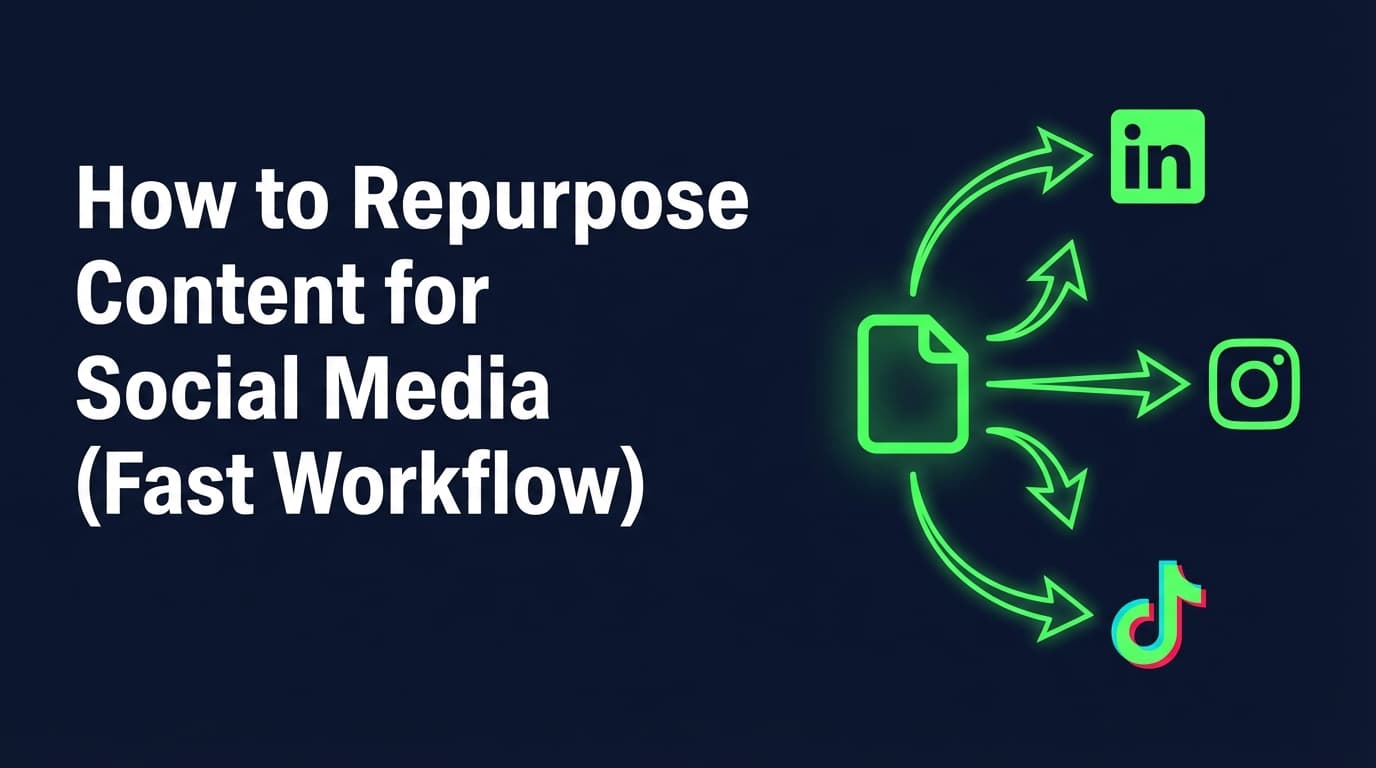
Learn a fast content repurposing workflow for social media. Turn one piece of content into 10+ posts in under an hour with this step-by-step system.

Turn one long video into Shorts, carousels, quotes and blog posts. A step-by-step repurposing workflow with examples for each network.
.png&w=3840&q=75)
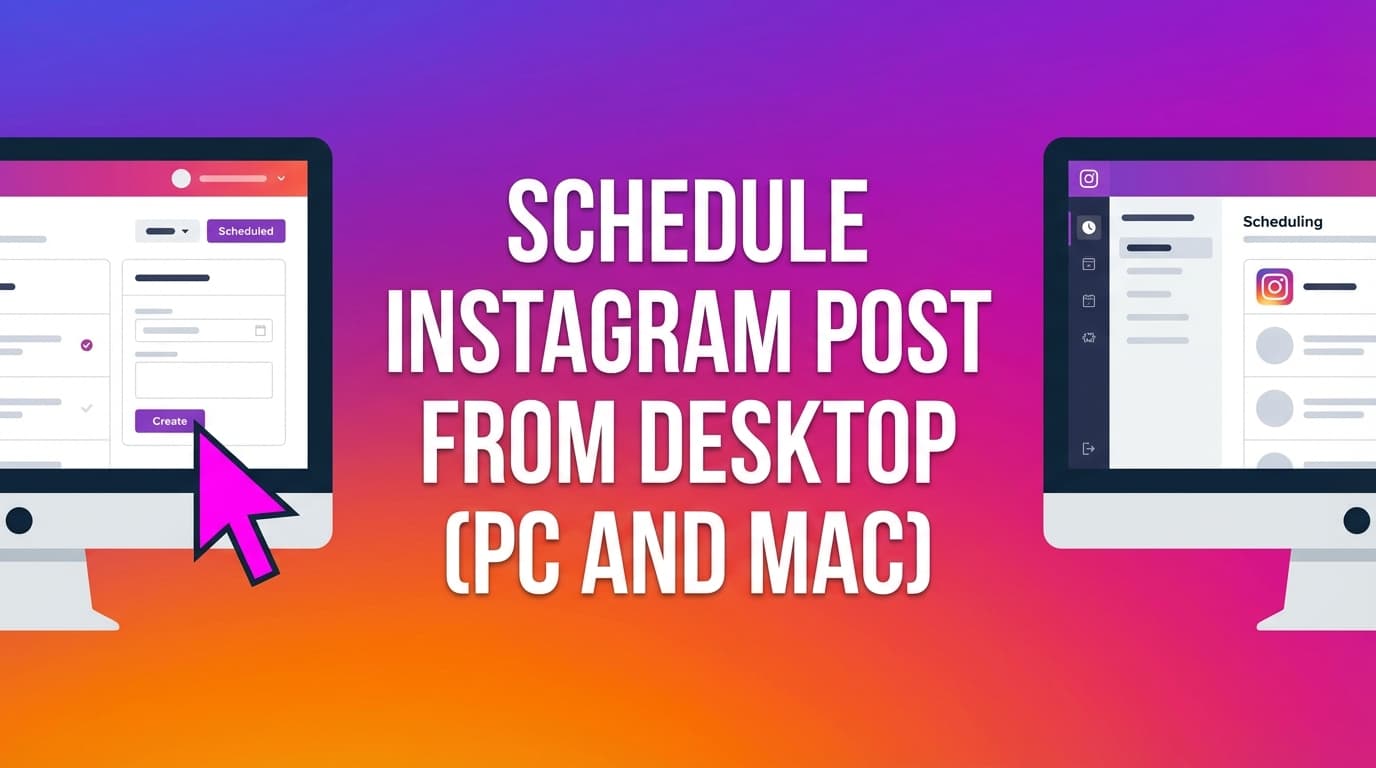
Schedule Instagram posts from a PC or Mac with Meta Business Suite. Follow the desktop steps, check account requirements and fix missing scheduling options.

Learn how to plan your Instagram grid for a brand with ready-to-use templates, layout examples, and brand consistency tips. 2026 guide.

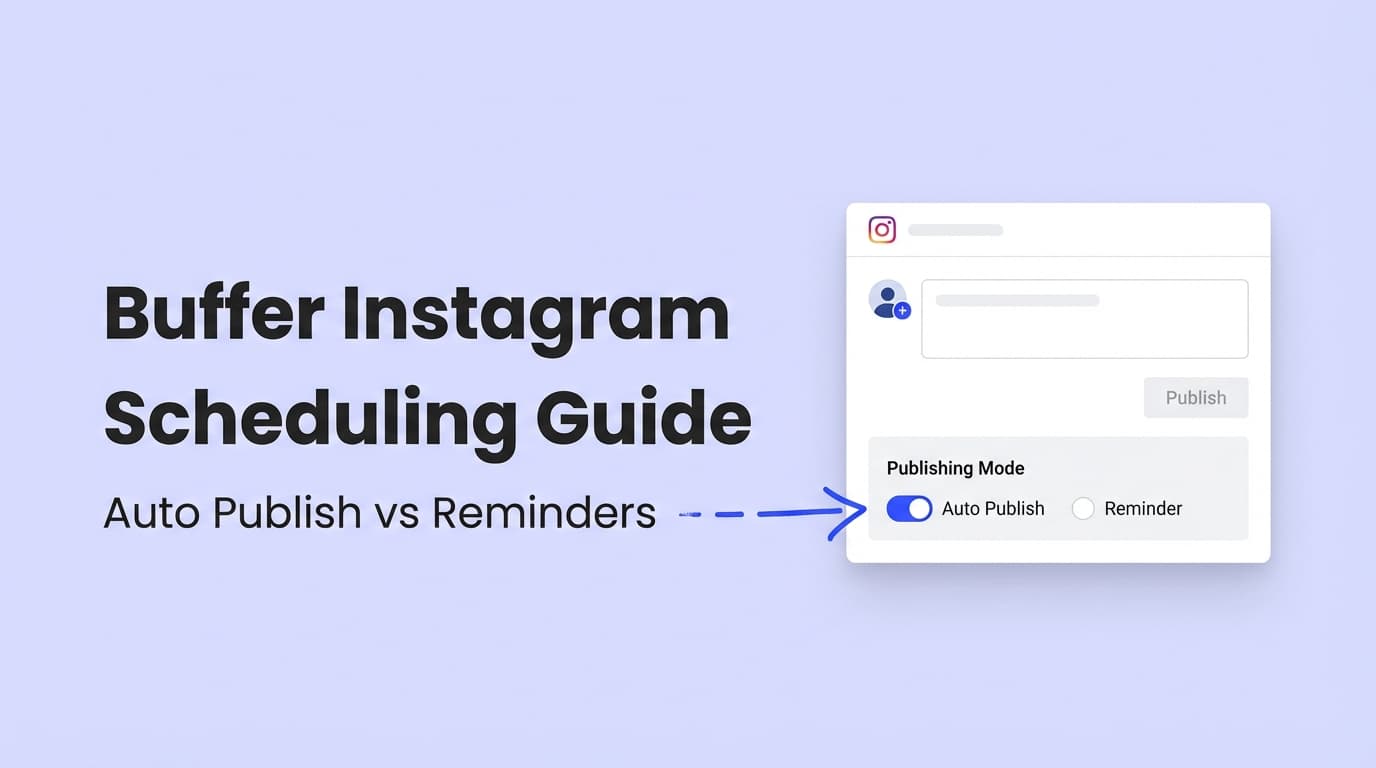
Does Buffer post to Instagram for you? When it auto-publishes, when it only sends a reminder, how to set it up, and its limits.
How to schedule a post on Instagram in the app, in Meta Business Suite or with a scheduler, step by step, and how to check that it published.

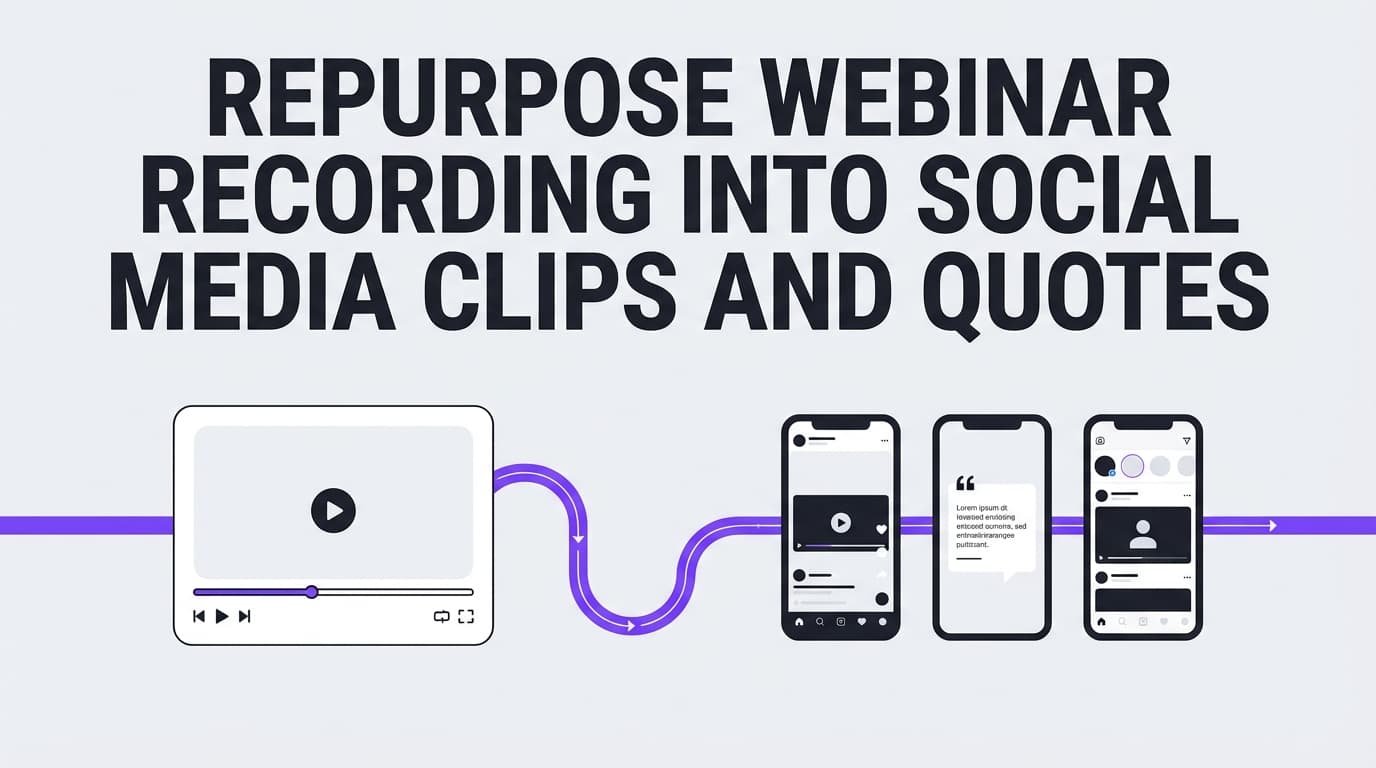
Learn how to repurpose webinar recordings into social media clips, quotes, and posts. Turn one 60-minute webinar into 30+ pieces of content. 2026 guide.
Choose an Instagram scheduling workflow for your phone or computer, and move drafts safely between devices.

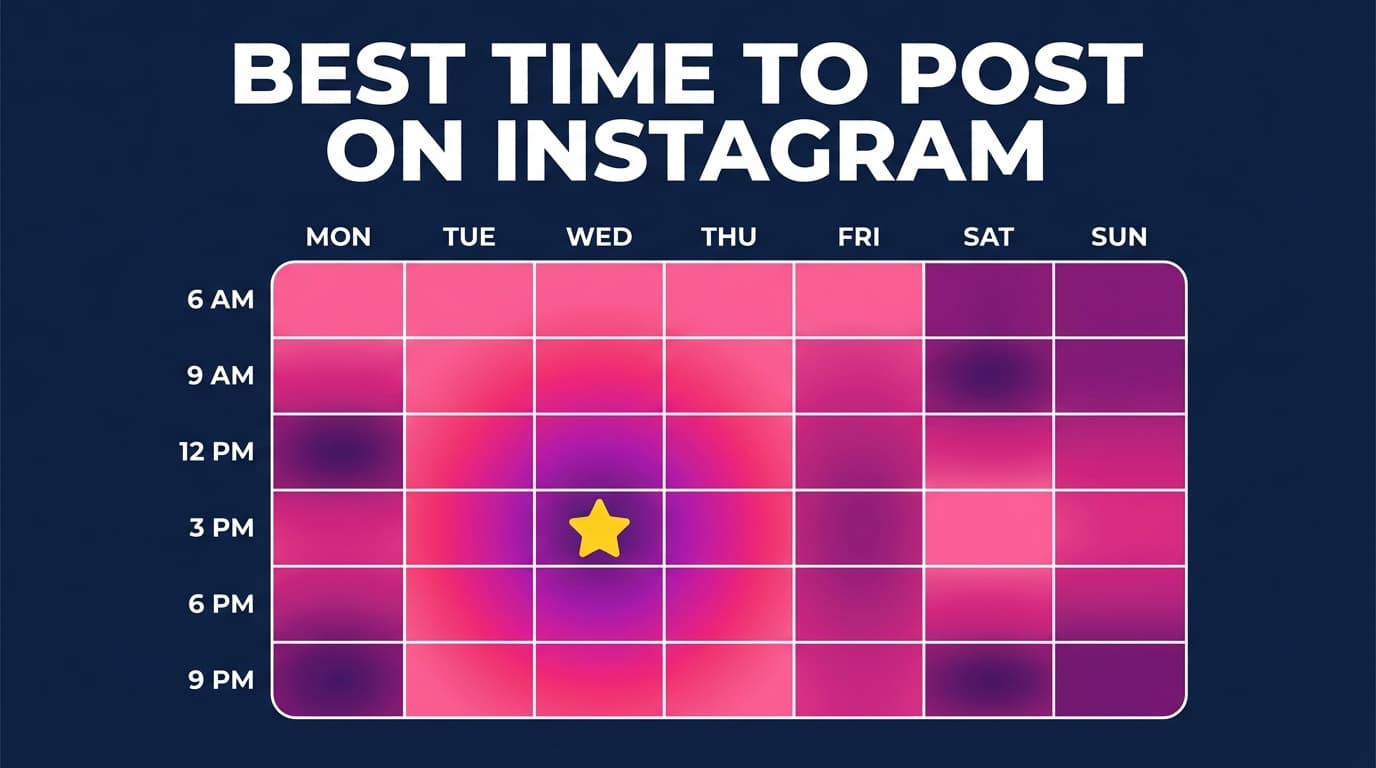
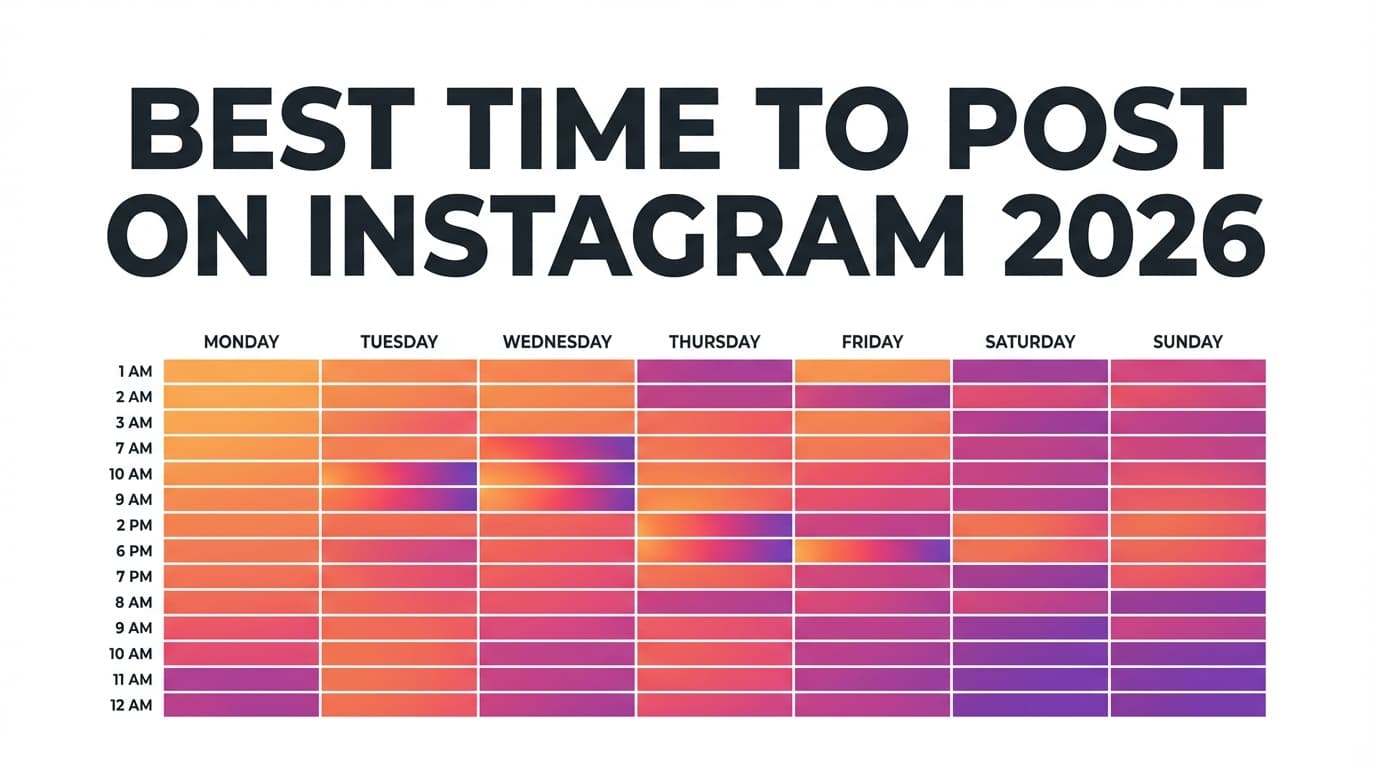
Learn the best time to post an Instagram with data-backed benchmarks, a 2-week testing plan, and format-specific schedules. 2026 guide.

Learn how to use AI for social media content creation in 2026 with practical workflows, prompts, and best practices. Spend less time on each post.

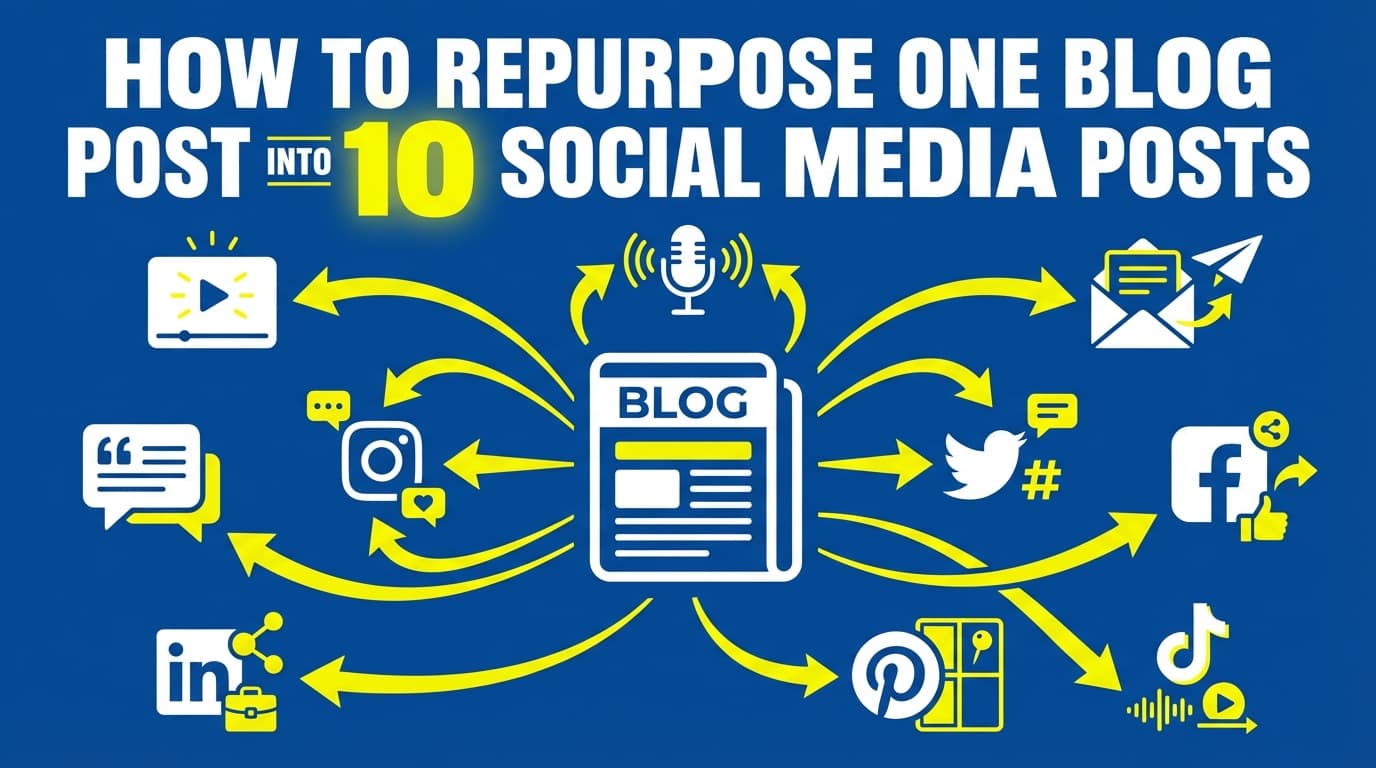
Learn how to repurpose one blog post into 10+ social media posts with a step-by-step extraction method. Get more out of every article in 2026.

Schedule a Facebook post to a Page in Meta Business Suite, or to a Group from the group itself, step by step, with fixes for common issues.

Learn how to schedule Instagram carousel posts in advance with step-by-step instructions, design tips, and best practices for 2026.

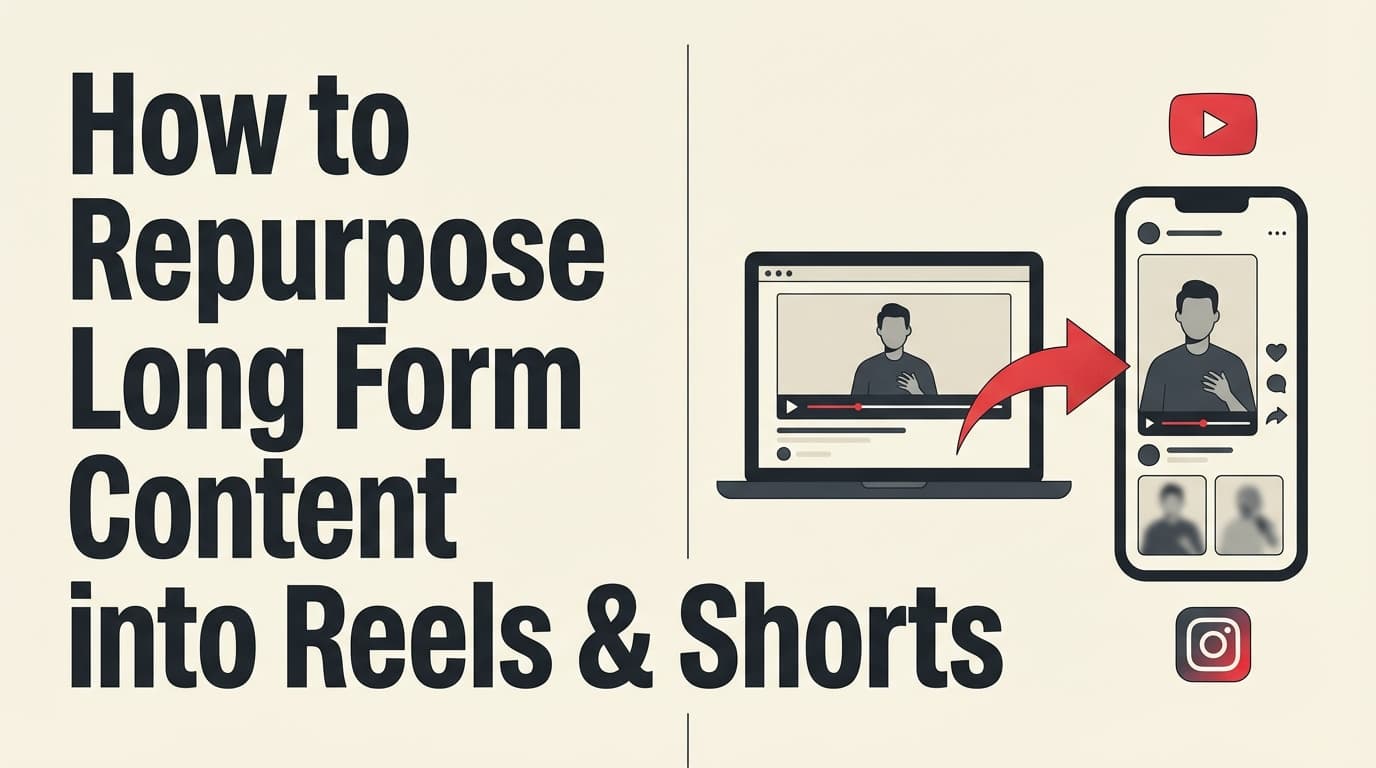
Learn how to repurpose long form content into Reels and Shorts with a step-by-step workflow, hook templates, and platform limits. 2026 guide.

Turn one video into Shorts, Reels and TikToks: a step-by-step workflow, each platform's limits, an editing checklist and tools.
Diagnose missing accounts, delayed schedules and failed Instagram posts before retrying.

Schedule Instagram Reels with Buffer step by step: setup, when Buffer posts for you or sends a reminder, and what to use if it doesn't fit.

Buffer not posting to Instagram? Reconnect Meta access, fix permission errors and stop failed auto-posts with these step-by-step fixes.
-setup-guide.png&w=3840&q=75)
Learn how to set up RSS to Twitter (X) automation for auto-posting blog updates. Complete guide with tools, steps, and best practices.

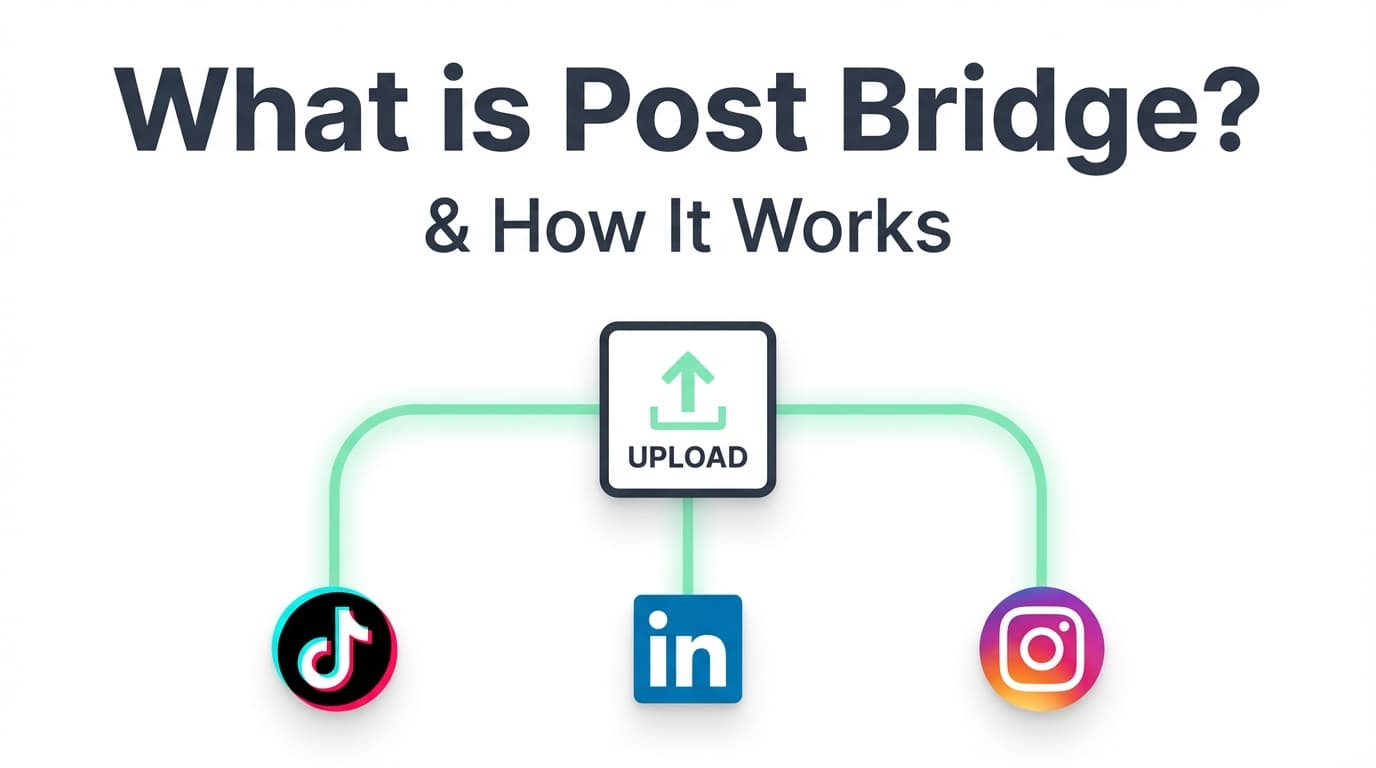
Learn what Post Bridge is and how it works for cross-posting content across social media platforms. Features, benefits, and alternatives.

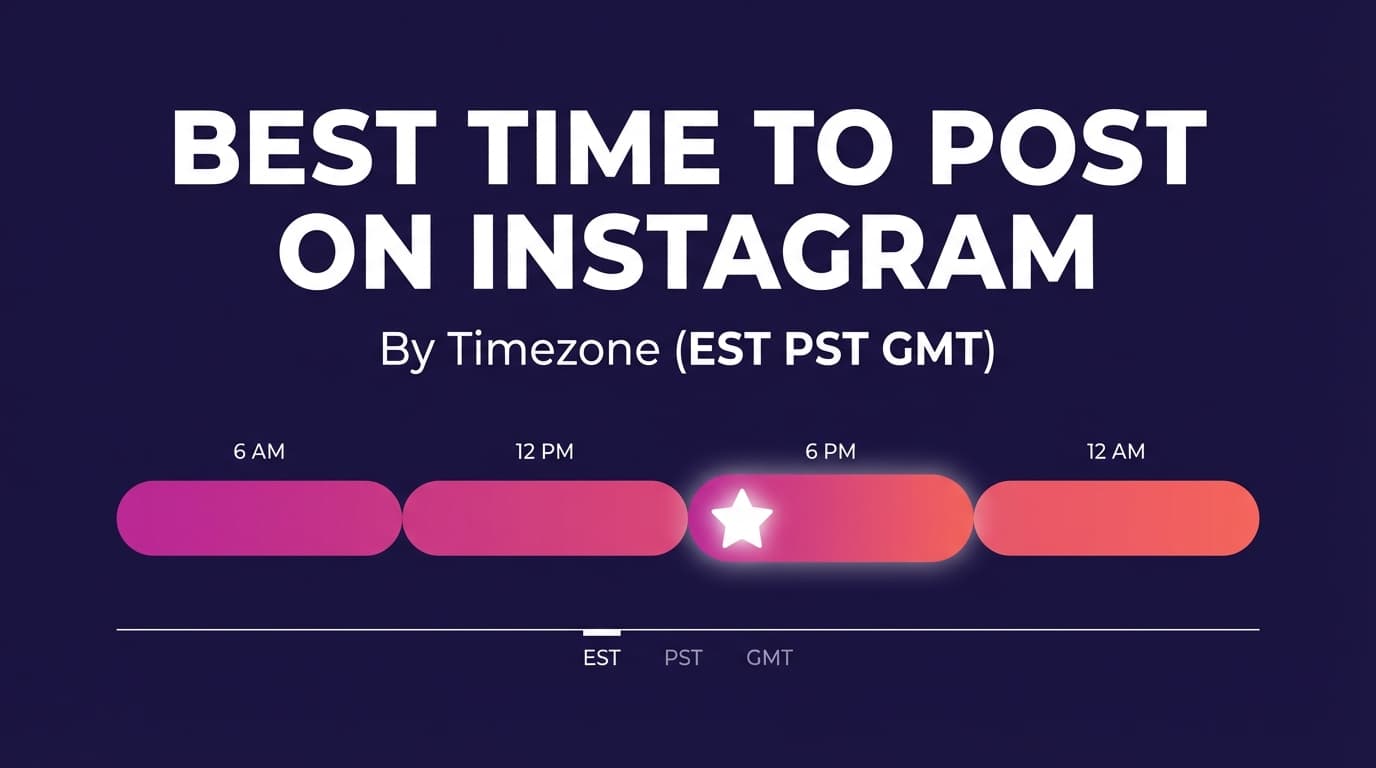
The best times to post on Instagram in EST, PST and GMT, in one table. Includes times that reach the US and Europe with a single post.

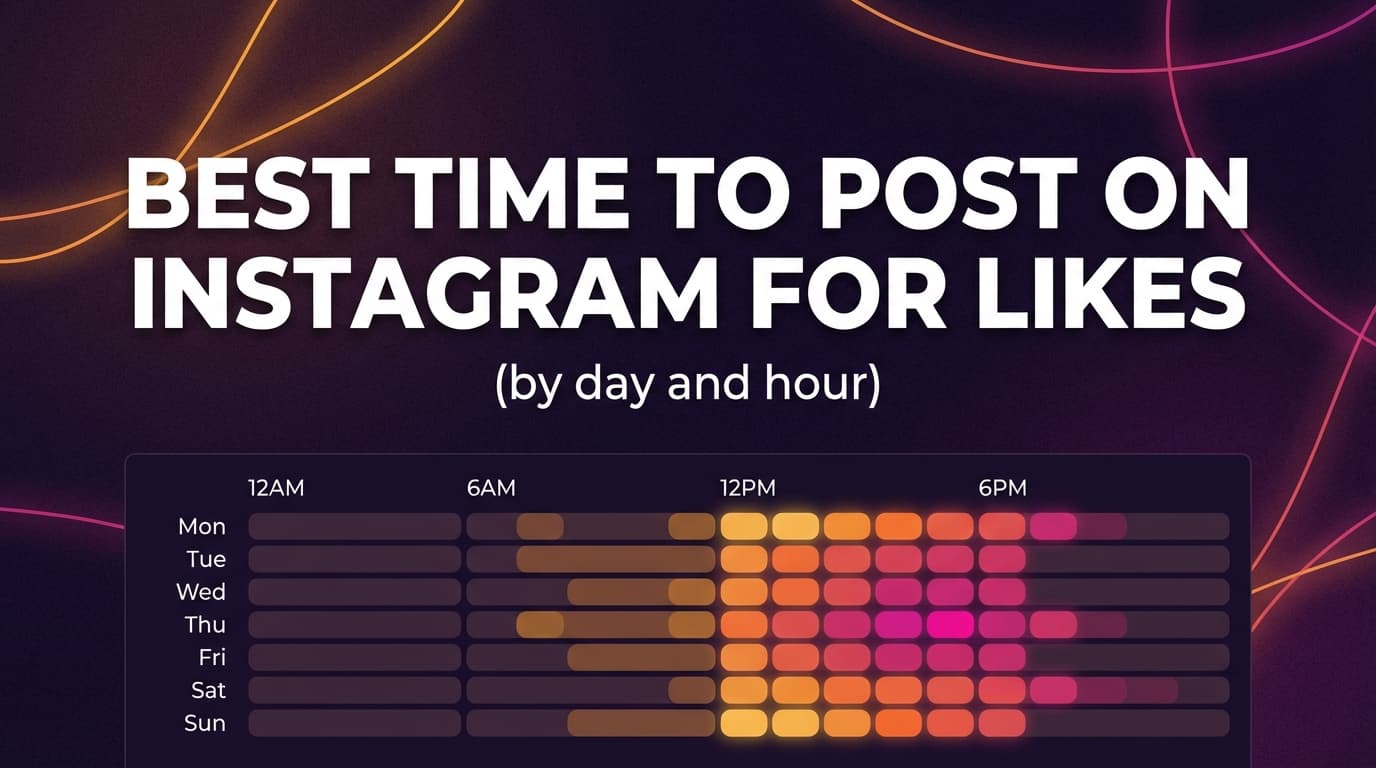
Learn the best time to post on Instagram for likes by day and hour, plus how to find your personal best times using Instagram Insights. 2026 guide.

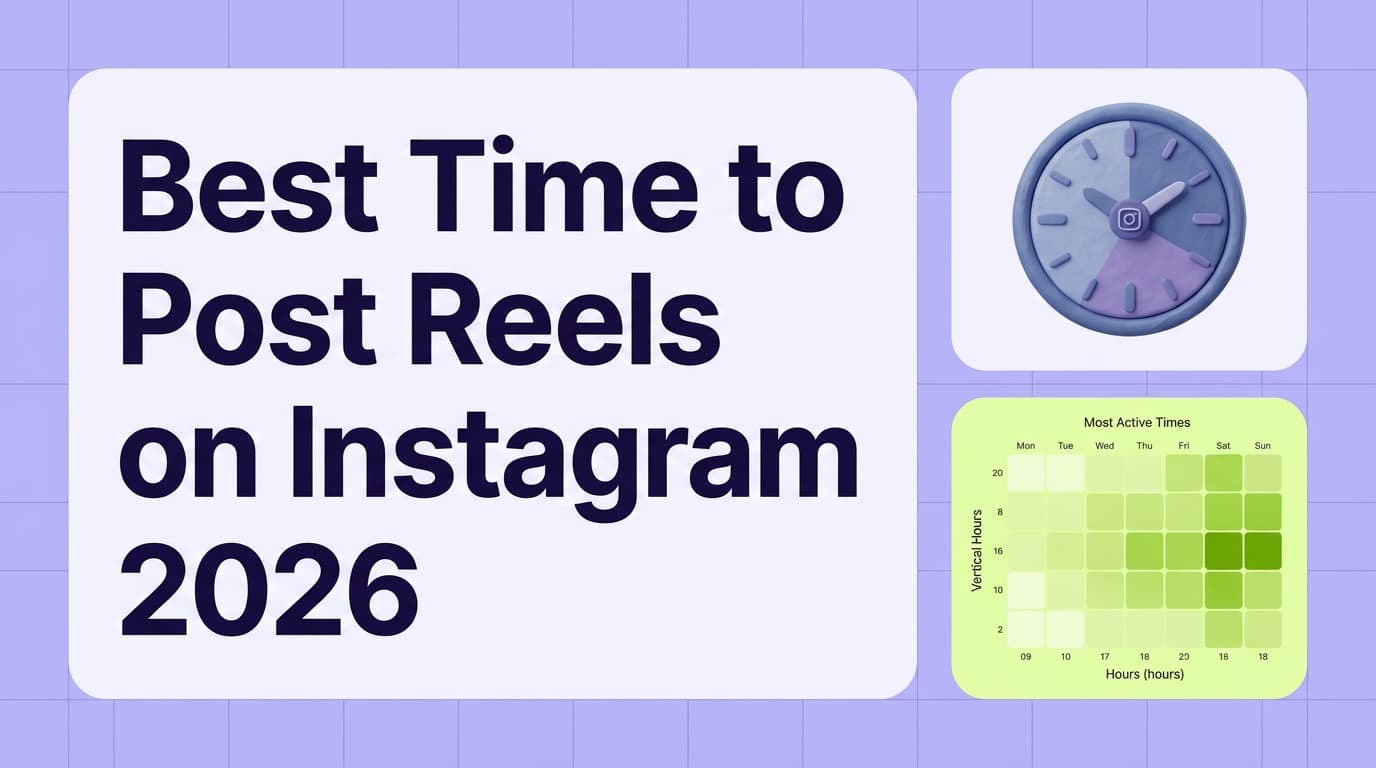
Learn the best time to post Reels on Instagram in 2026 with data-backed weekday time windows, timezone guidance, and a 14-day testing plan.

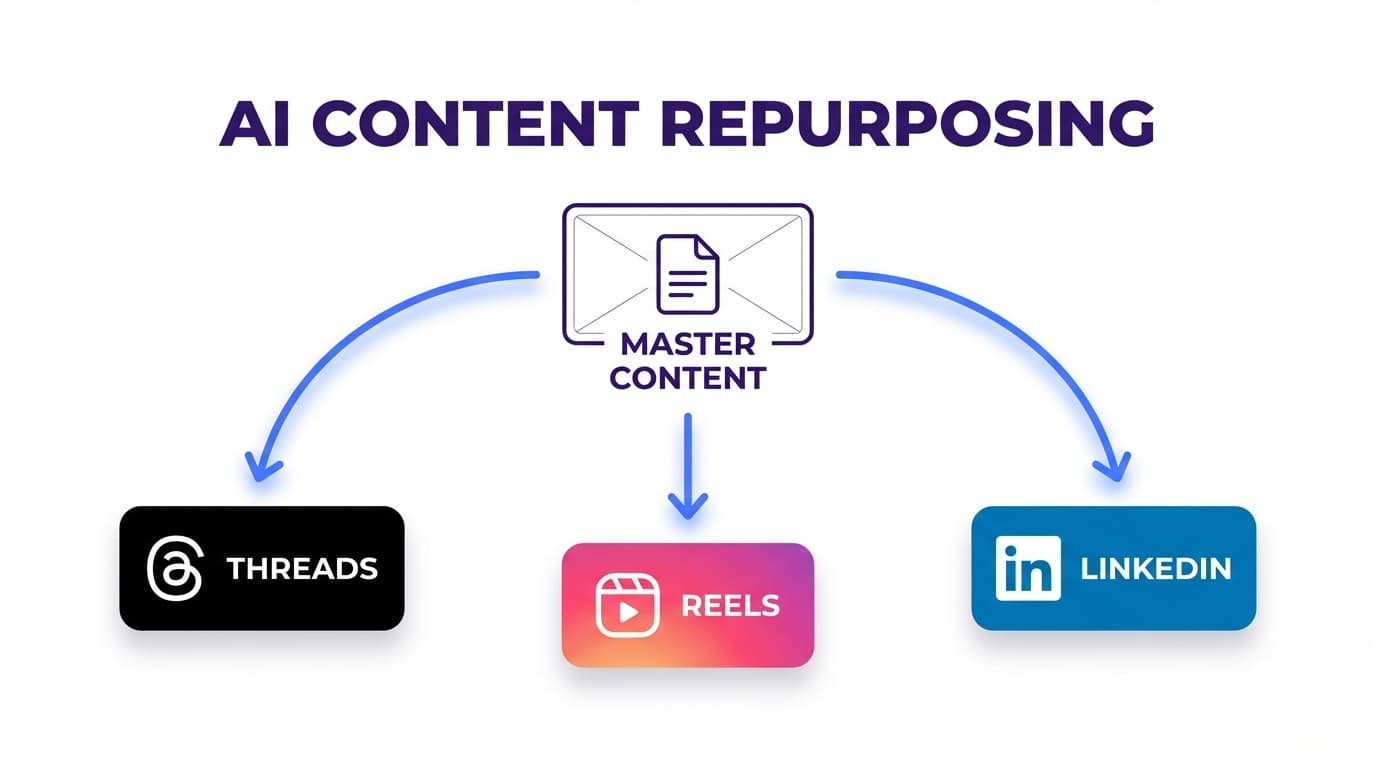
Learn an AI workflow to repurpose content into Threads posts, Instagram Reels, and LinkedIn posts with step-by-step templates, prompts, and a scheduling system.

Simple social media tools for creators who just want to schedule posts: what to look for, how the options compare, and a creator workflow.

A repeatable workflow for using AI on social media, with prompt templates, platform rules to follow, common mistakes, and tools to schedule the posts.

Turn one idea into 30+ posts with a repeatable repurposing workflow, checklists, real examples and the tools that make it faster.
-in-2026.png&w=3840&q=75)
Automate posts on X with native scheduling, schedulers, RSS or no-code tools, without getting flagged as spam. Limits and a weekly system included.

Learn social media marketing with a practical, step-by-step system. Includes 5.04B-user context, proven frameworks, examples, and tools. 2026 guide.

Automate LinkedIn posts without breaking LinkedIn's rules: the 3-month scheduling limit, safe tools, a weekly workflow and posting tips.

How to choose a social media scheduling tool and set it up: a step-by-step workflow, a checklist, and what each type of tool is good at.

Posting windows for every day of the week, by format (Reels, Stories, feed) and time zone, plus a 14-day test to find your own best time.

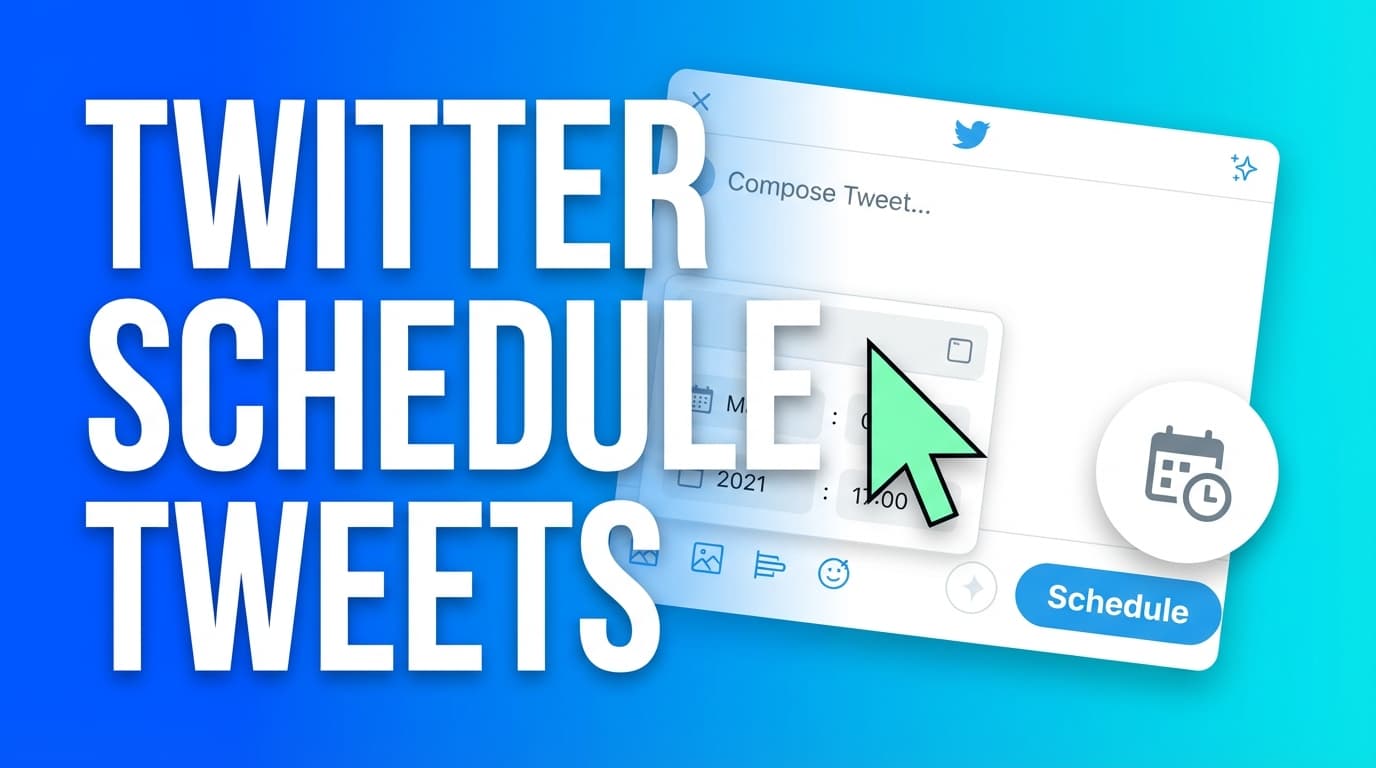
How to schedule tweets on X with the built-in scheduler, X Pro or a third-party tool, plus timing tips, templates and fixes when posts fail.

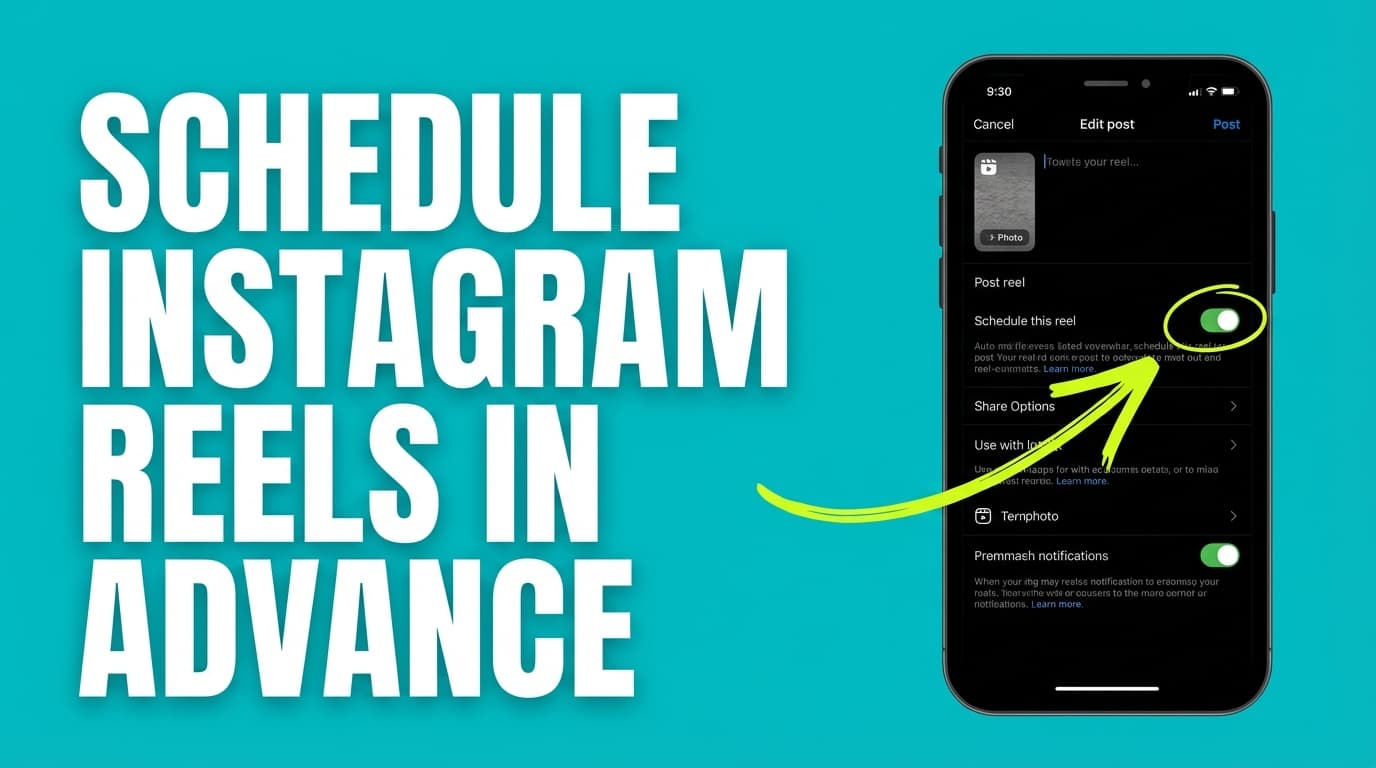
How to schedule Instagram Reels in advance: the real limits (25 a day, 75 days ahead), the tools that auto-publish, and fixes for audio issues.

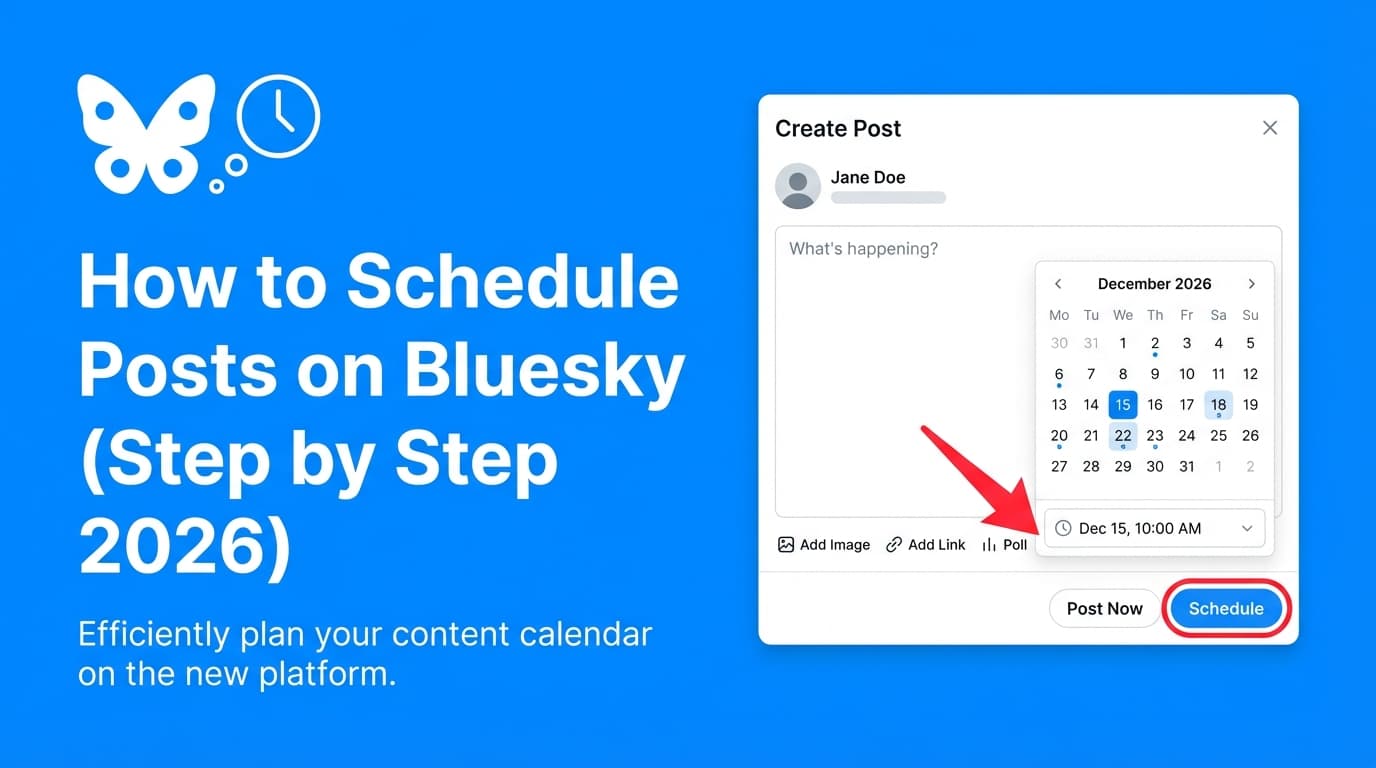
Learn how to schedule posts on Bluesky step by step in 2026. Includes current post limits (300 characters), video rules, a batching workflow, and tool options.

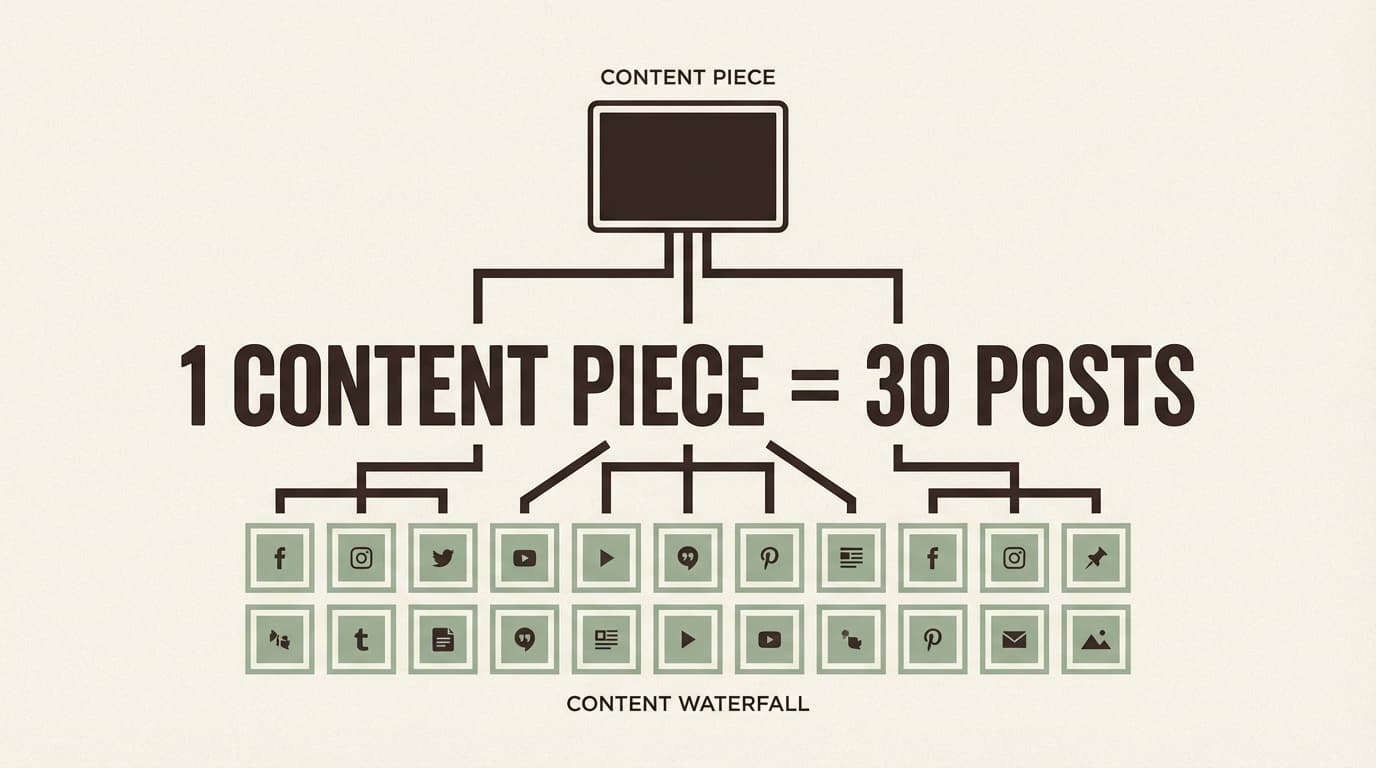
Turn one piece of content into 30 days of posts with a step-by-step workflow, a copy-paste 30-day calendar and examples for each network.

The tools social media managers use, by job: planning, design, scheduling and reporting. Sample setups for solo, in-house and agency teams.

How to schedule Instagram posts on Creator Studio, step by step, for feed posts, Reels, Stories and carousels, with requirements, limits and other tools.

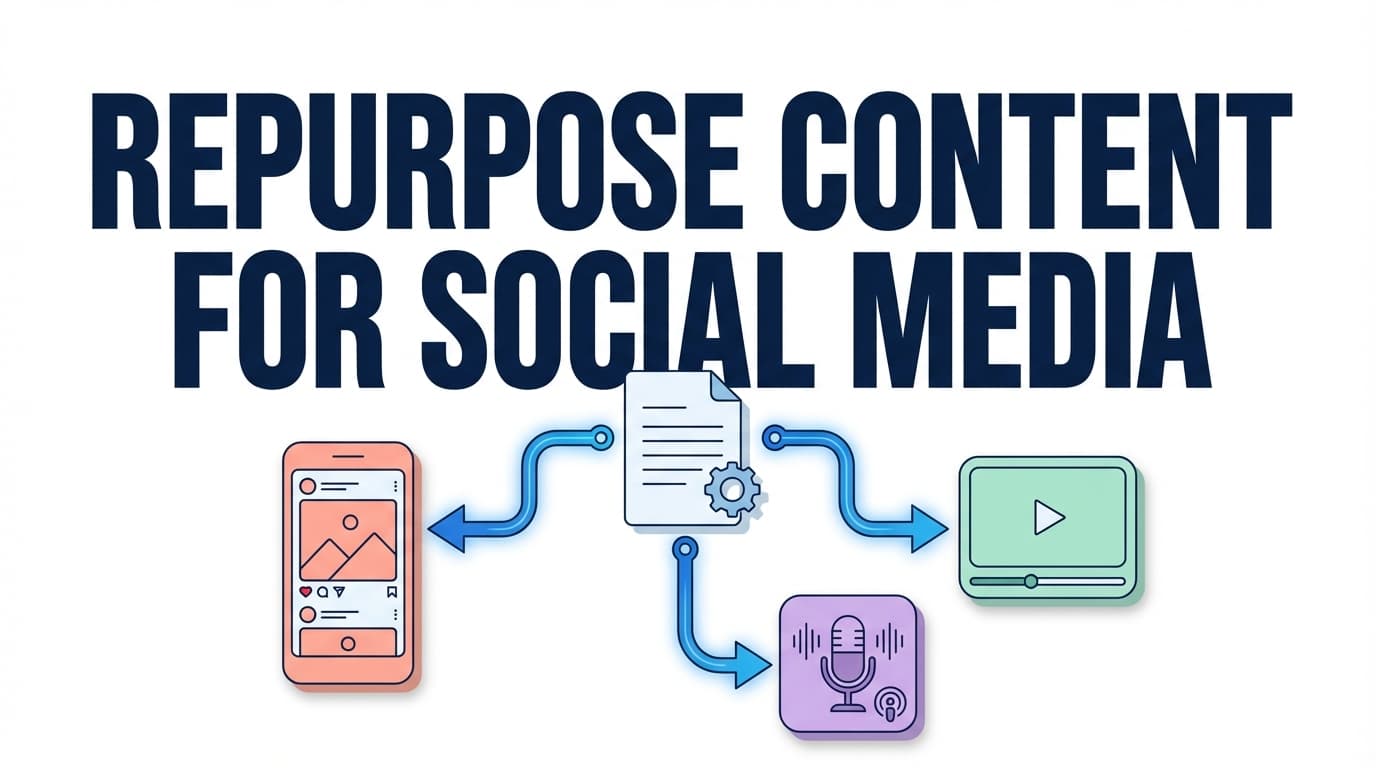
Learn how to repurpose content for social media with a step-by-step workflow. Turn blogs, videos, and podcasts into weeks of platform-native posts.

Our review of Google's Nano Banana image model: speed, editing, what it gets wrong, and how it compares to other AI image generators.

First look at Sora 2: what’s new, where it shines, and how creators can use it.

How to plan Instagram posts, your feed and your grid: practical workflows, free tools and templates, including planning from a desktop.

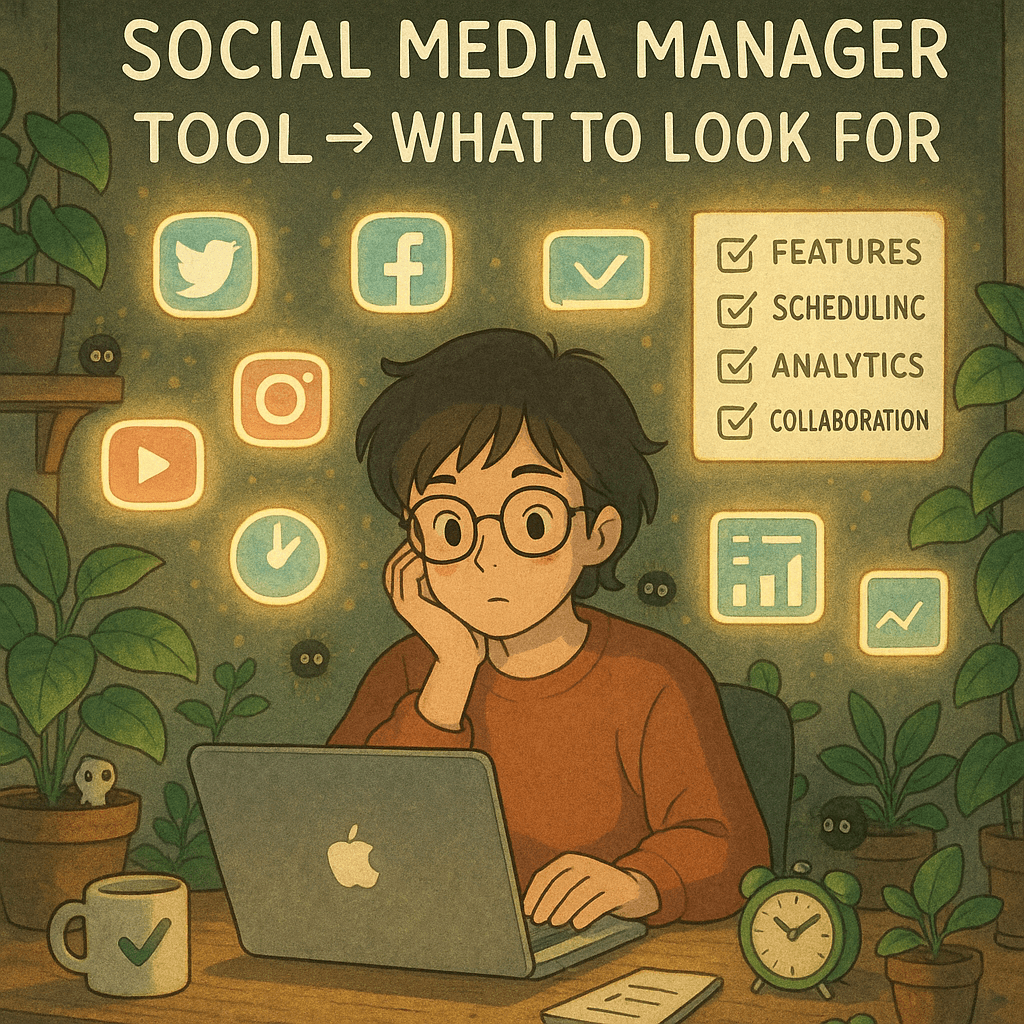
An honest guide to choosing a social media manager tool in 2025. Features to prioritize, pricing tradeoffs, and where PostQuickAI fits.

A review of OpenAI's GPT-4o image generation: what it does well, where it falls short, and when content creators should use it.

Everything you need to know about Twitter scheduling tools. Compare features, pricing, and find the best tweet scheduler for your needs.

Compare the best Instagram scheduling tools of 2025. Features, pricing, and recommendations for creators, businesses, and agencies.

A fair look at Buffer's social media scheduler: its features, pricing tiers, and when another tool might suit you better.

A look at Hootsuite: its history, features, pricing, and who it suits best among social media management tools.

An in-depth look at Later, the visual-first social media scheduler. Features, pricing, and how it compares to other scheduling tools.

A look at Sprout Social's enterprise features and pricing, and why large organizations and agencies choose it.