Best Time to Post on Instagram by Timezone: EST, PST & GMT Conversion Tables (2026)
One-glance conversion tables for EST, PST and GMT posting windows, overlap schedules that hit US + Europe in one post, and a 2-week plan to verify your own peak times.

Author
You found a chart that says “post at 9 a.m.” But 9 a.m. where?
If you’re in California scheduling for a New York client with a UK-heavy audience, the “best time” advice you see online is only useful once you convert it into the right timezone and pick a plan for overlapping audiences.
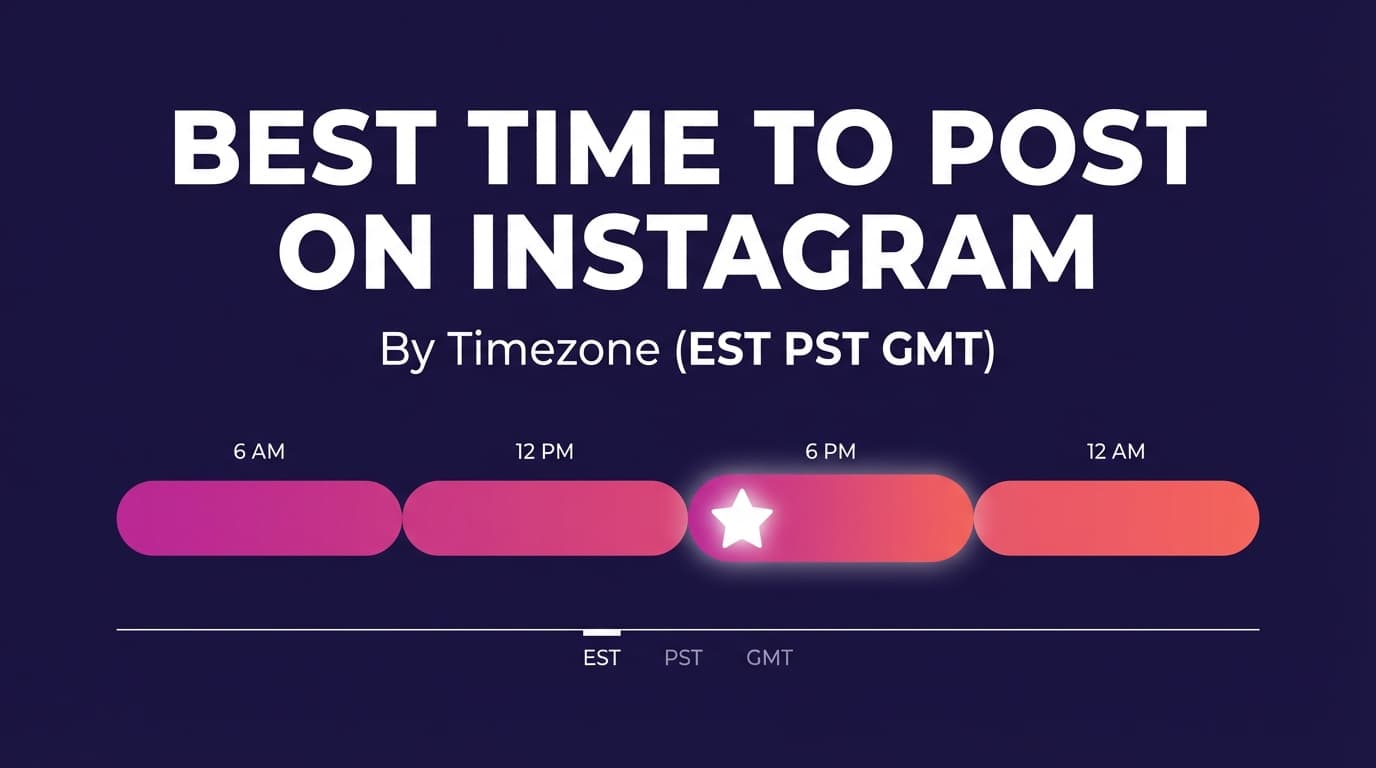
This guide covers the best time to post on Instagram by timezone (EST, PST, GMT/UTC), with conversion tables and a testing plan you can run in two weeks.
This guide covers: - The safest baseline posting windows (backed by large studies) and how to apply them in EST, PST, and GMT/UTC - How to stop getting burned by daylight saving time (DST) when scheduling across the US and UK - The Overlap Method (single-post strategy) and the Two-Wave Method (global strategy) for mixed time zones - How to use Instagram Insights’ “Most active times” to find your best times (and what to do if the timezone looks “wrong”) - A workflow agencies can use to record time zones, avoid mistakes, and schedule consistently
Why timing still matters in 2026 (even if content quality matters more)
Timing won’t save weak content, but it can help strong content, because Instagram distribution depends on early engagement and on who is online. Roughly:
- The first set of people who see your post determines whether Instagram should show it to more people.
- If your audience is asleep, your post may miss the initial velocity that helps it travel.
You’ll see this idea echoed across marketing education sources. For example, Mailchimp’s guidance on Instagram posting notes that the first few hours after publishing are important for engagement and visibility. (Source: Mailchimp)
And the scale of competition is real. Many industry compilations report Instagram at roughly 2 billion monthly active users (MAUs). (Source: Backlinko)
Content quality comes first. After that, publishing when your audience is online is one of the easiest mistakes to fix, especially across time zones.
The data reality: there isn’t one universal “best time” (but there are repeatable patterns)
Different studies cite different “best times” because of differences in: - account types (creators vs brands vs publishers) - regions and audience makeup - content formats included (Reels vs feed posts vs carousels) - success metrics (reach vs engagement vs clicks) - methodology and sampling
But time-of-day patterns tend to cluster around predictable human routines: - morning check-ins - lunch breaks - after-work downtime - evening “relax scroll”
A few widely cited benchmark datasets (good starting points, not rules):
- Buffer: analyzed 2+ million Instagram posts sent through Buffer. (Source: Buffer)
- Hootsuite: reports analysis of 1+ million social posts to determine best posting times. (Source: Hootsuite)
- Later: cites findings based on 6M+ posts for Instagram timing guidance. (Source: Later)
- SocialPilot: states its Instagram timing guidance is based on 50,000 accounts and 7 million posts. (Source: SocialPilot)
- CoSchedule: reports analysis of 30,000+ Instagram accounts, noting best hours like 9:00 AM and listing top hours (9 AM, 8 AM, 10 AM, 12 PM, 3 PM). (Source: CoSchedule)
What these studies agree on (use this as your baseline)
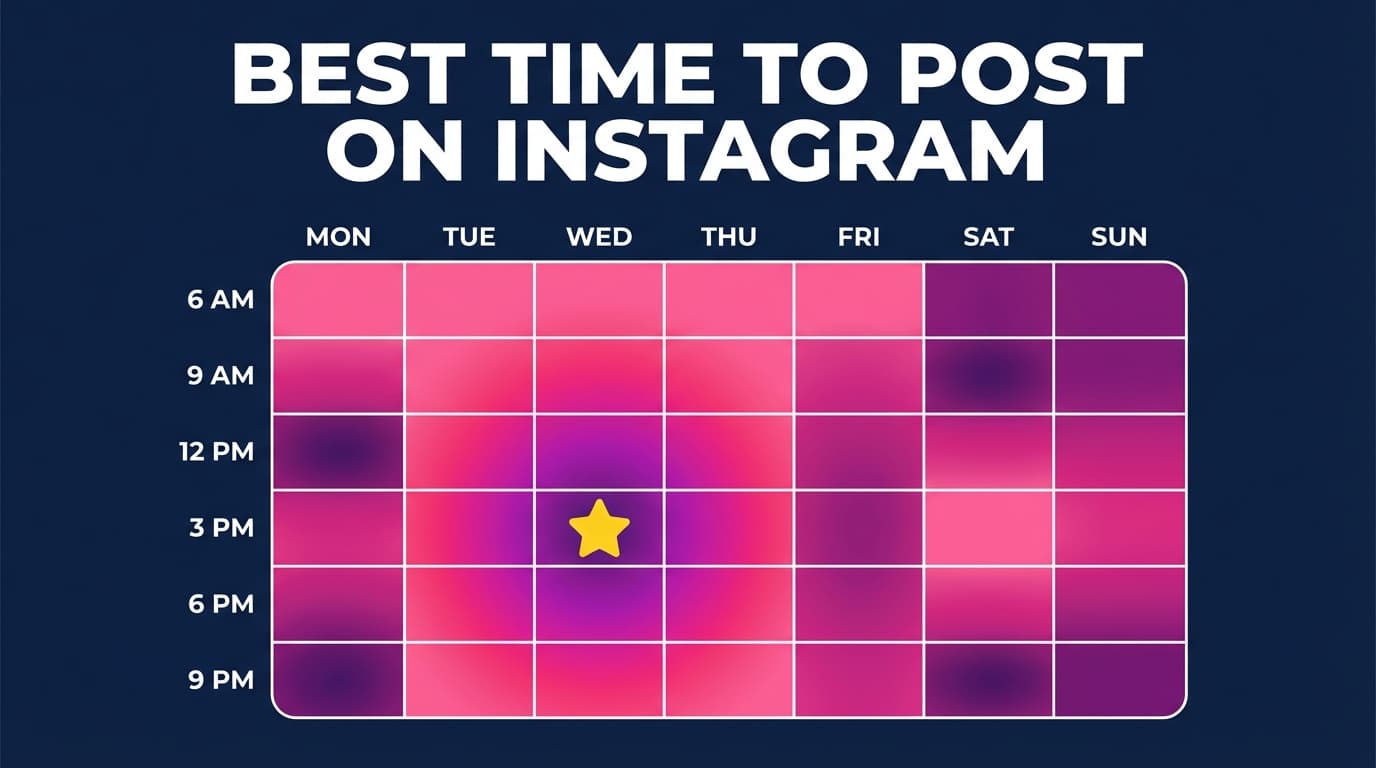
Even when the “single best hour” differs, most studies point toward: - Weekdays often outperform weekends for many niches (not all) - Strong windows appear in morning, midday, and late afternoon/early evening - Reels timing can behave slightly differently, but still follows user availability patterns (more in the Reels section)
The plan below builds on those patterns.
Timezone basics
The keyword says EST, PST, GMT, but you’ll get better results if you think in:
- ET (Eastern Time) instead of EST
- PT (Pacific Time) instead of PST
- UTC as the “math-friendly” reference clock
ET vs EST (and PT vs PST): the DST trap
- EST is Eastern Standard Time (winter)
- EDT is Eastern Daylight Time (summer)
- PST is Pacific Standard Time (winter)
- PDT is Pacific Daylight Time (summer)
If you schedule “EST” year-round and ignore EDT, you can drift by an hour during DST months.
Best practice: write “ET” and “PT” in your content calendar, then verify the current offset during DST transition weeks.
GMT vs UTC (why the internet uses both)
- UTC is the modern time standard used for offsets and systems
- GMT is commonly used in marketing contexts and often treated like UTC for planning
For Instagram scheduling and conversions, treat GMT/UTC as your reference clock, but remember the UK switches between GMT and BST each season.
DST in 2026: the US and UK don’t always switch on the same day
If you post for both US and UK audiences, there’s usually a window each year where conversions “shift” temporarily.
Useful reference points:
- For the US (example shown on timeanddate for a US location), DST in 2026 includes a change on Sunday, March 8, 2026 and Sunday, November 1, 2026. (Source: timeanddate.com)
- For the UK, a reference page notes standard time ends on March 29, 2026 (clocks go forward). (Source: greenwichmeantime.com)
What this means in practice:
For part of March, your ET↔UK offset can be “off” by an hour compared to another week. If you run timed promos (launches, live streams, product drops), do a quick DST check.
Quick conversion rules (EST/ET ↔ PST/PT ↔ GMT/UTC)
You don’t need to memorize every offset. You need a few reliable rules.
Rule 1: ET to PT is always 3 hours
- ET → PT: subtract 3 hours
- PT → ET: add 3 hours
Rule 2: ET/PT to UTC depends on DST
Typical offsets: - EST = UTC−5, EDT = UTC−4 - PST = UTC−8, PDT = UTC−7
So: - ET → UTC: add 4 or 5 hours (depending on season) - PT → UTC: add 7 or 8 hours (depending on season)
Conversion cheat table (for common posting windows)
These are conversions, not “best time” claims.
| If you post at… | ET (New York) | PT (Los Angeles) | GMT/UTC (London reference) |
|---|---|---|---|
| Morning window | 8:00 AM | 5:00 AM | 1:00 PM UTC (if EST) / 12:00 PM UTC (if EDT) |
| Lunch window | 12:00 PM | 9:00 AM | 5:00 PM UTC (if EST) / 4:00 PM UTC (if EDT) |
| Afternoon window | 3:00 PM | 12:00 PM | 8:00 PM UTC (if EST) / 7:00 PM UTC (if EDT) |
| Early evening window | 6:00 PM | 3:00 PM | 11:00 PM UTC (if EST) / 10:00 PM UTC (if EDT) |
If you only implement one habit from this guide: always label your calendar in a single timezone, then convert intentionally.
The baseline posting windows (the “start here” schedule)
Before splitting into EST/PST/GMT, start testing with these windows:
Baseline windows (audience local time)
- Morning: 8:00–10:00
- Lunch: 11:00–1:00
- Afternoon: 3:00–5:00
- Evening (optional, niche-dependent): 6:00–9:00
Why these windows:
They match the busy periods that most of the big studies point to. They’re broad enough to be honest and narrow enough to act on.
(Strong directional agreement across multiple studies; exact “best hour” varies.)
Best time to post on Instagram in EST / ET (Eastern Time)
If your audience is mostly in: - New York, Florida, Toronto - US East Coast - US national brands that anchor planning on ET
…use ET as your anchor timezone.
ET quick-start schedule (2-week test plan)
Pick 3 posting slots and run them consistently for 2 weeks:
- Slot A: 9:00 AM ET
- Slot B: 12:00 PM ET
- Slot C: 3:00 PM ET
Why these? CoSchedule’s research summary highlights morning hours (including 9 AM) among top-performing hours. (Source: CoSchedule)
If you want a benchmark “single best time” example (use cautiously)
- SocialPilot’s Instagram timing article states a best time range of 6 AM–8 AM based on its study (50K accounts / 7M posts). (Source: SocialPilot)
Rather than committing your entire calendar to 6–8 a.m., treat it as: - a “morning test slot” to validate against your audience - especially relevant for audiences that scroll early (fitness, commuters, certain B2B segments)
ET schedule for US national audiences (ET + PT)
If you post once and want to hit both coasts reasonably well, ET is often the better anchor because it captures: - East Coast lunch and afternoon - West Coast morning and midday
Try: - 11:00 AM ET (8:00 AM PT) - 3:00 PM ET (12:00 PM PT) - 6:00 PM ET (3:00 PM PT)
That way you don’t have to post at 6 a.m. PT just to catch ET.
Best time to post on Instagram in PST / PT (Pacific Time)
If your audience is mostly in: - California, Washington, British Columbia - US West Coast - Australia/NZ-heavy audiences (where PT can still be used as a reference internally, but you’ll likely need separate waves)
…use PT as your anchor timezone.
PT quick-start schedule (2-week test plan)
- Slot A: 8:00 AM PT
- Slot B: 11:00 AM PT
- Slot C: 2:00–3:00 PM PT
These are the same daily-routine windows, shifted to Pacific time.
If you’re in PT but your business is ET-heavy
This is common for West Coast agencies and creators with ET clients.
In that case, schedule PT content to ET peaks:
| ET target | PT local time |
|---|---|
| 9:00 AM ET | 6:00 AM PT |
| 12:00 PM ET | 9:00 AM PT |
| 3:00 PM ET | 12:00 PM PT |
| 6:00 PM ET | 3:00 PM PT |
If “6:00 AM PT” is unrealistic, choose ET targets that don’t force extreme PT hours (e.g., 12 PM ET and 3 PM ET).
Best time to post on Instagram in GMT (or UTC)
If your audience is mostly in: - UK/Ireland (GMT/BST) - Western Europe (often 1–2 hours ahead of UK) - global audiences where you need a single “reference clock”
…use UTC as your internal planning clock.
UTC quick-start schedule
- Slot A: 8:00–10:00 UTC
- Slot B: 12:00–2:00 UTC
- Slot C: 3:00–5:00 UTC
UTC scheduling is hard on US-heavy audiences
A post that performs great at 9:00 AM UTC is: - 4:00 AM ET (EST) / 5:00 AM ET (EDT) - 1:00 AM PT (PST) / 2:00 AM PT (PDT)
If the US matters to you, one best time won’t work. Use the overlap or two-wave approach below.
The Overlap Method (one post that hits multiple time zones)
If your audience is split across: - ET + PT (common in the US) - ET + UK - PT + UK - US + Europe
…the most practical approach is to find a window where multiple regions are “reasonably awake.”
Overlap windows you can actually use (ET / PT / UK reference)
Overlap Window 1: UK afternoon + US morning
- UK: 3:00–5:00 PM (GMT/BST depending on season)
- ET: 10:00 AM–12:00 PM
- PT: 7:00–9:00 AM
Use when: you want one post that can do “okay” in both Europe and the US.
Overlap Window 2: UK evening + US midday
- UK: 6:00–8:00 PM
- ET: 1:00–3:00 PM
- PT: 10:00 AM–12:00 PM
Use when: the US is your primary conversion market, but Europe is still significant.
Overlap Window 3: US evening + UK late night (usually not recommended)
- ET: 7:00–9:00 PM
- PT: 4:00–6:00 PM
- UK: midnight–2:00 AM
Use when: you’re US-only (UK doesn’t matter), or your UK audience is night-shift-heavy (rare).
Overlap windows are a compromise. They aren’t perfect, but they let you stay consistent across time zones.
The Two-Wave Method (the best approach for truly mixed audiences)
If you have: - meaningful US + UK/Europe audience segments, or - global creator reach
…posting once usually costs you more reach than it saves in effort.
How the Two-Wave Method works
You publish two pieces of content built from one core idea, timed for two regions: - Wave A: UK/Europe-friendly time - Wave B: US-friendly time
To avoid looking repetitive: - change the hook - change the cover frame (for Reels) - change the caption opening line - change the CTA
Example Two-Wave schedule (UK + US)
- Wave A: 9:00 AM UK time (morning scroll)
- Wave B: 3:00 PM ET (afternoon peak; noon PT)
The two posts share an idea, but each one gets its own launch in its own time zone.
What about Instagram Reels? (Reels timing by timezone)
Reels are often more sensitive to: - watch time - shares - replays - session behavior (people binge in specific windows)
Benchmark guidance for Reels
Sprout Social’s Instagram timing article notes that best times for Reels are generally similar to its broader Instagram timing ranges, citing strong weekday windows. (Source: Sprout Social)
Later has also published Reels-specific timing observations as part of broader research-backed content. (Source: Later)
Practical Reels rule (timezone-safe)
If you don’t have strong Reels analytics yet, start with: - Late morning (local audience time) - Mid-afternoon (local audience time) Then test an evening slot if your niche is entertainment/lifestyle.
Reels and scheduling
If your best Reels slot is outside work hours (or you manage multiple clients across time zones), scheduling saves you a lot of awkward hours.
PostQuickAI supports scheduling and auto-publishing Instagram Reels (MP4). See /schedule-instagram-posts.
Pricing: 7-day free trial on your first plan (card required); plans start at $15/month. See /pricing.
“What timezone does Instagram Insights use for Most Active Times?” (and how to handle it)
People ask this a lot because the interface is confusing.
What the official help center says:
- Instagram’s Help Center notes Insights include “times they’re most active on Instagram.” (Source: Instagram Help Center)
What’s less consistent publicly is whether the displayed hours are always: - your local timezone, - a fixed platform timezone, - or the audience’s local time.
Instead of betting on an assumption, test it:
The Insight Validation Method (works even if the timezone label is confusing)
- Open Insights → Audience/Followers → “Most active times”
- Pick your top 2 active days and top 3 active hours
- For one week, post 30–60 minutes before the top hour on those days
- For week two, post in a different strong window (e.g., lunch or afternoon)
- Compare performance using consistent metrics (reach + saves/shares for feed; watch time/shares for Reels)
So if Insights says your audience is active at midnight, you can test it instead of panicking.
How to find your best posting times (step-by-step)
Benchmarks get you started. Your analytics finish the job.
Step 1: Pick the metric you actually care about
Choose one primary metric per content type:
- Reels: average watch time / shares
- Educational carousels: saves / shares
- Brand awareness: reach
- Sales/traffic: link clicks / profile actions
Step 2: Build a “3-slot weekly schedule”
Pick 3 time slots you can hit consistently. Example for ET:
- Tue 9:00 AM
- Thu 12:00 PM
- Sat 3:00 PM
Keeping everything else the same reduces noise, so you can see the effect of timing alone.
Step 3: Run a 2-week A/B timing test
- Week 1: Post at your current “normal” time
- Week 2: Post at your new “candidate best time”
Keep variables consistent: - similar content format - similar topic/pillar - similar video length range (for Reels)
Step 4: Lock in the winner and retest quarterly
Your audience changes as you grow, and seasons/DST change behavior. Retest: - after major follower growth - after a niche pivot - quarterly for brands with steady posting
A practical weekly posting schedule (by timezone) you can copy
Below are starting templates (not promises). Use them to create a consistent schedule, then refine using Insights.
Template A: ET-first (US national brands)
- Tue: 9:00 AM ET
- Thu: 12:00 PM ET
- Sat: 3:00 PM ET
Converted: - PT: 6:00 AM / 9:00 AM / 12:00 PM - UTC: +4 or +5 hours depending on season
Template B: PT-first (West Coast creators)
- Mon: 8:00 AM PT
- Wed: 11:00 AM PT
- Fri: 3:00 PM PT
Converted: - ET: 11:00 AM / 2:00 PM / 6:00 PM - UTC: +7 or +8 hours depending on season
Template C: UK/Europe-first (GMT/UTC anchor)
- Tue: 9:00 AM UK time
- Thu: 12:00 PM UK time
- Sun: 6:00 PM UK time
Then add a US wave if needed: - US wave: 3:00 PM ET (12:00 PM PT)
Common timezone mistakes that hurt performance
Mistake 1: Scheduling in the wrong timezone inside your tool or calendar
If your calendar is in PT but your client approves in ET, someone will eventually approve “Thursday 3 PM” without realizing it shifted.
Fix: Put a banner at the top of every planning doc:
“All times listed in ET” (or PT/UTC).
Mistake 2: Using EST/PST labels year-round (DST drift)
EST ≠ ET year-round. PST ≠ PT year-round.
Fix: Use ET/PT and verify offsets during DST transition weeks.
Mistake 3: Posting once for a global audience and assuming it’s “fair”
A single posting time rewards one region and penalizes another.
Fix: Use the Two-Wave Method when you truly have mixed geography.
Mistake 4: Treating all content types the same
Reels vs carousels vs single images can perform differently by time and day.
Fix: Track format-specific performance and test timing per format.
Mistake 5: Trusting generic studies more than your own Insights
Benchmarks are averages, and your account isn’t average.
Fix: Use benchmarks to choose test slots, then let your own results decide.
Best practices for posting by timezone (especially for agencies)
-
Anchor to audience timezone, not creator timezone
If the audience is ET, schedule in ET even if your team is PT. -
Document conversions once, then reuse
Create a tiny internal cheat sheet: - “ET is +3 from PT” - “ET is +4/+5 to UTC depending on season” - include DST note -
Use overlap windows for single-post days
If you can only post 3x/week, overlap windows help most. -
Use two-wave posting for campaigns
Launches, announcements, promos: post in waves. -
Aim for consistency before complexity
A consistent, pretty good schedule beats chasing the perfect time.
Tools to help with posting by timezone
A timezone strategy only works if you can execute it consistently.
1) Scheduling (to hit peak times reliably)
- PostQuickAI: useful if you rely on Reels and need to hit peak times across time zones, since it schedules and auto-publishes Instagram Reels (MP4).
Pricing: 7-day free trial on your first plan (card required); plans start at $15/month. See /pricing.
Link: /schedule-instagram-posts
2) Visual planning (before you schedule)
- PostQuickAI’s Instagram feed planner tool: Helps you preview and organize your grid visually before you commit to a schedule. See /tools/instagram-feed-planner.
PostQuickAI’s tools are free to use with no signup (separate from the paid scheduler).
3) Benchmark references (for sanity checks)
If you want to compare your results to broad patterns: - Buffer (2M+ posts): https://buffer.com/resources/when-is-the-best-time-to-post-on-instagram/ - Hootsuite (1M+ social posts): https://blog.hootsuite.com/best-time-to-post-on-instagram/ - Later (6M+ posts): https://later.com/blog/best-time-to-post-on-instagram/ - SocialPilot (50K accounts / 7M posts): https://www.socialpilot.co/blog/best-time-to-post-on-instagram - CoSchedule (30K+ accounts): https://coschedule.com/social-media-marketing/best-times-to-post-on-instagram
Key takeaways
- The “best time to post” only becomes actionable once you define which timezone you’re optimizing for.
- Use ET/PT/UTC correctly to avoid DST drift and client/team confusion.
- Start with baseline windows, then validate using your own Insights with a simple 2-week test.
- If your audience spans EST + PST + GMT/UTC, use:
- Overlap Method (one compromise post), or
- Two-Wave Method (best for global reach)
- If your best slot is outside working hours, scheduling Reels can help you stay consistent without being online.
FAQ (People Also Ask–style)
What is the best time to post on Instagram PST?
A strong starting point is to test morning (8–10 AM PT), lunch (11 AM–1 PM PT), and mid-afternoon (3–5 PM PT). Then use Instagram Insights to refine by your audience’s actual activity.
What is the best time to post on Instagram EST?
Start by testing 9 AM ET, 12 PM ET, and 3 PM ET. SocialPilot’s benchmark research suggests early morning can be strong (it cites 6–8 AM as a best-time range), but treat that as a test slot, because your audience may differ. (Source: SocialPilot)
What is the best time to post on Instagram GMT?
If your audience is primarily UK/Europe, test morning (8–10 AM), midday (12–2 PM), and afternoon (3–5 PM) in local UK time. If you also have a US audience, consider posting in two waves (UK-friendly + US-friendly).
What is the best time to post on Instagram UTC?
Use UTC as a reference clock for conversions, then schedule around your audience’s local routines. Hootsuite also provides best-time guidance in UTC on its best-time article. (Source: Hootsuite)
Does time zone affect Instagram posts?
Yes. Posting when your audience is online increases the chance of early engagement and reach. If you post at a time that’s nighttime for your audience, you may miss the early momentum window.
Which time zone should I use if my audience is in multiple countries?
Pick a primary anchor timezone (where most of your audience or revenue is), then: - use an overlap window for single-post days, or - use the Two-Wave Method for global audiences.
What timezone does Instagram Insights use for “Most active times”?
Instagram confirms Insights include “times they’re most active,” but public guidance about the exact timezone basis can be inconsistent. (Source: Instagram Help Center)
Best approach: validate with a 2-week test instead of assuming the timezone is always audience-local or creator-local.
How do I schedule Instagram content for peak times?
Use a scheduling workflow so you can publish consistently at your chosen slots. If Reels are your primary format, PostQuickAI supports scheduling and auto-publishing Instagram Reels (MP4). See /schedule-instagram-posts and /pricing.