Content Repurpose Workflow for Social Media: Create Once, Post Everywhere (COPE) Complete Guide for 2026
Learn a practical content repurpose workflow for social media: create once and post everywhere without copy-pasting. Includes a COPE template, repurposing examples, and data-backed best practices (2026 guide).

Author
Brands published an average of 9.5 social posts per day across networks in 2024, according to Sprout Social’s benchmark reporting. At that pace, the hard part is creating enough to post, more than the posting itself.
Source: Sprout Social: https://sproutsocial.com/insights/social-media-benchmarks-by-industry/
If you’re managing multiple brands (or even just one account that needs to show up on more than one platform), you’ve probably hit this problem:
- If you copy-paste, engagement is inconsistent and posts look “imported.”
- If you rewrite everything, you burn time and still miss days.
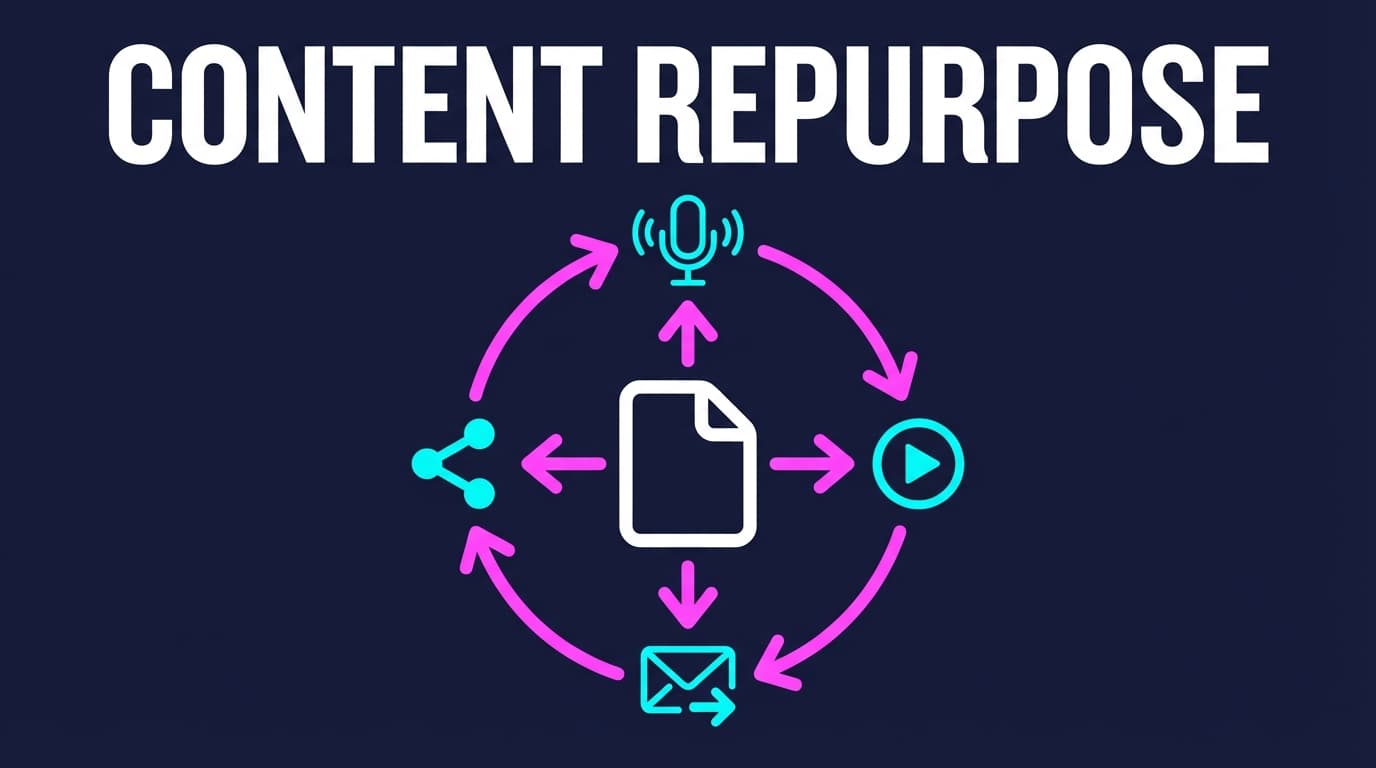
The answer in between is a proper content repurpose workflow for social media: one “source asset” becomes many posts, each adapted to its platform and scheduled in batches.
This guide covers: - A repeatable COPE workflow (“create once, post everywhere”) you can run weekly - A platform packaging matrix so your repurposed posts don’t feel copy-pasted - Templates: hook bank, angle bank, atom sheet, QA checklist - Other good guides on the topic, and what this one adds - Tools that speed up repurposing and scheduling, and their limits
What is a content repurpose workflow for social media?
A content repurpose workflow is a structured process that turns one core idea (or one long-form asset) into multiple social posts, each adapted to the platform’s format, audience expectations, and constraints.
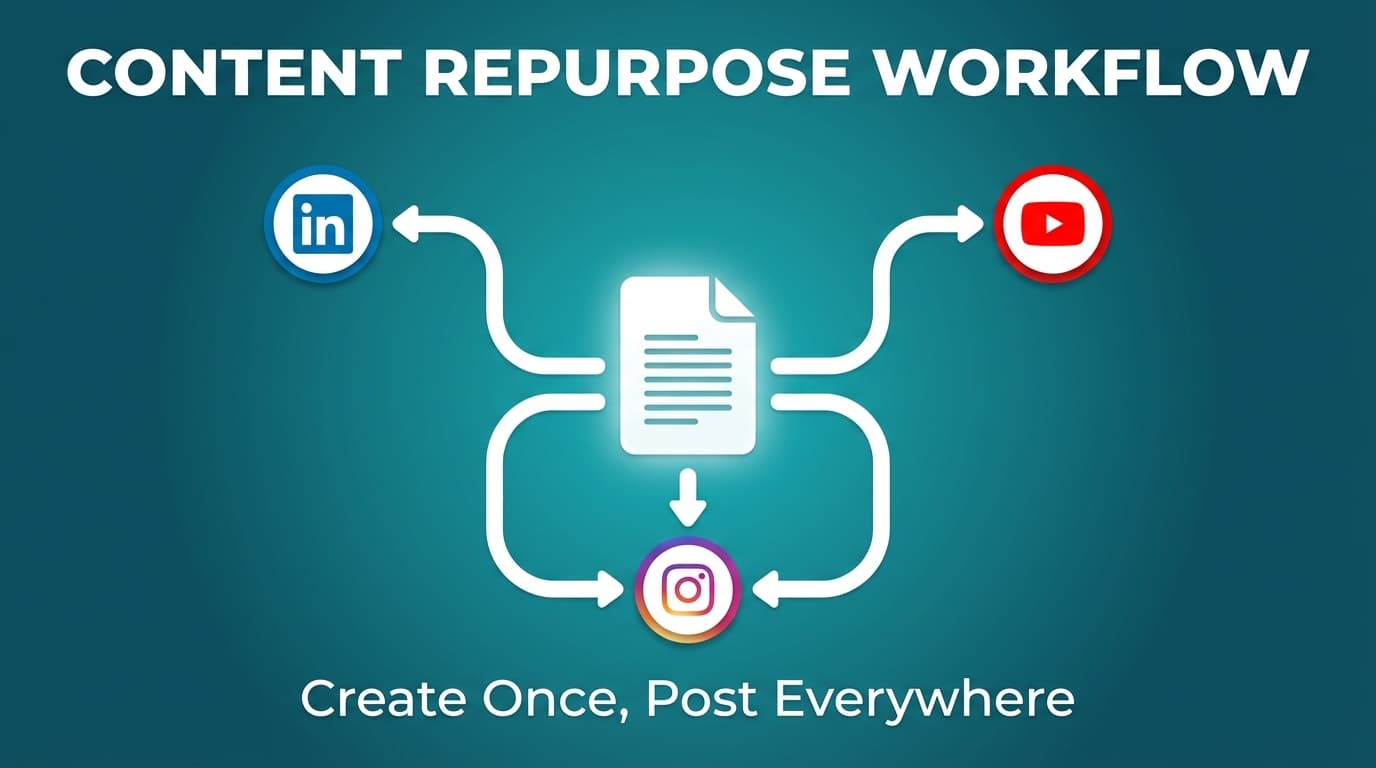
This is often referred to as COPE: Create Once, Publish Everywhere (sometimes phrased as “create once, post everywhere”).
COPE comes from publishing. NPR made it popular in a well-known post about “clean content” that could be sent to any channel.
Source: NPR: https://www.npr.org/sections/inside/2009/02/clean_content_portable_content.html
Repurposing vs cross-posting vs reposting
- Repurposing: same core idea, new packaging (rewrite, reformat, re-angle).
- Cross-posting: posting the same asset across multiple platforms (sometimes with minor tweaks).
- Reposting: publishing the same post again later on the same platform (or resurfacing a winner).
A “create once, post everywhere” strategy works best when you’re repurposing-first and cross-posting-second.
Why content repurposing matters in 2026 (with data)
1) Social keeps growing, and audiences are spread across more apps
Active social media user identities increased 5.6% year-over-year, adding 266 million new users, according to DataReportal’s Digital 2024 report.
Source: DataReportal: https://datareportal.com/reports/digital-2024-global-overview-report
More users doesn’t mean more reach for you, because attention is split across more apps, formats and creators. Repurposing lets you show up in more places without multiplying the work.
2) Most marketers already repurpose (you’re not “cheating”)
A frequently cited stat: 94% of marketers repurpose content, attributed to a ReferralRock survey that’s widely referenced by other marketing sites.
Primary source: ReferralRock: https://referralrock.com/blog/content-repurposing-tips-from-experts/
Secondary example: Hannon Hill: https://www.hannonhill.com/blog/2024/how-to-repurpose-content-across-platforms-to-maximize-engagement.html
3) Repurposing is a common AI use case
Content Marketing Institute reports that repurposing content is one of the tasks marketers use AI for (32%) (as presented in their statistics roundup).
Source: Content Marketing Institute: https://contentmarketinginstitute.com/content-marketing-strategy/content-marketing-statistics
4) Short-form remains a high-ROI bet (repurposing makes it sustainable)
HubSpot’s video marketing reporting has repeatedly highlighted short-form video as a top-performing format (survey-based).
Source: HubSpot: https://blog.hubspot.com/marketing/video-marketing-report
In 2026 you get ahead by having a reliable way to turn one idea into many posts, more than by simply posting more.
Other repurposing guides worth reading
Most popular repurposing guides are full of good ideas and lighter on the week-to-week workflow. These are worth a look:
- Buffer: a long list of ways to repurpose each content type, plus FAQs
https://buffer.com/resources/repurposing-content-guide/ - SocialInsider: a broad guide with strategies and FAQs
https://www.socialinsider.io/blog/content-repurposing/ - Planable: a big guide with some workflow advice
https://planable.io/blog/repurposing-content/ - Designrr: a very long guide on turning one blog post into many pieces
https://designrr.io/content-repurposing/ - Goldcast / Contently / Contentful: workflow steps and format-by-format advice
https://www.goldcast.io/blog-post/content-repurposing-workflow
https://contently.com/2024/04/09/ultimate-guide-repurposing-content/
https://www.contentful.com/blog/repurposing-content/
This guide focuses on the routine: templates, platform limits, and a packaging matrix you can use every week. That’s most useful for agencies juggling approvals and several clients.
The core principle: create once, then package for each platform
COPE works when you treat your content as parts you can rearrange:
One source idea becomes a separate version for each platform, instead of one caption pasted into seven apps.
A “native package” changes the: - hook - structure - CTA - format - (often) the angle
The core idea stays the same.
The COPE workflow: Create once, post everywhere in 8 steps
Run this weekly if you’re solo, or once per client if you’re an agency.
Step 1: Choose your “source asset” (pillar) for the week
Common pillars: - Blog post / newsletter issue - Webinar / workshop - Podcast episode - YouTube video (long-form) - Case study - Product update - Customer story/testimonials
Rule: Pick a pillar with multiple teachable moments (not a single announcement).
Pillar quality checklist
Your pillar is repurpose-ready if it includes: - 3–7 distinct points (framework, steps, checklist, opinion) - 1–3 stories/examples - 1–2 data points (with sources) - at least one strong stance or mistake to avoid
Step 2: Extract content “atoms” (aka content atomization)
Atomization means breaking a big piece into small parts you can reuse. B2B content teams and agencies use the term a lot.
Example reference: Bluetext “Content Atomization Playbook”: https://bluetext.com/blog/the-content-atomization-playbook-one-idea-dozens-of-deliverables/
Template: Content Atom Sheet
Create a table like this:
| Atom type | Raw text | Proof/example link | Notes |
|---|---|---|---|
| Hook | |||
| Step | |||
| Mistake | |||
| Example | |||
| Stat | Include source URL |
Output goal: 25–60 atoms from one pillar.
Step 3: Build a platform packaging matrix (what you publish where)
Then you don’t have to decide everything again every week.
Starter platform packaging matrix
| Platform | Best COPE packages | What to adapt (minimum) |
|---|---|---|
| Mini-essay, checklist, carousel summary, story lesson | Hook + framing + CTA | |
| Instagram feed | Carousel how-to, quote/stat graphic, short video | Visual + headline + caption rhythm |
| Instagram Reels | 1 idea → 1 hook → 1 payoff | Hook + captions + pacing |
| TikTok | Video or photo slideshow | Hook + on-screen text |
| X | Short take, tip, image quote | Hook + formatting |
| Facebook Page | Short story + takeaway, carousel recap | Context + CTA |
| YouTube | Upload videos (including Shorts-style) | Title + opening seconds |
| Threads | Short story/opinion, image + short caption | Hook + tone |
| Bluesky | Short thought + image | Hook + clarity |
Step 4: Write a hook bank (10–20 hooks per pillar)
Changing the hook is the quickest way to make a repurposed post feel written for its platform.
10 hook types (write 1–2 each)
- Contrarian: “Unpopular opinion: ___”
- Problem: “If you’re doing , you’re wasting ”
- Mistake: “The biggest mistake with ___ is ___”
- Result: “We tried ___ and here’s what happened”
- Checklist: “If you want ___, do these 5 things”
- Definition: “ isn’t . It’s ___”
- Myth: “No, you don’t need ___ to ___”
- Story: “A client asked me ___”
- Data: “A new report found ___ (here’s what it means)”
- Challenge: “Try this for 7 days: ___”
Step 5: Create format swaps (same idea, multiple media types)
Swaps that work well: - List → carousel - Stat → quote graphic or 10–15s “stat + takeaway” video - FAQ → Q&A post - How-to → 30–60s script - Case study → “3 lessons learned” - Framework → template giveaway
Step 6: Do “minimum viable adaptation” per platform
If you do nothing else, adapt these four:
1) Hook (first line / first 2 seconds)
2) Structure (bullets vs paragraphs vs on-screen text)
3) CTA (comment vs save vs click vs follow)
4) Formatting (line breaks, hashtags, emojis, tags)
That’s enough to stop posts looking copy-pasted, and it’s still quick.
Step 7: QA + approvals (especially for agencies)
Repurposing breaks when: - sources get lost - claims get exaggerated - you publish the wrong format to the wrong platform - a client sees “draft language” go live
QA checklist (copy/paste)
- [ ] All stats have a source link in your atom sheet
- [ ] Client/customer references are approved
- [ ] Hook matches platform vibe
- [ ] CTA matches platform behavior
- [ ] Media specs are correct (image count, video size, ratio)
- [ ] No “guaranteed results” claims
- [ ] Schedule time zone is correct
- [ ] Links have UTMs (if you track)
Step 8: Schedule + measure + recycle winners
COPE pays off more over time when you: - schedule in batches - measure winners - repackage winners monthly
A realistic weekly “create once, post everywhere” schedule (example)
From one pillar:
- LinkedIn: 3 posts (mini-essay, checklist, story lesson)
- Instagram: 3 feed posts (2 carousels + 1 quote/stat)
- Reels/TikTok/Shorts: 5 short videos (same core script, different packaging)
- X: 5 posts (short takes + tip + image quote)
- Threads/Bluesky: 2 posts (question + opinion)
That’s 18 pieces/week without inventing 18 ideas.
Step-by-step examples: turn 1 asset into “post everywhere” content
Example A: Turn 1 blog post into a week of social posts
Pillar: “How to onboard a new client in 7 steps”
1) Extract atoms: steps, mistakes, a story, a checklist, a quote
2) Pick angles: beginner, agency, time-saving, quality, contrarian
3) Package:
- LinkedIn: mini-essay + checklist post
- Instagram: carousel (“7-step checklist”) + quote graphic
- X: 3 tips + 1 mistake + 1 image quote
- TikTok: slideshow of the 7 steps + a quick “mistake to avoid” video
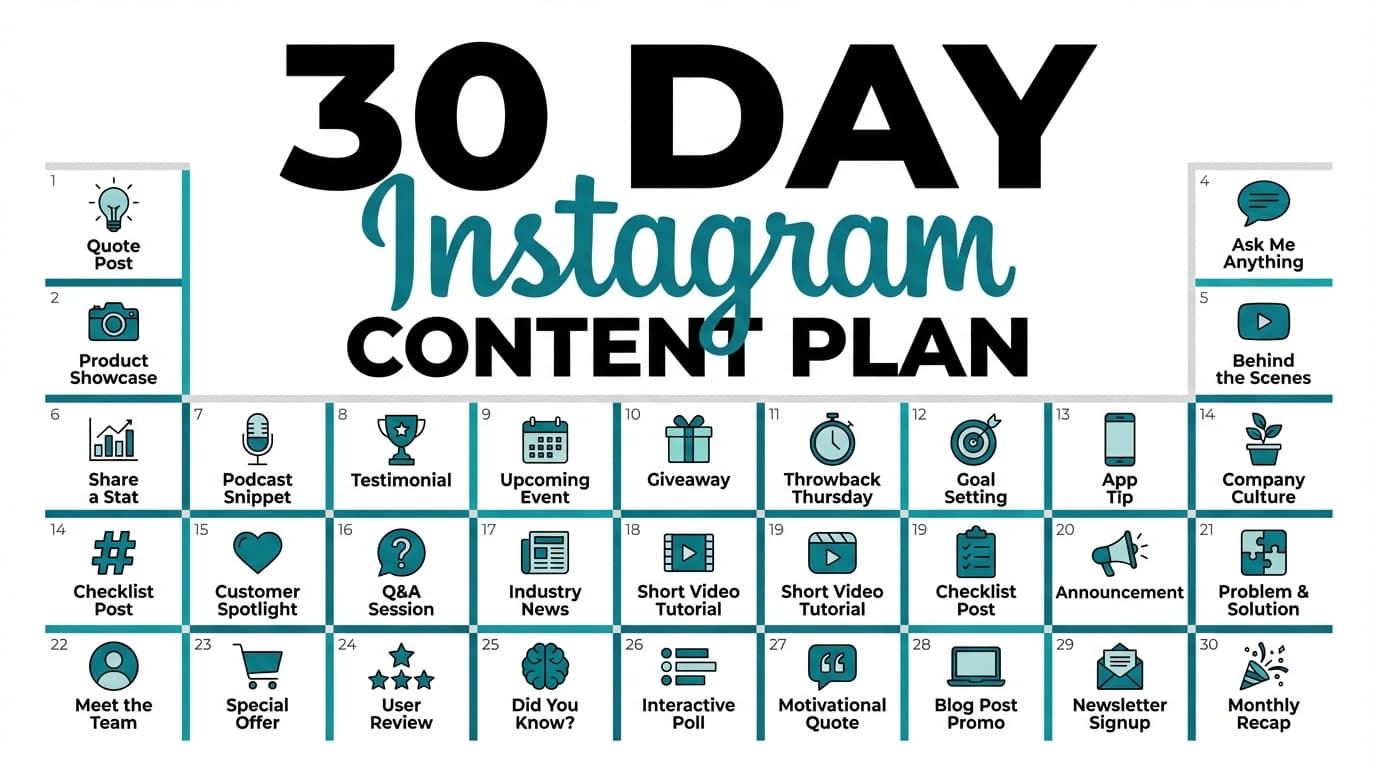
Example B: Turn 1 webinar into 30 days of assets (lightweight version)
Webinar repurposing is a common pattern in B2B marketing playbooks.
Example: MarketingProfs has a “turn one webinar into 30 days of content” style sprint: https://www.marketingprofs.com/articles/2025/53918/repurpose-webinar-content-b2b-marketing
Workflow: - Cut 5–10 clips (each = 1 lesson) - Pull 10 quotes (each = image post) - Turn Q&A into FAQ posts - Convert the outline into a carousel - Turn the recap into a blog/newsletter (next pillar)
Example C: Turn 1 newsletter into multi-platform posts
Newsletter-to-social workflows are common (including automation tutorials), but you can do it manually with an atom sheet.
A good human approach: - Extract 5–10 “one-liners” - Extract 3 mini-stories - Extract 3 actionable tips - Ship: - LinkedIn: story + lesson - X: one-liner + tip threads as separate posts - IG: carousel of tips
Best practices for a repurposing workflow that doesn’t hurt engagement
Cross-posting guidance commonly emphasizes customizing captions, formatting media correctly, and being strategic about timing.
Source: Iconosquare: https://www.iconosquare.com/blog/6-best-practices-for-cross-posting-on-social-media
Best practice 1: Repurpose for how people behave on each platform
Your CTA should match platform behavior: - LinkedIn: comment/save - Instagram: save/share - TikTok: watch/follow - X: reply/repost
Best practice 2: Don’t force every pillar onto every platform
Treat “publish everywhere” as a direction. You don’t have to post every pillar on every platform.
Best practice 3: Maintain a “winners library”
Track:
- best hooks
- best angles
- best formats
Then reuse the patterns as well as the posts.
Common mistakes to avoid
Mistake 1: Copy-paste syndrome
Fix: Minimum viable adaptation (hook, structure, CTA, formatting).
Mistake 2: Turning weak ideas into lots of weak posts
Fix: Start with a pillar that already performed well (or a proven topic you own).
Mistake 3: Losing sources and inflating claims
Fix: Keep sources in the atom sheet; don’t turn “suggests” into “proves.”
Mistake 4: Ignoring platform/tool constraints
Fix: Put constraints in your packaging matrix (image counts, video size, formats supported).
Mistake 5: No measurement loop
Fix: Pick 2 winners each week and repackage them next month.
Tools to help you “create once, post everywhere” (honest recommendations)
You can run COPE with docs + spreadsheets. Tools help most when you need: - cross-platform scheduling - brand-safe collaboration and approvals - fast, consistent caption variations
PostQuickAI (repurposing + scheduling + analytics + agent automation)
Pricing: PostQuickAI is a paid subscription product. Basic is $15/month, Pro is $39/month, and Ultra is $99/month. API access (REST API + MCP + Skills + AGENTS.md) is included in every plan. Your first plan starts with a 7-day free trial (card required).
Where it fits in your workflow (supported capabilities):
- Multi-platform publishing for a single post (cross-posting)
- Server-side scheduled publishing (no need to keep your browser open)
- AI caption generation grounded in brand voice (useful for writing variants quickly)
- Tone rewrites from the composer assistant (to adapt “LinkedIn voice” vs “TikTok voice”)
- Proofreading on request (cleanup after repurposing), shown as suggestions you accept or discard
- AI image generation/editing from a catalog of current image models
- Short-form AI video generation from a catalog of video models, on monthly credits
- Video caption generation from the video file (for video post descriptions/captions)
- Cross-platform post-level analytics in the dashboard (and via the REST API + MCP)
- Agent control plane: @postquickai/mcp MCP server, Claude Skills marketplace, AGENTS.md drop-in for Claude / Cursor / Codex / ChatGPT / Gemini / Copilot
Platform limits to plan around: - Instagram Stories: supported (along with feed posts, carousels, and Reels) - Facebook Stories: supported (along with Page feed posts) - TikTok photo posts: supported only with 2+ images (single-image photo post not supported in this flow) - X (Twitter): images supported up to 4 per post; video supported with 512MB size limit; publishing a composed native thread sequence is supported (linked reply chain) - LinkedIn: you must select posting target (personal vs organization) or publishing fails
Helpful external references (for constraints and specs)
If you’re building a COPE workflow that includes TikTok photo posts or API-based publishing, TikTok’s Content Posting API documentation is a helpful reference point for requirements and limitations.
Source: TikTok Developers: https://developers.tiktok.com/doc/content-posting-api-get-started
COPE scheduling checklist
Before you schedule a batch:
- Weekly theme (one sentence)
- 10 hooks written
- Platform packages selected (matrix)
- Media prepared (image count, sizes, video exports)
- CTA plan per platform
- Posting windows + time zone confirmed
- QA checklist completed
Key takeaways
- COPE works when you adapt each post for its platform instead of pasting it everywhere.
- Start with a pillar, extract atoms, build hook/angle banks, then format-swap.
- Use minimum viable adaptation to stay fast without looking copied.
- Measure winners and recycle them. Repurposing gets more useful the longer you do it.
- Tools can speed up scheduling and variants, but only if you respect platform constraints.
FAQ
What is the COPE content strategy?
COPE stands for Create Once, Publish Everywhere: you create content once in a structured way, then send it to several channels.
Source: NPR: https://www.npr.org/sections/inside/2009/02/clean_content_portable_content.html
How do you repurpose content for social media without copy-pasting?
Use minimum viable adaptation:
- new hook
- new structure
- platform-specific CTA
- platform-specific formatting
The idea stays; the packaging changes.
Is repurposing content illegal?
Repurposing your own content is generally fine. Legal issues usually come from reusing content you don’t own or don’t have rights to. For fair use, rely on authoritative guidance and get legal advice when needed.
Source: U.S. Copyright Office FAQ on fair use: https://www.copyright.gov/help/faq/faq-fairuse.html
What should I avoid when cross-posting?
Avoid identical captions everywhere, mismatched CTAs, incorrect media specs, and posting formats your tool doesn’t support.
Best-practice reference: Iconosquare: https://www.iconosquare.com/blog/6-best-practices-for-cross-posting-on-social-media
Can I schedule the same post to multiple platforms at once?
Yes, many schedulers support cross-posting. Just ensure you adapt the copy and media specs per platform so it still feels native (and confirm platform/format support like Stories, threads, or photo post requirements).