Content Repurpose: The Complete Guide for 2026 (Turn 1 Idea Into 30+ Posts)
Learn content repurpose with a repeatable workflow, checklists, and examples. Includes data like brands averaging 9.5 social posts/day in 2024 (Sprout Social) and tool recommendations. 2026 guide.

Author
Brands published an average of 9.5 social posts per day across networks in 2024, and in some industries the number is higher.
Source: https://sproutsocial.com/insights/social-media-benchmarks-by-industry/
The math doesn’t work if every post starts from scratch:
- You can’t create 9–10 brand-new ideas every day without burning out.
- You can build a system that turns one strong idea into weeks of platform-native content.
That system is content repurpose (aka content repurposing).
This guide covers: - What “content repurpose” means (and what it doesn’t) - A step-by-step repurposing workflow you can run weekly - Platform-by-platform repurpose examples (blog → LinkedIn, X, Instagram, TikTok, Threads, Bluesky, YouTube) - Best practices, common mistakes, and a 30-day implementation plan - Tools that make repurposing faster (including scheduling + AI writing support)
What Is “Content Repurpose”?
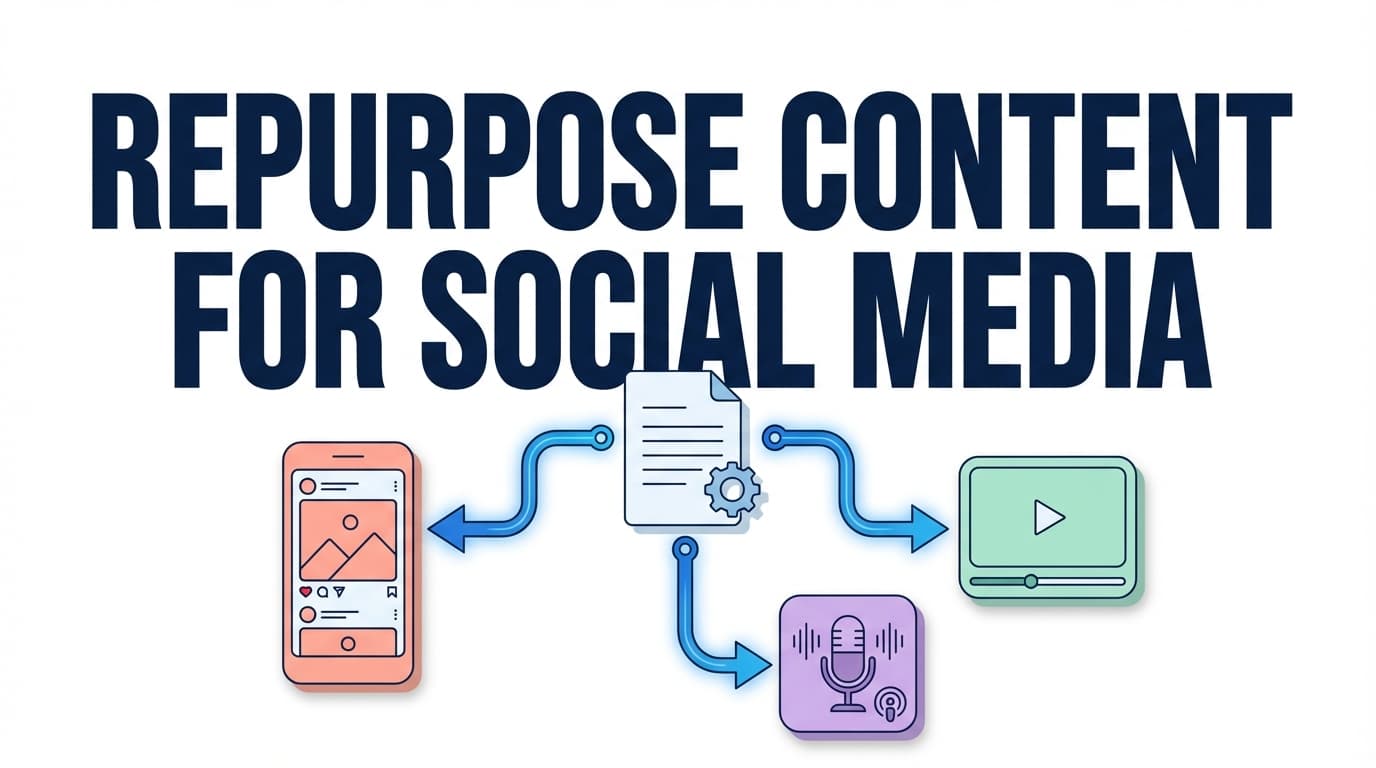
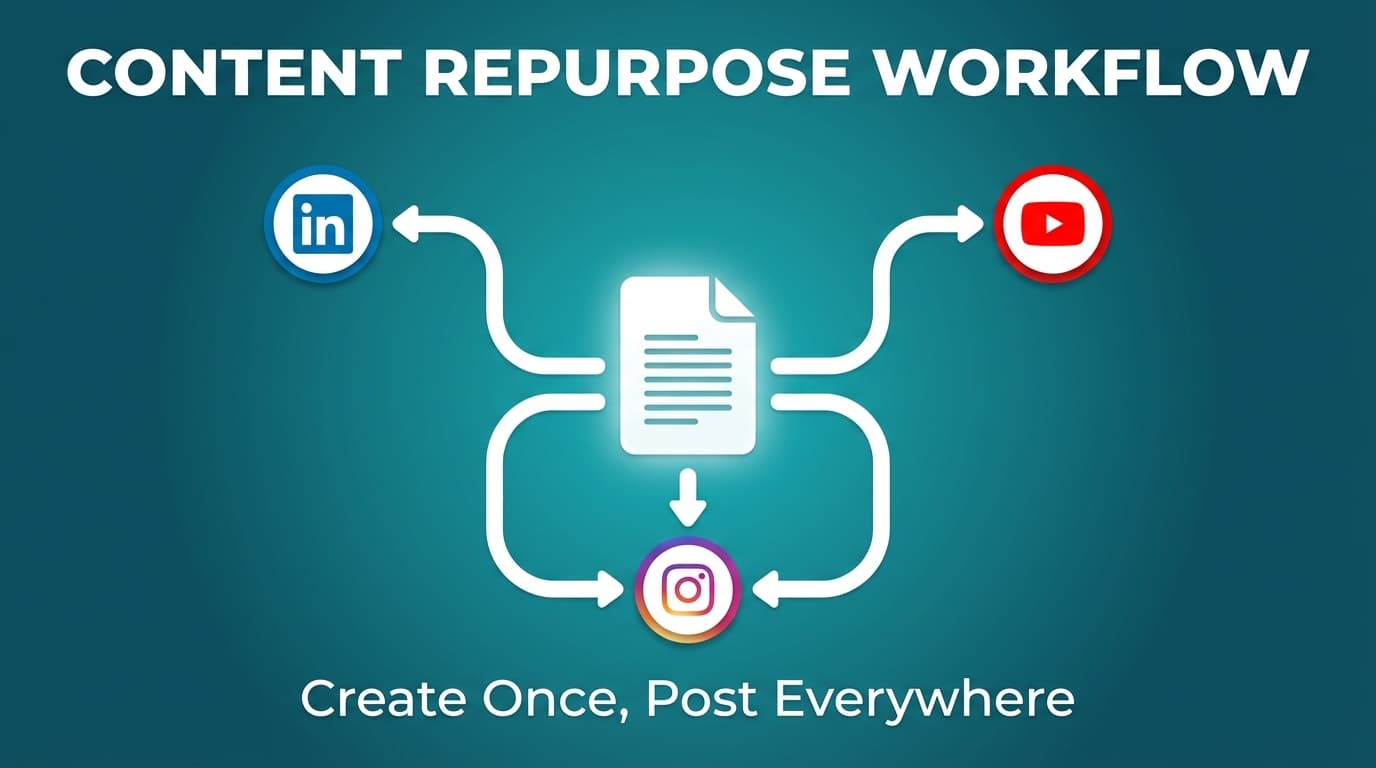
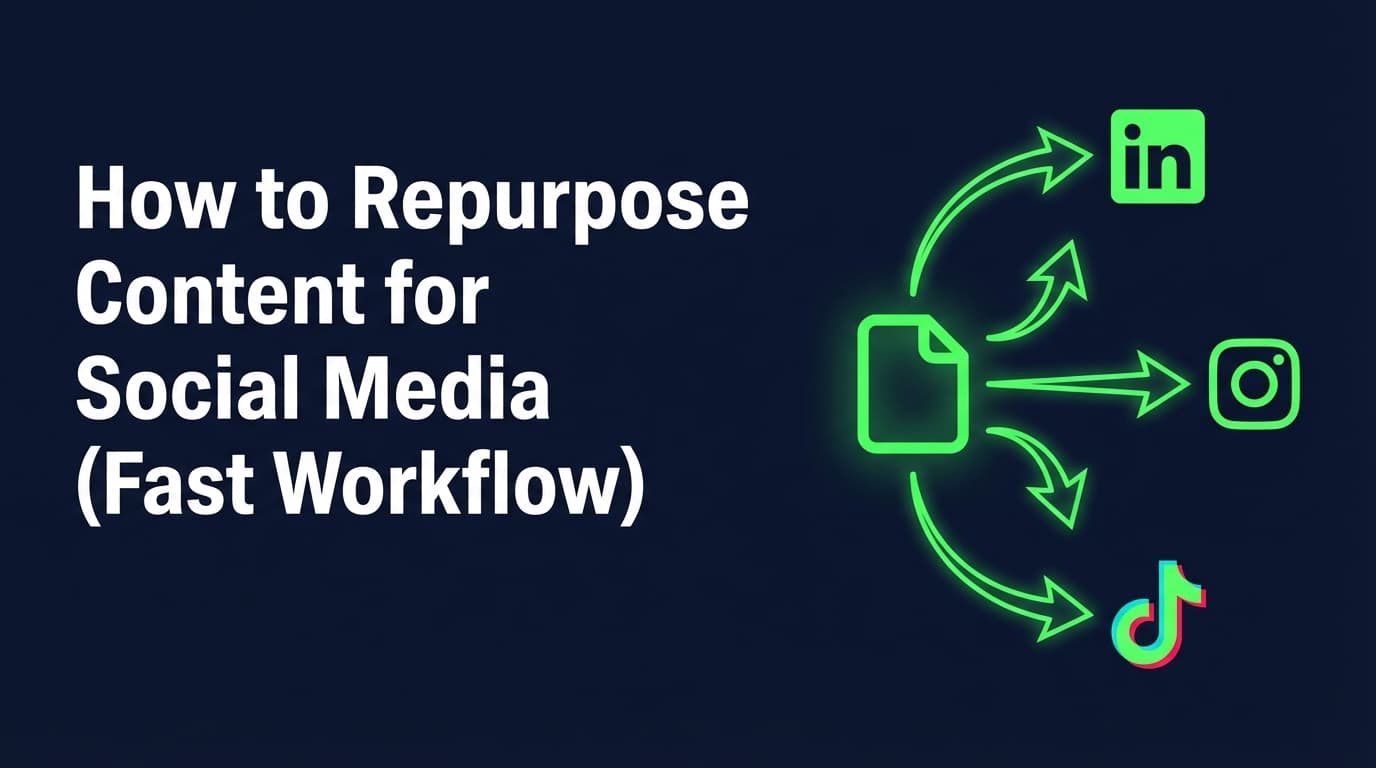
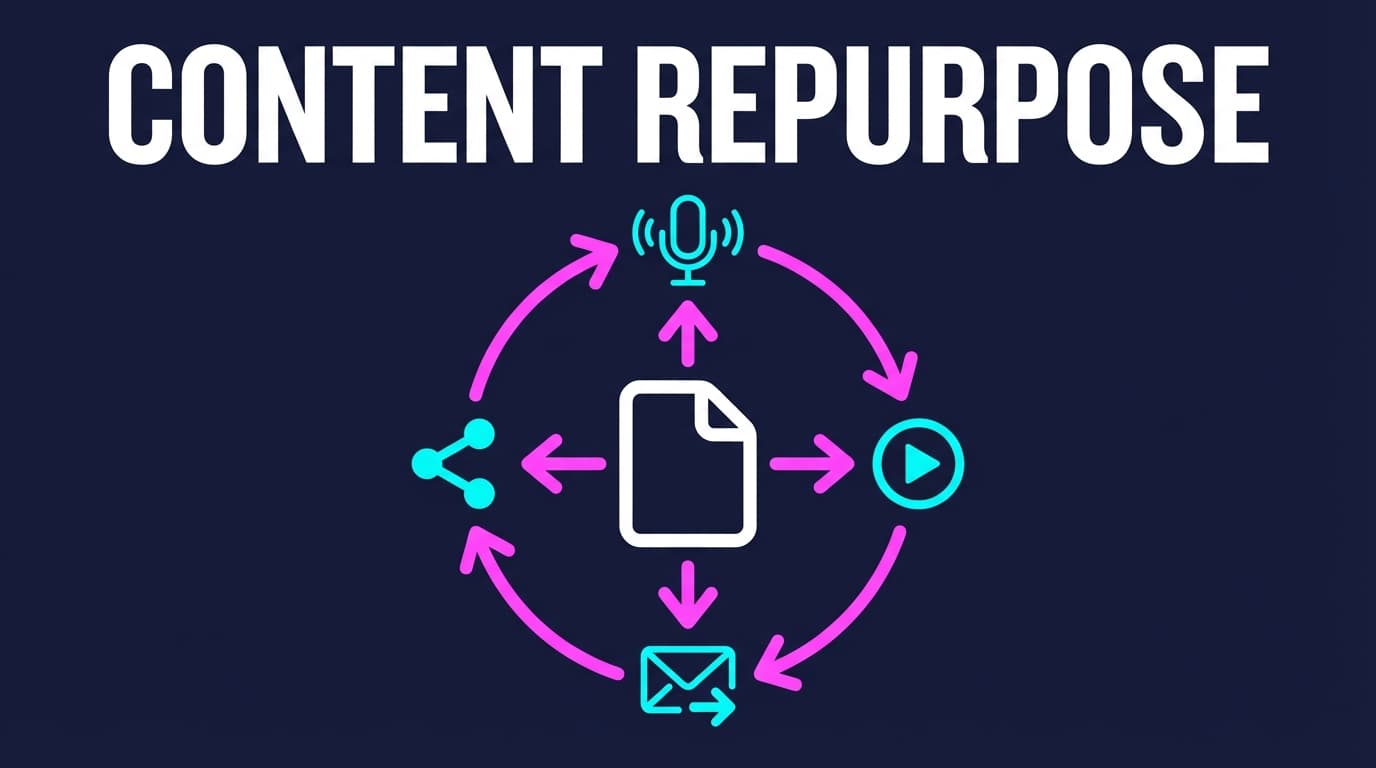
Content repurpose means taking an existing piece of content (a blog post, video, webinar, newsletter, podcast, case study, or even a great social post) and repackaging it into new formats and versions made for each platform, while keeping the core idea.
A simple way to think about it:
- Same idea
- New format
- New angle
- New platform packaging
Content repurpose ≠ “copy-paste everywhere”
When people say “repurposing doesn’t work,” they usually mean copy-pasting didn’t work.
Real repurposing adapts: - Hook (what stops the scroll on this platform) - Structure (how information is consumed here) - Length & pacing - Creative format (carousel, short video, text post, photo dump, etc.) - Call-to-action (comment vs click vs save vs share)
Quick examples of “real” repurposing
If your source content is: “How to write a strong hook”, repurposed outputs might be: - A LinkedIn mini-essay about the 3 hook mistakes B2B teams make - An Instagram carousel with “7 hook templates” - An X post with 10 hook formulas (and 2 examples each) - A TikTok photo carousel showing “Before/After hook rewrites” (requires 2+ images if using PostQuickAI for TikTok photos) - A YouTube Short demonstrating 3 hook rewrites in 30 seconds
Why Content Repurpose Matters in 2026
1) You’re competing against volume and quality
As noted above, many brands publish at high frequency.
Source: https://sproutsocial.com/insights/social-media-benchmarks-by-industry/
Repurposing lets you keep up without lowering quality.
2) Most marketers already repurpose, so it’s table stakes
ReferralRock reports that 94% of marketers they surveyed repurpose their content, and the rest planned to.
Source: https://referralrock.com/blog/content-repurposing-tips-from-experts/
So repurposing won’t give you an edge on its own. It’s a basic skill most of your competitors already have.
3) Video is expensive; repurposing makes it economical
HubSpot’s video marketing report highlights that short-form video is the #1 video format for ROI, and it leads for engagement and lead generation in their dataset.
Source: https://blog.hubspot.com/marketing/video-marketing-report
Short-form video pays off and long-form takes a lot of work, so cutting your long-form into short clips gets you more out of the work you’ve already done.
4) Platform formats change; repurposing helps you stay flexible
For example, YouTube explains you can now create Shorts up to three minutes.
Sources:
- https://support.google.com/youtube/answer/15424877?hl=en
- https://blog.youtube/news-and-events/tall-updates-coming-to-shorts/
I’m not saying you should make longer Shorts. Formats change often, and a repurposing system makes it easy to adjust when they do.
The Content Repurpose “Operating System” (A 5-Step Framework)
Agencies and solo marketers can run this every week. It helps most when you manage several brands or want to post regularly without spending all day in publishing tabs.
Step 1: Choose the right “source asset” (don’t repurpose everything)
Start with content that has at least one of these signals:
Performance signals
- High saves, high watch time, high comments, or strong click-through
- Ranked blog post (SEO traffic)
- Newsletter with high replies or forwards
Strategic signals - Evergreen topic (won’t be outdated in 30 days) - Core offer alignment (it’s relevant to what you sell) - Strong “teachability” (can be broken into steps, templates, examples)
Practical rule: If the source piece doesn’t have a clear takeaway, it won’t repurpose well.
Step 2: Extract “content atoms” (the raw material)
Take the source asset and pull out:
- 5–10 claims (what you believe is true)
- 5–10 proof points (examples, mini-stories, metrics, screenshots)
- 10–20 micro-ideas (tips, steps, “do this/not that”)
- 3–5 frameworks (lists, checklists, acronyms, diagrams)
Most people skip this step, and it’s why their repurposed posts feel thin.
Step 3: Build an “angle bank” (how you’ll say it differently)
An angle is the point of view you take, which is separate from the format.
Use this quick angle bank (copy/paste and fill in):
- Mistakes: “Stop doing X”
- Myth bust: “X is not true”
- Before/After: “Here’s the rewrite”
- Checklist: “Use this before you post”
- Story: “What happened when we tried X”
- Counterintuitive: “Do less, not more”
- Templates: “Steal these 7 prompts”
- FAQ: “People ask us…”
- Audit: “Grade your current approach”
- Hot take: “Unpopular opinion…”
Aim for 8–12 angles per core topic. With that many, one idea can fill a month.
Step 4: Match angles to platform-native formats
Then pick the format that suits each platform:
- LinkedIn: mini-essays, step-by-step posts, carousels (if you have the assets), short native video
- X (Twitter): punchy hooks, threads-style sequences (even if published as separate posts), quote graphics (up to 4 images per post when scheduling via PostQuickAI)
- Instagram: Reels, carousels, single images, grid-planned series
- TikTok: short video, photo carousels (in PostQuickAI, TikTok photo posts require 2+ images)
- Threads: text posts, image posts, carousel posts (in PostQuickAI, Threads carousels are capped at 10 images)
- Bluesky: text + images (in PostQuickAI, Bluesky is capped at 4 images per post)
- YouTube: Shorts and long-form video (PostQuickAI supports YouTube video uploads; Shorts eligibility depends on aspect ratio + duration)
Step 5: Schedule it as a “content pack,” not one-off posts
Repurposing is easier to keep up when you plan and schedule in batches.
A content pack is: - 1 core idea - 10–30 platform-native executions - scheduled across 1–4 weeks - with light refreshes/reposts later
How to Content Repurpose: Step-by-Step (Weekly Workflow)
This is a practical Monday-to-Friday workflow you can run every week.
Step 1: Do a 30-minute “content inventory” (what do we already have?)
Make a list of: - Top 10 blog posts - Top 10 short-form videos - Top 10 long-form videos/webinars - Top 10 social posts (by saves/comments) - Top FAQs from sales/support calls
Output: 40 “source assets” you can repurpose for months.
Step 2: Pick one source asset and define the “single sentence promise”
Write one sentence:
“After consuming this, my audience will be able to __.”
Examples: - “…write 10 hooks in 10 minutes.” - “…turn one blog post into 20 social posts.” - “…choose the right platform format for this idea.”
If you can’t write the promise, the content will repurpose poorly.
Step 3: Extract content atoms (use a simple worksheet)
Create a doc with these headings:
- Hook candidates (10):
- Key points (5):
- Examples (5):
- Steps (7):
- Quotes / lines worth repeating (10):
- CTAs (3): comment / DM / click / save
This doc becomes your “source of truth” for the whole repurposing sprint.
Step 4: Create 12–20 drafts (fast) before polishing
Draft quickly, then refine.
If you use an AI assistant, this is where it helps most: turning your atoms into first drafts you can edit. For example, PostQuickAI includes:
- An assistant in the composer that writes a first draft using your brand voice
- Rewrites on request (proofread, shorten, change tone), shown as suggestions you accept or discard
(Stick to what you actually want to say. AI drafts; it doesn’t decide your strategy.)
PostQuickAI supports AI drafting and editing through an assistant in the composer (tone, proofread, shorten). It does not include engagement automation (no auto-replies/DM/comment bots).
Step 5: Format for each platform (the “packaging pass”)
Now do the platform pass:
- Convert 3 posts into carousel scripts
- Convert 3 posts into short video scripts
- Convert 3 posts into text-only posts
- Convert 3 posts into quote graphics / image posts
This pass is what makes each version feel written for its platform instead of duplicated.
Step 6: Schedule the whole pack (so consistency isn’t willpower)
Scheduling is where repurposing pays off, because one batch keeps you posting for weeks.
With PostQuickAI, you can schedule and auto-publish across supported networks (platform capabilities vary by network). Examples of what’s supported: - Instagram: single-image feed posts, carousels, Reels, and Stories - LinkedIn: text, image, multi-image, and video (must select personal vs organization target) - X: text, images (up to 4), and video - TikTok: videos and photo carousels (TikTok photo posts require 2+ images in PostQuickAI) - Threads: text, image, carousel (up to 10 images in PostQuickAI), video (with fallback behavior if processing fails) - Bluesky: text, images (up to 4 in PostQuickAI), video
Pricing: plans start at $15/month and your first plan starts with a 7-day free trial (card required).
See: /pricing
The Repurpose Matrix (Turn 1 Asset Into 30+ Posts)
Use this table to plan outputs quickly.
| Source asset | Repurpose path | Output examples (platform-native) |
|---|---|---|
| Blog post | Break into sections | LinkedIn “step-by-step,” IG carousel, X post series, Threads Q&A |
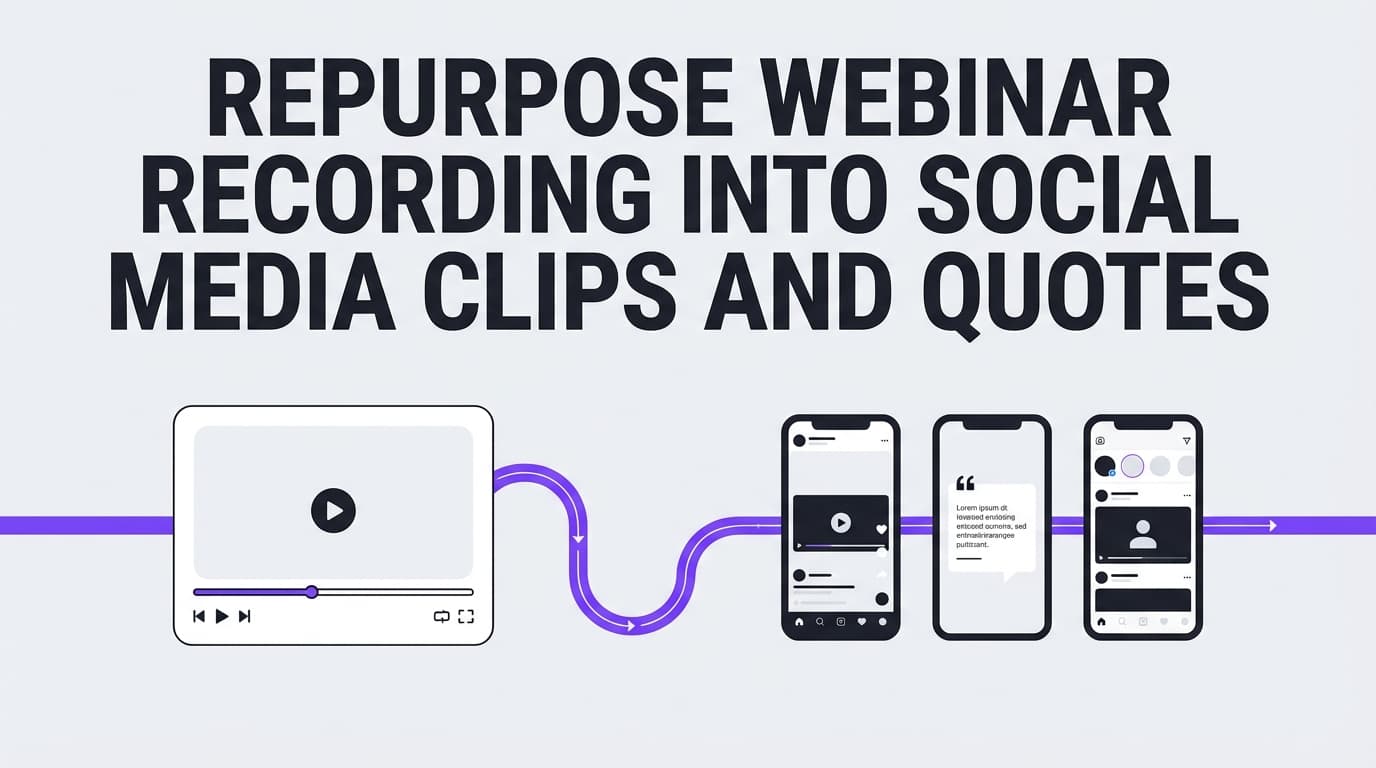
| Webinar | Slice highlights + Q&A | 10 clips, 10 quote cards, 5 FAQ posts, 1 recap newsletter |
| Podcast | Transcribe + summarize | LinkedIn story post, “top quotes” carousel, short video hook + takeaway |
| Newsletter | Expand and re-angle | “mistakes” thread, “templates” carousel, “case study” mini-essay |
| Viral social post | Re-angle | “Part 2” follow-up, “counterpoint,” “behind the scenes,” “checklist” |
Detailed Examples: Repurpose a Blog Post Into Multi-Platform Posts
Let’s say your source blog is:
“How to build a weekly content system without burnout”
Here’s what that becomes:
1) LinkedIn (3 post types)
A. Mini-essay (authority) - Hook: “If your content strategy relies on motivation, it will fail.” - Body: 3 sections (system > motivation, batching, repurposing) - CTA: “Comment ‘SYSTEM’ and I’ll share my weekly template.”
B. Checklist post (saves) - “Weekly content checklist: 9 items” - CTA: “Save this so you run it every Monday.”
C. Short video script (dwell time + clarity) - 30–60 seconds: 1 problem, 1 framework, 1 example
LinkedIn algorithm note: Hootsuite summarizes that LinkedIn has placed more weight on dwell time (how long people spend on your post).
Source: https://blog.hootsuite.com/linkedin-algorithm/
2) X (Twitter/X) (4 post types)
A. Single post (hook + payoff)
“You don’t need more ideas. You need a better recycling system.”
B. “Thread-style” sequence as scheduled singles Even if you don’t publish a native thread, you can schedule a sequence of connected posts across the day/week.
Product note: PostQuickAI supports scheduling X posts (text, images up to 4, video) and native composed threads: compose a multi-part thread and we publish each part as a linked reply chain.
C. Quote graphic - 1 line on an image (great for reshares)
D. “Template” post - “Copy/paste weekly content template: …”
3) Instagram (3 post types)
A. Carousel Slides: 1. Title: “The weekly content system” 2. Step 1: pick a pillar 3. Step 2: extract atoms 4. Step 3: choose angles 5. Step 4: batch create 6. Step 5: schedule 7. CTA: “Save + share”
B. Reel - Hook: show the calendar view + “Stop posting manually” - 3 steps - CTA: “Comment ‘PACK’ and I’ll send the checklist”
C. Single-image “tip” post - 1 strong insight + caption story
If you want to plan the grid before posting, PostQuickAI offers a free Instagram feed planner/grid preview tool (no login required).
Try: /tools/instagram-feed-planner
4) TikTok (2 post types)
A. Short video - 15–45 seconds, one clear promise: - “Turn 1 blog into 10 posts in 20 minutes. Here’s how.”
B. TikTok photo carousel (before/after) - Slide 1: “Old workflow (pain)” - Slide 2: “New workflow (system)” - Slide 3: “Template”
Product note: In PostQuickAI, TikTok photo posts require at least 2 images.
5) Threads + Bluesky (fast text adaptations)
- Threads: quick takes + questions + 1 image
- Bluesky: short text posts and image posts
Product note: In PostQuickAI, Bluesky image posts are capped at 4 images per post.
Detailed Examples: Repurpose a Video/Podcast/Webinar Into a Week of Content
If your source is a 30–60 minute webinar or podcast episode, work through these steps:
Step 1: Create a “highlight map”
Write timestamps for: - best 10 hooks - best 10 proof points - best 5 stories - best 10 quotable lines - best 10 audience questions
Step 2: Turn it into 10 short clips + 10 text posts
For each highlight: - Clip (vertical video) - Caption (platform-specific) - A text-only version (LinkedIn/X/Threads/Bluesky) - A carousel slide idea (optional)
Step 3: Make one “pillar recap” post
- LinkedIn: “Top 7 lessons from [topic]”
- Blog: “Webinar recap”
- Newsletter: “3 takeaways + resource links”
Best Practices for Content Repurpose (That Actually Improves Performance)
1) Repurpose wins, not leftovers
Start with what people already responded to, so you build on evidence instead of guessing.
2) Keep the core idea, change the hook
Same takeaway, new entry point: - “Mistake” - “Myth” - “Before/after” - “Checklist” - “Story”
3) One repurpose pack should include multiple “intent types”
Aim for: - 30% authority (teach) - 30% proof (examples, case studies) - 20% connection (story, behind the scenes) - 20% conversion (soft CTA)
4) Create “series,” not randomness
A series means fewer decisions and makes it easier to keep going: - “Mistake Monday” - “Template Tuesday” - “Audit Friday”
5) Build a “template library”
Templates make every repurposing session faster: - hook templates - carousel outlines - video script outline - caption structure
If you want help drafting captions or hashtags quickly, PostQuickAI offers dedicated tools: - /tools/caption-generator - /tools/hashtag-generator
6) Don’t force every platform
Choose 2–4 “primary” platforms, then lightly adapt to the rest.
7) Use platform constraints as creative constraints
Constraints make decisions easier: - X: up to 4 images per scheduled post in PostQuickAI - Threads: up to 10 images per carousel in PostQuickAI - TikTok photo posts: require 2+ images in PostQuickAI
8) Refresh, don’t just repost
A simple refresh formula: - Update the hook - Add 1 new example - Add 1 new counterpoint - Add 1 new CTA
9) Schedule when your brain is calm, not when you’re stressed
Batching and scheduling are how you stay consistent without relying on willpower.
10) Track “repurpose winners”
Keep a doc: - Source asset - Repurposed version - Platform - Result (saves/comments/watch time) Then repurpose the repurpose.
Common Mistakes to Avoid
Mistake 1: Treating repurposing like duplication
Fix: change hook + structure + CTA for each platform.
Mistake 2: Repurposing weak content
Fix: start with proven, evergreen sources.
Mistake 3: Skipping the “atom extraction” step
Fix: always build a raw-material doc first.
Mistake 4: Making everything promotional
Fix: most posts should teach/prove/connect. Conversion comes after trust.
Mistake 5: Not creating enough angles
Fix: force 10 angles before you design anything.
Mistake 6: Over-indexing on one format
Fix: mix text, image, carousel, and video across the pack.
Mistake 7: Not batching production
Fix: draft 12–20 posts first; polish later.
Mistake 8: Ignoring platform guardrails
Fix: design within platform and tool limits (example: TikTok photo posts need 2+ images in PostQuickAI).
Mistake 9: No scheduling system
Fix: build content packs and schedule them. Don’t rely on daily effort.
Mistake 10: Not refreshing evergreen winners
Fix: update and re-ship your best ideas with new angles.
Tools to Help With Content Repurpose (Honest Recommendations)
A good repurposing stack usually includes: 1) a place to draft 2) a place to design 3) a place to schedule/publish 4) (optional) a place to clip video
PostQuickAI (draft + schedule + analytics + agent automation across multiple networks)
Best for: turning repurposed drafts into scheduled posts, seeing how they perform, and letting your AI agent run the process.
What it can help with: - Schedule and auto-publish posts across multiple networks (capabilities vary by platform) - An assistant in the composer that drafts and edits (change tone, proofread, shorten) using your brand voice - Image generation/editing from a catalog of current image models, and an Instagram feed planner tool - Video publishing to supported platforms; AI video generation from a catalog of video models (credit-based) - Cross-platform post-level analytics in the dashboard, REST API, and MCP - Agent automation via @postquickai/mcp MCP server, Claude Skills, and AGENTS.md drop-in
Pricing: $15/mo Basic, $39/mo Pro, $99/mo Ultra. API access (REST API + MCP + Skills + AGENTS.md) is included in every plan.
See: /pricing
Relevant internal pages: - Repurposing product page: /content-repurposing-tool - Instagram scheduling: /instagram-scheduler - LinkedIn scheduling: /linkedin-scheduler - X scheduling: /x-scheduler - TikTok scheduling: /tiktok-scheduler - Bluesky scheduling: /bluesky-scheduler
Canva (design templates)
Best for: turning quotes and checklists into carousels and static posts.
Descript / Opus Clip / similar (video clipping)
Best for: converting long-form recordings into short clips (choose based on your workflow).
Notion / Google Docs (repurpose library)
Best for: storing angle banks, hooks, and your repurpose matrix.
A 30-Day Content Repurpose Plan (Do This Once, Then Repeat)
Week 1: Build your repurpose library
- List 40 source assets
- Pick 4 evergreen “pillar topics”
- Create 10 hook templates and 10 angles
Week 2: Run 2 repurpose sprints
- Sprint A: blog → 12 posts
- Sprint B: video/webinar → 12 posts
- Schedule everything
Week 3: Double down on what worked
- Identify top 5 posts
- Create 10 variations (new hooks/angles)
Week 4: Build your first “content packs”
- Pack 1: beginner guide series
- Pack 2: mistakes series
- Pack 3: templates series Schedule 2–4 weeks ahead.
Key Takeaways
- Content repurpose means repackaging the same idea into formats that suit each platform. Copy/paste isn’t repurposing.
- Brands are publishing at high volume (e.g., 9.5 posts/day in 2024 on average across networks per Sprout Social), so you need a system more than willpower.
- The process: Pick a strong source → extract atoms → create angles → package by platform → schedule as a pack.
- Tools like PostQuickAI can help you draft, schedule and track repurposed posts. PostQuickAI doesn’t run engagement bots.
FAQ (People Also Ask)
Is repurposing content illegal?
Usually no, if you’re repurposing your own content or you have the rights/license to reuse it. It can become a legal issue if you repurpose someone else’s work without permission (especially images, video clips, or paid content). When in doubt: get permission, use licensed assets, and credit sources appropriately.
How do you repurpose existing content?
Use a repeatable workflow:
1) pick a proven source asset
2) extract hooks, key points, examples (“atoms”)
3) create 8–12 angles
4) package into platform-native formats (carousel, short video, text post)
5) schedule as a content pack for 1–4 weeks
What is an example of repurposed content?
A classic example: turn a blog post into: - a LinkedIn step-by-step post - an Instagram carousel - an X post series - a short video script for Reels/TikTok/Shorts
What is another word for content repurposing?
You’ll also see: - content recycling - content reformatting - content redistribution - content atomization (breaking one asset into smaller “atoms”)
Does repurposing content mean reposting the same thing without changes?
No. That’s reposting. Repurposing changes the format/angle/packaging so it fits the platform and feels fresh.
Can I repurpose the same idea on multiple platforms?
Yes, and you usually should. Change the hook and format so each platform gets its own version instead of a duplicate.
Sources (External)
- Sprout Social: Social Media Benchmarks by Industry in 2025 (includes 2024 posting volume stat): https://sproutsocial.com/insights/social-media-benchmarks-by-industry/
- ReferralRock: Content repurposing tips (94% stat): https://referralrock.com/blog/content-repurposing-tips-from-experts/
- YouTube Help: Understand three-minute YouTube Shorts: https://support.google.com/youtube/answer/15424877?hl=en
- YouTube Blog: Tall updates coming to Shorts (3-minute Shorts rollout): https://blog.youtube/news-and-events/tall-updates-coming-to-shorts/
- Hootsuite: How the LinkedIn algorithm works in 2025 (dwell time discussion): https://blog.hootsuite.com/linkedin-algorithm/
- HubSpot: Video Marketing Report (short-form video ROI claim): https://blog.hubspot.com/marketing/video-marketing-report