How to Repurpose Content for Social Media: Fast Workflow Guide for 2026
Learn a fast content repurposing workflow for social media. Turn one piece of content into 10+ posts in under an hour with this step-by-step system.

Author
Brands published an average of 9.5 social posts per day across networks in 2024, according to Sprout Social.
Source: https://sproutsocial.com/insights/social-media-benchmarks-by-industry/
No wonder social media managers and creators always feel behind: they’re expected to post a lot, on several platforms, every week.
Working harder or brainstorming faster won’t fix that. A repurposing workflow will: it turns one strong “anchor” piece of content into a week (or a month) of posts for each platform that you can batch and schedule.
This guide covers:
- A 60-minute repurposing workflow (fast enough for weekly batching)
- A repurposing matrix (what to post on each platform, decided once)
- 15+ plug-and-play templates for captions, carousels, and text posts
- Common mistakes that make repurposing feel like copy/paste spam
- Tools to speed up production and scheduling, with features and prices
What is content repurposing for social media?
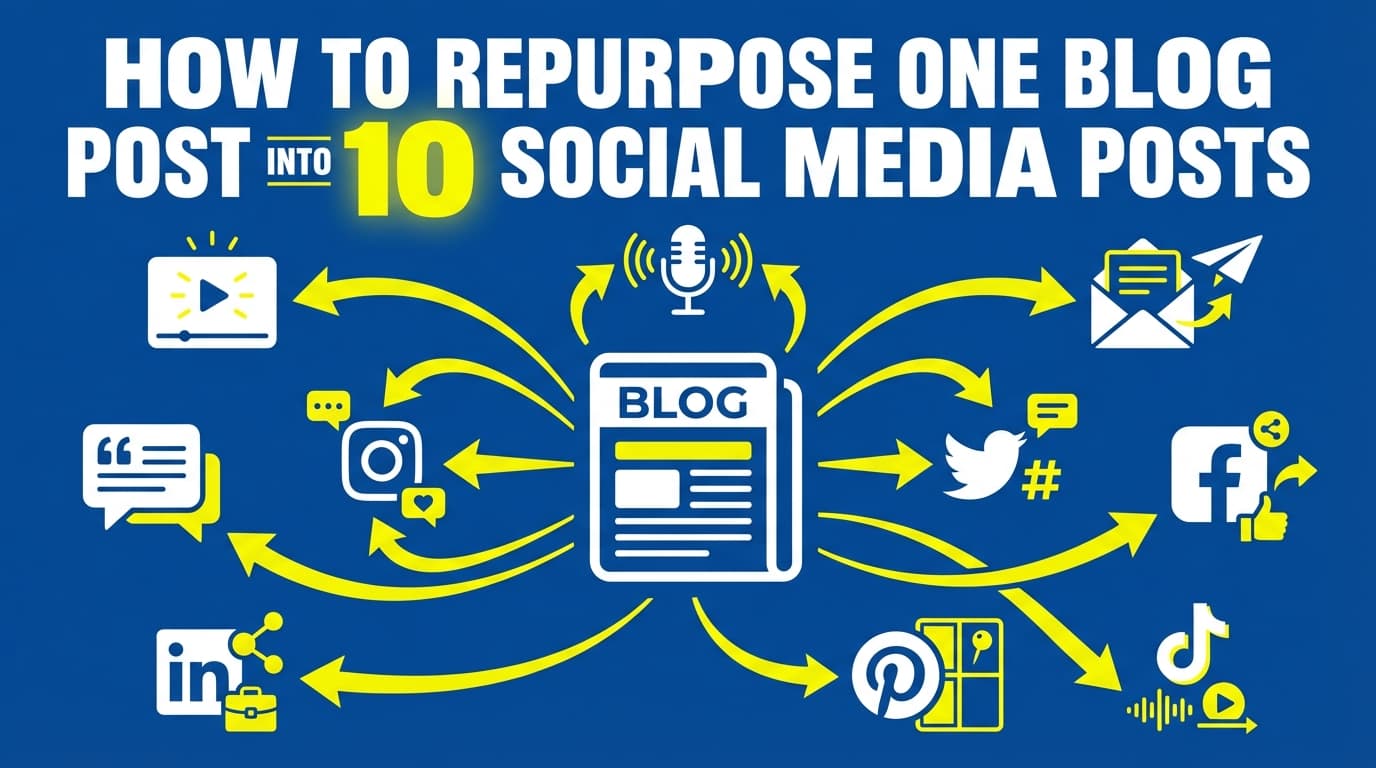
Repurposing content for social media means taking an existing piece of content (a blog post, video, webinar, newsletter, podcast, case study, or even a sales call) and repackaging its ideas into multiple social posts that fit:
- the platform’s format (text, image, carousel, video),
- the platform’s culture (professional vs casual vs punchy),
- and the audience’s expectations (quick tips vs deeper context).
Reposting the same caption everywhere doesn’t count. A useful way to think about it:
- Creation = making the original insight
- Repurposing = re-packaging that insight into multiple “deliverables” (often called content atomization)
Why repurposing matters more in 2026
1) Feeds are crowded and output expectations are rising
Sprout’s 9.5 posts/day benchmark (above) shows how much brands publish. Repurposing lets you keep up that pace without the quality dropping.
2) You can find out what audiences expect
Sprout Social’s 2024 Social Media Content Strategy Report states they surveyed 4,500+ consumers to understand what people want from brands on social.
Source: https://sproutsocial.com/insights/data/2024-social-content-strategy-report/
With a repurposing workflow, you spend less time deciding what to post and more time making each post clearer and more useful.
3) The “most-used formats” encourage repurposing
HubSpot reports that in 2024, short-form video (29.18%) was the most-used content format by marketers (with images close behind).
Source: https://www.hubspot.com/marketing-statistics
Short formats suit repurposing well, because each one is built from a single idea, hook and example.
4) Updating/refreshing content often improves results
Semrush reports 53% of respondents saw an increase in engagement after updating their content.
Source: https://www.semrush.com/blog/content-marketing-statistics/
Repurposing is a kind of updating: you take a message that already exists and repackage it for new audiences and contexts.
A fast workflow built for batching
Most repurposing guides are long lists of ideas (“turn a webinar into a blog, turn a blog into a carousel…”). Those help, but they don’t tell you what to do on Monday morning. This guide follows a routine you can repeat:
- Pick an anchor
- Extract content atoms
- Map atoms to a repurposing matrix
- Write with templates
- Batch schedule across platforms
Following the same steps each time keeps you fast without making the posts generic.
How to repurpose content for social media (fast workflow): step-by-step
Step 1: Choose the right “anchor” content (5–10 minutes)
Pick one asset that meets at least two of these criteria:
- It performed well (engagement, clicks, saves, watch time, replies)
- It answers a common customer question
- It supports a current campaign (launch, webinar, seasonal push)
- It’s evergreen (useful 3–12 months from now)
- It includes concrete steps, examples, or a framework
Pro tip: If you manage clients, your best anchors are often: - FAQs from onboarding, - objections from sales calls, - “how it works” walkthroughs, - mini case studies.
Step 2: Extract “content atoms” (10–15 minutes)
Open the anchor asset and pull out these atoms into one doc:
Hooks (3): - a pain hook (“If you’re struggling with…”) - a contrarian hook (“Stop doing…”) - a curiosity hook (“Nobody talks about…”)
Core points (5–7): - steps, bullets, lessons, or a framework
Proof (1–2): - a stat, a small data point, a result, a quote, a “before/after”
CTA (1): - what do you want them to do? (comment, save, click, DM, book, etc.)
If you only have time to do one step well, make it this one.
Step 3: Use a repurposing matrix (10 minutes)
A repurposing matrix is a fixed set of “default outputs” you make every time, so you don’t have to decide from scratch each time.
Here’s a practical matrix that works for most brands and agencies:
Text-first outputs (6–8 posts): - LinkedIn: 1 thought-leadership post + 1 checklist post - X: 2 short posts (one tactical, one POV) - Threads: 1 conversational post - Facebook Page: 1 value post + 1 question post - Bluesky: 1 short insight post
Visual outputs (3–6 posts): - Instagram: 1 carousel + 1 single image quote/stat card - LinkedIn: 1 multi-image post (reuse carousel) - X: 1 image post (screenshot, chart, quote)
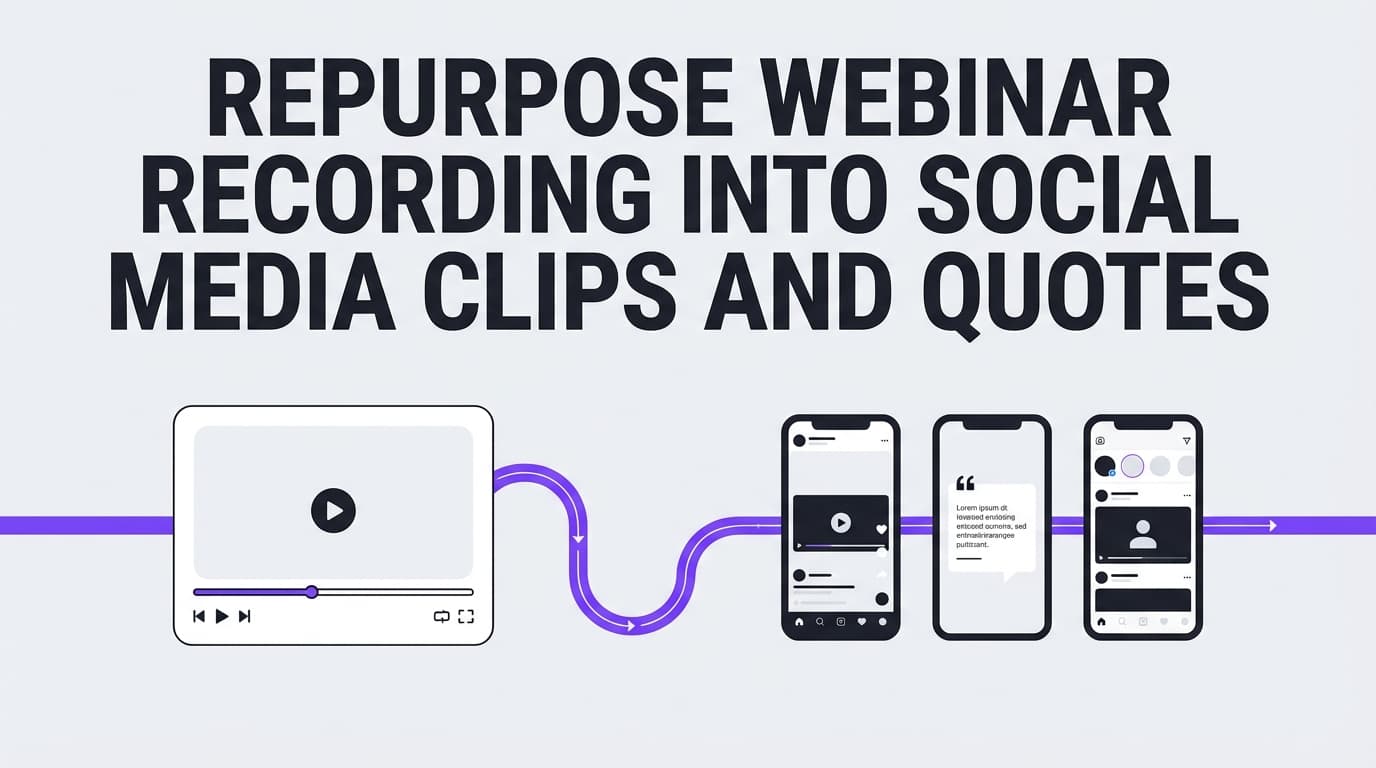
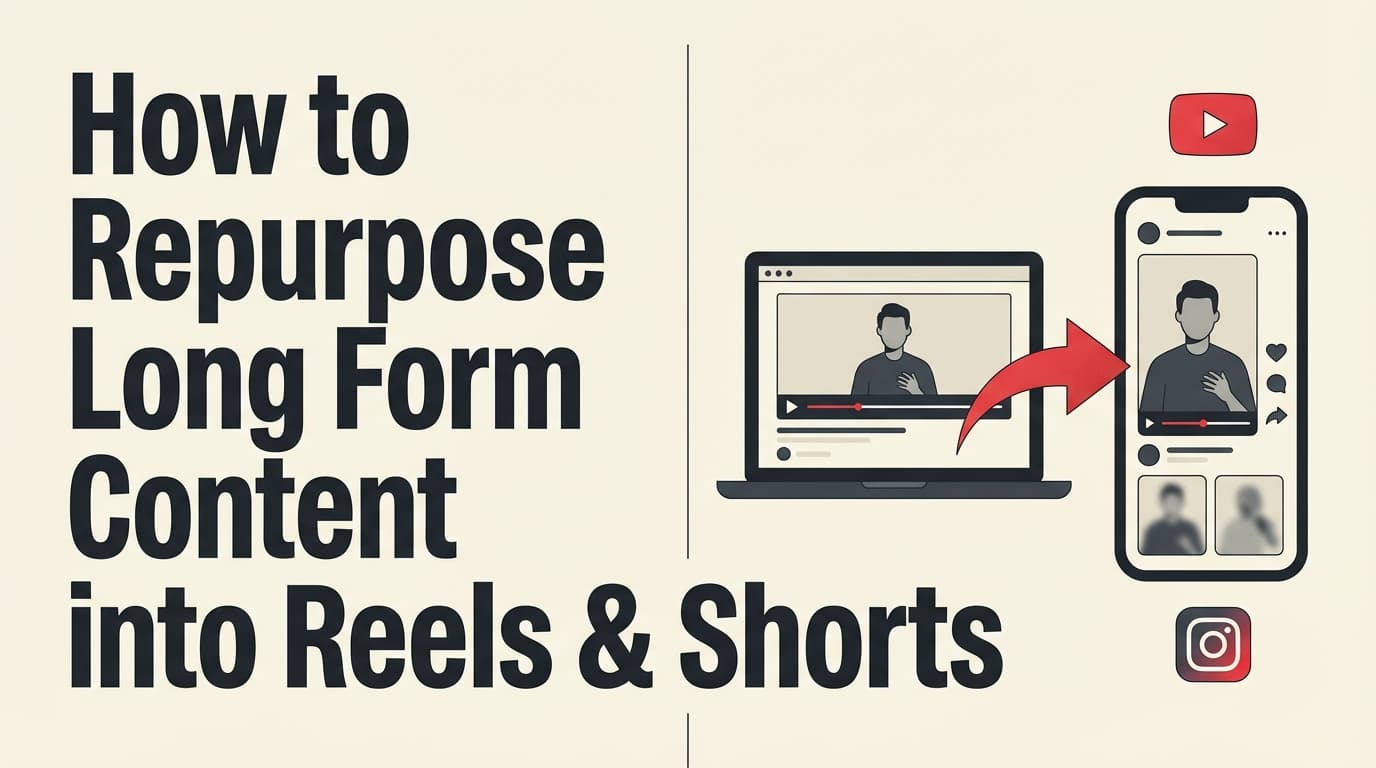
Video outputs (optional, 3–8 posts): - 1 longer video (if you have it) - 3–5 short clips (30–60s) - republish clips across platforms with platform-specific hooks
Step 4: Draft posts with templates (20–30 minutes)
Don’t start from a blank page. Use templates (you’ll get a full set below).
Pro tip: Draft quickly, then do one editing pass: - shorten the first two lines, - remove jargon, - add one concrete example.
Step 5: Batch schedule and move on (10–20 minutes)
Scheduling is what turns a one-off repurposing session into a weekly habit.
If you’re using a scheduler like PostQuickAI, you can schedule and auto-publish posts to supported platforms including Instagram (feed posts, carousels, video), LinkedIn (text, images, videos to profile or company page), Facebook Pages, X, Threads, and Bluesky.
Notes to plan around: - PostQuickAI schedules Instagram Stories and Facebook Stories. - LinkedIn documents/polls/newsletters/articles are not supported via PostQuickAI posting (publish those directly in LinkedIn). - PostQuickAI publishes native threads on X, each part as a linked reply, as well as single posts.
Pricing: PostQuickAI is a paid subscription with a 7-day free trial on your first plan (card required); plans start at $15/month.
See: /pricing
Platform packaging rules (so repurposed posts feel native)
This is what changes by platform. Use it to avoid the most common repurposing mistake, which is copy/paste cross-posting.
LinkedIn (professional, context-heavy)
What works: - frameworks, checklists, mini case studies, lessons learned
Packaging rules: - lead with a clear POV or observation - add 3–7 bullets - include a concrete example - end with a question if you want comments
Instagram (visual clarity wins)
What works: - carousels, quote cards, short videos with clear hooks
Packaging rules: - one idea per slide - large text, minimal sentences - caption can add context, but carousel should stand alone
Extra tip: If you care about grid aesthetics, plan your visuals in advance using a feed preview tool. PostQuickAI offers a free Instagram feed planner tool page (no signup required).
See: /tools/instagram-feed-planner
X (Twitter) (sharp, fast, one idea)
What works: - tight opinions, tactical one-liners, clear mini frameworks
Packaging rules: - one main point per post - shorter is usually better - keep the hook in the first line
Spec note: X’s developer documentation states you may attach up to 4 photos in a Tweet.
Source: https://developer.x.com/en/docs/x-api/v1/media/upload-media/uploading-media/media-best-practices
Threads (conversational + personal tone)
What works: - story + lesson posts, quick takes, questions
Packaging rules: - write like you’re texting a smart friend - make the first line human - keep it casual but clear
Tool limit note (PostQuickAI): Threads carousels are constrained to max 10 images in PostQuickAI.
Facebook Pages (community prompts)
What works: - practical tips + prompts, discussion questions
Packaging rules: - ask for an opinion - use short paragraphs - keep CTAs simple
Bluesky (short, straightforward)
What works: - short insights + questions
Tool limit note (PostQuickAI): Bluesky image posts support up to 4 images per post.
The “1 asset → 20 posts” blueprint (copy/paste workflow)
Use this when you want a concrete output target.
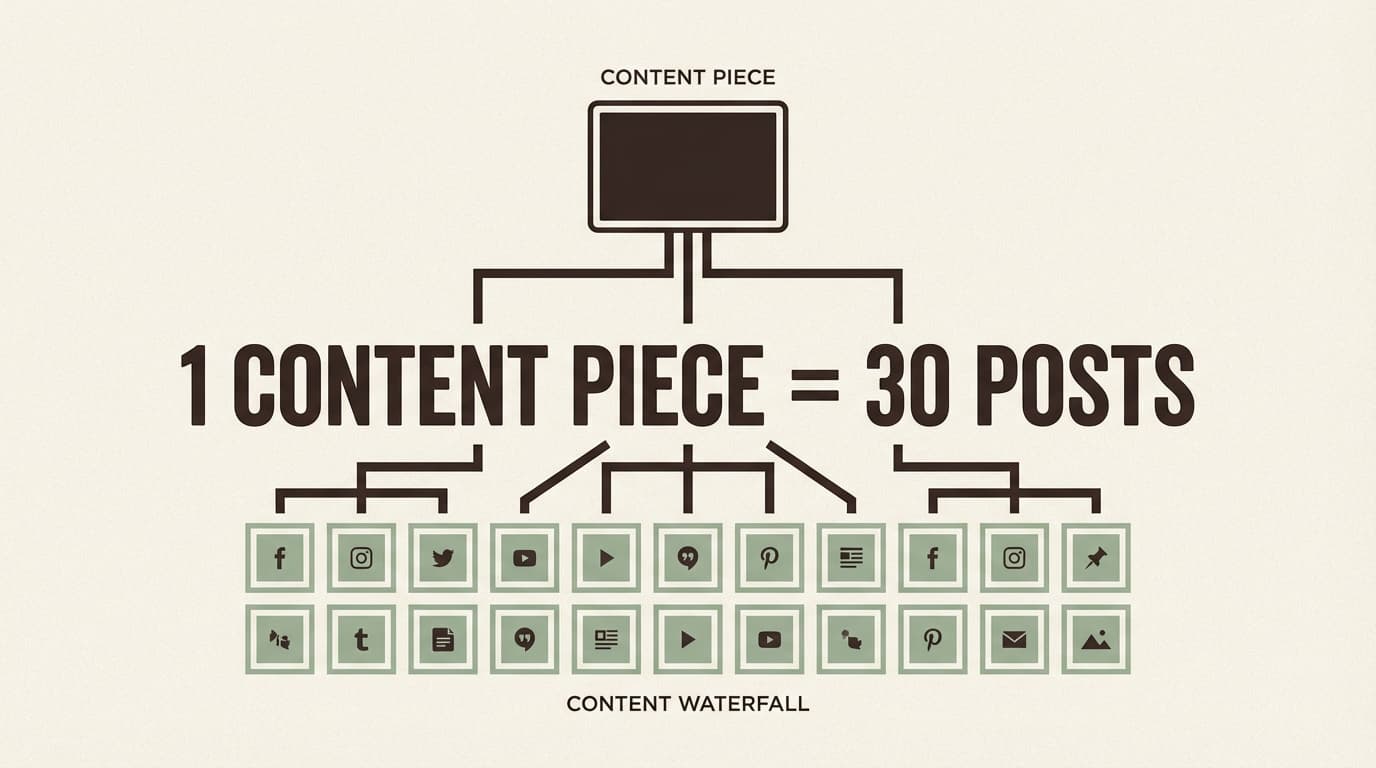
Output set (no video required): 20 posts
LinkedIn (4) 1. POV post (story + lesson) 2. Checklist post (7 bullets) 3. “Mistakes” post 4. Mini case study post
Instagram (4) 5. Carousel (7–10 slides) 6. Quote/stat card 7. “3 tips” single image 8. Carousel remix (same points, new hook)
X (4) 9. Tactical tip 10. Contrarian take 11. Short checklist (3 bullets) 12. Image post (quote or chart)
Threads (3) 13. Story + takeaway 14. “Unpopular opinion” 15. Quick Q&A
Facebook Page (3) 16. Value post (3 tips) 17. Question prompt 18. Myth-bust post
Bluesky (2) 19. Short insight + question 20. Short “what I learned” post
Templates: 15 proven post structures (fast, but not generic)
1) “Stop doing this” (LinkedIn / X / Threads)
Stop doing [common tactic]. It’s costing you [outcome].
Do this instead: - [step 1] - [step 2] - [step 3]
2) “Myth → Truth → Action” (all platforms)
Myth: [belief]
Truth: [reality]
Action: [what to do next]
3) “Checklist” (LinkedIn / Facebook)
Before you publish [type of post], check: - [ ] [item] - [ ] [item] - [ ] [item] - [ ] [item] - [ ] [item]
4) “3 levels” framework (LinkedIn)
Most people do [topic] at Level 1.
- Level 1: [surface tactic]
- Level 2: [process/system]
- Level 3: [strategy/measurement]
If you’re stuck, you’re trying to win at Level 3 with Level 1 habits.
5) “Mini case study” (LinkedIn)
Problem: [what was happening]
Constraint: [time/budget/team limit]
Change: [what you changed]
Result: [what improved]
Lesson: [generalizable takeaway]
6) “The fast process” (carousel)
Slide 1: How to [do thing] fast
Slide 2: Step 1: [verb]
Slide 3: Step 2: [verb]
Slide 4: Step 3: [verb]
Slide 5: Step 4: [verb]
Slide 6: Step 5: [verb]
Slide 7: Save this + CTA
7) “FAQ answer” (all platforms)
Q: [question]
A: [one-sentence answer]
Here’s what most people miss: [insight]
Do this: [1–3 steps]
8) “Unpopular opinion” (X / Threads)
Unpopular opinion: [opinion].
Most people chase [thing].
The advantage is [other thing].
9) “Do this today” (Instagram caption / Facebook)
If you do one thing today, do this: 1) [action] 2) [action] 3) [action]
10) “Mistakes” (LinkedIn / IG caption)
If your [goal] isn’t working, it’s usually one of these:
- [mistake] → fix: [fix]
- [mistake] → fix: [fix]
- [mistake] → fix: [fix]
11) “Rewrite the hook 3 ways” (repurposing accelerator)
Same idea, 3 hooks: - Pain: [pain hook] - Curiosity: [curiosity hook] - Authority: [authority hook]
12) “3 examples” post (LinkedIn / IG caption)
3 examples of [concept]: - Example 1: [example] - Example 2: [example] - Example 3: [example]
13) “One sentence lesson” (X / Bluesky)
The fastest way to [goal] is to [action], because [reason].
14) “Here’s what I’d do if I started over” (LinkedIn / Threads)
If I started [topic] again today, I’d do this: 1) [step] 2) [step] 3) [step] 4) [step]
15) “Weekly recap” (end-of-week post)
This week we covered: - [topic] - [topic] - [topic]
Next week: [tease]. What do you want most?
Worked example: turn one blog post into a full week of posts
Let’s say your anchor asset is a blog titled:
“How to repurpose content for social media (fast workflow)”
1) Extract atoms (10 minutes)
Hooks (3): - “If repurposing feels slow, your workflow is the problem.” - “You don’t need more ideas. You need better packaging.” - “Here’s how to get 20 posts from 1 asset without sounding recycled.”
Core points (5): - choose an anchor - extract atoms - map to matrix - write with templates - schedule in batches
Proof (2):
- Sprout: 9.5 posts/day benchmark
https://sproutsocial.com/insights/social-media-benchmarks-by-industry/
- Semrush: 53% saw engagement increase after updating content
https://www.semrush.com/blog/content-marketing-statistics/
CTA (1): - “Want the matrix? Comment ‘MATRIX’ and I’ll share it.”
2) Create platform-native drafts
LinkedIn (POV post):
You don’t have a content problem. You have a packaging problem.
Sprout reported brands published an average of 9.5 posts/day across networks in 2024. The common response is “we need more ideas.”
The fastest teams do the opposite:
1) Pick one strong anchor asset
2) Pull hooks, bullets, and proof points
3) Turn it into 10–20 platform-native posts
4) Schedule the week in one sitting
If repurposing feels slow, it’s usually because you’re rewriting from scratch instead of using templates.
X (tactical):
Repurposing shouldn’t take 3 hours.
3 hooks + 5 bullets + 2 proof points + 1 CTA
= a full week of posts.
Instagram carousel (outline):
1. How to repurpose content fast
2. Pick one anchor asset
3. Extract your content atoms
4. Use a repurposing matrix
5. Write with templates
6. Batch schedule
7. Save this
Best practices: how to repurpose without sounding repetitive
Best practice 1: Change the hook (not the entire body)
Fast repurposing changes: - the first line - the framing (mistakes vs checklist vs story) - the CTA
It does not require rewriting every sentence.
Best practice 2: Keep the idea, swap the example
Use the same core point, but rotate: - industry example (eCommerce vs local service vs SaaS) - “creator” example vs “brand” example - small business vs enterprise scenario
Best practice 3: Build a “reposting” rule for evergreen content
There isn’t one universal schedule, but teams often reshare evergreen content on a cadence (weekly/monthly/quarterly) depending on volume and audience size.
If you want a simple starting point: - recycle winners every 6–12 weeks with a new hook and updated example - don’t repost the exact same caption
(For more on repeating evergreen posts, see MeetEdgar’s overview: https://meetedgar.com/blog/repeating-social-media-content.)
Best practice 4: Track winners so repurposing compounds
Every month: 1) identify top posts by meaningful engagement (saves, shares, replies) 2) rewrite the hook and repost 3) turn the top idea into a new anchor asset
Common mistakes to avoid
Mistake 1: Copy/paste cross-posting
Same text across LinkedIn, X, and Instagram almost always underperforms because the platforms reward different behavior.
Fix: Rewrite only: - the hook - formatting (bullets vs short lines) - CTA
Mistake 2: Creating 30 posts with no goal
You end up with a pile of content and no strategy.
Fix: Assign each post a job: - awareness (reach) - engagement (comments/saves) - conversion (clicks/leads)
Mistake 3: Repurposing outdated content
Repurposing multiplies whatever you start with, good or bad.
Fix: Spend 10 minutes refreshing: - screenshots - examples - stats
Mistake 4: Planning deliverables around unsupported publishing formats
If you’re using PostQuickAI, plan around what’s actually supported: - Instagram Stories: supported - Facebook Stories: supported - LinkedIn documents/polls/newsletters/articles: not supported via PostQuickAI posting
Tools to help with repurposing (honest recommendations)
PostQuickAI (draft + schedule + publish)
PostQuickAI is useful once you’ve extracted your content atoms and want to move quickly from “draft” to “scheduled.”
Accurate capabilities: - AI caption drafts from an assistant in the composer - Tone changes and proofreading on request, reviewed as suggestions before they change your post - Scheduling/auto-publishing supported post types to: - Instagram (feed images, carousels, video) - Facebook Pages (text, images, multi-image, video) - LinkedIn (text, images, multi-image, video to profile or company page) - X (text, images, video) - Threads (text, images/carousels up to 10, video) - Bluesky (text, images up to 4, video)
Pricing: paid subscription, 7-day free trial on your first plan (card required), plans start at $15/month.
See: /pricing
Free tools (no signup)
PostQuickAI also offers standalone free tools:
- Free AI Caption Generator: /tools/caption-generator
- Free Hashtag Generator: /tools/hashtag-generator
- Free Instagram Feed Planner: /tools/instagram-feed-planner
Canva (visual repurposing)
Best for: - carousel templates - quote cards - consistent brand kits
Descript / CapCut (video clipping)
Best for: - turning long videos/podcasts into short clips - subtitles/captions - quick edits
Key takeaways
- Repurposing means repackaging an idea. Reposting the same thing doesn’t count.
- The fastest workflow is: anchor → atoms → matrix → templates → scheduling.
- Use fixed outputs to reduce decisions and speed up production.
- Make posts feel native by changing hooks, formatting, and examples per platform.
- If you use PostQuickAI, plan around its limits (LinkedIn documents and polls aren’t supported). It does schedule Stories.
FAQ (People Also Ask)
What is an example of repurposed content?
A simple example: take one blog post, pull out 5 key points, then turn them into: - an Instagram carousel (one point per slide), - a LinkedIn checklist post (7 bullets), - and two X posts (one tactical, one opinionated).
Keep the idea and change the packaging.
Is repurposing content illegal?
Repurposing your own content is typically fine. The risk is repurposing someone else’s text, images, videos, or music without permission/licensing. When in doubt, use original assets or properly licensed media. (General information, not legal advice.)
What is the 5-5-5 rule for social media?
“5-5-5” is used in multiple ways, but a common version is balancing content types (for example):
- 5 educational/value posts
- 5 engagement/community posts
- 5 promotional posts
Repurposing helps you fill the “value” bucket quickly without constant brainstorming.
What is the 30-30-30 rule for social media?
This also varies by creator, but a common interpretation is:
- 30% educational/value
- 30% community/relationship or curated content
- 30% promotional
(with the remaining 10% flexible)
Repurposing gives you consistent educational content while you use the other buckets for community and promotion.
How often should I repost evergreen content?
A practical starting cadence is every 6–12 weeks for proven evergreen posts, especially if you rewrite the hook and update examples. If you post at high volume, you can recycle less often; if you post at low volume, you can recycle sooner.
Can I schedule repurposed posts to multiple platforms at once?
Yes, many scheduling tools allow cross-posting. In PostQuickAI, cross-posting is supported by selecting multiple platforms at publish time (for supported platforms and formats).
Does video matter if I’m mostly repurposing written content?
Video helps, but it’s not required. If you want a data point: Wyzowl’s video marketing statistics report states 91% of businesses use video as a marketing tool.
Source: https://wyzowl.com/video-marketing-statistics/
A strong repurposing system can start with text + carousels and add video later.