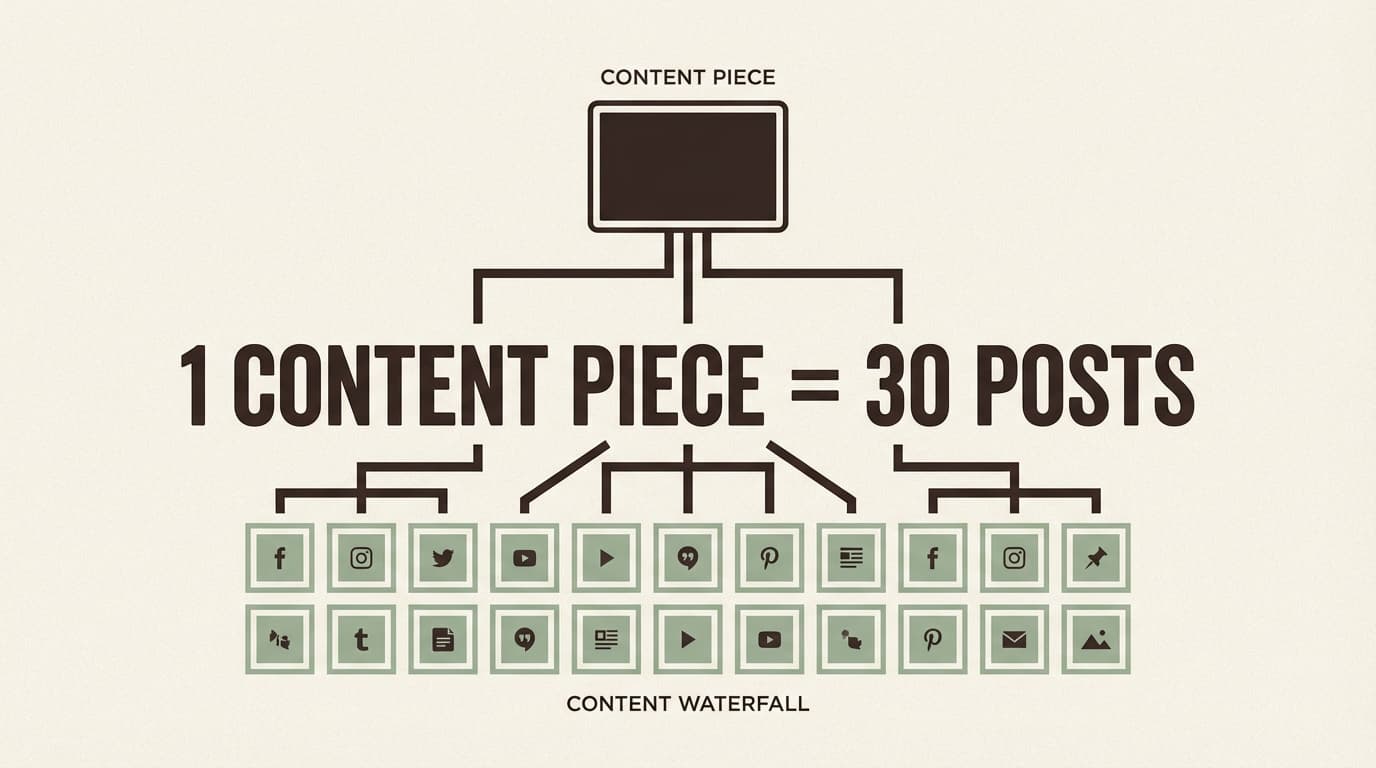
Repurpose One Piece of Content Into 30 Days of Social Posts: Complete Guide for 2026 (With a Copy-Paste Calendar)
Turn one piece of content into 30 days of posts with a step-by-step workflow, a copy-paste 30-day calendar and examples for each network.

Author
Brands published an average of 9.5 social posts per day across networks in 2024. No wonder “just post consistently” feels impossible when you’re juggling clients, approvals, and five platforms. (Sprout Social, Social Media Benchmarks by Industry in 2025)
Source: https://sproutsocial.com/insights/social-media-benchmarks-by-industry/
If you’re a social media manager or a solo marketer, the problem usually isn’t that you have nothing to say. It’s that you’re trying to come up with new ideas every day, when you could get more angles, formats and proof out of what already works.
This guide covers: - A repeatable workflow to turn 1 “pillar” asset into 30 distinct posts (without sounding repetitive) - A 30-day content calendar template you can copy and fill in - Platform packaging rules for LinkedIn, Instagram, TikTok, X, Threads, Facebook, and more - A batching and scheduling routine (including how a scheduler like PostQuickAI lets you schedule the whole month in one session)
What does it mean to repurpose one piece of content into 30 days of social posts?
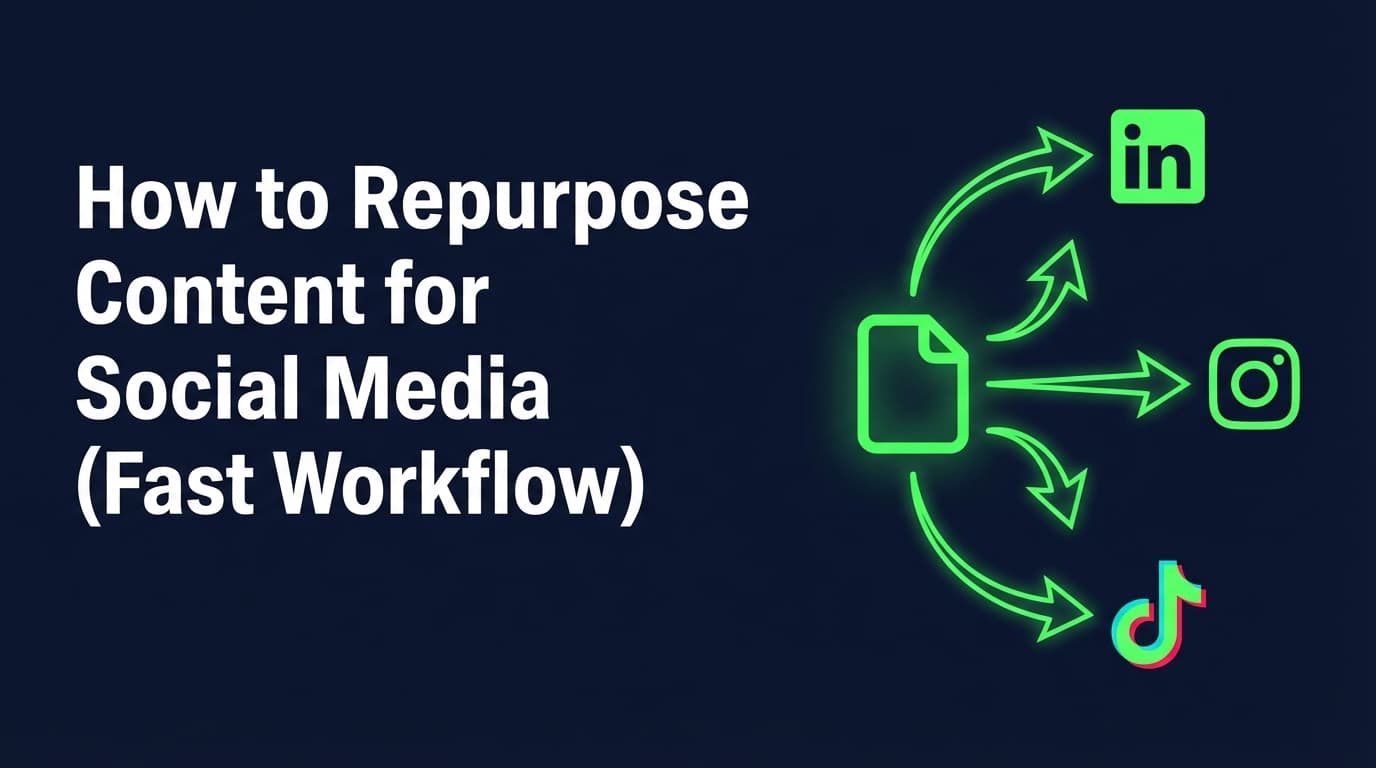
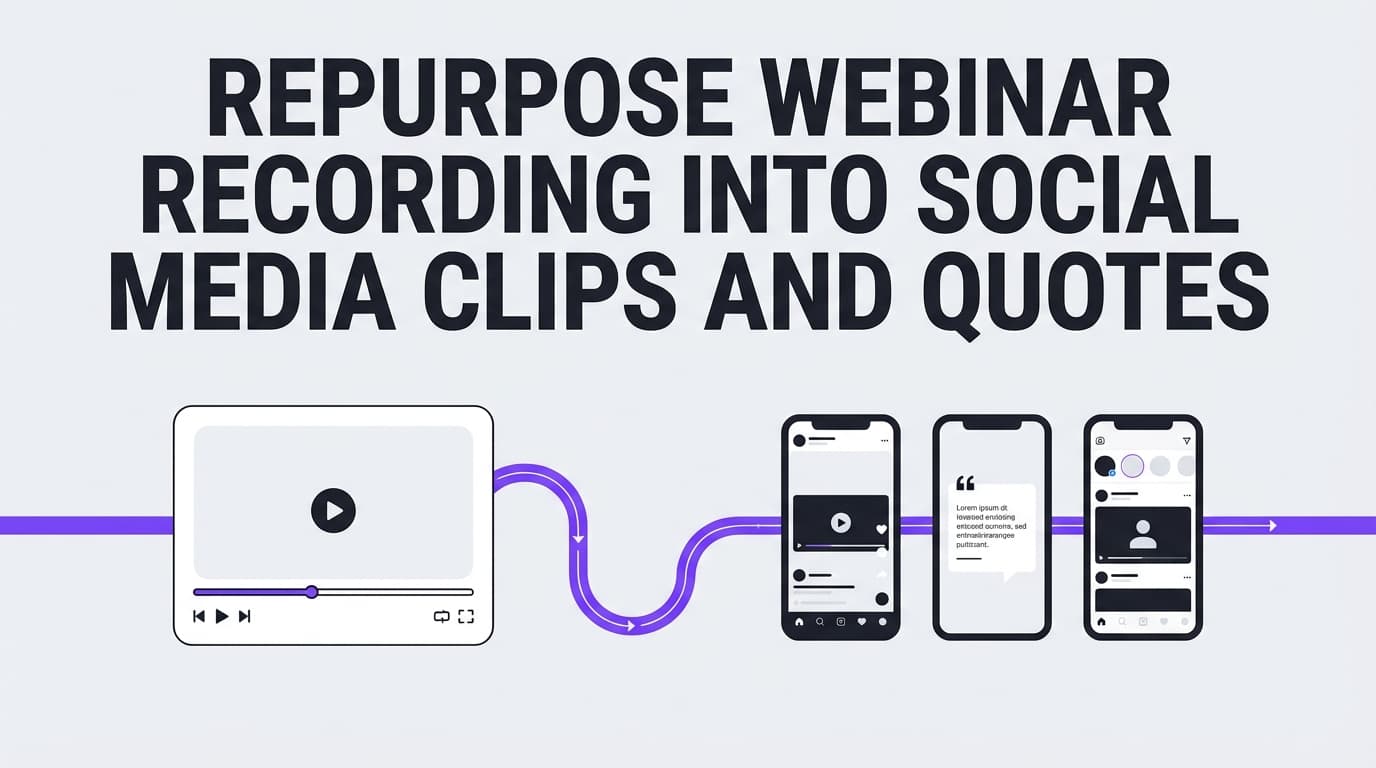
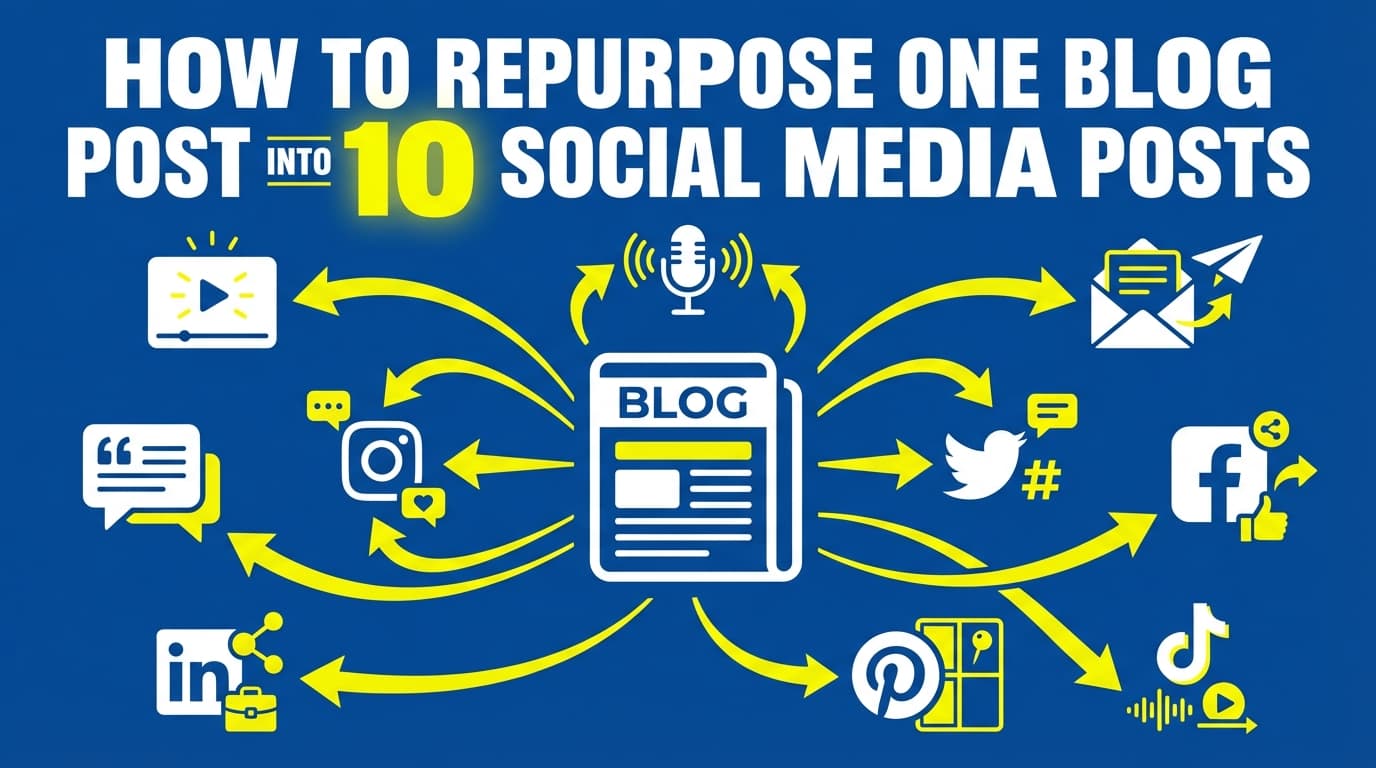
Repurposing means taking one strong “source” piece (a blog post, webinar, podcast, case study, workshop, newsletter, etc.) and reworking it into several posts made for each platform, each with a different hook, format, or angle.
This is not the same as copying and pasting the same caption everywhere.
Repurposing vs. cross-posting
- Cross-posting: same content, minimal or no changes, pushed to multiple platforms.
- Repurposing: same core idea, transformed for different formats/audiences/platform norms.
Buffer frames cross-posting/reposting/repurposing as different types of “content reuse,” with repurposing being the intentional adaptation step.
Source: https://buffer.com/resources/repurposing-content-guide/
Why this matters in 2026 (and why “30 posts” is a realistic goal)
1) Repurposing is already how many teams keep up
HubSpot reports 48% of social media marketers share similar or repurposed content across platforms with minor modifications, while 34% make unique content for each platform.
Source: https://www.hubspot.com/marketing-statistics
So you don’t need a brand-new idea every day. You need a planned way to reuse what you have.
2) Your “one piece” can become a content library
Content Marketing Institute lists common AI use cases like outlining and repurposing content (32%) in their round-up of content marketing statistics.
Source: https://contentmarketinginstitute.com/content-marketing-strategy/content-marketing-statistics
Even if you don’t use AI, the point holds: teams are trying to get more out of each piece of work.
3) Algorithms reward relevant content more than sheer volume
Posting more can help, up to a point. For example, Social Media Today summarized findings suggesting that posting 3–5 times per week on Instagram can more than double follower growth rate (as reported in their coverage).
Source: https://www.socialmediatoday.com/news/study-shows-posting-more-instagram-leads-to-more-reach/757633/
Repurposing is how you keep that pace without inventing new ideas every day.
The “30-from-1” method: the simplest way to create 30 posts that don’t feel repetitive
The main idea:
You aren’t writing 30 posts from scratch. You’re pulling 30 pieces out of one asset: hooks, examples, objections, steps, stories, metrics, mistakes, FAQs, and CTAs.
Use this 5-part framework:
- Pick the right source (“pillar”)
- Extract 10–15 “atoms” (raw ideas)
- Turn atoms into 30 posts using a format + angle matrix
- Batch-create captions and creatives
- Schedule + measure + recycle what works
How to repurpose one piece of content into 30 days of social posts (step-by-step)
Step 1: Choose a pillar piece that’s worth multiplying
Not every piece is a good candidate. Pick something that already has at least one of these signals:
- It drove meaningful traffic (blog), watch time (video), replies (X/Threads), saves (Instagram), or comments (LinkedIn)
- It answers a high-intent question (how-to, pricing, mistakes, checklist)
- It contains examples, screenshots, or a clear before/after
- It supports a business goal (lead gen, demos, bookings, trial starts)
Quick “Repurpose Score” (0–10): - Clear promise/outcome (0–2) - Has a step-by-step process (0–2) - Contains numbers/proof (0–2) - Includes a story/case example (0–2) - Contains FAQs/objections (0–2)
Anything 7+ is a strong “30-from-1” candidate.
Pro tip: If you manage multiple client accounts, choose pillar content that supports a single monthly theme (one offer, one seasonal push, one product line). Approvals get much simpler.
Step 2: Extract your “atoms” (the raw material for 30 posts)
Open the pillar content and pull out:
- 3 big ideas (the main takeaways)
- 5–7 supporting points (steps, tips, sub-lessons)
- 3 common mistakes (what people do wrong)
- 3 objections (why people don’t do it)
- 3 stories/examples (client story, behind-the-scenes, “we tried X”)
- 3 FAQs (questions you get repeatedly)
- 1–2 proofs (metrics, quotes, screenshots, mini case study)
That’s already 20+ post seeds.
Deliverable from this step: a simple list titled “Atoms,” with ~15–25 bullets.
Step 3: Create variety with a Format × Angle matrix
Most “30 post” templates feel repetitive because they change the caption length and leave the angle the same.
Use two levers:
Lever A: Post formats (choose 6)
Pick 6 formats you can execute quickly:
- Quick tip (single insight)
- Myth vs reality
- Step-by-step
- Mistake to avoid
- Story/behind-the-scenes
- Checklist/template
Lever B: Angles (choose 5)
Pick 5 angles that fit your brand:
- Beginner (“If you’re new, do this first…”)
- Contrarian (“Stop doing X…”)
- Proof (“Here’s what happened when…/data says…”)
- Objection (“If you think X won’t work, read this…”)
- Tool/workflow (“Here’s the system we use…”)
Now you have 6 × 5 = 30 combinations.
Each day uses the same pillar idea with a different format and angle.
Step 4: Write hooks first (they’re what you run out of)
For each post, write: - Hook (1–2 lines) - Body (3–7 lines OR bullets) - CTA (one action)
Here are 12 hook templates you can rotate across the month:
- “I used to think ___ until ___.”
- “If you only do one thing this week, do this: ___”
- “Most people get ___ wrong. Here’s the fix.”
- “Steal my framework: ___”
- “Here’s the checklist we use for ___”
- “The fastest way to ___ (without ___)”
- “Unpopular opinion: ___”
- “3 signs you’re ready for ___”
- “The difference between ___ and ___”
- “I audited ___ and noticed this pattern…”
- “Stop doing ___. Do this instead.”
- “If you’re stuck on ___, read this.”
Pro tip: Keep a “Hook Bank” doc. Most of what you reuse is hooks and examples, more than the information itself.
Step 5: Add platform packaging rules (so your posts look native)
This step decides whether repurposed posts do well.
LinkedIn (packaging)
- Take a clear position and format for skimming (short paragraphs, whitespace)
- Lead with a professional outcome (time saved, revenue, pipeline, hiring, execution)
- End with one question to invite comments
Instagram (packaging)
- If you’re doing feed posts, make the first frame instantly readable
- Aim for “saveable” structure: steps, checklists, mistakes
- If you’re doing video, keep it tight and captioned
If visual planning is a bottleneck, use a grid preview tool before you schedule. PostQuickAI offers a free Instagram Feed Planner (grid preview) with no signup.
Internal: /tools/instagram-feed-planner
TikTok (packaging)
- Make the first 1–2 seconds outcome-driven
- Use one clear lesson per clip
- If you plan photo posts: TikTok photo posts require at least 2 images (some schedulers enforce this constraint).
X (Twitter) + Threads
- Optimize for one-liners, sharp takes, and “open loops”
- Break long ideas into multiple single posts (don’t assume thread publishing is available in every tool)
- On Threads, carousel image posts often perform well when the first slide is a bold claim
Note for PostQuickAI users: it publishes native X threads (each part as a linked reply) as well as single X posts.
Facebook Pages
- Keep it direct; use a short setup + the lesson + a simple CTA
- Great for repurposed “how-to” posts and community prompts
Note (PostQuickAI): Facebook Stories scheduling is now supported.
Bluesky
- Keep it conversational
- Repurpose as short takes, mini-lessons, or “what we learned” posts
Step 6: Batch your month in 90–180 minutes (realistic workflow)
Here’s a time-boxed batching plan that works for agencies and solo marketers:
- 30 minutes: extract atoms + fill the 30-post matrix (just titles/hooks)
- 60–90 minutes: draft all captions (rough first pass)
- 30–60 minutes: create visuals (or choose stills/screenshots)
- 15 minutes: schedule everything + add links/UTMs + final proof
If you’re doing this for multiple clients, do it client-by-client, not platform-by-platform. Switching contexts is what slows you down.
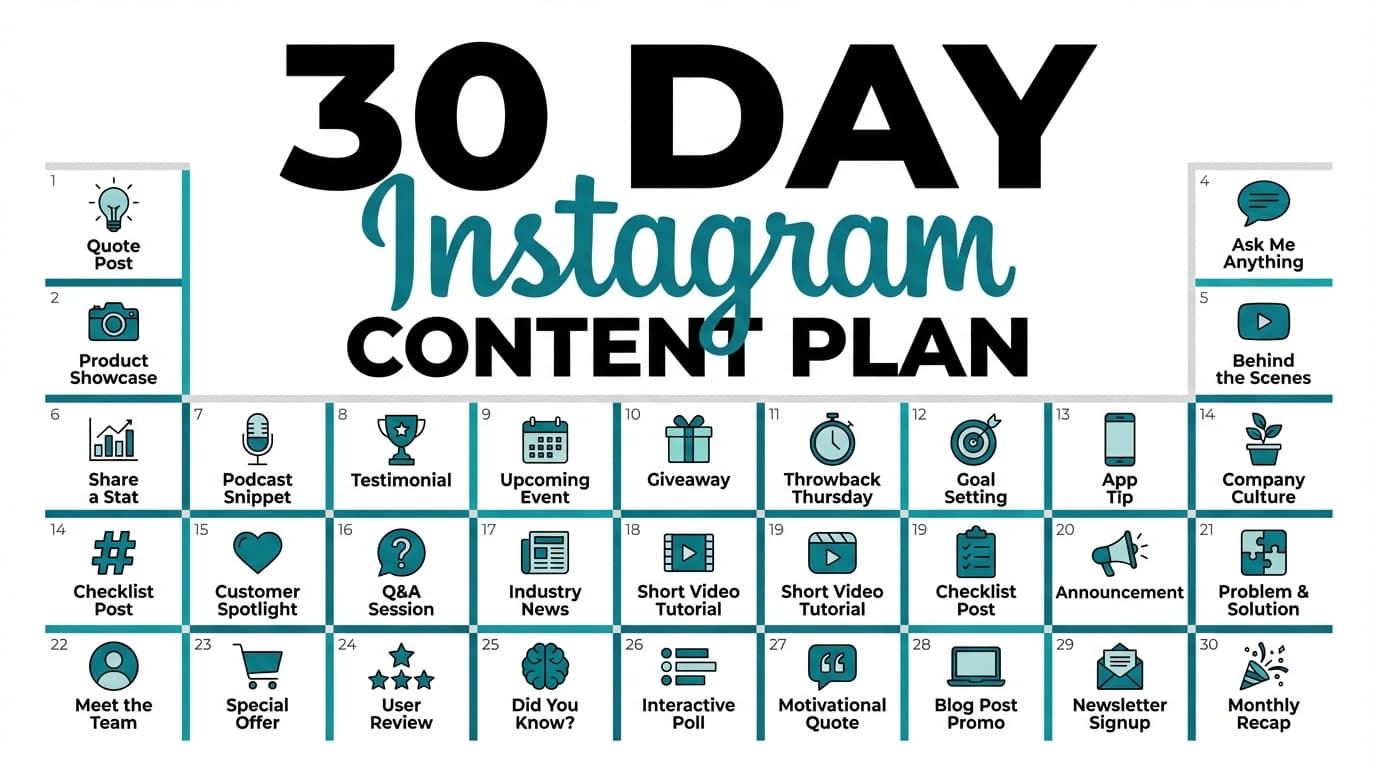
A 30-day social post calendar template (copy/paste)
Use this template with your Format × Angle matrix. Replace the bracketed fields.
Pillar: [Title + link]
Primary goal: [Traffic / Leads / Trials / Sales / Awareness]
Primary CTA: [Comment / DM / Click / Save / Follow]
Core offer/topic: [What you want to be known for]
The calendar (30 post prompts)
| Day | Format | Angle | Post prompt (fill-in) | Best for |
|---|---|---|---|---|
| 1 | Quick tip | Beginner | “If you’re new to [topic], start with ___.” | LinkedIn, X, Bluesky |
| 2 | Myth vs reality | Contrarian | “Myth: . Reality: .” | Threads, LinkedIn |
| 3 | Step-by-step | Tool/workflow | “Our exact process for ___ (step 1–5).” | LinkedIn, Facebook |
| 4 | Mistake | Beginner | “Stop doing ___. Do ___ instead.” | X, Threads |
| 5 | Checklist | Tool/workflow | “Checklist: before you ___, confirm these 7 things.” | IG carousel, LinkedIn |
| 6 | Story | Proof | “What happened when we tried ___ (results + lesson).” | LinkedIn, Facebook |
| 7 | Quick tip | Proof | “This one tweak improved : .” | X, Threads |
| 8 | Mistake | Objection | “If you think ___ won’t work because ___, read this.” | |
| 9 | Step-by-step | Beginner | “Do this in 10 minutes: ___.” | IG, TikTok |
| 10 | Template | Tool/workflow | “Steal this script for : .” | LinkedIn, X |
| 11 | Myth vs reality | Beginner | “You don’t need . You need .” | Threads, X |
| 12 | Quick tip | Contrarian | “Unpopular opinion: ___.” | X, Bluesky |
| 13 | Checklist | Beginner | “The 5 things I’d fix first in your ___.” | |
| 14 | Story | Behind-the-scenes | “How we plan a month of ___ in one sitting.” | IG, LinkedIn |
| 15 | Mistake | Proof | “We tracked ___. Here’s what actually mattered.” | |
| 16 | Step-by-step | Objection | “If you’re overwhelmed, do only steps 1–2 this week.” | LinkedIn, Facebook |
| 17 | Quick tip | Tool/workflow | “My content batching rule: ___.” | X, Threads |
| 18 | Myth vs reality | Proof | “Data point: . What it means: .” | |
| 19 | Checklist | Tool/workflow | “Pre-post QA checklist (so you don’t publish mistakes).” | IG, LinkedIn |
| 20 | Story | Beginner | “I started with ___. Here’s what I’d do differently.” | |
| 21 | Quick tip | Beginner | “3 examples of ___ you can steal today.” | X, Threads |
| 22 | Mistake | Contrarian | “Posting more isn’t the answer. This is.” | |
| 23 | Step-by-step | Proof | “We turned 1 ___ into 30 posts. Here’s the breakdown.” | LinkedIn, FB |
| 24 | Template | Objection | “If you don’t have time, use this 3-line post.” | X, Threads |
| 25 | Myth vs reality | Tool/workflow | “Cross-posting ≠ repurposing. Here’s the difference.” | |
| 26 | Checklist | Proof | “These are the posts that drove the most ___ last month.” | |
| 27 | Quick tip | Behind-the-scenes | “My editing shortcut for turning long-form into short.” | IG, TikTok |
| 28 | Story | Proof | “Client win: ___ (what we changed + why it worked).” | LinkedIn, FB |
| 29 | Mistake | Beginner | “Don’t repurpose everything. Repurpose this.” | |
| 30 | CTA post | Tool/workflow | “Want the template? Comment ‘CALENDAR’ and I’ll share it.” | LinkedIn, IG |
Make it even easier: Put your calendar into a scheduler as soon as drafts are “good enough,” then iterate next month based on performance.
Example: turning one blog post into 30 posts (a quick walkthrough)
Let’s say your pillar content is:
Pillar: “How to onboard a new client in 7 steps” (agency)
Your atoms might include: - Step-by-step onboarding - Common mistake: no timeline, no single point of contact, unclear deliverables - Proof: reduced revisions, faster time-to-first-post - FAQ: what to do when clients don’t respond - Templates: kickoff agenda, questionnaire, reporting cadence
Now you can repurpose into: - LinkedIn post: “The onboarding question that prevents 80% of scope creep…” (template angle) - Instagram carousel: “7-step onboarding checklist” (checklist format) - X post: “Client onboarding hot take: if you don’t get X in writing, you’re freelancing blind.” (contrarian) - Facebook: “New client? Here’s the kickoff agenda we use.” (tool/workflow)
Every one of those comes from the same pillar, with its own format and hook.
11 best practices to make 30 days of repurposed posts actually work
1) Don’t aim for 30 platforms. Aim for 30 posts.
Your calendar can be “one post per day” across your primary platform, plus optional cross-posts.
2) Rotate CTAs to avoid “sell fatigue”
Use a weekly CTA rotation: - Week 1: comment/reply - Week 2: save/share - Week 3: click/download - Week 4: DM/book/trial
3) Build in “proof” posts early
Your audience needs a reason to believe. Use stats, mini case studies, screenshots, or before/after.
For example, you could cite HubSpot’s repurposing figure (48%) or your own results.
4) Make 20% of the month “engagement-first”
Not every post should teach. Add: - “Pick A vs B” - “What’s your biggest challenge with ___?” - “Hot take: ___ (agree/disagree?)”
5) Create 3 “signature frameworks” you can reuse forever
Frameworks you reuse become something people recognize you for: - “3-step process” - “Checklist” - “Mistakes to avoid” - “Myth vs reality”
6) Use a consistent visual system (so creation gets faster)
Even simple rules help: - 2 fonts, 2 colors - one cover-slide style for carousels - one thumbnail style for short video
7) Keep a “swipe file” of your own best posts
Your own past posts are often the best thing to repurpose.
8) Adapt length and formatting per platform (don’t fight the medium)
If a post did well on LinkedIn, repurpose it to X by extracting: - 1 punchy line - 1 key takeaway - 1 CTA question
9) Avoid accidental duplicates with a “content ledger”
Track: - hook used - format used - angle used - CTA used - platform used
Then you’ll notice before everything starts to sound the same.
10) Schedule in advance so you can spend posting days on engagement
For agencies, this saves more time than anything else here.
If you use PostQuickAI, you can schedule posts to multiple platforms and rely on server-side scheduled publishing (your posts can publish even if your browser is closed).
Internal: /social-media-scheduler
Pricing note (PostQuickAI): a 7-day free trial comes with your first plan (card required) and plans start at $15/month.
11) Review performance weekly, not daily
Pick 3 metrics that match your goal: - awareness: reach/impressions - engagement: comments/saves/shares - conversions: clicks/leads/trials
Then use next month’s pillar to create more of what worked.
Common mistakes to avoid (and how to fix them)
Mistake 1: Copy/pasting the same caption everywhere
Why it fails: It reads as lazy and won’t match platform norms.
Fix: Keep the idea consistent and vary the execution. Use the Format × Angle matrix to force variation.
Mistake 2: Repurposing without a primary goal
Why it fails: You end up with 30 random posts.
Fix: Pick one monthly goal (traffic, leads, trials, sales), then design CTAs that align.
Mistake 3: Turning your pillar into “30 tips” (and nothing else)
Why it fails: Tips alone don’t build trust.
Fix: Add proof, stories, objections, and FAQs. Those are often the highest-performing posts on LinkedIn and Facebook.
Mistake 4: Planning a month you can’t execute
Why it fails: Burnout.
Fix: Choose formats you can create fast. You can’t keep up a whole month of heavily produced content.
Mistake 5: Scheduling things your tools can’t publish
Different tools have different constraints.
Example notes in PostQuickAI (be aware when planning formats):
- Instagram Stories: supported
- Facebook Stories: supported
- LinkedIn documents/polls/newsletters/articles: not supported
Plan your 30 days around what you can reliably publish.
Tools to help you repurpose one piece of content into 30 days of social posts
You can do this with docs and spreadsheets, but tools make it faster.
-
PostQuickAI: Create and schedule posts across multiple platforms, with server-side scheduled publishing. Also includes AI tools like a caption generator and hashtag generator (useful for quickly creating variations). Your first plan starts with a 7-day free trial (card required); plans start at $15/month.
Internal: /social-media-scheduler -
PostQuickAI Instagram Feed Planner (free tool): Grid preview to visually plan your Instagram feed before posts go live (helpful when your 30-day plan includes multiple feed visuals).
Internal: /tools/instagram-feed-planner -
Canva: Fast templates for carousels and quote graphics.
-
Notion / Google Sheets: Your “content ledger” (format, angle, CTA, link, status).
-
Buffer / Sprout Social / other schedulers: Useful alternatives depending on your team’s needs; evaluate based on platform support, approvals, and scheduling reliability.
Key takeaways
- Repurposing means transforming one pillar asset into posts made for each platform. Copy/paste cross-posting isn’t the same thing.
- The fastest way to get to 30 posts is a Format × Angle matrix (6 formats × 5 angles).
- Build your month from atoms: steps, mistakes, objections, stories, FAQs, and proof.
- Batch creation, then schedule, so you can spend posting days replying to people.
FAQ
Is repurposing content illegal?
If it’s your own content, repurposing is generally fine. If you’re using someone else’s copyrighted content, legality depends on permissions and context. The U.S. Copyright Office notes fair use is fact-specific and commonly asked, but it’s not a blanket permission.
Source: https://www.copyright.gov/help/faq/faq-fairuse.html
When in doubt: get permission, use properly licensed assets, and add original commentary/transformative value.
What’s the difference between repurposing and cross-posting?
Cross-posting is sharing the same post across platforms. Repurposing is adapting the content to different formats, hooks, and platform norms. Buffer provides a helpful breakdown of these reuse types.
Source: https://buffer.com/resources/repurposing-content-guide/
How do I keep 30 posts from sounding repetitive?
Use two levers:
1) Angles (beginner, contrarian, proof, objection, workflow)
2) Formats (tip, myth, steps, mistake, story, checklist)
If you only vary captions, you’ll repeat yourself. If you vary angle and format, you’ll sound consistent without repeating yourself.
What’s the best type of “one piece of content” to start with?
Start with something that already performed or that includes: - a clear process - common mistakes - FAQs - proof or examples
Strong pillars: case studies, how-to blogs, webinars, workshops, and newsletters with clear sections.
Can I schedule Instagram Stories as part of my 30-day plan?
Some tools support Stories; some don’t. PostQuickAI schedules Instagram Stories, so you can plan your 30 days around feed posts, video posts, and Stories.
How often should I post if I’m repurposing content?
A common sustainable target for many brands is 3–5 posts per week on key platforms, then increase if you can maintain quality. Social Media Today has summarized research suggesting that range can materially improve growth on Instagram.
Source: https://www.socialmediatoday.com/news/study-shows-posting-more-instagram-leads-to-more-reach/757633/
Should I repurpose the same post across LinkedIn, X, and Instagram?
Yes. Repurpose the idea and rewrite the post for each one. A practical approach: - LinkedIn: story + steps + takeaway - X: the sharpest takeaway as a one-liner + a follow-up line - Instagram: convert into a carousel/checklist or a short clip
To post on a schedule, use PostQuickAI's social media scheduler: write once, pick a time, and it publishes from our servers.