How to Repurpose Long Form Content Into Reels and Shorts: Complete Guide
Learn how to repurpose long form content into Reels and Shorts with a step-by-step workflow, hook templates, and platform limits. 2026 guide.

Author
Short-form video is where many brands get the fastest distribution, and you don’t need new ideas for it. You need a way to reuse the ideas you’ve already published.
HubSpot’s 2024 Video Marketing Report says short-form video has the highest ROI and is also #1 for lead generation and engagement.
https://blog.hubspot.com/marketing/video-marketing-report
If you’re a solo marketer, a creator, or an agency social media manager juggling several accounts, repurposing long-form into Reels and Shorts helps with a specific problem:
- You can’t be recording every day.
- You still need to post consistently.
- You need posts that actually perform instead of filler.
This guide covers: - A repurposing workflow: Source → Clip Map → Cut → Package → Schedule → Iterate - What to cut (and what to leave) so clips stand alone - Hook templates you can reuse across niches - Platform limits and specs to design around in 2026 - A batching plan (2 hours/week) that keeps you consistent - Tools to speed up captions, hashtags, and scheduling, and what they don’t do
What does it mean to repurpose long form content into Reels and Shorts?
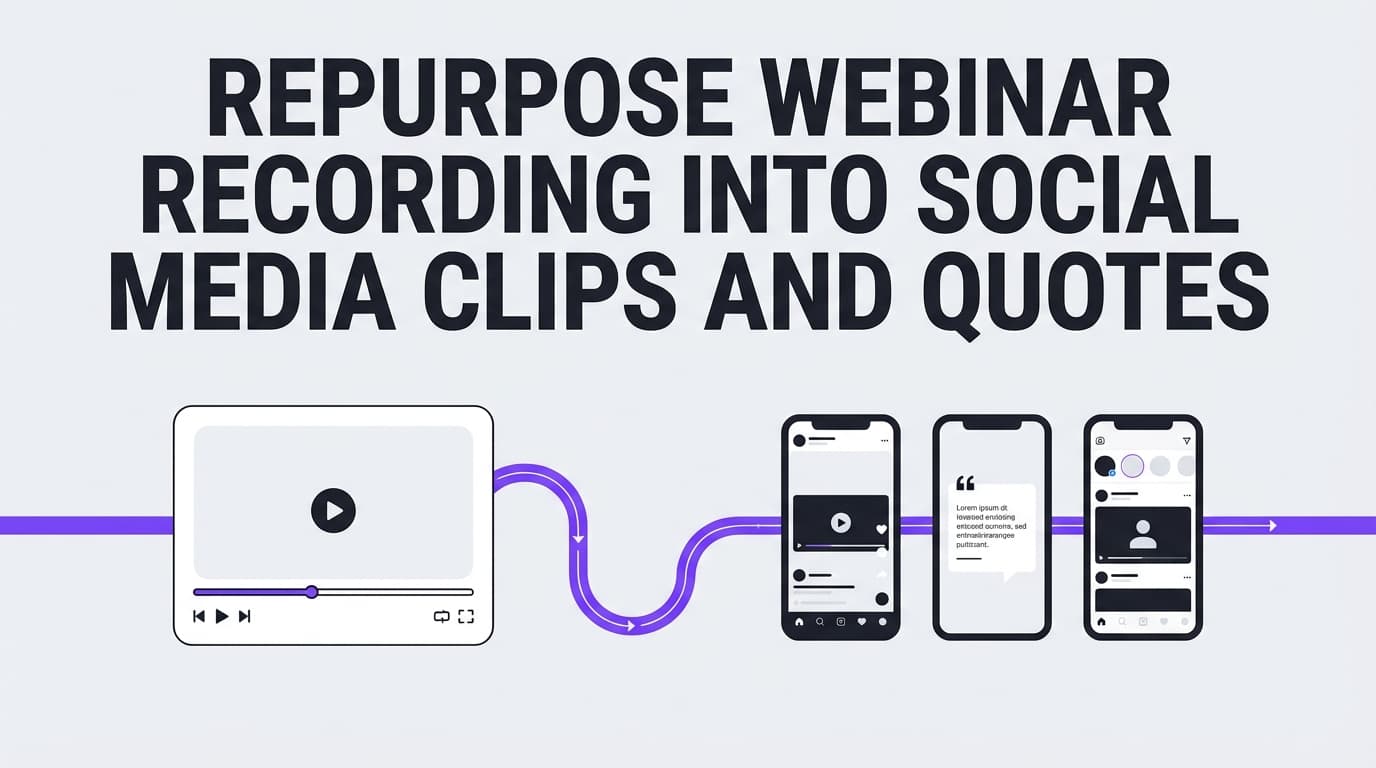
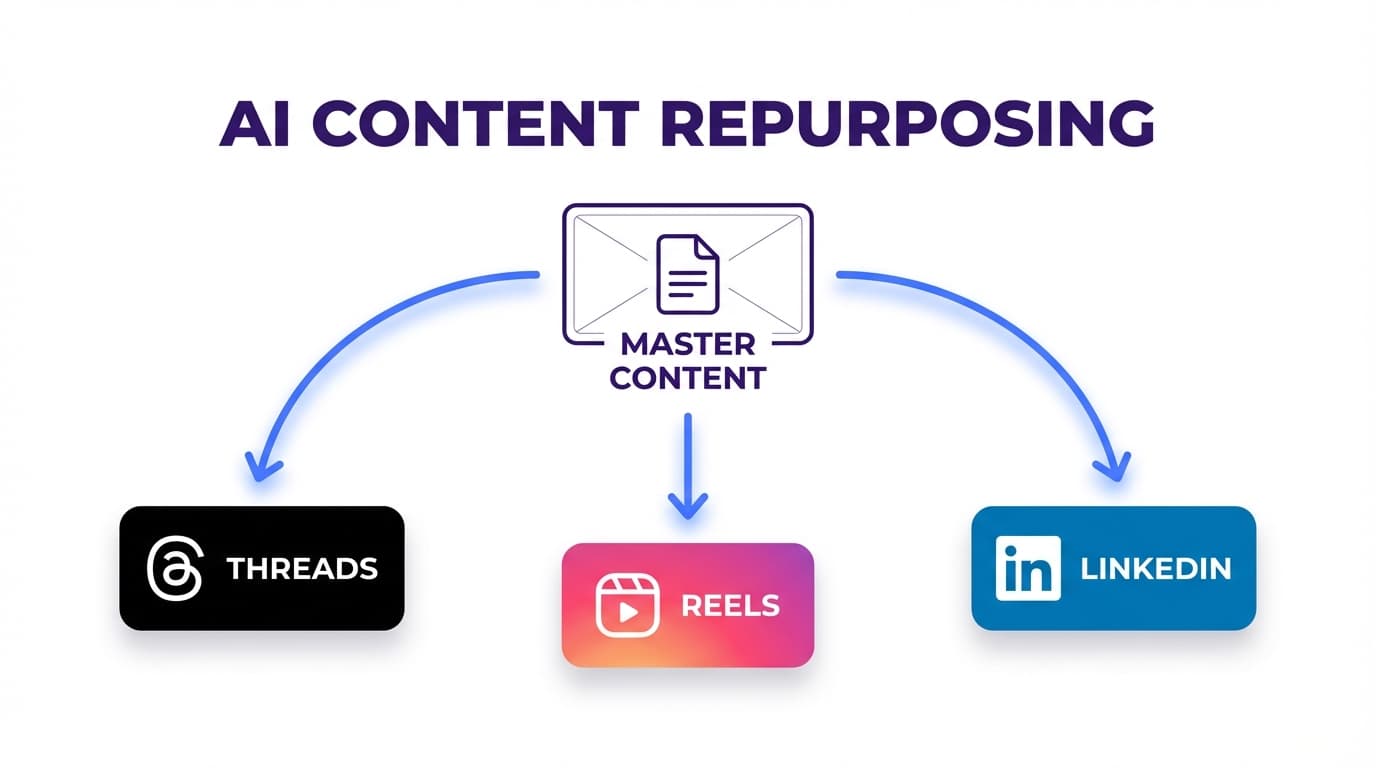
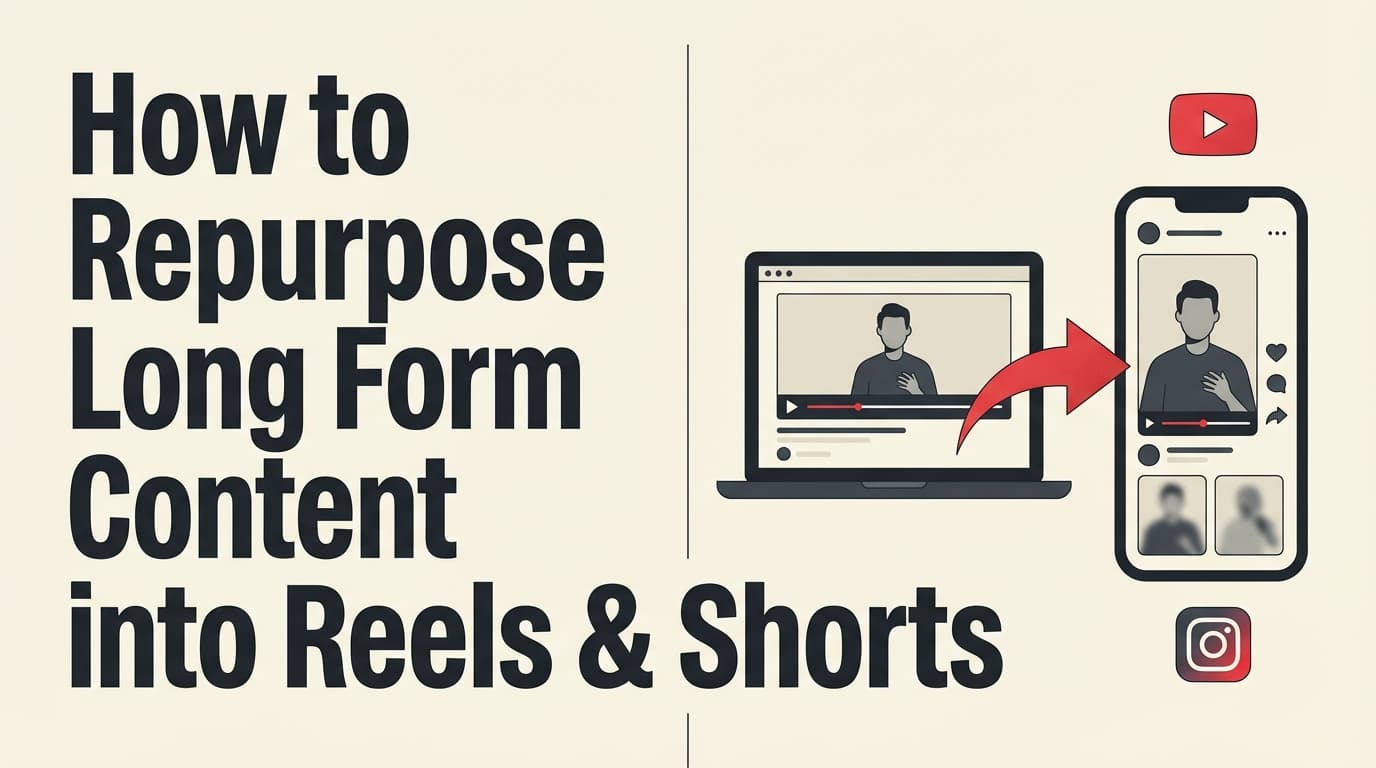
Repurposing long form content into Reels and Shorts means converting a single long asset (a YouTube video, webinar, podcast, training, case study, or interview) into multiple short, vertical, standalone videos optimized for discovery feeds (Instagram Reels, YouTube Shorts, and often TikTok too).
Repurposing is not: - dumping a 60-second clip with no context - posting random highlights that only make sense inside the full episode - re-uploading the same video with a watermark and hoping the algorithm is nice
Repurposing is: - extracting specific moments (ideas, stories, proof, demos) - re-structuring them for short-form pacing (payoff first) - adding a clear hook + on-screen text + captions - packaging for each platform’s constraints and viewer behavior
Why repurposing matters in 2026 (with data you can cite)
A few reasons, with sources:
-
Short-form is a top ROI format (reported by HubSpot). HubSpot’s 2024 report states short-form video delivers the highest ROI and ranks #1 for lead generation and engagement.
https://blog.hubspot.com/marketing/video-marketing-report -
Video adoption is nearly universal. Wyzowl’s 2024 report says 91% of businesses use video as a marketing tool.
https://wyzowl.com/sovm-results-2024/ -
Marketers say video ROI is real. Wyzowl’s 2024 report also says 90% of marketers say video marketing has given them a good ROI.
https://wyzowl.com/sovm-results-2024/ -
Shorts reach is enormous (platform-reported figure). Coverage of YouTube CEO Neal Mohan’s statement reports YouTube Shorts now averages ~200 billion daily views.
https://www.thewrap.com/youtube-shorts-200-billion-daily-views/ -
Platform limits expanded, which changes your clip strategy. YouTube’s own help documentation covers three-minute Shorts (up to 180 seconds).
https://support.google.com/youtube/answer/15424877?hl=en -
Instagram’s recommendation guidance gives you a practical ceiling. Instagram for Creators advises: “In order to be recommended, [Reels] must be 3 minutes or less.”
https://creators.instagram.com/blog/tips-for-improving-your-reach?locale=en_GB -
TikTok supports longer uploads too (but “short-form pacing” still wins). TikTok Support states: recordings in-app can be up to 10 minutes, uploads up to 60 minutes.
https://support.tiktok.com/en/using-tiktok/creating-videos/camera-tools
Long-form gives you depth and short-form gives you reach. Repurposing connects the two so your long-form keeps working after the first post.
What most repurposing guides leave out
Most popular guides have the same gaps:
- Many posts teach ideas (“make highlight reels,” “share quotes,” “do a part 1/2/3 series”).
- Fewer teach a repeatable operational system a busy marketer can execute weekly.
- Even fewer teach how to package the same moment differently across platforms (without re-editing everything).
- Most don’t clarify tool constraints (e.g., your scheduler may have limits even if the platform allows longer clips).
This guide covers those with: - A Clip Map method (so you’re not “hunting for moments” every week) - A Clip Container library (so you can standardize across clients/brands) - A packaging playbook by platform (hook styles, captions, CTAs) - A batching schedule you can actually follow - Tool recommendations with their limits
The Clip Map: decide what to cut before you edit
Repurposing most often goes wrong with this workflow:
“Let’s watch the whole video and cut what seems good.”
That’s slow, subjective, and inconsistent. Instead, build a Clip Map: a list of short-form “episodes” you will extract from the long-form asset.
Step 1: Choose your Clip Containers (what type of clip is this?)
Most high-performing clips fit into a few repeatable containers. Use these as your default library:
- Hot take: “Unpopular opinion: ___”
- Myth-bust: “Stop doing ___; do this instead.”
- Framework: “Here’s the 3-step way to ___.”
- Mistake: “The #1 reason ___ isn’t working…”
- Proof / test: “We tried ___ and here’s what happened.”
- Story: “I learned this the hard way…”
- Demo: “Watch me do ___ in 20 seconds.”
- FAQ: “People ask me ___; here’s the answer.”
- Before/after: “Before: ___ / After: ___”
- Checklist: “If you want ___, do these 5 things.”
Step 2: Write a Clip Map before you open an editor
Use a spreadsheet or doc with these columns:
- Clip title (internal)
- Timestamp start/end
- Container type (from the list above)
- Hook line (first on-screen line)
- Primary CTA (comment/follow/watch full/link)
- Notes (B-roll, screenshots, examples to overlay)
With a Clip Map, you can hand the editing to an editor, VA, or teammate and still get consistent results.
How to repurpose long form content into Reels and Shorts (step-by-step)
This is the workflow you can use for YouTube videos, webinars, podcasts, trainings, and even long blog posts.
Step 1: Pick the right “source” (not every long-form asset is worth clipping)
Choose long-form content that has at least one of these qualities: - It answers a specific question (“how to…”, “what is…”, “why…”, “X vs Y”) - It contains repeatable teaching moments (steps, frameworks, checklists) - It has proof (results, experiments, client outcomes, numbers) - It has emotional texture (mistakes, stories, strong opinion)
Fast test: can you easily list 10 clip containers from it?
If not, it might be a weak source for repurposing.
Best long-form sources for repurposing
- YouTube tutorial (8–20 minutes)
- Podcast episode (30–90 minutes)
- Webinar (45–60 minutes)
- Sales demo / walkthrough (10–30 minutes)
- Customer interview (15–45 minutes)
- “Founder story” / origin story (10–20 minutes)
- Product training / onboarding (10–40 minutes)
Step 2: Define one audience + one promise for the batch
Short-form rewards clips that feel made for one viewer, and general clips get skipped.
Before you clip, define: - Who: “new creators,” “B2B founders,” “local business owners,” “marketers running paid ads,” etc. - Promise: what outcome do they want?
Example:
Audience: agency SMMs
Promise: “Post consistently without manual posting or reinventing ideas.”
Your hooks, examples, and CTAs should all match that promise.
Step 3: Build your Clip Map (10–30 clips per long video)
Here’s a realistic target per source: - 10–15 minute video → 8–15 clips - 45–60 minute webinar → 20–40 clips - 60–90 minute podcast → 30–60 clips (but only if it stays focused)
Pro tip (agency workflow): standardize Clip Containers across clients (framework, myth-bust, demo, mistake). That makes editing and scheduling predictable.
Step 4: Cut for payoff-first pacing (the most important rule)
Long-form pacing: - context → caveats → setup → point
Short-form pacing: - point → proof → context (optional)
When trimming, remove: - greetings and intros (“Hey everyone…”) - “let me explain why…” lead-ins - repeated sentences - dead space / thinking - tangents
Self-check: if the clip still makes sense after removing the first 3–5 seconds, remove them.
Step 5: Rewrite the first line (your hook) using proven templates
You don’t need inspiration for hooks. Templates work fine.
Use these and swap your topic in:
Problem-first hooks
- “If you’re doing ___ and it’s not working, watch this.”
- “If you keep getting , it’s probably because .”
Outcome-first hooks
- “Here’s how to get ___ without ___.”
- “Do this to get ___ in the next ___ days.”
Contrarian hooks
- “You don’t need ___ to get ___.”
- “Stop trying to ___; do this instead.”
Specificity hooks
- “If you have under 1,000 followers, do this: ___.”
- “If you’re a , here’s the easiest way to .”
Curiosity hooks
- “I thought ___ would work. I was wrong.”
- “This sounds obvious, but 90% of people miss it: ___.”
Rule: your hook must answer “Is this for me?” in under 2 seconds.
Step 6: Add captions + on-screen structure (design for sound-off)
Captions help even when the sound is on, because people take things in quickly.
A simple on-screen structure that works across Reels and Shorts: - Line 1 (big): hook - Line 2 (small): who this is for / outcome - Captions: 1–2 lines, readable, high contrast - Highlight 1–3 keywords (not every word)
Avoid: captions that cover the face or sit under UI buttons.
Step 7: Add B-roll or overlays to maintain attention (without over-editing)
You don’t need fancy editing. You need visual variety.
Use: - quick zooms or punch-ins - screenshots (results, analytics, before/after) - screen recordings (show the steps) - text callouts (“Step 1”, “Mistake #1”, “Do this instead”) - simple progress bars (optional)
Pro tip: If the clip is “talking head” only, add an overlay every 3–5 seconds (a word, a number, a screenshot). That’s often enough.
Step 8: Package the same clip for each platform
You can reuse the same clip on Reels and Shorts, but adjust it so it fits each one:
Instagram Reels packaging
- Hooks can be punchier and more personality-driven
- On-screen text matters a lot (scroll behavior is fast)
- Keep the CTA simple: “Follow for ” or “Comment ”
Instagram for Creators also advises Reels must be 3 minutes or less to be recommended.
https://creators.instagram.com/blog/tips-for-improving-your-reach?locale=en_GB
YouTube Shorts packaging
- Clear “how to” framing often performs well
- Use a literal promise: “How to ___”
- Strong first frame matters (thumbnail-like opening)
YouTube supports three-minute Shorts (up to 180 seconds).
https://support.google.com/youtube/answer/15424877?hl=en
TikTok packaging (bonus)
TikTok often rewards: - conversational hooks (“okay, so…”) - quick proof - less “polished ad” energy for organic posts
TikTok’s ad-side guidance also emphasizes hook/body/close structure; one TikTok for Business blog notes: “90% of ad recall impact is captured within the first six seconds.”
https://ads.tiktok.com/business/en-US/blog/creative-best-practices-top-performing-ads
Step 9: Schedule your clips so consistency becomes automatic
Once clips are exported, schedule them so you’re not manually posting daily.
If you want a tool that supports video publishing to multiple networks, PostQuickAI supports: - Instagram Reels (video) and Stories publishing (video stories up to 60 seconds) - TikTok video publishing via the official API using a hosted video URL - YouTube video uploading with Shorts eligibility detection (based on aspect ratio + duration) - plus other video platforms (outside the scope of this guide)
Pricing: 7-day free trial on your first plan (card required); plans start at $15/month.
See: /pricing
- Instagram: /instagram-scheduler - TikTok: /tiktok-scheduler - YouTube: /youtube-scheduler
PostQuickAI also schedules and publishes Instagram Stories.
Platform limits and specs to design around (2026 quick reference)
Not exciting, but it saves you from redoing edits.
YouTube Shorts
- Shorts can be up to 3 minutes per Google Help documentation.
https://support.google.com/youtube/answer/15424877?hl=en
Instagram Reels recommendation guidance
- Instagram for Creators advises Reels must be 3 minutes or less to be recommended.
https://creators.instagram.com/blog/tips-for-improving-your-reach?locale=en_GB
Native scheduling requirement (useful if you’re comparing options)
- Instagram Help states you must have a professional account to schedule posts and Reels in the Instagram mobile app.
https://help.instagram.com/439971288310029/
TikTok
- TikTok Support: record up to 10 minutes, upload up to 60 minutes.
https://support.tiktok.com/en/using-tiktok/creating-videos/camera-tools
Tool constraint you should know (PostQuickAI)
If you publish Instagram Reels through PostQuickAI, note: - a 90-second Reel duration limit when publishing through PostQuickAI - plus file size and minimum resolution rules (not repeated here unless you’re troubleshooting)
So even where Instagram allows longer Reels, your publishing tool may need shorter cuts.
What to repurpose (beyond long videos): 6 long-form types → Reels/Shorts
You don’t need to only repurpose videos. Here’s how to translate other long-form assets into short-form video.
1) YouTube tutorial → “micro-tutorial” Shorts
Best clips: - “Step 1 / Step 2 / Step 3” - “common mistake” - “before/after” - “tool demo”
Packaging tip: turn each step into its own Short. Don’t cram.
2) Podcast episode → “one punchline” clips
Best clips: - hot takes - disagreement moments - stories with a clear lesson - “I used to think… now I think…”
Make it stand alone: add a one-line context overlay (topic + guest name).
3) Webinar → problem/solution mini-lessons
Webinars repurpose well because they already have a structure.
Best clips: - the “why this matters” moment - the framework slide - the case study results - Q&A answers
Pro tip: record your webinar with short-form in mind (clear chapter breaks).
4) Case study → “proof clip” series
Most brands underuse proof.
Turn one case study into: - Clip 1: “The mistake we fixed” - Clip 2: “What we changed” - Clip 3: “The result” - Clip 4: “What I’d do if I started over”
5) Blog post → “talking points” series
Convert each heading into one short episode: - hook: the problem statement - body: 2–3 bullets - close: one action step
6) Customer calls / support tickets → FAQ clips
If you have permission and privacy handled, customer questions become: - FAQ clips - “common misconceptions” - “what to do instead”
This is especially good for B2B and local services.
The Clip Container Library: 30 plug-and-play short-form angles
If you want to scale output, standardize angles. Here are 30 you can reuse:
Education containers
- “3 steps to ___”
- “The checklist for ___”
- “If you only do one thing, do this: ___”
- “The fastest way to ___”
- “Beginner’s guide to ___”
- “Advanced tip: ___”
- “The template I use for ___”
- “The script for ___”
- “The system for ___”
- “Do this before you ___”
Objection / myth containers
- “Stop doing ___”
- “You don’t need ___”
- “Why ___ is overrated”
- “The truth about ___”
- “Everyone says , but ”
- “If ___ isn’t working, here’s why”
Proof containers
- “We tested ___”
- “Here are the results”
- “Before/after”
- “What changed everything for us”
- “What I’d do with $0”
- “What I’d do with 30 days”
Story containers
- “I learned this the hard way”
- “The mistake that cost me ___”
- “The moment it clicked”
- “The best advice I got”
- “What I wish I knew earlier”
Social / engagement containers
- “Agree or disagree?”
- “Hot take: ___”
- “Comment ___ and I’ll send ___”
Pick 10 per long-form asset and you’ll never run out of clips.
Editing rules that improve retention (without making you a full-time editor)
Rule 1: one clip = one idea
If your clip contains 3 tips, that’s 3 clips.
Rule 2: cut the setup, keep the payoff
Start with the conclusion, then explain.
Rule 3: increase “information density”
Every sentence should move the viewer forward.
Rule 4: add visual variety every few seconds
It doesn’t need to be fancy, just different.
Rule 5: captions are part of the product
Treat captions like UX, not decoration.
Hook writing: a practical way to generate 50 hooks from one long video
Here’s a fast hook-generation method:
Step A: write 5 core claims from the long video
Example topic: “Repurposing long-form into short-form”
Claims: 1. Most clips fail because they don’t stand alone. 2. A Clip Map makes repurposing scalable. 3. Rewriting the first line is the biggest lever. 4. Series beats random highlights. 5. Scheduling turns repurposing into consistency.
Step B: apply 10 hook templates to each claim
That’s 50 hooks.
Templates: - “Stop ” - “If you’re , do this” - “Here’s how to ” - “The easiest way to ” - “I was wrong about ” - “Most people think ” - “Do this in 20 seconds” - “The #1 mistake with ” - “The framework for ” - “If I started over, I’d ___”
You get plenty of hooks without burning yourself out.
Caption + hashtag workflow (fast, consistent, and realistic)
You don’t need perfect captions. You need: - clarity - consistency - relevance
Caption formula (works across Reels and Shorts)
- Hook line (restate the promise)
- 1–2 short bullets (what they’ll learn)
- CTA (comment/follow/watch full)
Example caption: - “Turn 1 long video into 15 Shorts without guessing.” - “Use a Clip Map + hook templates.” - “Comment ‘MAP’ and I’ll share my template.”
Hashtag approach
Use: - 2–3 niche hashtags - 1–2 topic hashtags - 1 brand hashtag (optional)
Avoid stuffing 30 generic tags; prioritize relevance.
Where PostQuickAI fits
PostQuickAI includes: - AI Caption Generator (generates 3 caption options; rate limited) - AI Hashtag Generator (generates 5–50 hashtags; rate limited)
Pricing: 7-day free trial on your first plan (card required); plans start at $15/month.
See: /pricing
Scheduling strategy: how often to post repurposed clips (without spamming)
Posting at a pace you can keep up beats posting in bursts.
For solo creators
- 3–5 Shorts/Reels per week
- 1 long-form per week (or every two weeks)
For agencies managing multiple clients
- 3 Shorts/Reels per client per week (minimum viable consistency)
- 1 batch day per month per client (record long-form + build Clip Map)
- Weekly micro-batch for trends (optional)
Posting schedule rule (simple and effective)
- If you can only do one thing: post at the same time 3x/week
- Track performance by clip container type (framework vs story vs proof)
Measuring what matters: what to track so you can iterate
Short-form metrics can get noisy. Keep it simple:
Track these 5 per clip
- Views (reach proxy)
- Average view duration / retention (quality proxy)
- Shares (distribution signal)
- Saves (value signal)
- Comments (engagement + topic demand)
Track this 1 per week
- Which Clip Container type produced the best retention?
That tells you what to cut more of next week.
Common mistakes to avoid (and how to fix them)
Mistake 1: posting clips that don’t stand alone
Symptom: viewers drop in the first 1–2 seconds.
Fix: add a one-line context overlay OR restructure to payoff-first.
Mistake 2: leaving the long-form intro in
Symptom: “hey guys…” then drop-off.
Fix: hard cut into the point; add a new hook line.
Mistake 3: trying to cover the whole topic in one Short
Symptom: clip feels rushed and confusing.
Fix: split into a 3-part series.
Mistake 4: using the same caption + CTA everywhere
Symptom: low engagement even with decent views.
Fix: match CTA to clip intent:
- educational clip → “comment ”
- proof clip → “follow for more ”
- demo clip → “save this”
Mistake 5: inconsistent posting because scheduling is manual
Symptom: bursts then silence.
Fix: batch and schedule. Even 6 scheduled posts buys you two weeks of consistency.
Tools to help with repurposing (honest breakdown)
A realistic repurposing stack has two halves:
1) clipping/editing
2) publishing/scheduling
Editing/clipping tools
- Descript: great for transcript-based editing (cut by text)
- CapCut: fast vertical editing and captions
- Premiere Pro / Final Cut: full control for editors
- AI clip finders (various): can speed up “moment discovery,” but still require human review for hooks/context
Publishing/scheduling tools
- PostQuickAI: helps you publish/schedule videos to supported platforms like Instagram Reels, TikTok, and YouTube, and generate captions/hashtags via built-in AI tools.
Pricing: plans start at $15/month.
Links: /instagram-scheduler, /tiktok-scheduler, /youtube-scheduler, /pricing
Important constraint: PostQuickAI auto-publishes Instagram Stories too, but video stories must be 60 seconds or shorter.
A 2-week repurposing plan (realistic for busy marketers)
Week 1: Build inventory
- Choose 1 long-form source
- Create a Clip Map (target 15–25 clip ideas)
- Produce/export 8–12 clips
- Write captions (or generate options) + finalize 8–12 posts
- Schedule the next 2 weeks
Week 2: Iterate based on winners
- Publish as scheduled
- Identify top 2 clips by retention + saves/shares
- Create 3 variations (new hooks) of the best-performing clip container
- Add 5 more clips to the queue
After two cycles, you’ll have: - a repeatable workflow - a backlog - data on what your audience actually wants
Key takeaways
- Repurposing works when you plan with a Clip Map and Clip Containers instead of cutting at random.
- The biggest lever is rewriting the first line (hook) and cutting to payoff-first pacing.
- Design around platform guidance (e.g., YouTube 3-minute Shorts; IG recommendation guidance at 3 minutes) and tool constraints in your publishing workflow.
- Consistency becomes easy when you batch and schedule instead of posting manually.
FAQ (People Also Ask–style)
How to repurpose long-form videos into short form videos?
Use a repeatable process: build a Clip Map (timestamps + clip types) → cut each clip to one idea → rewrite the first line as a hook → add captions/on-screen text → export vertical → publish consistently and iterate based on retention.
How do you turn a long-form video into a Reel?
Pick one standalone moment, cut out the intro/setup, start with the payoff, add a clear hook line on screen, include captions, export 9:16, then publish as a Reel.
How to convert long videos into Shorts?
Cut your long video into standalone micro-lessons (one idea each), add a strong hook in the first seconds, include captions, export vertical, and upload as Shorts. YouTube’s documentation covers three-minute Shorts (up to 180 seconds).
https://support.google.com/youtube/answer/15424877?hl=en
How long can YouTube Shorts be in 2026?
YouTube’s help documentation describes three-minute Shorts (up to 180 seconds).
https://support.google.com/youtube/answer/15424877?hl=en
Do Shorts ruin long-form content?
Not automatically. Shorts can attract a different audience, but they can also feed long-form when topics align and you use a clear CTA (watch the full episode, follow for the series, etc.). Treat Shorts as discovery and long-form as depth.
Can I schedule Reels on Instagram?
Instagram Help explains how to schedule posts and Reels in the Instagram app and notes you must have a professional account.
https://help.instagram.com/439971288310029/
What tools help with captions and hashtags for short-form?
Many editors include captions; separate AI tools can help generate caption drafts and hashtag ideas. PostQuickAI includes an AI caption generator (3 options) and an AI hashtag generator (5–50 hashtags) on paid plans (plans start at $15/month).