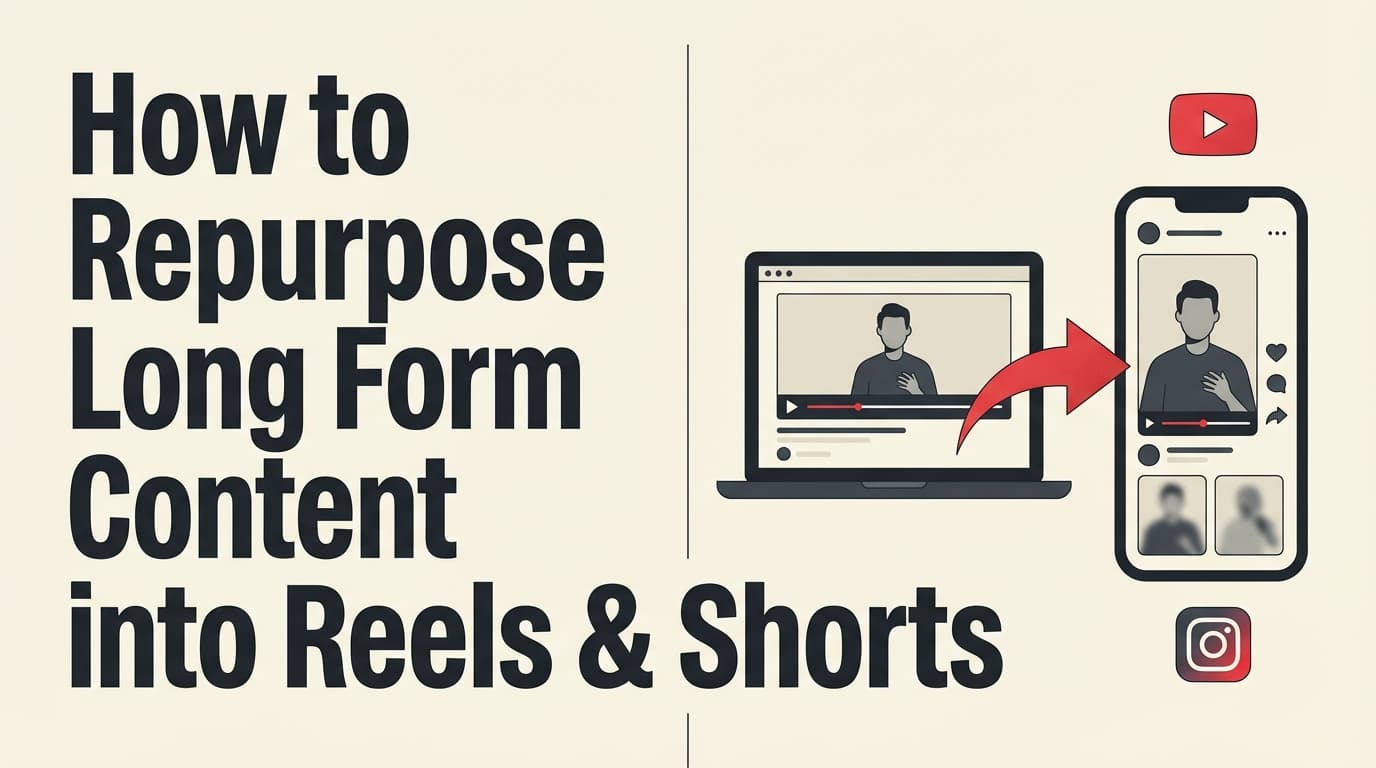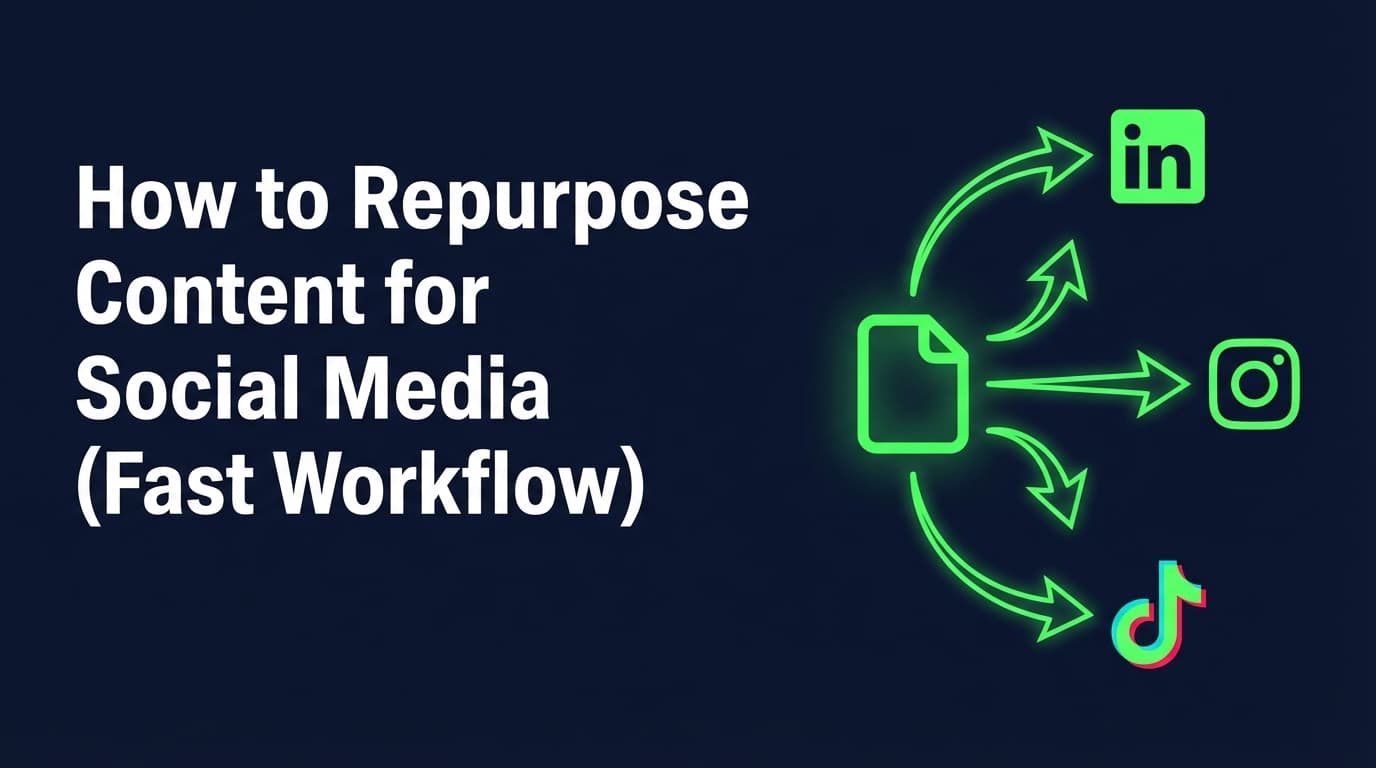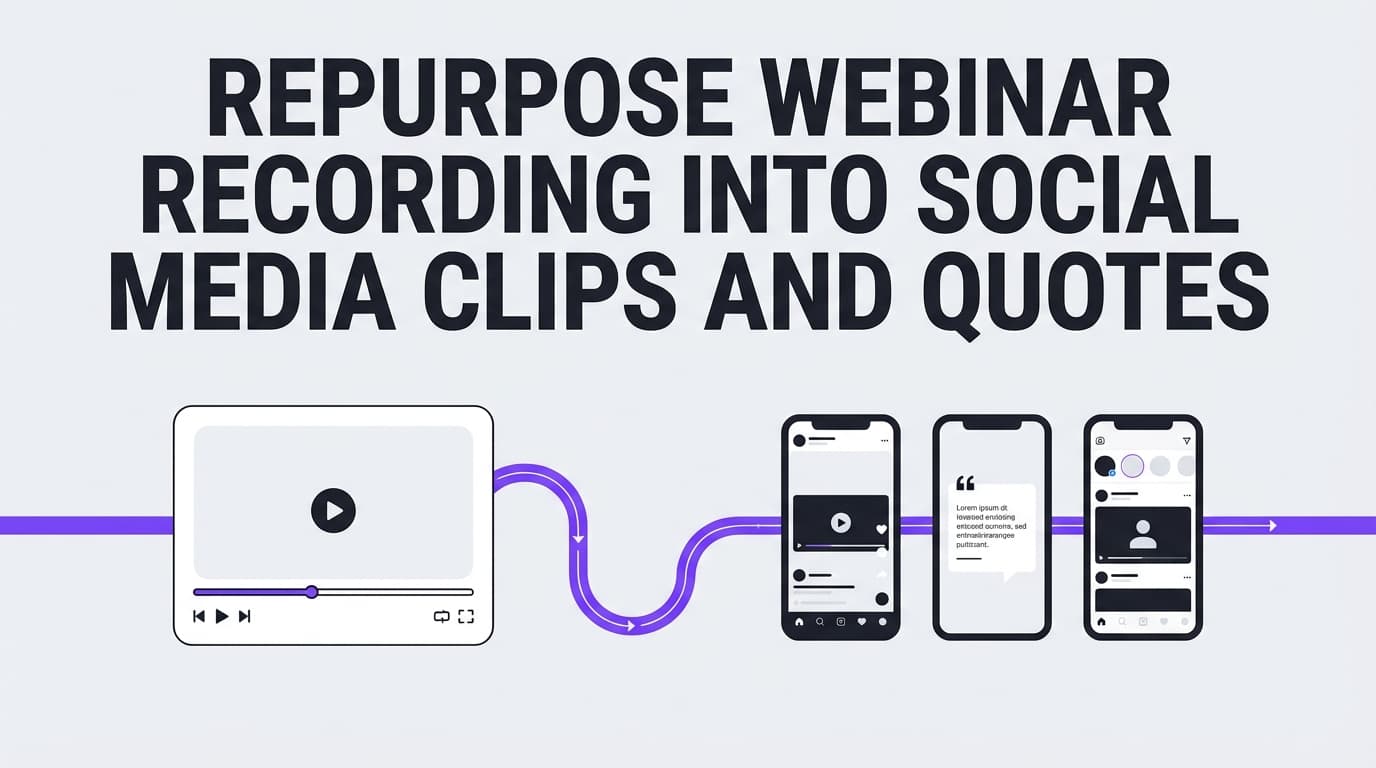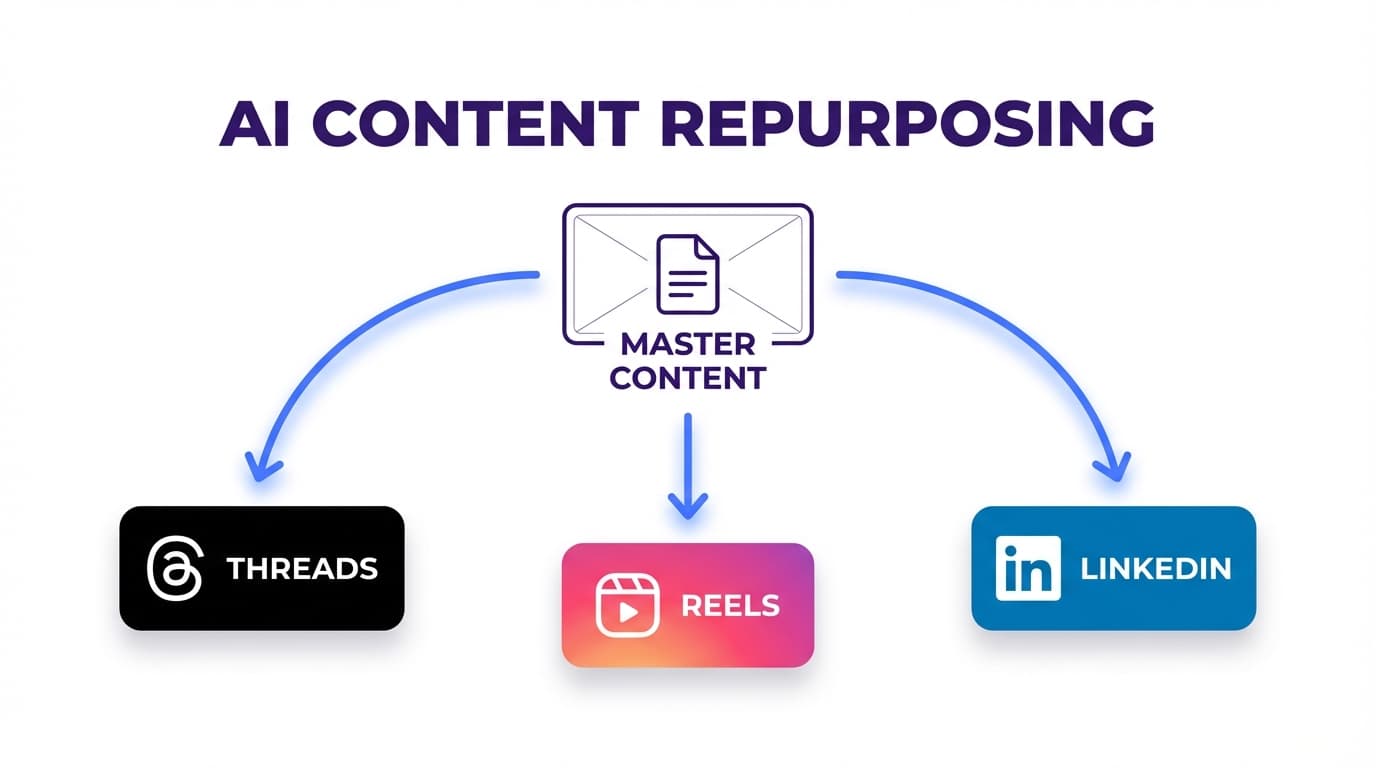
AI Workflow to Repurpose Content Into Threads, Reels, and LinkedIn Posts: Complete Guide
Learn an AI workflow to repurpose content into Threads posts, Instagram Reels, and LinkedIn posts with step-by-step templates, prompts, and a scheduling system.

Author
Repurposing won’t grow your account overnight. It’s how most teams keep posting without burning out.
A telling stat: 94% of the marketers surveyed by Referral Rock said they repurpose their content (source).
If almost everyone repurposes, why does it still feel chaotic? Usually the workflow is missing one of these:
- A repeatable system (inputs → transforms → outputs)
- Platform-native packaging (Threads ≠ LinkedIn ≠ Reels)
- A QA + scheduling step (so drafts actually ship)
This guide gives you an end-to-end AI workflow to repurpose content into Threads posts, Instagram Reels, and LinkedIn posts, with templates, prompts, and a weekly batching plan you can run as a solo creator or across multiple client accounts.
This guide covers: - A complete repurposing workflow (from one “core asset” to a week of posts) - A plug-and-play prompt pack for Threads, Reels, and LinkedIn - A “don’t sound like AI” editing checklist - A scheduling routine so you publish consistently without spending all day in publishing tabs - A 30-day plan to make it a habit
What is an AI repurposing workflow (in plain English)?
An AI repurposing workflow is a documented process that uses AI to:
- Extract the best ideas from a source asset (blog, video, webinar, podcast, newsletter)
- Transform those ideas into platform-native outputs (Threads text, Reel scripts, LinkedIn posts)
- Package each output with the right hook, structure, and CTA
- Quality check for clarity, brand voice, and accuracy
- Schedule/publish in batches so you’re consistent
AI speeds up drafting and variations. Strategy, accuracy and taste are still your job.
Why this matters in 2026 (Threads + Reels + LinkedIn is a smart combo)
1) You need video, and short-form still gets the most attention
- 91% of businesses use video as a marketing tool, according to Wyzowl’s Video Marketing Statistics 2024 report (source).
Even if your “core asset” is text (like a blog post), a modern repurposing system should output at least one short-form video deliverable (Reel script, clip idea, talking points).
- HubSpot reports 21% of marketers say short-form video delivers the highest ROI.
2) Threads is big enough to include in a real content system
- In July 2024, Meta’s CEO said Threads had over 175 million monthly active users, per Reuters reporting (source).
Threads is useful for: - quick hooks and contrarian takes - conversation starters - “beta testing” ideas before you expand them on LinkedIn - light daily consistency with low production overhead
Note on length: Threads is historically known for a short post format; it has also introduced longer text attachments (source). In practice, your repurposing workflow should prioritize clarity over length.
3) LinkedIn rewards structured insight, and LinkedIn says video performs well
LinkedIn’s own Pages best practices state: - “Video gets 5x more engagement on LinkedIn.” (source)
Social Media Today also reported (in the context of LinkedIn’s guidance) that: - LinkedIn video watch time rose 36% year-over-year, and video posts are shared 20x more (source).
Use LinkedIn to build authority: - turn tested ideas into structured lessons - add proof (examples, client results, screenshots, specifics) - drive qualified inbound (comments → profile clicks → DMs → calls)
A repurposing model that scales: Core Asset → Pillars → Angles → Platform Packaging
Repurposing often goes wrong like this:
“Here’s a blog post. Make 10 social posts.”
That creates bland, repetitive content.
Use this instead:
Step 1: Choose one Core Asset
Your “source of truth” for the week: - a 10–20 minute video (podcast, webinar clip, Loom) - a blog post - a case study - a newsletter - a slide deck
Step 2: Extract 3–5 Message Pillars
The recurring themes you want to be known for.
Example (agency/social team): - growth systems - creative testing - distribution strategy - conversion copy - measurement/reporting
Step 3: Generate 8–15 Angles
Angles do most of the work in repurposing: - mistake - myth - checklist - contrarian take - story - teardown - “what I’d do if…” - framework - FAQ answer - before/after
Step 4: Package each angle by platform
- Threads: conversational, fast, lightweight prompts
- Reels: one micro-outcome per video; retention-first scripting
- LinkedIn: structured insight + proof + takeaway + CTA
How to repurpose content into Threads, Reels, and LinkedIn posts: Step-by-step AI workflow
Step 1: Pick the right core asset (use a scoring system)
Score candidate assets 1–5:
- Clarity: one main takeaway?
- Specificity: includes examples, steps, numbers, screenshots?
- Demand: answers a real question your audience asks?
- Reusability: supports multiple angles without stretching?
- Authority: shows experience (wins, lessons, “we tested X”)?
Pick the highest score.
If you manage multiple clients: keep a backlog called “Repurpose-Ready” so you’re never starting from zero.
Step 2: Create an AI extraction brief (so outputs don’t become generic)
Paste this into your AI tool:
AI Extraction Brief (copy/paste) - Audience: [who this is for] - Offer context: [what you do + what you don’t do] - Goal: [comments / saves / leads / awareness] - Tone: [direct, practical, minimal fluff] - Brand voice guardrails: - Words we avoid: [list] - We sound like: [3 adjectives] - Source asset: [paste transcript/notes/outline] - Output: 1) 10 key points (rank by usefulness) 2) 10 hooks (Threads style) 3) 10 hooks (LinkedIn style) 4) 5 Reel hook + payoff pairs 5) 5 “mistakes people make” (with fixes) 6) 5 “myths vs reality” 7) 5 examples or mini-stories that make this believable
Edit hard: keep the best 20% and delete the rest.
Step 3: Build a “hook bank”
Create a simple table (Google Sheet / Notion):
| Core idea | Angle | Hook | Platform | Proof element | CTA |
|---|---|---|---|---|---|
Most of repurposing is choosing angles, more than rewriting. A hook bank makes you faster every week because you don’t have to work out how to start each post.
Step 4: Add proof elements before you draft (so posts don’t sound like AI)
For every post, pick one proof element:
- a number (result, benchmark, before/after)
- a mini case study (anonymized)
- a screenshot (process, comments, analytics)
- a specific example (before/after rewrite)
- a “we tested this” lesson (even if the result was negative)
Repurposing rule: with proof in the post, you can say less and still sound like you know what you’re talking about.
Step 5: Draft platform-native outputs (Templates + prompts)
These templates produce posts that fit each platform.
Threads: how to repurpose into Threads posts (without copying LinkedIn)
Threads works best when it feels like: - a real person - one clear idea - a conversation starter
Threads formats that repurpose well
1) Hot take + explanation
2) Mini checklist
3) “I used to think… now I think…”
4) One-liner insight + prompt
5) Tiny case study (what we did → what changed → what we learned)
Threads post template (copy/paste)
- Hook (1 line): [contrarian claim or clear outcome]
- Context (1–2 lines): [who this is for + when it applies]
- Insight (2–6 lines): [the “why” + the “how”]
- Proof: [example/story/number]
- Conversation CTA: [easy question]
Threads prompt pack (5 prompts)
Prompt 1: Mistake post
Turn this source into 3 Threads posts about common mistakes. Each post: - focuses on ONE mistake - includes a fix - ends with a question Source: [paste]
Prompt 2: Contrarian take
Write 2 contrarian Threads posts that challenge a common belief in this space. Include a short explanation and an example. End with a discussion question. Source: [paste]
Prompt 3: Checklist
Create a Threads checklist post that readers can screenshot. Keep it concise and practical. End with “What would you add?” Source: [paste]
Prompt 4: Story
Write a short story Threads post: problem → tension → lesson. Make it specific and relatable to [audience]. End with “Have you seen this too?” Source: [paste]
Prompt 5: Hook testing
Generate 15 short Threads hooks for this idea. Make them varied: curiosity, contrarian, numbers, “stop doing this,” “do this instead,” story tease. Source: [paste]
Example: one idea → 3 Threads posts (ready to publish)
Core idea: “Repurpose the idea, not the wording.”
Post 1 (mistake) Most repurposing fails because people copy/paste the same post everywhere.
Threads isn’t LinkedIn. Reels isn’t Threads.
Take the idea and repackage the delivery.
What’s a post you’ve seen that clearly didn’t belong on the platform it was posted on?
Post 2 (checklist) Repurposing checklist: - Same idea ✅ - New hook ✅ - New structure ✅ - New proof ✅ - New CTA ✅
If all you changed was the caption… you reposted.
Do you batch your content weekly or monthly?
Post 3 (contrarian) Hot take: Threads is where you test ideas.
If it earns replies on Threads, it can become: - a full LinkedIn post - a Reel script - a carousel - a newsletter section
Where do you test hooks before you scale them?
Instagram Reels: how to repurpose into Reels scripts (even from text)
Reels are for grabbing and holding attention. They don’t work as summaries.
The most common mistake is trying to cram a blog post into 30 seconds.
Instead: - one Reel = one micro-outcome - one hook = one promise - one payoff = one clear step list
Reels formats that repurpose well
1) 3 mistakes (fast pacing)
2) Do this, not that
3) Mini tutorial (one technique)
4) Before/after breakdown
5) Storytime with a lesson
Reels script template (15–45 seconds)
- Hook (0–2s): [pattern interrupt + outcome]
- Problem (2–6s): [pain point]
- Steps (6–30s): [1–3 steps max]
- Proof (optional): [example]
- CTA (final): [save/follow/comment]
Reels prompt pack (5 prompts)
Prompt 1: 3 scripts
Create 3 Instagram Reel scripts from this source. Each script must include: - one hook line (spoken) - 3 beats (problem → steps → payoff) - 3 on-screen text overlays - a CTA optimized for saves Keep each script under ~120 spoken words. Source: [paste]
Prompt 2: “Do this, not that”
Turn this into a “Do this, not that” Reel script with 3 contrasts. Include overlay text for each contrast. Source: [paste]
Prompt 3: B-roll plan
Create a Reel outline with a b-roll/visual suggestion for each beat. Assume I can film: talking head, screen recording, and simple desk shots. Source: [paste]
Prompt 4: Hook variations
Write 10 hook variations for a Reel about [topic]. Make them outcome-driven and specific. Source: [paste]
Prompt 5: Caption + pinned comment
Write an Instagram Reel caption that encourages saves + a pinned comment that asks a question. Source: [paste]
“Low-effort, high-consistency” production plan
If you’re busy (or managing client accounts), aim for: - 1 filming block/week (30–60 minutes) - 1 repeatable format (talking head + captions) - 1 editing style - batch scheduling
Aim for something you can repeat every week rather than one polished masterpiece.
LinkedIn: how to repurpose into LinkedIn posts that feel original
LinkedIn punishes: - vague motivational filler - generic “AI voice” - posts that take too long to get to the point
LinkedIn rewards: - a strong first 2 lines - scannable structure - specific proof - practical takeaways
LinkedIn post structures that repurpose well
1) Hook → problem → solution → steps → CTA
2) Myth → reality → explanation → takeaway
3) Case study → what we did → what we learned
4) Checklist → common mistake → fix
5) Opinion → 3 reasons → example
LinkedIn template (copy/paste)
- Hook (1–2 lines): [bold claim + who it’s for]
- Context: [why it matters]
- Body (bullets or short lines):
- Point 1 (with example)
- Point 2 (with example)
- Point 3 (with example)
- Takeaway: [one sentence]
- CTA: [question or “comment X and I’ll share…”]
LinkedIn prompt pack (6 prompts)
Prompt 1: How-to post
Write a LinkedIn post from this source using: Hook → problem → steps → takeaway → question. Use short lines. Include one specific example. Avoid buzzwords. Source: [paste]
Prompt 2: Myth vs reality
Create a “myth vs reality” LinkedIn post with 3 myths and 3 realities. Add one example and end with a question. Source: [paste]
Prompt 3: Case study post
Turn this into a mini case study LinkedIn post: - what was happening - what we changed - what happened next Keep it punchy and specific (no confidential info). Source: [paste]
Prompt 4: “If I were starting today”
Write a LinkedIn post: “If I were starting from zero with [goal], here’s what I’d do.” Provide 5 steps, then a takeaway. Source: [paste]
Prompt 5: FAQ post
Turn this source into a LinkedIn post that answers one common question in a simple, step-by-step way. End with “Want a template?” Source: [paste]
Prompt 6: Rewrite in my voice
Rewrite this LinkedIn draft in my voice: - sound direct and practical - remove fluff - keep sentences short - keep the same meaning Draft: [paste]
Step 6: Run the “don’t sound like AI” editing checklist (2 minutes per post)
Use this before you schedule anything:
Clarity
- Can I summarize this post in one sentence?
- Did I delete stock filler phrases and hype words?
- Is the first line interesting enough to earn the second line?
Specificity
- Did I add at least one concrete example or proof element?
- Did I remove vague claims I can’t back up?
Voice
- Would I actually say this out loud?
- Did I replace formal phrases with natural language?
Platform fit
- Threads: ends with an easy question?
- Reels: one micro-outcome? hook is clear?
- LinkedIn: scannable formatting? clear takeaway?
Safety / accuracy
- No invented stats
- No overpromises (“guaranteed,” “always,” “never”)
- No confidential client details
A complete weekly workflow (one core asset → a week of Threads + Reels + LinkedIn)
Here’s a realistic plan that fits a busy schedule.
Inputs (Monday): one core asset
Examples: - a 1,200–2,000 word blog post - a 10-minute video - a webinar segment - a case study doc
Outputs (Tuesday): 3 Threads posts
- Mistake + fix
- Checklist
- Contrarian take or story
Outputs (Wednesday): 1 Reel
- One micro-outcome tutorial (15–45 seconds)
Outputs (Thursday): 2 LinkedIn posts
- How-to breakdown
- Myth vs reality (or mini case study)
Outputs (Friday): “Winner remix”
- Pick the best-performing idea from the week
- Republish with a new hook + new example
That’s 7 pieces a week from one source, and it doesn’t feel spammy because each platform gets its own version.
Examples: Repurpose one core asset into 6 finished posts (Threads + Reels + LinkedIn)
Let’s say your core asset is:
“A simple system to repurpose one idea into a week of content.”
Threads post (mistake)
The fastest way to waste a good idea is to post it once and move on.
The second fastest way is to copy/paste it everywhere.
Repurpose the idea: - new hook - new proof - new CTA
Do you repurpose weekly or only when you’re desperate for content?
Threads post (checklist)
Repurposing system: 1) One core asset 2) 10 hooks 3) 5 angles 4) 3 platforms 5) Schedule it all
If you skip #5, the posts never reach anyone.
What part do you struggle with most?
Threads post (contrarian)
Hot take: you don’t need more content.
You need more packaging.
The same insight can be: - a Threads prompt - a LinkedIn lesson - a Reel script
What’s one insight you’ve repeated 10 times this year?
Reel script (15–30s)
Hook (spoken): “Stop trying to make one post work everywhere.” Overlay 1: “Repurpose the idea. Not the caption.” Beat 1: “Threads = conversation.” Overlay 2: “Threads: ask a question” Beat 2: “LinkedIn = structured lesson + proof.” Overlay 3: “LinkedIn: add proof + takeaway” Beat 3: “Reels = one micro-outcome.” CTA: “Save this and build your weekly system.”
LinkedIn post (how-to)
Stop copy/pasting the same post across platforms.
Here’s a better repurposing system:
Take 1 core idea.
Then create: - 3 Threads posts (conversation + prompts) - 1 Reel (one micro-outcome) - 2 LinkedIn posts (structured lesson + proof)
The idea stays the same and the packaging changes.
You don’t need more content. You need to post consistently without burning out.
What platform do you find hardest to write for?
LinkedIn post (myth vs reality)
Myth: Repurposing is copy/pasting.
Reality: Repurposing is re-packaging.
Myth: You need 7 new ideas a week.
Reality: You need 1 good idea + 7 angles.
Myth: AI does the work for you.
Reality: AI makes drafts faster, but proof and voice still need you.
If you repurpose content, what’s your #1 rule?
Best practices: platform packaging rules (Threads vs Reels vs LinkedIn)
Threads best practices
1) One insight per post
2) Write to start a conversation (end with an easy question)
3) Use Threads to test hooks you can expand elsewhere
4) Keep it human (short, direct, slightly opinionated)
5) Repeat ideas, not wording
Reels best practices
1) Hook must promise an outcome
2) One micro-outcome per Reel
3) Overlay text should track the beats (readable + simple)
4) Design for saves (checklists, steps, frameworks)
5) CTA matches intent (education → save/comment/follow)
LinkedIn best practices
1) First 2 lines matter most
2) Scannable formatting (short lines, bullets)
3) Add credibility without bragging (“here’s what we tested”)
4) Make one clear takeaway
5) Ask a specific question to invite real comments
Common mistakes to avoid (and fixes)
Mistake 1: Copy/paste across platforms
Fix: keep the idea, change the: - hook style - structure - proof element - CTA
Mistake 2: AI as a publish button
Fix: AI drafts, a person checks facts and voice, then you publish.
Mistake 3: Reels that try to summarize everything
Fix: one Reel = one micro-outcome. One promise. One payoff.
Mistake 4: Repurposing only topics, not angles
Fix: build an angle bank and rotate it weekly.
Mistake 5: Creating drafts with no scheduling step
Fix: schedule right after approval, in a weekly batch.
Scheduling your repurposed posts (without living in publishing tabs)
Drafting is only half the job. Posting consistently comes down to routine.
Scheduling principles
1) Schedule as soon as content is approved
2) Batch scheduling once a week (or twice if you’re an agency)
3) Name everything consistently (core asset + angle + platform + date)
4) Avoid cross-platform duplication on the same day (same idea ≠ same wording)
Where PostQuickAI fits
If you want to draft and schedule these repurposed posts from one place, PostQuickAI can help with:
- Scheduling and auto-publishing to supported platforms including Threads, Instagram (feed posts, carousels, and Reels), and LinkedIn (text, images, and video).
- AI caption generation (from brand instructions; plus caption generation from carousel images and from video files), plus proofreading and tone changes on request through the composer assistant.
- Scheduling to multiple platforms and cross-posting the same content where it makes sense.
Good to know: - PostQuickAI also schedules and auto-publishes Instagram Stories. - LinkedIn publishing requires selecting a target (profile vs company page) or it errors. - PostQuickAI is a paid subscription with a 7-day free trial on your first plan (card required), and plans start at $15/month. (See: /pricing)
Related pages: - /content-repurposing-tool - /linkedin-scheduler - /instagram-scheduler - /pricing
A “done-for-you” SOP template (copy/paste into Notion)
Repurposing SOP: Core Asset → Threads + Reels + LinkedIn
Inputs - Core asset: - Audience: - Goal: - Pillars: - Proof available: - Words to avoid:
Outputs Threads (3) - [ ] Mistake + fix + question - [ ] Checklist + “what would you add?” - [ ] Contrarian take + discussion question
Reels (1) - [ ] Hook line - [ ] 3 beats (problem → steps → payoff) - [ ] 3 overlay lines - [ ] Save-focused CTA
LinkedIn (2) - [ ] How-to post + example + question - [ ] Myth vs reality post + takeaway + question
QA - [ ] No fluff / no invented stats - [ ] Proof element included - [ ] Platform-native CTA
Scheduling - [ ] Scheduled for the week - [ ] Notes added for follow-up posts
30-day implementation plan (so this becomes your default system)
Week 1: Set up the system
- Pick 2 core assets you already have
- Create a hook bank with 30 hooks
- Ship 3 Threads posts + 1 LinkedIn post + 1 Reel
Week 2: Add proof and tighten voice
- Add proof elements to every post
- Create a “words we don’t use” list
- Ship full weekly output (3 Threads + 1 Reel + 2 LinkedIn)
Week 3: Measure and remix winners
- Identify your top 2 posts by platform
- Create “winner remixes” (new hooks, new examples)
- Ship + schedule again
Week 4: Scale (without adding chaos)
- Build an “angle bank” (minimum 25 angles)
- Create templates per client/brand voice
- Batch the next 2 weeks of content
Tools to help with this workflow (honest recommendations)
You need a small stack that covers: - extraction/drafting, - editing/production, - scheduling/publishing.
- PostQuickAI: Draft + schedule posts across supported networks (including Threads, Instagram feed/carousels/Reels, and LinkedIn) and use the composer assistant for writing (caption drafts, tone changes, proofreading). Paid, with a 7-day free trial on your first plan (card required); plans start at $15/month. (/pricing)
- Notion or Google Sheets: hook bank, angle bank, approvals.
- A video editor (CapCut, Premiere, etc.): to turn scripts into Reels.
Key takeaways
- Repurposing works when you repurpose ideas + angles, not captions.
- The workflow is: Core asset → extraction → hook bank → platform packaging → proof → QA → scheduling → measurement.
- Threads = hook testing + conversation.
- Reels = attention (one micro-outcome per video).
- LinkedIn = authority (structure + proof + takeaway).
- Batching and scheduling are what keep you posting consistently.
FAQ
How do you repurpose content for different platforms without sounding repetitive?
Keep the core idea, but change the angle and packaging:
- Threads: conversational prompt + one clear insight + easy question
- Reels: one micro-outcome with a retention-first script
- LinkedIn: structured lesson + proof element + takeaway + CTA question
Rotate angles (mistake, myth, checklist, story) as well as wording.
How do you use AI to generate LinkedIn posts that don’t sound like AI?
Give AI a tight brief (audience, goal, voice, words to avoid), require:
- short lines,
- one clear takeaway,
- one specific example,
then do a human edit pass to add proof and remove filler language.
Is Threads popular enough to include in a repurposing workflow?
Yes. Reuters reported Meta’s CEO said Threads surpassed 175 million monthly active users in July 2024 (source).
Do video posts perform well on LinkedIn?
LinkedIn’s own Pages best practices state: “Video gets 5x more engagement on LinkedIn.” (source)
How many posts should you repurpose from one core asset?
A strong starting point:
- 3 Threads posts
- 1 Reel
- 2 LinkedIn posts
That’s 6 posts a week from one core asset, enough to stay consistent without flooding your audience.
Is repurposing content illegal?
Repurposing your own content is generally fine. Legal or policy issues can arise when you reuse content you don’t own (or don’t have rights to), misuse licensed music/video, or share confidential client information. When in doubt, confirm usage rights and keep examples anonymized.