How to Repurpose Video Content Into Shorts (Reels, TikTok, YouTube): Complete Guide
Learn how to repurpose video content into Shorts, Reels, and TikToks with a step-by-step workflow. Includes platform limits, editing checklists, examples, and tools.

Author
Short-form video is still one of the fastest ways to reach new people, but making new clips nonstop burns teams out.
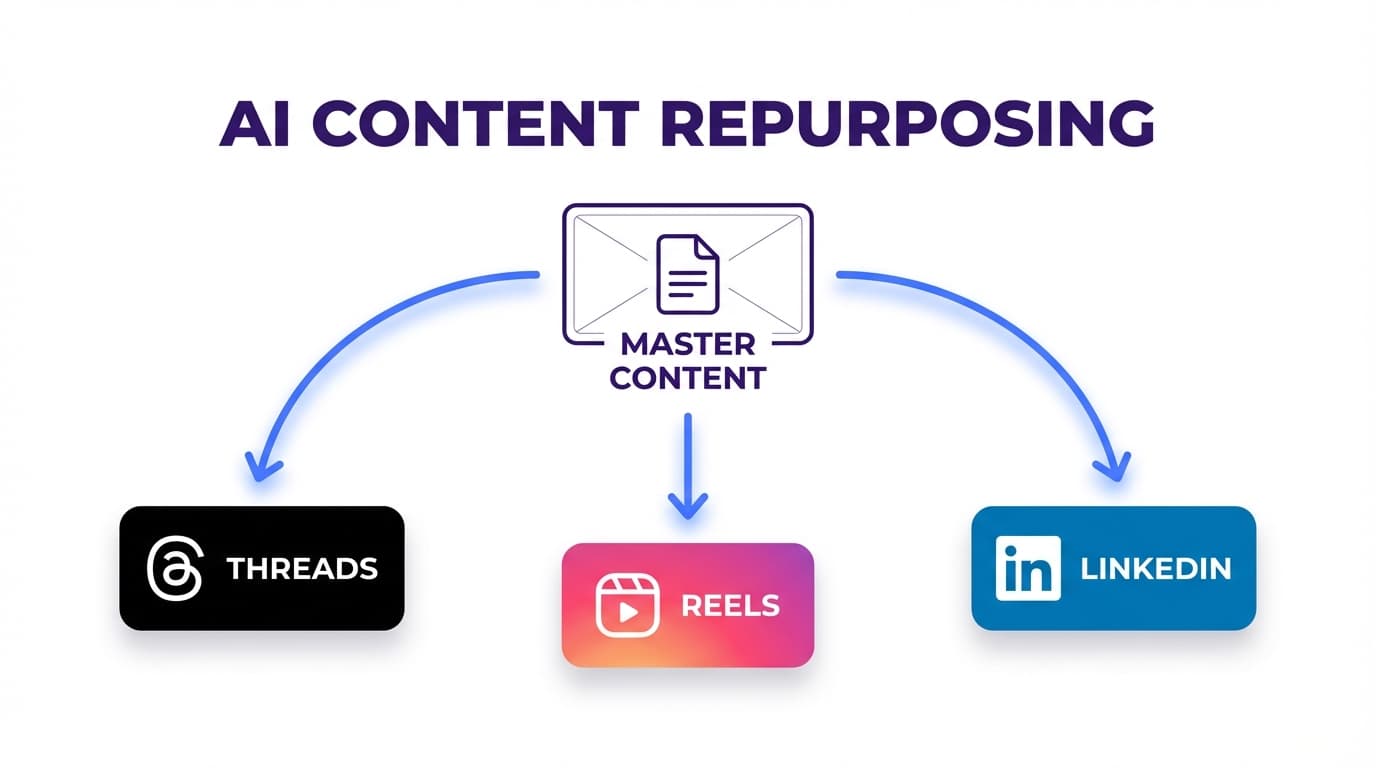
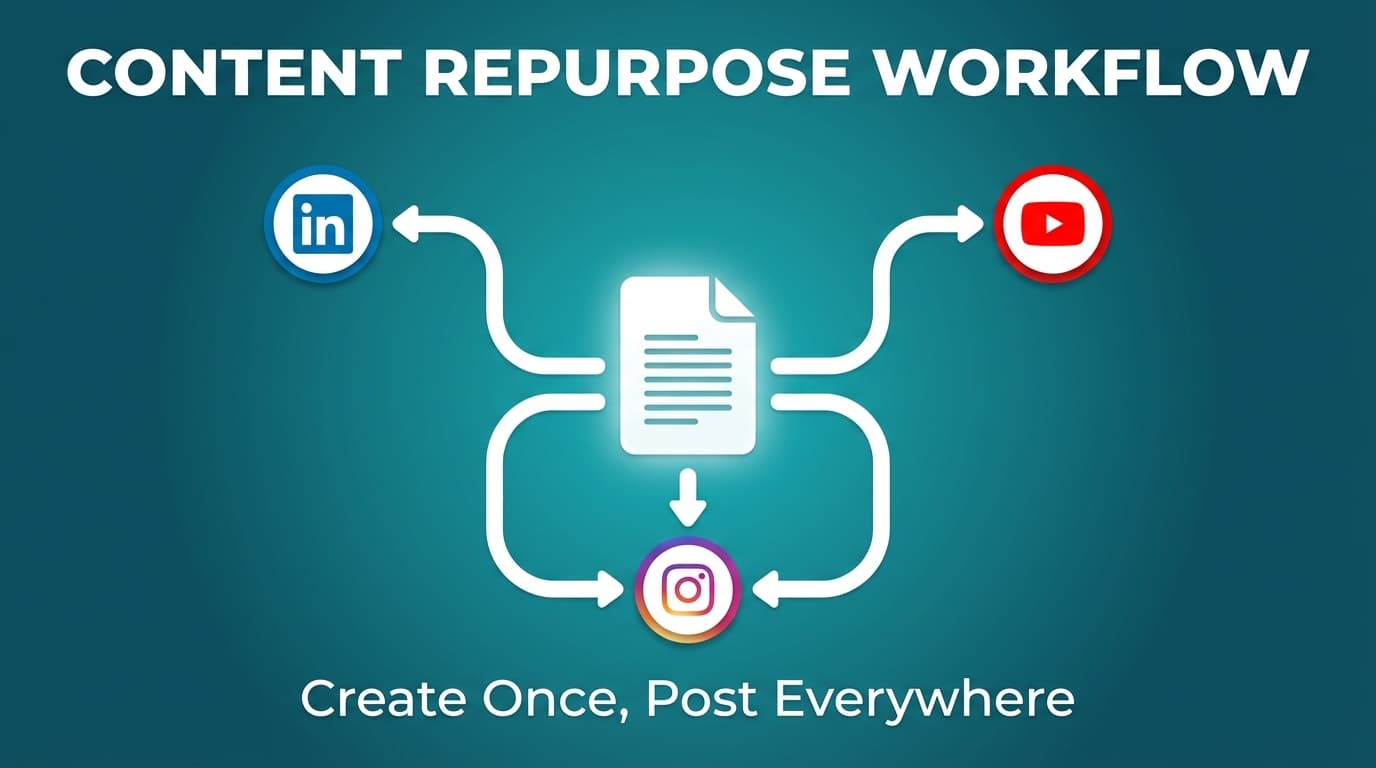
You don’t need new ideas every day, though. You need a repurposing system that turns one long video (podcast, webinar, YouTube video, client interview, product demo) into a batch of Shorts/Reels/TikToks you can publish over 1–3 weeks.
This guide covers: - A step-by-step workflow to turn 1 video into 10–30 shorts that don’t feel spammy - What to change for Reels vs TikTok vs YouTube Shorts (length, hooks, captions, safe zones) - Best practices + common mistakes (including “reused content” and watermark issues) - A realistic tool stack for clipping, packaging, and scheduling across platforms
Wistia reports that 93% of businesses they surveyed say video is an important part of their marketing strategy. (source)
But Wistia also notes overall engagement can fluctuate (their “State of Video” insights mention engagement dipping year-over-year), so it pays to spread your best moments across formats instead of relying on a single upload. (source)
What does “repurposing video into shorts” mean?
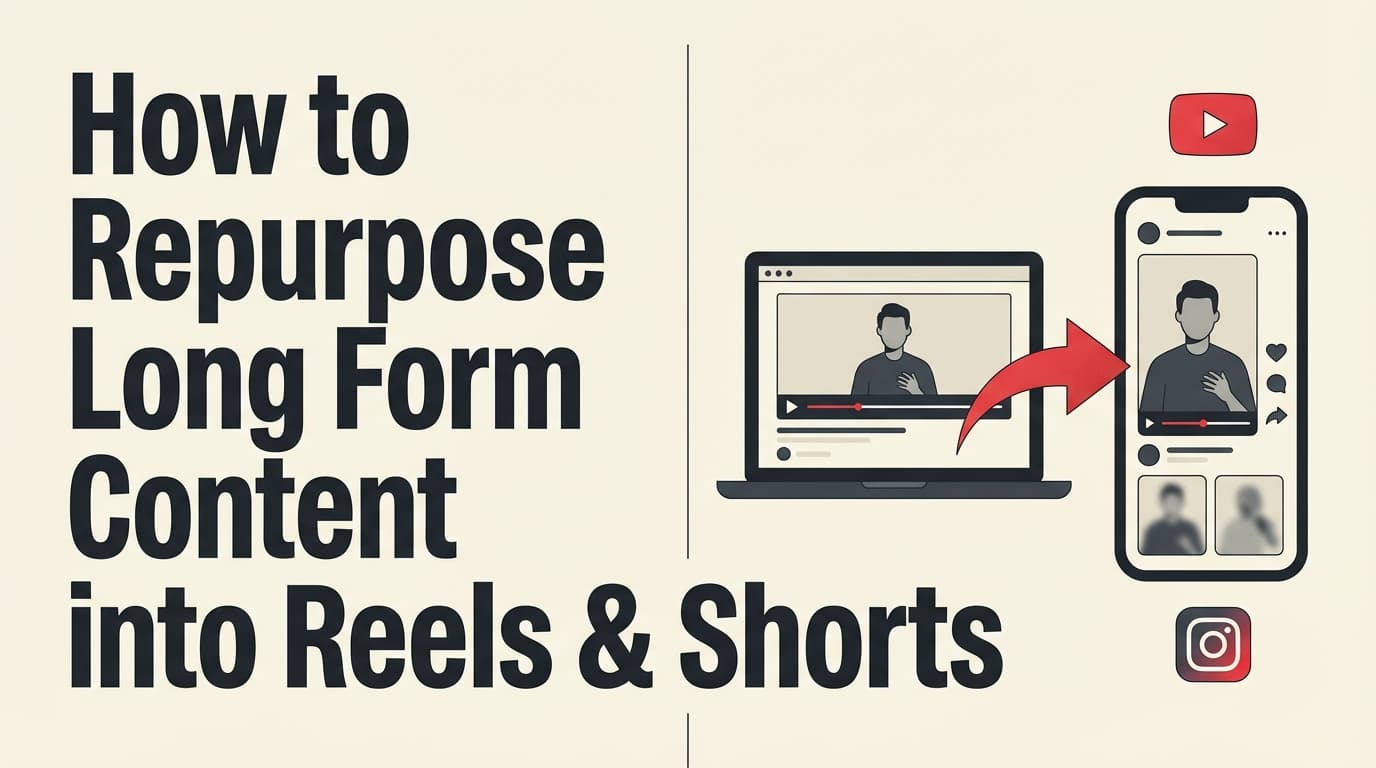
Repurposing video content into shorts means taking an existing video and turning it into multiple short vertical clips made for short-form feeds, mainly: - Instagram Reels - TikTok - YouTube Shorts
Repurposing takes more than trimming. Repurposed shorts that do well usually get re-packaged: - A new hook in the first 1–2 seconds - On-screen captions/text overlays - Tightened pacing, removed context, added a punchline/point - A clear single takeaway per clip
Why repurpose into Shorts/Reels/TikToks in 2026?
1) Platform reach + discovery is still strong for short-form
HubSpot’s compiled marketing stats cite a Q1 2024 benchmark where YouTube Shorts had a 5.91% engagement rate, leading short-form platforms in that dataset.
2) Shorts got longer (which changes what “repurpose” can look like)
YouTube announced that starting October 15, 2024, creators can upload Shorts up to 3 minutes long. (source)
Google’s YouTube Help Center also documents three-minute Shorts eligibility and upload details. (source)
So you aren’t limited to 10–30 second highlights anymore. You can now repurpose:
- 60–90 second explanations
- mini case studies
- longer “story + lesson” clips
…and still qualify as Shorts if they meet YouTube’s criteria.
3) More people watch without sound (so packaging matters)
Verizon Media research reported by Forbes found 69% of people watch video with the sound off in public places (and 25% in private). (source)
So your workflow needs captions and readable on-screen text as well as trimming.
4) Captions can materially improve performance (and accessibility)
3Play Media cites findings such as captions increasing Facebook video view time by 12% and 135% greater organic reach for Facebook video posts with captions (as reported in their accessibility stats roundup).
Before you start: the repurposing “source video” checklist
Not every long video is worth clipping. Run through this checklist first, especially if you batch content for clients.
Pick a source video that has: - Clear audio (or at least clear transcript) - Multiple standalone moments (stories, tips, arguments, demos) - A defined audience (“for salon owners,” “for Shopify brands,” “for realtors,” etc.) - Proof/credibility (examples, results, screenshots, client stories)
Avoid source videos that are: - Purely logistical updates (“team meeting recap”) - Too inside-baseball without context - Low-energy, no punchlines, no “moments”
Pro tip: If you have to “explain the clip” in the caption, the clip isn’t self-contained enough.
How to repurpose video content into Shorts/Reels/TikTok/YouTube: step-by-step workflow
This workflow is designed to produce 10–30 clips per long video while keeping quality high.
Step 1: Identify 10–30 “clip candidates” (don’t edit yet)
Create a simple table (Google Sheet/Notion) with columns: - Timestamp start / end - Topic - Hook idea (1 sentence) - Format type (see Step 2) - CTA type (comment, follow, watch full video, download, etc.)
Where to find clip candidates fast: - Audience questions (comments, DMs, Reddit threads, FAQs) - Moments with strong emotion (surprise, disagreement, relief) - “List” moments (3 tips, 5 mistakes) - Framework moments (step-by-step, checklist) - Proof moments (before/after, numbers, results)
Clip candidate targets (realistic):
- 10-minute video: aim for 5–12 candidates
- 30–60 minute video/podcast/webinar: aim for 15–40 candidates
Step 2: Choose the format for each clip (so you don’t end up with 20 identical talking heads)
“Clip the best moments” only gets you so far. A format library gives every short a clear purpose.
Use these repeatable formats:
- Hook → 1 takeaway → CTA (fastest to produce)
- Mistake → consequence → fix
- Myth → truth → example
- Before/after (especially for product/service businesses)
- 3-step mini tutorial
- Storytime (setup → turning point → lesson)
- Hot take / contrarian (“Stop doing X…”)
- Objection handling (“If you think X won’t work…”)
- Tool demo (screen recording + voiceover)
- FAQ answer (based on real comments/search)
Pro tip: Label your clips by format in your sheet. When you publish, rotate formats so your feed doesn’t feel repetitive.
Step 3: Edit for vertical first (9:16) and build around the first 2 seconds
Vertical specs: Many guides recommend 9:16 at 1080×1920 for Reels/TikTok/Shorts. (source)
Editing rules that matter more than transitions: - Cut intros. No “Hey guys, welcome back…” - The first frame should already be the point or tension. - Remove dead air aggressively. - If it’s a talking-head clip, add pattern breaks every 2–4 seconds: - B-roll overlay - zoom/crop change - on-screen text change - screenshot insert
Hook templates you can paste into your workflow
- “If you’re doing [common thing], stop. Do this instead.”
- “Most people get [topic] wrong. Here’s the fix.”
- “I wish I knew this before I spent [time/money]…”
- “Here’s the fastest way to [desired outcome].”
Step 4: Add captions + on-screen text (with safe-zone awareness)
You need captions:
- People often watch muted (see Verizon/Forbes stat above)
- Captions improve accessibility (and can lift performance)
Captioning best practices: - Use 2 lines max on screen (readability > completeness) - Highlight keywords (color/bold) - Keep the font large enough for mobile - Don’t cover UI overlays (buttons, captions, username)
Safe zone guidance: UI elements can cover important text near the top/bottom of vertical videos. Using a safe-zone overlay template during editing reduces risk. (source)
If you run ads, Meta also provides “safe zone” guidance for Stories/Reels in their business help documentation. (source)
Step 5: Remove watermarks and re-package for each platform
One of the most common repurposing mistakes is cross-posting with another platform’s watermark. Even when platforms don’t explicitly “ban” it, it can look low-effort.
Packaging changes that take 2 minutes per clip: - Replace the caption (don’t reuse the same copy everywhere) - Update on-screen CTA: - TikTok: “comment ‘X’ and I’ll send…” - Reels: “save this for later” - Shorts: “watch part 2” / “full video on channel” - Pick a platform-appropriate cover/title (especially YouTube)
YouTube Shorts: what qualifies?
YouTube documents how three-minute Shorts work and includes eligibility details. (source)
Practically, Shorts classification depends on factors like aspect ratio and length (per YouTube’s documentation and product behavior). Whatever tool you upload with, meet YouTube’s criteria and YouTube decides whether it’s a Short.
Step 6: Batch publish with a calendar
Repurposing only pays off if the clips actually go out, regularly.
A simple cadence that won’t overwhelm your audience:
- Week 1: publish your top 3–5 strongest clips
- Week 2: publish 3–5 supporting clips (FAQs, mistakes, mini tutorials)
- Week 3: publish 2–4 “deep cut” clips (storytime, contrarian, proof)
Pro tip: Spread clips from the same source video across days. Dumping 15 clips at once can fatigue your audience and make your content feel repetitive.
Step 7: Track performance and recycle winners
Create a scorecard per clip: - 3-second hold rate / retention (if available) - Average watch time - Rewatches - Shares/saves - Comments (especially questions you can answer with more clips)
Then:
- Turn the top 10–20% clips into sequels (part 2/3)
- Turn comment questions into new clips
- Re-post winners with a new hook after 30–60 days (with changes)
Platform-by-platform repurposing guide (Reels vs TikTok vs YouTube Shorts)
Instagram Reels repurposing: what to prioritize
Best for: saves, shares, “DM me” CTAs, aesthetic brand consistency.
Key tips: - Make the on-screen hook readable instantly (muted viewing is common) - Don’t put critical text at the very bottom (UI overlays) - Use “Save this” CTAs for educational content
Length note: Instagram’s limits and recommendation behavior can change; Instagram Help Center notes that Reels over 3 minutes won’t be recommended to new audiences.
TikTok repurposing: what to prioritize
Best for: raw authenticity, fast experimentation, trend-friendly hooks.
Key tips: - Strongest hook immediately (people scroll past fast on TikTok) - Keep talking-head clips tight; remove context - Use “comment to get the link/template” CTAs if it fits your brand
Length note: TikTok’s maximum length depends on recording vs uploading and may change over time. TikTok Support and multiple third-party guides state recorded videos can be up to 10 minutes, and uploads can be longer for some users. (source)
YouTube Shorts repurposing: what to prioritize
Best for: searchable evergreen topics + long-term discovery.
Key tips: - Treat the first line like a title: “3 mistakes in X” - Add a clear “why should I care” in 1–2 seconds - If you have long-form YouTube content, connect Shorts to the long video (where it makes sense)
Hard update to know: YouTube expanded Shorts to 3 minutes starting Oct 15, 2024. (source)
A practical example: turn 1 webinar into 12 shorts (template)
Let’s say you have a 45-minute webinar: “How to get more leads from Instagram.”
Here’s a clean repurposing map:
- Clip 1 (Hook → takeaway): “Stop posting daily. Post like this instead.”
- Clip 2 (Mistake): “The #1 reason your Reels die at 2k views…”
- Clip 3 (Framework): “My 3-part Reel script that gets saves”
- Clip 4 (FAQ): “Do hashtags still matter?”
- Clip 5 (Before/after): “We changed ONE thing and doubled saves” (only if you can truthfully show this)
- Clip 6 (Objection): “If you think your niche is ‘boring’…”
- Clip 7 (Mini tutorial): “How to write a hook in 10 seconds”
- Clip 8 (Tool demo): show Insights / analytics screen (blur private data)
- Clip 9 (Myth): “Posting at the ‘best time’ won’t fix this…”
- Clip 10 (Story): client story or founder story moment
- Clip 11 (List): “3 content types that always work for service businesses”
- Clip 12 (CTA): “Comment ‘CALENDAR’ and I’ll share the checklist”
12 best practices for repurposing video into shorts
- Start with a hook that creates tension (problem, mistake, surprising truth).
- One clip = one point. If it needs three disclaimers, it’s too complex.
- Optimize for mute viewing (captions + on-screen keywords).
- Use safe zones so text/CTAs aren’t covered by platform UI.
- Remove brand-damaging filler (“um,” “so yeah,” long pauses).
- Use pattern breaks every 2–4 seconds (especially for talking head).
- Make the clip self-contained (no “as I said earlier…”).
- Avoid watermarks when cross-posting (re-export clean).
- Change the caption per platform (don’t copy/paste).
- Make clips in batches and publish on a calendar (steady posting beats dumping them all at once).
- Recycle winners with a new hook after 30–60 days.
- Build a comment-to-content loop (turn questions into new shorts).
Common mistakes to avoid (and how to fix them)
Mistake 1: Posting “highlight clips” with no context
Why it fails: Viewers don’t know why the clip matters.
Fix: Add a 1-sentence headline at the start: “This is why your ads don’t convert…”
Mistake 2: Keeping the long-form pacing
Why it fails: Short-form requires tighter cuts.
Fix: Cut breaths, remove “setup,” jump straight to payoff.
Mistake 3: Captions that are unreadable
Why it fails: Small text = no comprehension on mobile.
Fix: Fewer words, bigger font, highlight key words.
Mistake 4: Ignoring “reused content” / originality concerns
If you repurpose your own content across platforms, that’s generally normal marketing. But on YouTube, “reused content” (in the monetization sense) typically refers to content that isn’t clearly your original creation (e.g., compilations of other people’s clips without added value).
Read YouTube’s guidance so you don’t accidentally build a Shorts strategy that creates monetization problems later. (source)
Mistake 5: Publishing without a system
Why it fails: You ship 8 clips one week, then disappear for three weeks.
Fix: Schedule everything right after editing while momentum is high.
Tools to help you repurpose video content into shorts
A realistic stack usually has two layers:
1) Editing/clipping tools (to create the shorts)
2) Scheduling/publishing tools (to distribute consistently)
Scheduling & publishing (where PostQuickAI fits)
If you already have your edited vertical clips, PostQuickAI can help you schedule and publish video posts to multiple platforms from one place, which helps when you batch content for clients or want to post consistently.
What PostQuickAI supports (relevant to this workflow):
- TikTok video publishing (supported; requires TikTok video settings like privacy/duet/stitch options)
- YouTube video upload/publish (supported; YouTube determines whether a vertical upload is treated as a Short based on its rules)
- Instagram video publishing, including Instagram Reels
- Scheduling for video posts, published from the server so your browser can be closed.
You can also use PostQuickAI to generate captions (post text) and ask the composer assistant to adapt the tone for each platform (helpful when you don’t want the same caption on Reels, TikTok and Shorts).
Pricing:
- PostQuickAI is a paid subscription: Basic is $15/month, Pro is $39/month and Ultra is $99/month.
- Your first plan starts with a 7-day free trial (card required). Check the pricing page for current terms.
Relevant pages:
- /social-media-scheduler
- /instagram-scheduler
- /tiktok-scheduler
- /content-repurposing-tool
Other tools (editing, captions, design)
Depending on your workflow, you may also use: - Descript (editing + transcription workflows) - CapCut (fast mobile-first short editing) - Canva (templates, text overlays, simple edits) - OpusClip/Klap/Vizard (AI-assisted clipping; quality varies, still needs review)
(Tool selection depends on budget and how much manual control you want.)
A simple 7-day repurposing plan (for busy teams)
Day 1: Pick source video + generate 15–30 clip candidates
Day 2: Select top 10–20 + write hook headlines
Day 3: Edit first 5 clips (vertical, tight pacing)
Day 4: Edit next 5–10 clips
Day 5: Add captions + export clean versions (no watermarks)
Day 6: Write platform-specific captions + schedule all posts
Day 7: Review analytics from the first few posts; plan sequels
Key takeaways
- Repurposing means re-packaging (hook, pacing, captions, CTA), which is more than trimming.
- YouTube Shorts expanding to 3 minutes gives you more creative options for repurposed clips. (YouTube Blog/Help)
- Many viewers watch without sound, so captions and on-screen text are core to performance, not optional. (Forbes/Verizon Media)
- The fastest workflow is: clip → package → schedule → measure → recycle winners.
- Use a scheduler so the clips go out on time. Repurposing only pays off when the clips actually get posted.
FAQ (People Also Ask)
How do you repurpose long-form video into short-form videos?
Use a two-pass approach:
1) Find moments (timestamps) first, before editing anything.
2) Edit each short around one takeaway, add a 1–2 second hook, and include captions for mute viewing.
How do you repurpose YouTube videos into Shorts?
Export vertical clips from your long video, then upload them as Shorts by meeting YouTube’s eligibility rules (length/aspect ratio). YouTube documents three-minute Shorts and how they work. (source)
Can you repurpose TikToks for Instagram Reels?
Yes, if it’s your original content. Best practice is to re-export without the TikTok watermark, adjust caption/CTA for Instagram (“save this”), and ensure text stays inside safe zones so Instagram UI doesn’t cover it.
What’s the best length for a short-form video?
There’s no single perfect length because it depends on topic and retention. However, YouTube now allows Shorts up to 3 minutes, which expands what you can test. (source)
Practical rule: make it as short as possible while still delivering the full point.
Do YouTube Shorts hurt long-form videos?
Creators debate this (you’ll see conflicting anecdotes on forums). There’s no universal rule: Shorts can attract an audience that prefers Shorts, but they can also introduce new viewers to your channel. Treat Shorts as top-of-funnel, and evaluate based on your own analytics (subscriber behavior, returning viewers, long-form watch time).
What is “reused content” on YouTube, and can it affect monetization?
Yes. YouTube’s Partner Program has guidelines around “reused content,” generally referring to content that isn’t clearly your original creation (e.g., republishing other sources without adding value). Review YouTube’s official guidance to avoid surprises. (source)