Repurpose Content for Social Media: The Complete 2026 Guide (Turn One Idea Into 20+ Posts)
Learn how to repurpose content for social media with a step-by-step workflow. Turn blogs, videos, and podcasts into weeks of platform-native posts.

Author
There are 5.04 billion social media users at the start of 2024, 62.3% of the world’s population. That’s a lot of feeds to fill, and a good reason to reuse what you’ve already made instead of starting from scratch every week.
Source: DataReportal, Digital 2024.
- https://datareportal.com/reports/digital-2024-deep-dive-5-billion-social-media-users
- https://datareportal.com/reports/digital-2024-global-overview-report
If you run several client accounts at an agency, repurposing lets you post consistently without spending all day in publishing tabs. If you’re a solo marketer or creator, it lets you keep posting without burning out.
This guide covers: - A step-by-step workflow to repurpose content for social media (so it doesn’t feel copy-pasted) - A “content atom” method to turn 1 idea into 10–30 platform-native posts - Platform packaging playbooks (LinkedIn vs Instagram vs TikTok vs X) - Common mistakes (and fixes) that improve quality fast - A batching + scheduling workflow you can run weekly - Tools that speed up repurposing, and what they can’t do
What does it mean to repurpose content for social media?
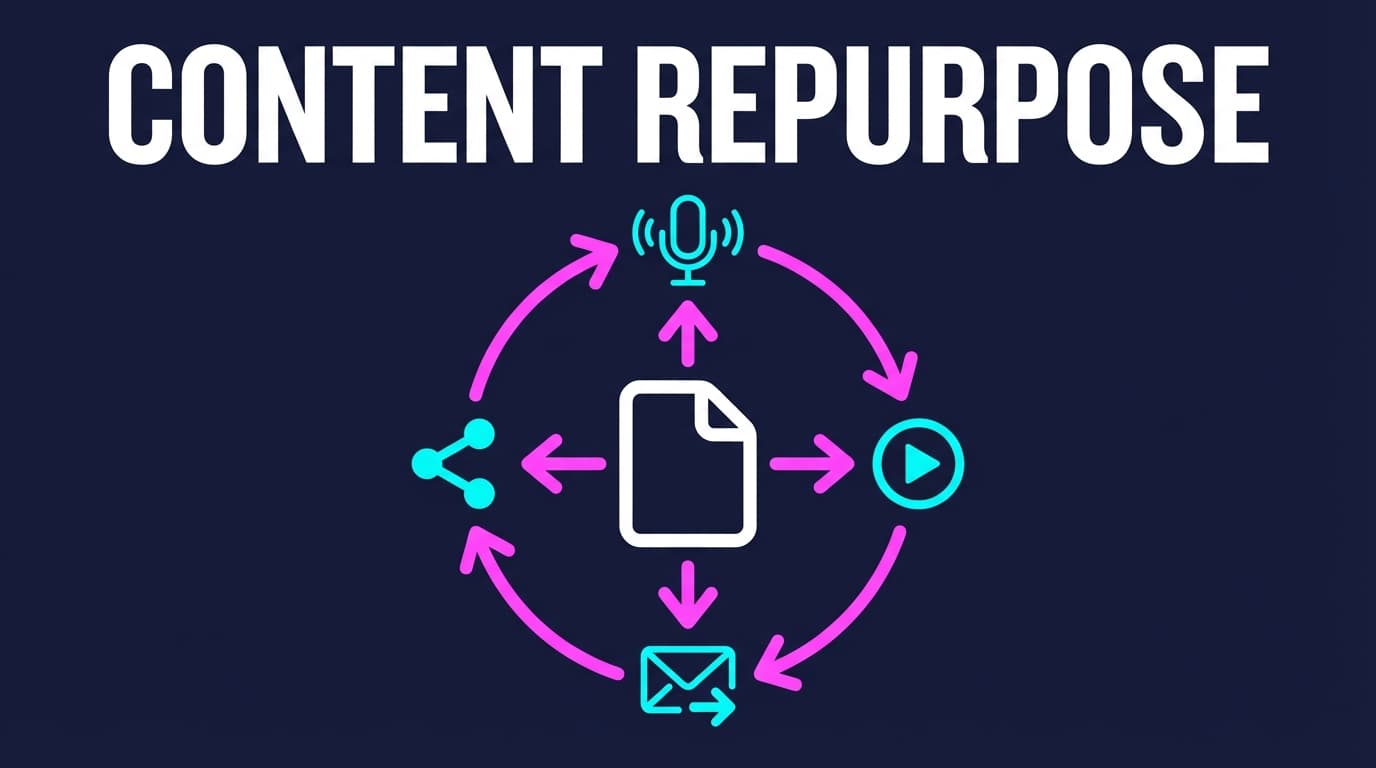
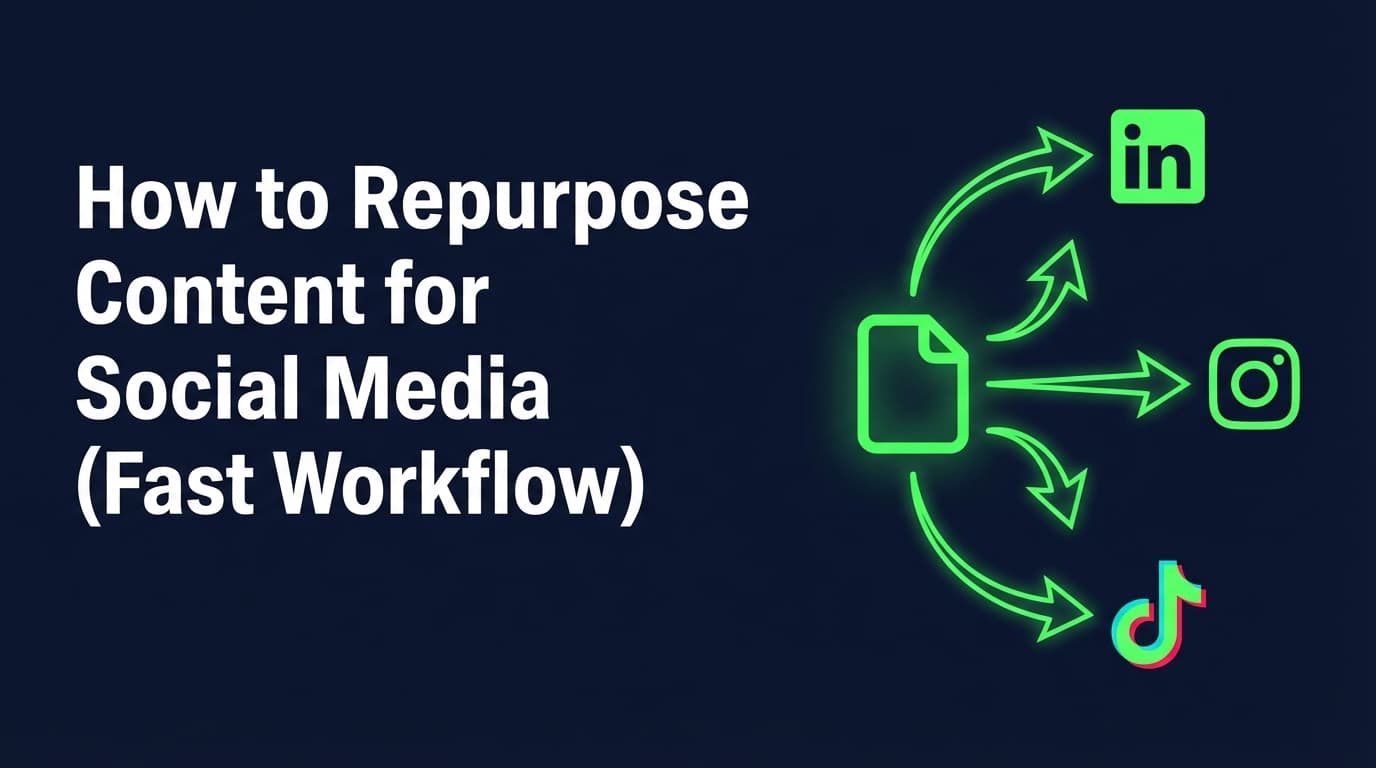
Repurposing content for social media means taking an existing “source asset” (blog post, video, webinar, newsletter, case study, FAQ doc, customer call notes, etc.) and reworking it into multiple social-native posts designed for: - a specific platform’s format - a specific audience behavior (scrolling vs saving vs commenting) - a specific outcome (reach, engagement, leads, subscribers, authority)
Repurposing is not: - copying the same caption to every platform - reposting the same graphic repeatedly with no changes - forcing long-form ideas into a single block of text everywhere
In short:
Keep the core message and change the packaging.
Why repurposing matters in 2026 (and why “just post more” is a trap)
1) Social is massive, and growth continues
DataReportal reports social media users continue to grow, averaging 8.4 new users per second over a year period.
Source: https://datareportal.com/reports/digital-2024-deep-dive-social-media-is-still-growing
2) Attention is real, but competition is intense
DataReportal also notes the “typical” social media user spends 2 hours and 23 minutes per day on social media.
Source: https://datareportal.com/reports/digital-2024-global-overview-report
More time on social doesn’t make reach easier. Usually it means more content competing for the same hours.
3) Brands are publishing at scale (even if you’re not)
Sprout Social reports brands published an average of 9.5 social posts per day across networks in 2024.
Source: https://sproutsocial.com/insights/social-media-benchmarks-by-industry/
You don’t need to post 9.5 times a day, but you do need a way to post consistently at whatever pace you choose.
4) Everyone repurposes, so do it better
ReferralRock reports 94% of marketers they surveyed repurpose their content.
Source: https://referralrock.com/blog/content-repurposing-tips-from-experts/
So what matters is how you repurpose: - choosing the right source assets - generating distinct angles (not duplicates) - matching platform-native formats - distributing intelligently over time
5) Performance and engagement can shift quickly
Rival IQ’s 2024 benchmark highlights that TikTok engagement rates dropped more than 50% on average year-over-year.
Source: https://www.rivaliq.com/blog/social-media-industry-benchmark-report-2024/
When performance drops, you need more attempts and quicker adjustments. Repurposing gets you more posts without the same increase in hours.
6) Short-form video remains a key ROI driver
HubSpot reports 21% of marketers say short-form videos deliver the highest ROI.
Source: https://www.hubspot.com/marketing-statistics
Repurposing makes it easier to cut one idea into videos and visuals of the right length for each platform.
A weekly loop: break content down, then schedule it
Lists of repurposing ideas help, but a loop you run every week helps more:
- Pick a source asset (preferably evergreen or proven)
- Atomize it into small “content atoms” (hooks, steps, mistakes, proofs)
- Repackage those atoms into platform-native formats
- Schedule with spacing (so it doesn’t look repetitive)
- Review signals and qualitative feedback
- Refresh and reship winners with new hooks/visuals/angles
The “atomization” concept is widely used in content marketing; Jay Baer defines atomization as taking a strong theme and executing it in many strategically sound ways.
Source: Content Marketing Institute.
https://contentmarketinginstitute.com/content-optimization/how-to-atomize-1-killer-piece-of-content-into-10
Additional reference: Convince & Convert discusses tactics for content atomization.
https://www.convinceandconvert.com/content-marketing/atomize-your-content-marketing/
How to repurpose content for social media (step-by-step)
Step 1: Build a source-asset inventory (30–60 minutes)
Before you create anything new, list what you already have.
Source asset ideas: - Blog posts / SEO pages - YouTube videos, webinars, livestream recordings - Podcast episodes - Newsletters - Case studies and testimonials - Sales calls, discovery calls, demos - Customer support tickets and FAQs - Product docs or onboarding guides - Internal playbooks and checklists
Template: Source Asset Inventory (copy/paste)
| Asset | Link / location | Topic | Date | Evergreen? (Y/N) | Proof it worked? (Y/N) | Repurpose potential (1–5) |
|---|---|---|---|---|---|---|
| Blog post | ||||||
| Webinar | ||||||
| Case study |
For agencies: add “Client X: top FAQs” as a source asset category. Those questions often make the best hooks.
Step 2: Choose the right content (the 3 filters)
Not all content repurposes well. Use these filters:
1) Evergreen: will it matter in 3–12 months?
2) Specific: does it teach something concrete (steps, mistakes, examples)?
3) Distinct: does it have a point of view, data, or story?
If an asset fails all three, it’s probably not your best repurposing candidate.
Step 3: Atomize the asset (turn 1 into 10–30)
A content atom is a small standalone unit: - a hook - a mistake - a step - an example - a quote - a definition - a “do this / not that” contrast
Template: Atom Bank (copy/paste)
Topic: _____________
Hooks (10): 1. “Most people think , but actually .” 2. “If you’re doing , stop.” 3. “Steal this workflow for .” 4. “The real reason ___ isn’t working: .” 5. “Here’s the checklist we use for .”
Steps (5–7):
- Step 1:
- Step 2:
- Step 3:
Mistakes (5):
- Mistake:
- Fix:
Proof/examples (3):
- Example 1:
- Example 2:
- Example 3:
Soundbites (5): - “ is not a strategy. ___ is.” - “If you only fix one thing, fix .”
FAQ (5):
- “Do I need to ___?”
- “How long does ___ take?”
Goal: 25–40 atoms per source asset, which is enough material for several weeks.
Step 4: Match atoms to formats (the Repurposing Matrix)
Now decide which atoms become which format.
Repurposing Matrix (quick)
| Atom type | Best formats | Best platforms |
|---|---|---|
| Checklist / steps | Carousel, short video tutorial | Instagram, LinkedIn, TikTok |
| Myth / contrarian take | Text post, talking-head video | LinkedIn, X, TikTok |
| Before/after | Carousel, quick reel | Instagram, LinkedIn |
| Quote / soundbite | Quote graphic, single text post | Instagram, LinkedIn, X |
| Case study result | Mini-story carousel, “what changed” post | LinkedIn, Instagram |
Rule: mix it up. If everything is a carousel, your audience gets bored (and so does your team).
Step 5: Rewrite per platform (so it feels native, not recycled)
“Platform-native” usually means the first few seconds/lines match the platform’s behavior.
- Clear context and credibility
- Short paragraphs (scan-friendly)
- A practical takeaway
- Optional: a question to spark comments
LinkedIn limit note: LinkedIn Help states the character limit for a post is 3,000 characters.
Source: https://www.linkedin.com/help/linkedin/answer/a528176
- Visual structure (carousel or reel)
- Save/share triggers: checklists, steps, templates
- Strong first slide / first second
TikTok
- Hook speed: first 1–2 seconds matter
- One idea per clip (don’t cram 7 points)
- On-screen text helps comprehension
TikTok photo posting reference: TikTok Creator Academy explains how photo posting works in-app.
Source: https://www.tiktok.com/creator-academy/en/article/photo-posting
X (Twitter)
- Sharp claim + proof + action
- Avoid long “mini blog posts” in a single tweet-like post
- Create separate posts for series-style content when needed
Step 6: Design for compliance and re-use (especially visuals)
Repurposing gets easier when you reuse the same few layouts.
For carousels: build 2–3 templates: - “Checklist” template (title + bullets) - “Do this / not that” template - “Mistakes” template
Instagram carousel sizing: Hootsuite notes carousel posts are 1080px wide, with height depending on format (portrait/square/landscape).
Source: https://blog.hootsuite.com/instagram-carousel/
Step 7: Batch production, then batch scheduling (the time-saver)
Repurposing works best when you separate tasks:
1) Write all hooks
2) Write all captions
3) Build all visuals
4) Schedule everything
You switch tasks less, and your content days get more done.
Step 8: Schedule with spacing (avoid “dumping” repurposes)
A simple spacing plan for one source asset:
- Day 1: Contrarian hook post
- Day 3: Checklist carousel
- Day 5: Mistakes post
- Day 7: Example/case study mini-story
- Day 10: FAQ post
- Day 14: “What I’d do differently” post
- Day 21: Refresh a winner with a new hook/visual
Spread out like this, the versions don’t feel repetitive.
Step 9: Refresh and reship winners
A repurposed post can be repurposed again by changing one lever:
- New hook (same body)
- New angle (mistake → checklist)
- New visual (carousel → short video)
- New audience (creator vs agency vs founder)
Examples: turn 1 asset into a week of platform-native posts (3 full walkthroughs)
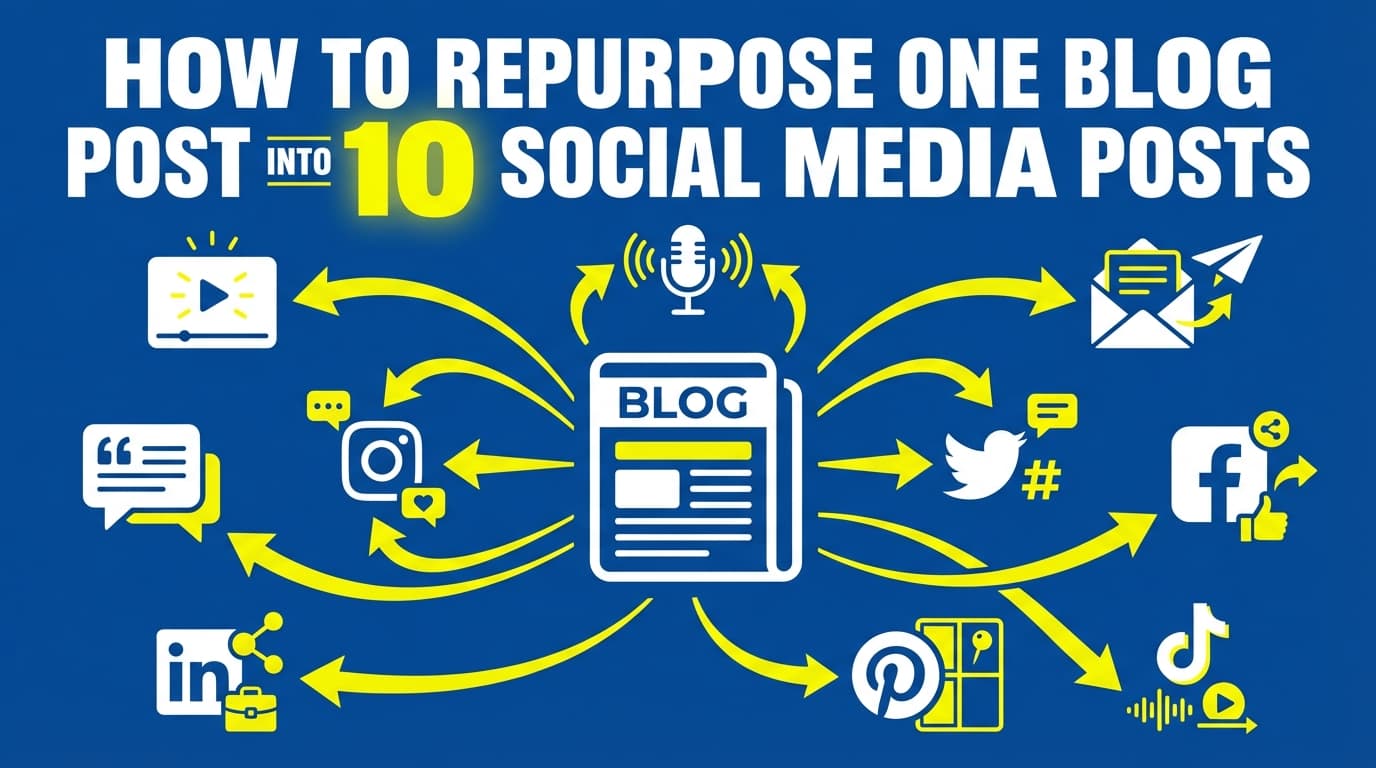
Walkthrough 1: One blog post → 12 social posts
Source asset: “How to price your services” (example topic)
Atomize it into: - 10 hooks (pricing myths, common mistakes) - 5 steps (pricing process) - 3 examples (packages, tiering) - 5 FAQs (discounts, scope creep)
Outputs (12): 1. LinkedIn: “Most underpricing is really a scope problem.” (hot take + 3 tips) 2. X: “Stop selling hours. Sell outcomes.” (claim + quick action) 3. Instagram carousel: “Pricing checklist: 7 questions before you quote” 4. TikTok: 20-second “3 signs you’re undercharging” 5. LinkedIn: “The ‘anchor package’ that stops scope creep” (mini-story) 6. Instagram: quote graphic “Discounting is not a strategy” 7. X: “Here’s a simple pricing ladder…” (3-line framework) 8. TikTok: “How to present pricing without apologizing” 9. LinkedIn: “Mistake: charging the same for wildly different clients” (mistake + fix) 10. Instagram carousel: “Do this / not that: pricing edition” 11. LinkedIn: FAQ post “Should you offer discounts?” 12. Instagram: “behind the scenes” slide of your pricing worksheet (with blur if needed)
Each platform gets its own format and its own hook, which is why this works better than copy/paste.
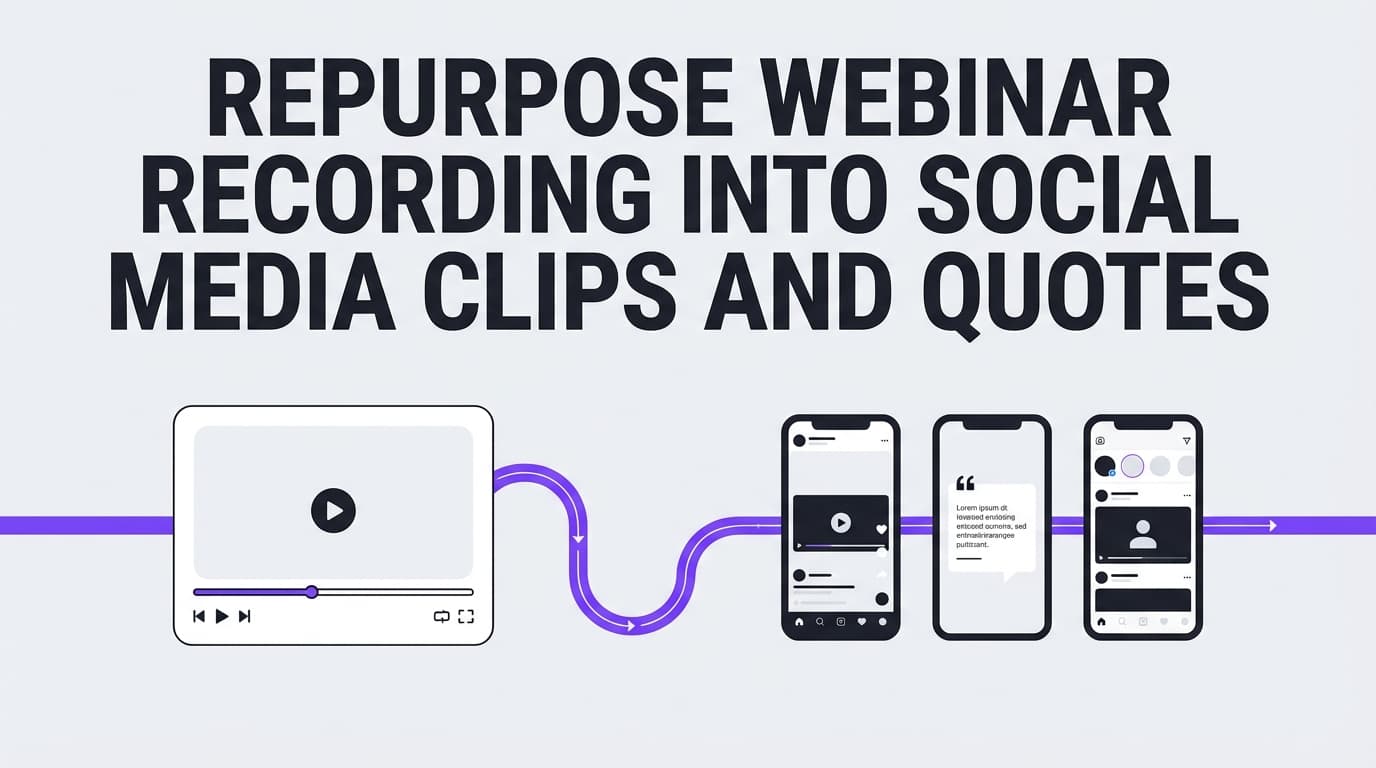
Walkthrough 2: One webinar → 8 clips + 6 carousels + 5 text posts
Source asset: 45-minute webinar
Atomize from the transcript: - 10 strong quotes - 10 “how-to” steps - 5 objections - 5 examples
Clip strategy (8 clips): - Clip 1: the best hook moment - Clip 2–4: 3 tactical steps - Clip 5: mistake to avoid - Clip 6: example story - Clip 7: tool/process - Clip 8: closing takeaway
Carousel strategy (6): - “The framework” carousel - “Mistakes” carousel - “Checklist” carousel - “FAQ” carousel - “Case study” carousel - “Do this / not that” carousel
Text strategy (5): - LinkedIn: lessons learned - LinkedIn: the contrarian take - X: punchy claims (3) - Threads-style sequences as separate posts if needed
Walkthrough 3: One customer conversation → 10 posts people actually care about
Source asset: recurring customer question: “Why aren’t my posts getting engagement?”
Turn into: - “3 reasons your posts aren’t getting saved” - “Your hook is too vague. Here’s a fix” - “Stop giving tips without context” - “How to repurpose one post into 5 formats” - “Checklist: before you publish” - “Examples of strong hooks” (carousel) - “FAQ: should I delete low-performing posts?” - “Myth: the algorithm hates you” - “Do this / not that” - “Case example: what changed results for a client”
Why it works: these come from questions customers actually asked.
60+ ways to repurpose content for social media (organized by source type)
A) Repurpose a blog post (15 ideas)
- Turn each H2 into a standalone post
- Convert the intro into a contrarian hook
- Turn the conclusion into a checklist carousel
- Pull 5 key lines for quote graphics
- Turn steps into a carousel (“Do this in order”)
- Turn “mistakes” into a short video series
- Convert examples into “before/after” posts
- Create a FAQ mini-series (1 question per post)
- Make “definitions” into glossary posts
- Make one “myth vs reality” post
- Turn stats into a data slide (with citation)
- Turn the post into a “5-day series”
- Create a “tool stack” post
- Record a 30-second summary video using the post as script
- Turn comments/questions about the blog into follow-ups
B) Repurpose a long video/webinar/livestream (15 ideas)
- Clip 5–10 moments (one idea per clip)
- Create a “highlight reel”
- Turn questions from chat into FAQ posts
- Turn your framework into a carousel
- Turn your demo into a step-by-step tutorial
- Create “what surprised me” post
- Create “what I’d do differently” post
- Turn the strongest story into a narrative post
- Convert the transcript into quote cards
- Convert one section into a “checklist”
- Turn objections into “common mistakes” posts
- Turn key timestamps into a “table of contents” carousel
- Turn the webinar into a newsletter, then repurpose the newsletter
- Create a “resources mentioned” post
- Turn the intro hook into a standalone post
C) Repurpose a newsletter (10 ideas)
- Pull 3–5 key ideas as posts
- Turn one paragraph into a LinkedIn post
- Turn one “tip” into a carousel
- Turn a story into a short video
- Turn a list into “do this / not that”
- Turn replies into follow-up posts
- Turn “PS” into a CTA post
- Turn one stat into a data slide
- Turn the subject line into a hook test
- Turn “links you loved” into a curated post
D) Repurpose case studies and testimonials (10 ideas)
- “What we changed” post
- “Before/after” carousel
- “3 levers that moved results”
- “What didn’t work” (high trust)
- “Timeline breakdown”
- “Lessons learned”
- Testimonial quote graphic
- “Customer story” mini-post
- “Myth we proved wrong”
- “If we started over…” post
E) Repurpose customer support and sales calls (10 ideas)
- Top 5 FAQs series
- “Objection handling” post
- “Beginner mistake” post
- “Checklist before you buy/try” post
- “Setup steps” tutorial post
- “Common confusion” clarification post
- “Misconception” myth post
- “Glossary” definitions post
- “What to do next” next-step post
- “How we think about ___” authority post
Platform playbooks: how to repurpose without looking repetitive
LinkedIn repurposing playbook (B2B + authority)
Best formats: frameworks, lessons learned, mini case studies, “mistake + fix”
Winning structure: 1. Hook (first ~150–210 characters matter most visually) 2. Context (who this is for) 3. 3–5 steps or points 4. Example 5. Question CTA
Constraint reminder: keep it within LinkedIn’s 3,000-character post limit.
Source: https://www.linkedin.com/help/linkedin/answer/a528176
Instagram repurposing playbook (saves/shares + visual clarity)
Best formats: carousels, reels, checklists, templates
Carousel structure (simple): - Slide 1: Hook (pain + promise) - Slide 2: Why it matters - Slides 3–7: Steps - Slide 8: Example - Slide 9: CTA (“Save this” / “Share with a friend”)
Extra planning tip: if grid aesthetics matter, plan visuals before publishing.
Optional tool: PostQuickAI offers an Instagram grid preview/feed planner tool:
- /tools/instagram-feed-planner
TikTok repurposing playbook (hook speed + one idea per post)
Best formats: short tutorials, “3 mistakes” clips, quick demos
Script skeleton: - 0–2s: Hook - 2–6s: Context - 6–20s: Steps - 20–30s: Example/recap - End: CTA
Photo posts (official reference): TikTok explains photo posting inside their Creator Academy.
Source: https://www.tiktok.com/creator-academy/en/article/photo-posting
If you’re using PostQuickAI for TikTok photo posts: TikTok photo publishing requires at least 2 images in PostQuickAI’s publishing flow.
X repurposing playbook (brevity + punch)
Best formats: sharp takeaways, contrarian claims, distilled frameworks
Formula: - Claim (1 line) - Proof (1 line) - Action step (1 line)
Constraint reminder (tooling): PostQuickAI supports X posts with text, images (up to 4), and video, plus native threads. Compose a thread once and each part publishes as a linked reply.
Best practices that make a difference
-
Start with content that’s already “good.”
Repurposing weak content gives you more weak content. -
Write 10 hooks before you write bodies.
The hook matters most. The same idea with a new hook is effectively a new post. -
Change at least two variables per platform.
For example: hook + format, or angle + visual. -
Use a template system (2–3 carousel templates, 1 video structure).
Templates make each post faster, since you aren’t designing from scratch every time. -
Space repurposes out over time.
Don’t publish 8 versions in 3 days. -
Use benchmarks as reference, not rules.
Rival IQ reports the median Instagram engagement rate across industries is 0.43%.
Source (PDF): https://get.rivaliq.com/hubfs/eBooks/2024-Rival-IQ-Social-Media-Industry-Benchmark-Report.pdf -
Track signals you can learn from, beyond vanity metrics.
- Saves and shares (for educational content) - Comments quality (questions, objections, agreement) - DMs (qualitative proof of resonance) - Which hooks outperform
Common mistakes to avoid (and what to do instead)
Mistake 1: Copy/pasting the same post everywhere
Why it fails: audience behavior differs by platform.
Fix: keep the idea; change hook + format + framing.
Mistake 2: Atomizing without adding value
Why it fails: you get shallow “tips” posts.
Fix: every post needs at least one of:
- a specific example
- a checklist
- a “do this / not that”
- a story or proof point
Mistake 3: Turning one asset into 30 posts that all sound identical
Why it fails: it looks spammy, even when it isn’t.
Fix: use an Angle Bank (see below) and spread posts out.
Mistake 4: Planning formats you can’t actually publish/schedule
Why it fails: your workflow breaks at scheduling time.
Fix: maintain a quick “platform constraints” note.
Example constraints for PostQuickAI: - Instagram Stories publishing: supported - Facebook Stories scheduling: supported - LinkedIn documents/polls/newsletters/articles: not supported - TikTok photo posts: require at least 2 images (in PostQuickAI) - X threads as a single native thread: supported (linked reply chain)
Mistake 5: No review loop (you don’t learn what to repeat)
Fix: a 15-minute weekly review: - list top 3 posts by saves/comments - identify which hook pattern won - refresh one winner next week
The Angle Bank: 15 ways to rewrite the same idea without repeating yourself
Use these angles to keep repurposed content fresh:
- Mistakes
- Myths
- Checklist
- “Do this / not that”
- “If I started today…”
- Beginner vs advanced
- “3 signs you need to…”
- “The real reason…”
- Template/swipe file
- Case example
- Objection handling
- “What we learned”
- “What didn’t work”
- Tools stack
- FAQ
A weekly workflow you can actually run (for agencies and busy creators)
Monday (60–90 minutes): choose + atomize
- Pick 1 source asset
- Build an Atom Bank (25–40 atoms)
Tuesday (90 minutes): write + outline
- Write 10 hooks
- Turn hooks into 8–12 posts across platforms
Wednesday (60–90 minutes): produce visuals + clips
- Build 3–5 carousels
- Edit 2–4 short clips (or record quick talking-head videos)
Thursday (30–45 minutes): schedule with spacing
- Schedule 1–2 posts per platform over 7–14 days
Friday (15 minutes): review + refresh plan
- Identify 1 winner to refresh next week
This workflow scales when you add clients; you just run it per client content pillar.
Tools to help with repurposing (honest recommendations)
Writing, rewriting, and batching captions
- PostQuickAI: useful for drafting captions and generating variations (ask the composer assistant to adjust tone or proofread) and scheduling supported post types across supported platforms.
- Caption generator: /tools/caption-generator
- Hashtag generator: /tools/hashtag-generator
Pricing: PostQuickAI plans are Basic at $15/month, Pro at $39/month and Ultra at $99/month, with a 7-day free trial on your first plan (card required). There’s no free plan.
Instagram planning (visual consistency)
- PostQuickAI Instagram Feed Planner / grid preview tool: /tools/instagram-feed-planner
Editing and design
- Canva (fast carousel templates)
- CapCut/Descript (clipping workflows)
Quick-start checklist (save this)
If you want a “do this today” plan:
- Pick 1 source asset (evergreen + specific)
- Write 10 hooks
- Create 25 atoms
- Turn atoms into: - 2 LinkedIn posts - 2 Instagram carousels - 2 TikTok scripts - 2 X posts
- Schedule across the next 10–14 days
- Review signals on day 7 and refresh the best one
Key takeaways
- Repurposing works when you change the packaging for each platform as well as where you post it.
- Use an Atom Bank to create real volume without fluff.
- Space repurposed posts out; refresh winners with new hooks/visuals.
- Tools can speed up caption creation and scheduling, but platform constraints still matter.
FAQ (People Also Ask + real questions)
What is repurposing social media content?
Repurposing social media content means taking an existing piece of content (or a longer asset) and reworking it into new posts by changing the format, hook, angle, or platform framing. The idea reaches new audiences and you don’t start from scratch.
What is an example of repurposed content?
One blog post becomes: - a LinkedIn framework post - an Instagram checklist carousel - a TikTok 20-second tutorial - an X post with one distilled takeaway
The core idea stays the same; only the packaging changes.
Is repurposing content illegal?
Usually not, if you own the content or have rights to reuse it. Risk increases when repurposing:
- copyrighted media you don’t own
- customer/UGC content without permission
- licensed assets beyond allowed terms
If you’re unsure, consult legal counsel for your situation.
What’s the difference between reposting and repurposing?
- Reposting: sharing the same content again (often unchanged).
- Repurposing: transforming the content into a new format/angle so it feels native and fresh.
What is the best way to repurpose content for social media?
A reliable method is:
1) choose one strong source asset
2) extract hooks, steps, mistakes, examples (atoms)
3) map atoms to formats (carousel/video/text)
4) rewrite per platform
5) schedule with spacing
6) refresh the winners
How many times can you repurpose the same content?
There’s no hard limit. You can repurpose strong ideas repeatedly if you: - change the hook and angle - update examples and visuals - spread versions out over time - target different audiences (beginner vs advanced)
Can I schedule repurposed posts across multiple platforms?
Yes, if your tool supports the post types you’re creating. For example, PostQuickAI supports server-side scheduled publishing for supported content types on platforms including Instagram (feed posts, carousels, Reels, and Stories), Facebook Pages, LinkedIn, TikTok (videos and photo carousels), and X.
What is the LinkedIn post character limit?
LinkedIn Help states the character limit for a post is 3,000 characters.
Source: https://www.linkedin.com/help/linkedin/answer/a528176
How do I repurpose content without it looking repetitive?
Use: - different hooks (10 per topic) - different angles (mistakes vs checklist vs myth) - different formats (carousel vs short video vs text) - spacing (publish variations over 2–3 weeks, not 2–3 days)