Best Time to Post an Instagram: The Complete Guide for 2026
Learn the best time to post an Instagram with data-backed benchmarks, a 2-week testing plan, and format-specific schedules. 2026 guide.

Author
If you’ve ever spent hours on a post and watched it go nowhere, you’re not alone. So many people search for the best time to post an Instagram because nobody wants a post to die in the first hour.
The catch is that the “best time” depends on what you’re after (reach, engagement, or clicks and sales), what you’re posting (Reels or carousels), and your audience’s time zone and habits. That’s why the big studies disagree, sometimes by a lot.
This guide covers:
- The consensus best posting windows (and why they vary across studies)
- Best times by day of week (with a “safe schedule” you can use today)
- Best times by format (Reels vs. carousels vs. photos)
- How to find your best time using Instagram Insights
- A simple 2-week testing plan (with a copy/paste tracking template)
- How to schedule posts so you’re not stuck posting manually every day
Quick answer: What’s the best time to post an Instagram?
If you want a baseline you can start with today:
-
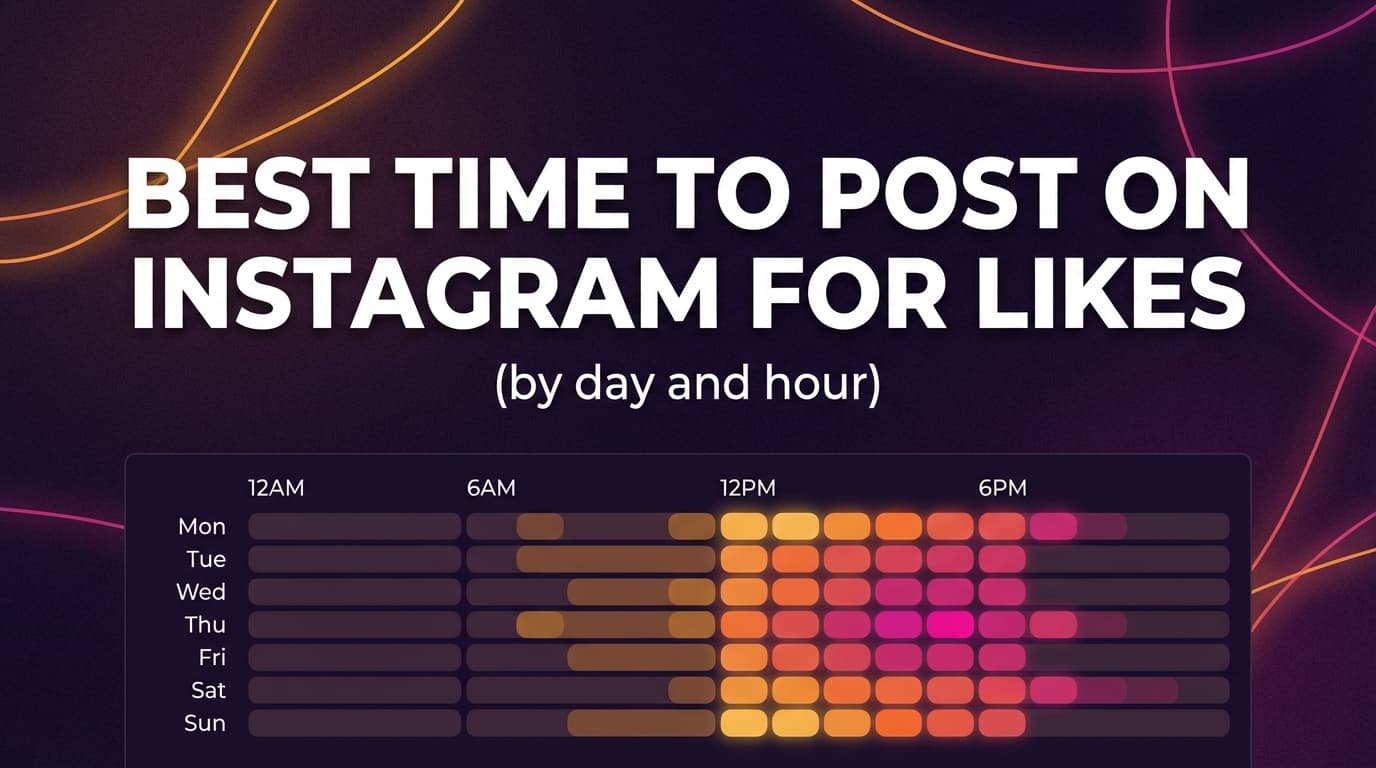
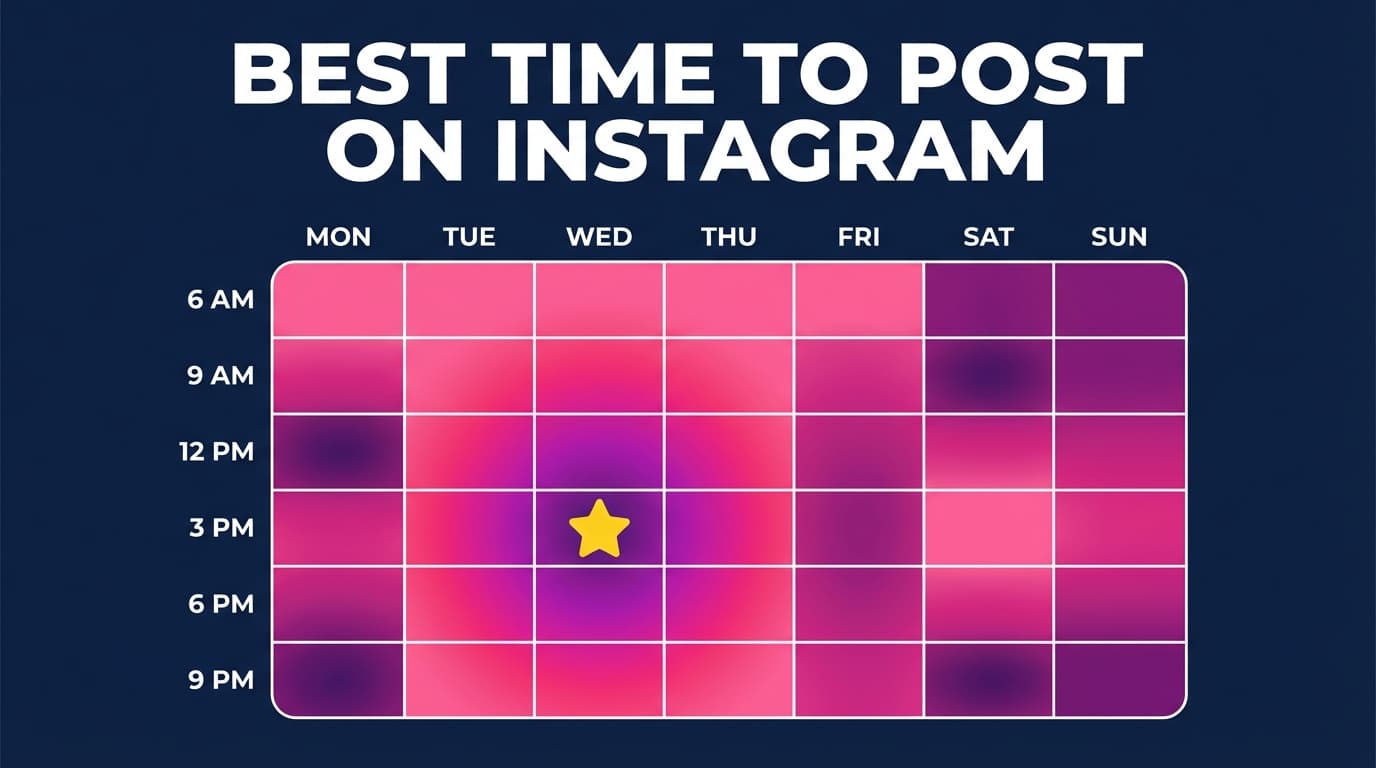
Midweek (Tue–Thu) is consistently strong in many “best time” studies.
Source: Sprout Social’s “Best Times to Post on Instagram” (2025 update) highlights Tuesdays–Thursdays as strongest days. (https://sproutsocial.com/insights/best-times-to-post-on-instagram/) -
Late morning → afternoon is a common “safe window” in multiple datasets.
Example: Sprout’s “new peak times” are broadly late morning through afternoon (11 a.m. to 6 p.m. in their update). (https://sproutsocial.com/insights/best-times-to-post-on-instagram/) -
But some large-scale studies find early morning windows (e.g., 6–8 a.m.) can outperform, depending on audience behavior and region.
Example: SocialPilot reports best time between 6 a.m. and 8 a.m., based on 50K accounts and 7M posts. (https://www.socialpilot.co/blog/best-time-to-post-on-instagram)
The honest quick answer:
Start with a window from one of these studies, then check it with Instagram Insights and a short test.
What “best time” actually means
Most articles treat “best time” like a universal fact. It isn’t, because Instagram ranks content instead of showing a purely chronological feed.
Instagram itself has explained that ranking considers signals like your relationship with someone and how likely you are to care about a piece of content. (https://about.instagram.com/blog/announcements/instagram-ranking-explained)
So when we talk about “best time,” we’re really asking:
1) Best time for reach
You’re trying to maximize how many people see the post (including non-followers via Explore/Reels recommendations).
2) Best time for engagement
You want more likes/comments/saves/shares, which often depends on having more followers online at once and prompting quick interaction.
3) Best time for conversions
You’re trying to drive profile visits, link clicks, DMs, purchases, or bookings. This can be very different from “peak scrolling time.”
The same time slot can be great for engagement and mediocre for conversions, or the other way round, so your best time depends on your goal.
Why posting time still matters in 2026 (even with algorithmic feeds)
Even with ranking, timing can matter because it affects:
- Initial velocity: how quickly people interact after it’s posted
- Competition: how much content your audience is seeing at that moment
- Context: what your audience is doing (commute, lunch break, after work, bedtime scroll)
Most studies treat timing as a way to reach more followers while they’re active, which helps early engagement.
For example, Hootsuite’s analysis is based on over 1 million social posts and publishes day-by-day timing windows. (https://blog.hootsuite.com/best-time-to-post-on-instagram/)
And Buffer analyzed more than 2 million Instagram posts sent through Buffer to determine best times/days and format effects. (https://buffer.com/resources/when-is-the-best-time-to-post-on-instagram/)
Timing won’t rescue weak content. When the content is good, though, the right time can turn an okay post into one that keeps spreading.
What the biggest studies say (and how to use them without getting confused)
These are the most-cited datasets:
Major Instagram timing datasets (benchmarks)
-
SocialPilot: “50K accounts and 7M posts,” early-morning leaning conclusions in their headline guidance.
Source: https://www.socialpilot.co/blog/best-time-to-post-on-instagram -
Buffer: “More than 2 million Instagram posts sent through Buffer,” often highlights weekday afternoon/evening peaks (and breaks down by day).
Source: https://buffer.com/resources/when-is-the-best-time-to-post-on-instagram/ -
Hootsuite: “Over 1 million social posts,” publishes time windows by day.
Source: https://blog.hootsuite.com/best-time-to-post-on-instagram/ -
Later: “6M+ posts” and also references analyses by format (e.g., carousels) and Reels (Later has published Reels-related stats in their timing posts).
Source: https://later.com/blog/best-time-to-post-on-instagram/ -
Sprout Social: frequently updated timing windows + best days, presented as data-backed.
Source: https://sproutsocial.com/insights/best-times-to-post-on-instagram/
Why these sources disagree
They differ on:
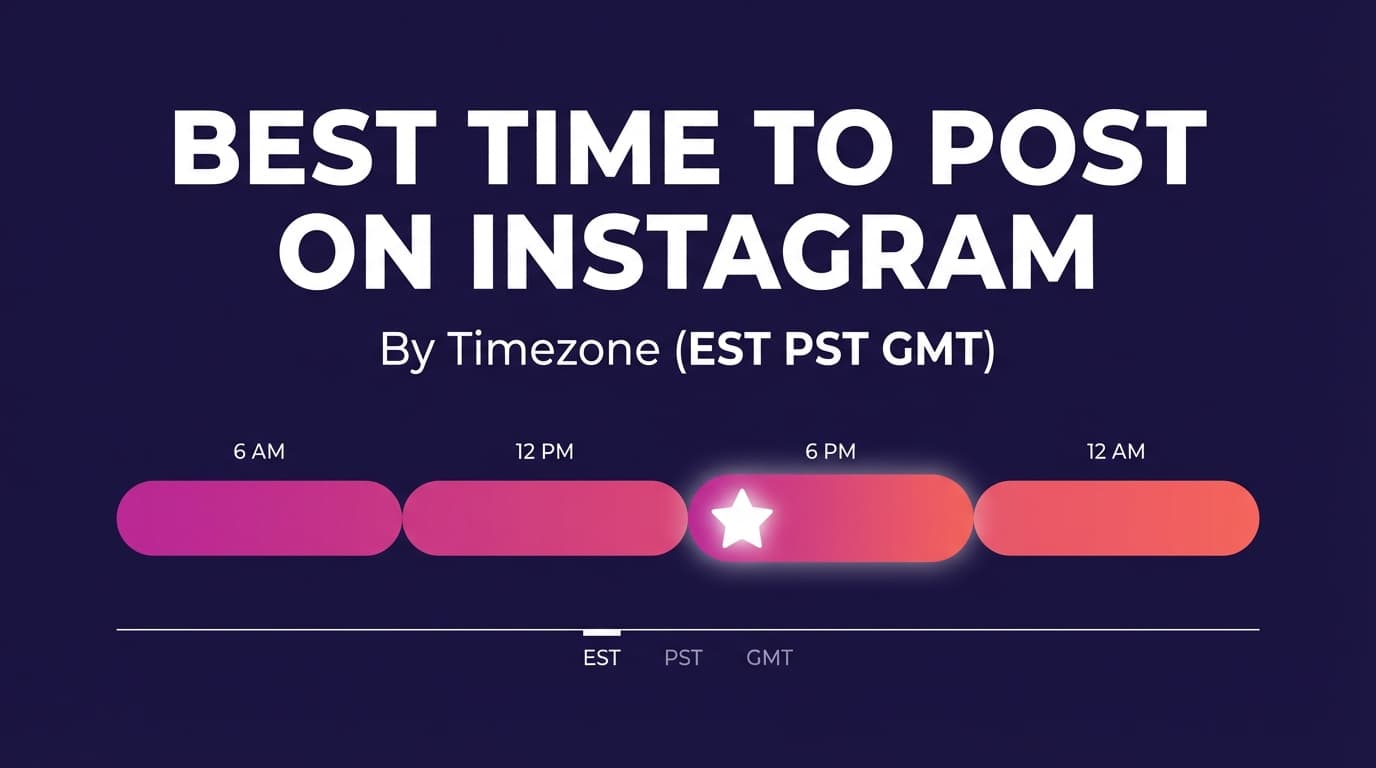
- Time zones (global vs. region-specific normalization)
- Audience mix (B2B vs. B2C, creator vs. brand, niche differences)
- Post formats included (feed posts only vs. Reels included)
- Outcome measured (reach vs. engagement vs. clicks)
How to use studies correctly:
Use them as a starting baseline, not a final answer. Then measure your own account.
Best time to post on Instagram by day (use this as a “safe schedule”)
There’s no universal schedule, but this one is a safe bet for most accounts:
The “safe schedule” (2 daily posting windows)
- Window A (Late morning / lunchtime): ~11 a.m. to 2 p.m.
- Window B (After work / evening): ~5 p.m. to 8 p.m.
Why this works: multiple studies cluster around late morning through afternoon (Sprout) and afternoon/evening peaks (Buffer), with some accounts seeing strong morning performance (SocialPilot).
Sources:
- Sprout time window guidance: https://sproutsocial.com/insights/best-times-to-post-on-instagram/
- Buffer dataset overview: https://buffer.com/resources/when-is-the-best-time-to-post-on-instagram/
- SocialPilot dataset overview: https://www.socialpilot.co/blog/best-time-to-post-on-instagram
Day-by-day: what to prioritize
Use this breakdown like this: post your highest-value content (launches, promotions, hero Reels) on the strongest days, and test your niche’s patterns on the rest.
Monday: “back-to-work” ramp
- Often performs well in late morning or afternoon depending on audience routines.
- Great for: educational carousels, “week plan” posts, announcements.
Tuesday–Thursday: your highest-probability days
- Many studies consistently show midweek strength.
- Great for: launches, collaborations, your best Reels, and conversion-driven posts.
Friday: strong, but audience intent changes
- People shift into weekend mode; “lighter” content can outperform dense educational posts.
- Great for: behind-the-scenes, creator-led content, community prompts.
Saturday: fewer people working, different scroll rhythms
- Often later mornings/early afternoons can work well for lifestyle and local businesses.
- Great for: experiences, UGC, “weekend vibe,” local events.
Sunday: mixed, either quiet or surprisingly strong
- Some audiences are offline; others are deep in “reset + plan” content.
- Great for: weekly recaps, “save this” carousels, planning content.
Note: For exact hour-by-hour ranges, your best bet is to pick one primary source (Buffer, Hootsuite, Sprout, SocialPilot) and use it consistently while you test. Mixing specific hour claims across sources can create contradictory schedules.
Best time to post by format: Reels vs carousels vs photos
Format changes user behavior. A Reel can keep getting distribution long after it’s posted; a carousel might get saves and shares quickly; a single image might rely more on follower activity.
Reels: prioritize “availability + attention”
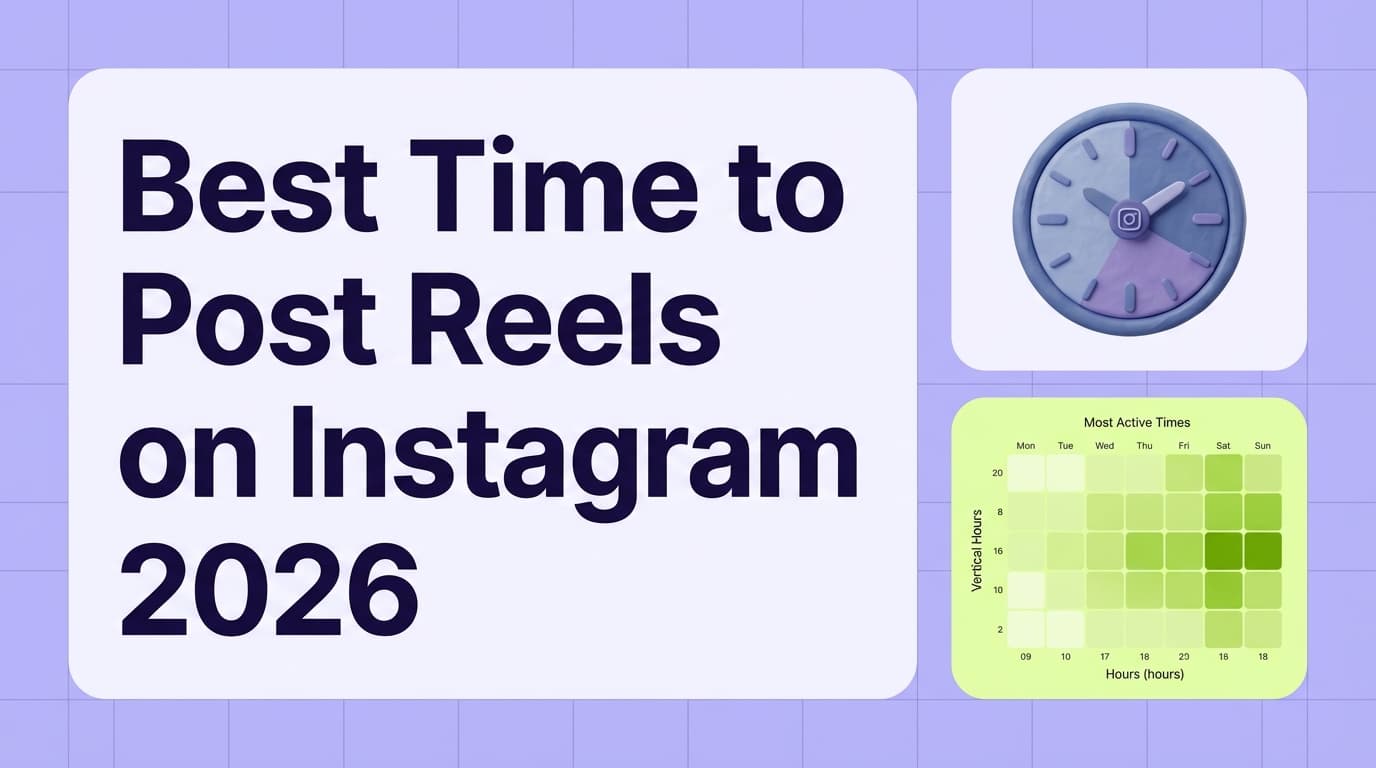
Some datasets and creators emphasize Reels distribution dynamics (watch time, retention, shares). Later’s timing article is often cited for Reels-related timing insights.
Source: https://later.com/blog/best-time-to-post-on-instagram/
Practical Reels timing guidance (actionable): - If your audience is primarily working adults: test early morning and evening - If your audience is students/younger: test late afternoon and late evening - If your audience is global: post when your largest region is awake and scrolling
Carousels: prioritize “save + share” windows
Carousels often perform well when users have time to swipe and save (commute, lunch, evening downtime).
Later’s guide includes carousel-specific timing sections.
Source: https://later.com/blog/best-time-to-post-on-instagram/
Single-image posts: prioritize “scroll peaks”
Photos can do well when your audience is casually scrolling (morning coffee, lunch break, evening).
Buffer includes discussion of post types and performance in their 2M+ post analysis.
Source: https://buffer.com/resources/when-is-the-best-time-to-post-on-instagram/
The best time to post for your account (step-by-step using Instagram Insights)
This is the part that improves results more than any generic list.
Step 1: Make sure you can access Insights
Instagram Insights are available for professional accounts (Business/Creator). Instagram’s Help Center notes Insights include things like follower demographics and “times they’re most active.”
Source: https://help.instagram.com/788388387972460
Step 2: Find “Most active times”
Instagram UI changes, but the common path is:
- Go to your profile
- Open Professional dashboard
- Tap Insights
- Look for follower/audience section (often “Total followers”) and scroll to Most active times
If you don’t see it, you’re not imagining things. Some users report it disappearing or moving.
Source example (user-reported): https://www.reddit.com/r/InstagramMarketing/comments/1ghjgpj/most_active_days_in_analytics_no_longer_there/
Step 3: Convert “Most active times” into a posting rule
Use one of these rules (pick one and be consistent for two weeks):
- Rule A (Lead time): Post 30–60 minutes before your highest activity hour
- Rule B (On the hour): Post exactly at the peak hour
- Rule C (Two-slot strategy): Post in the top two peak hours on your best days
Step 4: Compare “active times” with how posts performed
Active times tell you when followers are online. But your goal is performance.
So also check:
- Top posts by reach
- Top posts by engagement
- Top posts by saves/shares
- Top posts by profile actions (if you track that)
Then ask: What time did those posts go out?
Step 5: Segment by audience region (time zones)
If 60% of your followers are in one region, you can optimize to that region’s time.
If you’re truly global, you may need a rotating schedule (more on that below).
A simple 2-week testing plan (so you stop guessing)
This plan is built for busy marketers and agency social media managers running several accounts.
The rules of a clean timing test
To avoid muddy results:
- Keep the format constant when comparing times (Reel vs Reel, carousel vs carousel)
- Keep the topic/pillar similar
- Keep the hook strength comparable
- Run the test for 2 weeks, not 2 days
Iconosquare explicitly warns about mixing content type when testing time (time vs. format confounds).
Source: https://www.iconosquare.com/blog/the-best-time-to-post-on-instagram-and-how-to-find-it
The test schedule (easy mode)
Pick two time slots and alternate them:
- Slot 1: Morning (e.g., 7–9 a.m.)
- Slot 2: Evening (e.g., 6–8 p.m.)
Post the same format (e.g., 6 Reels over 2 weeks), alternating slots.
Copy/paste tracking template (use this in Sheets/Notion)
| Date | Day | Format | Topic/Pillar | Time posted (local) | Reach | Likes | Comments | Saves | Shares | Profile visits | Website clicks | Notes |
|---|---|---|---|---|---|---|---|---|---|---|---|---|
| Reel / Carousel / Photo | Hook, CTA, audio, collab? |
How to pick a winner
Pick the metric that matches your goal:
- Reach goal: winner = highest reach (and best reach per follower if you track it)
- Engagement goal: winner = saves + shares (often better than likes alone)
- Conversion goal: winner = profile visits + clicks + DMs
Then lock in the winning slot for 30 days before changing again.
Best time to post when your audience is global (time zone strategy)
If you post for several regions, finding the best time gets tricky.
Option 1: Optimize for your largest region
If one country/state dominates your follower base, optimize for that time zone.
Option 2: Use a rotating schedule (great for creators + global brands)
Rotate your posting times across days:
- Mon/Wed/Fri: optimize for Region A
- Tue/Thu: optimize for Region B
- Weekend: optimize for mixed/global
Option 3: Match content to the region
If your content is region-specific (events, local services), it’s better to post at the right local time than chase global averages.
Best time to post by industry (how to adapt without overfitting)
Industry benchmarks are useful when:
- you’re launching a new account with little data
- you manage many client accounts and need a starting point
- you’re entering a new niche
Many “best time” guides include industry sections (e.g., Hootsuite and others).
Source example: https://blog.hootsuite.com/best-time-to-post-on-instagram/
But don’t overfit. The more specific you get (“best time for fitness on Thursdays at 6:17 a.m.”), the more likely it’s noise.
Industry-based starting points (practical)
Use these as starting hypotheses:
- B2B / professional services: test lunchtime and weekday afternoons
- Food / restaurants: test late morning (planning) and early evening (decision time)
- Fitness: test early morning and evening routines
- Retail / eCommerce: test lunchtime, late afternoon, and weekend mid-mornings
Then validate with your Insights + 2-week test.
Common mistakes that make “best time” advice fail
Mistake 1: Changing time + format + topic at the same time
If you post a Reel at 9 a.m. and a carousel at 9 p.m., you learned nothing.
Fix: test one variable at a time.
Mistake 2: Looking at likes instead of saves/shares (for educational content)
For carousels especially, saves/shares can matter more than likes.
Fix: pick one primary KPI per content pillar.
Mistake 3: Posting at the “best time” but missing consistency
If you only hit the perfect time once every two weeks, your account won’t build momentum.
Fix: pick two posting windows you can consistently hit.
Mistake 4: Using global studies as if they’re personalized
Averages are a starting point.
Fix: use studies as a baseline and trust your own Insights over them.
Mistake 5: Overvaluing time and undervaluing packaging
A strong hook, clear value, and good creative can outperform perfect timing.
Fix: improve creative first, then optimize timing.
How to schedule Instagram posts so you never miss your best time
If your best time is 6:30 a.m., you shouldn’t have to wake up early just to hit “Publish.”
Native scheduling (Instagram app)
Instagram and Meta surfaces scheduling options for professional accounts, including scheduled posts/Reels.
Source: Meta/Instagram business help article “How to create and manage scheduled posts and Reels on Instagram.” (https://www.facebook.com/business/help/3294660970775616)
Meta Business Suite scheduling
Meta Business Suite also supports scheduling for connected accounts (often via Planner/Content).
Source: https://www.facebook.com/business/help/942827662903020
Third-party scheduling (when you manage multiple accounts)
This is where scheduling tools help most: you batch-create content, put it on a calendar, and publish at the times you tested.
Where PostQuickAI fits
If you’re managing multiple posts (or multiple clients) and you want to consistently hit your chosen time slots, PostQuickAI supports:
- Scheduling + auto-publishing Instagram feed posts (single-image)
- Scheduling + auto-publishing Instagram carousels (multi-image)
- Scheduling + auto-publishing Instagram Reels (video)
It also supports scheduling/publishing Instagram Stories (image, or video up to 60 seconds).
You can also use PostQuickAI’s AI tools to speed up content prep: - AI caption generation - AI hashtag generation
And if you care about planning the grid aesthetic: PostQuickAI offers a free Instagram Feed Planner / grid preview tool (free, no login required).
/tools/instagram-feed-planner
Pricing: Plans start at $15/month, and your first plan starts with a 7-day free trial (card required).
/pricing
A repeatable workflow for agencies & busy social media managers
If you run several accounts, knowing the best time is the easy part. The hard part is having a routine that gets posts out at those times every week.
Weekly workflow (60–90 minutes per client)
- Pull Insights (10 min): note top active hours + last week’s best-performing post times
- Pick 2 posting windows for the week (5 min)
- Batch produce content (30–60 min): 2 Reels + 2 carousels + 1 photo (example mix)
- Schedule everything (10–15 min) on a calendar for the chosen windows
- Review & iterate (10 min): log results in your tracker, adjust next week
That routine is what turns the best-time data into results.
Tools to help with finding and hitting your best posting times
No single tool does everything, so here they are by use case.
-
Instagram Insights (native): best for seeing follower activity and basic performance.
Source: https://help.instagram.com/788388387972460 -
Meta Business Suite: best for native scheduling workflows across Facebook + Instagram for many businesses.
Source: https://www.facebook.com/business/help/942827662903020 -
PostQuickAI: best when you want to schedule/auto-publish Instagram posts, carousels, and Reels, plus speed up creation with AI captions/hashtags and plan your grid with a free feed planner.
/instagram-scheduler, /tools/instagram-feed-planner, /pricing
Key takeaways
- There isn’t one universal best time to post an Instagram. Studies vary because audiences, time zones, and metrics vary.
- Use one benchmark schedule to start (midweek + late morning/afternoon or evening windows), then validate with Instagram Insights.
- Run a 2-week test with one variable at a time.
- Once you find winning windows, schedule posts so consistency doesn’t depend on being online at the perfect moment.
- Tools like PostQuickAI can help you consistently hit your chosen posting times for feed posts, carousels, Reels, and Stories.
FAQ (People Also Ask + real user questions)
What is the best time to post on Instagram to get more reach?
A practical starting point is to test late morning/lunchtime and early evening on weekdays, then confirm using your account’s Insights. Large datasets disagree on exact hours (e.g., Buffer’s 2M+ post study vs. SocialPilot’s 7M post study), which is why your own data matters most.
Sources:
- https://buffer.com/resources/when-is-the-best-time-to-post-on-instagram/
- https://www.socialpilot.co/blog/best-time-to-post-on-instagram
Does it matter what time you post on Instagram in 2025/2026?
It can, mostly because timing affects how many followers are online and how quickly your post gets interactions. Timing won’t fix weak creative, though. It helps good content do better.
Official ranking context: https://about.instagram.com/blog/announcements/instagram-ranking-explained
What time zone are Instagram “Most active times” shown in?
Typically, follower activity charts are shown relative to your account/app context, but Instagram UI can vary. The safest approach is to confirm your device time zone, then run a small test posting 30–60 minutes before the peak hour you see.
Insights context: https://help.instagram.com/788388387972460
What is the best time to post on Instagram on Saturday?
Saturday behavior is different (more flexible schedules). Start by testing late morning to early afternoon, then validate with your Insights. Multiple guides publish Saturday-specific suggestions, but your niche matters a lot.
Example source: https://sproutsocial.com/insights/best-times-to-post-on-instagram/
What is the best time to post on Instagram on Sunday?
Sunday can be mixed. Test a midday window and an early evening window, then confirm via Insights + performance tracking.
Example source: https://blog.hootsuite.com/best-time-to-post-on-instagram/
Is it better to schedule posts or post manually?
If scheduling helps you consistently publish at your validated best times, scheduling is usually better than “posting manually when you remember.” Native tools (Instagram/Meta Business Suite) support scheduling for many accounts, and third-party schedulers can help with batch workflows.
Sources:
- https://www.facebook.com/business/help/942827662903020
- https://www.facebook.com/business/help/3294660970775616
Can PostQuickAI schedule Instagram Stories?
Yes. PostQuickAI schedules image and video Stories, along with feed posts, carousels, and Reels.
/instagram-scheduler