Best Time to Post Reels on Instagram 2026: Complete Guide
Learn the best time to post Reels on Instagram in 2026 with data-backed weekday time windows, timezone guidance, and a 14-day testing plan.

Author
If you manage an Instagram account in 2026, especially for a business, a creator, or several clients, timing can feel like a lottery:
- Post at the “wrong time” and your Reel goes nowhere.
- Post at the “right time” and sometimes it still goes nowhere.
That’s because posting time is only one factor. It still matters: it affects how quickly you get early watch time, shares and saves, which can influence distribution.
Treat the “best time to post” from studies as a starting guess, then replace it with your account’s data (from Insights) using a simple, repeatable test.
This guide draws on these widely cited datasets and resources:
- Buffer analyzed 2+ million Instagram posts to identify best times, days, and format patterns.
Source: https://buffer.com/resources/when-is-the-best-time-to-post-on-instagram/ - Hootsuite reports analyzing 1+ million social posts to identify best times to post on Instagram (with time-block recommendations).
Source: https://blog.hootsuite.com/best-time-to-post-on-instagram/ - Rival IQ breaks down the best time to post Reels by 14 industries, showing how niche changes timing.
Source: https://www.rivaliq.com/blog/best-time-to-post-reels-on-instagram/ - Socialinsider reports an average Instagram engagement rate of 0.45% in the first half of 2025, down 24.1% YoY, and notes Reels drive more comments across page sizes.
Source: https://www.socialinsider.io/social-media-benchmarks/instagram - Meta’s Transparency Center explains ranking systems for Reels (what they’re trying to predict and optimize).
Source: https://transparency.meta.com/features/explaining-ranking/ig-reels-chaining/ - Instagram Help Center notes Insights follower trends require at least 100 followers (important when you’re trying to find “most active times”).
Source: https://help.instagram.com/788388387972460
This guide covers: - The best time windows to post Reels on Instagram in 2026 (by day + why) - How to adjust posting times by time zone and audience routine - A 14-day testing plan to find your actual best Reels times - Best practices, and the mistakes that make good timing fail - Tools and scheduling workflows to hit peak windows consistently
Quick Answer: Best Time to Post Reels on Instagram 2026 (Start Here)
For a baseline you can use today, start with these two windows:
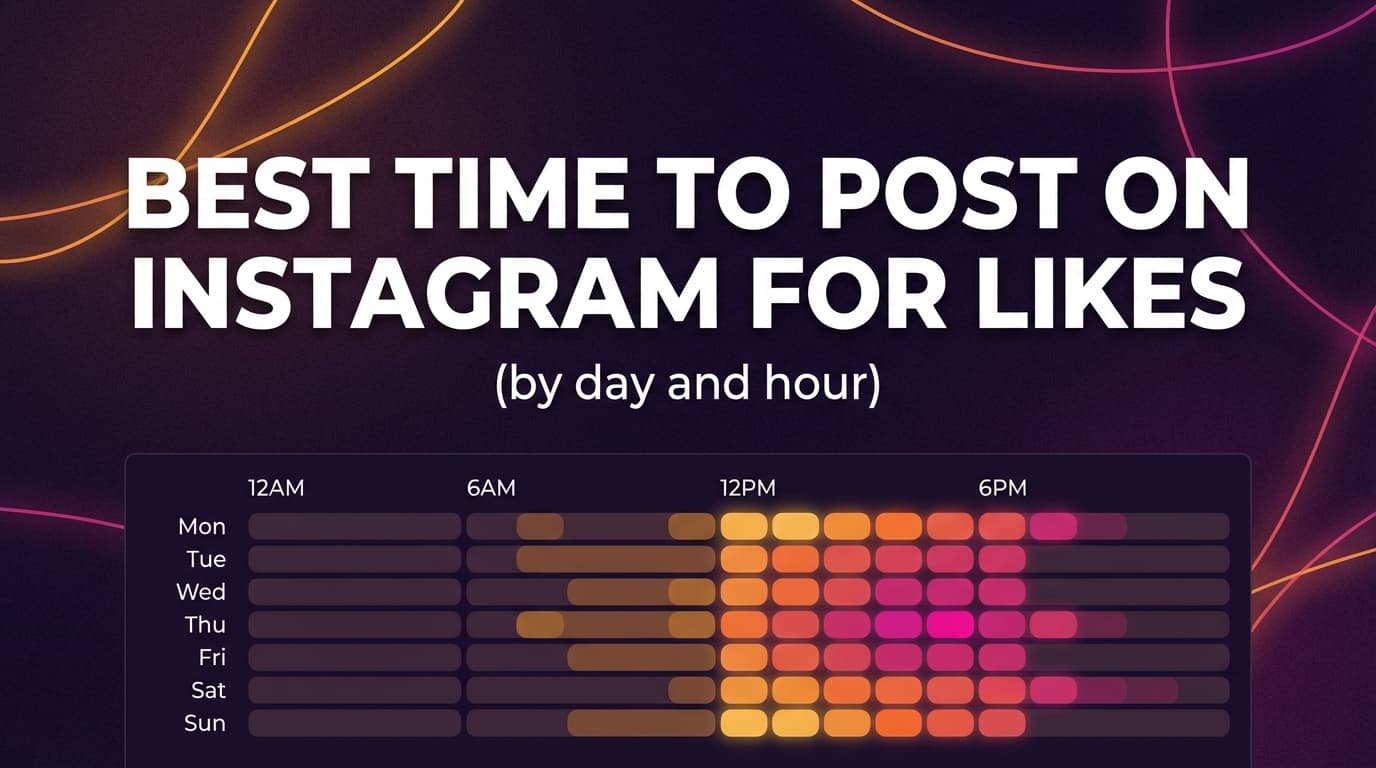
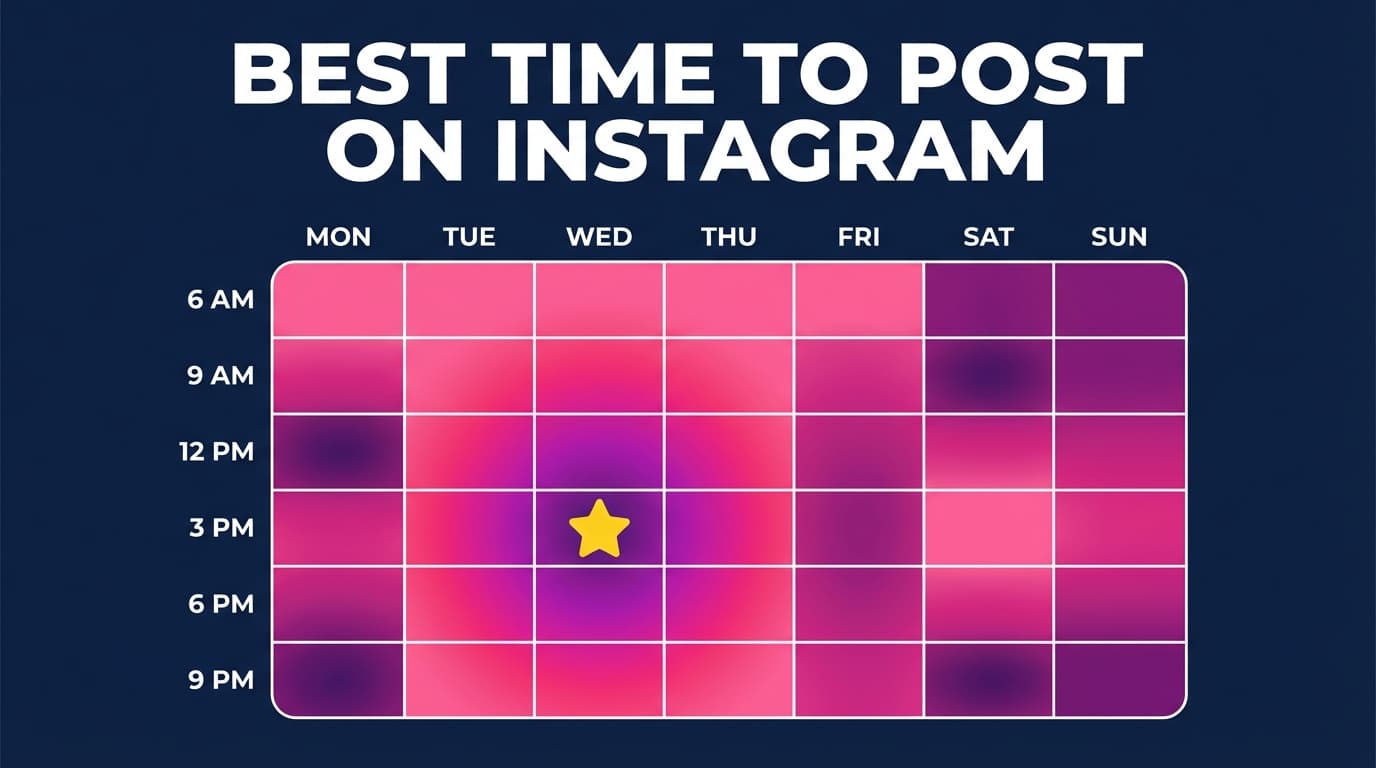
- Primary window (weekday): 11am–3pm
- Secondary window (weekday): 6pm–9pm
And prioritize Tuesday–Thursday for your first tests.
Why these windows? - Many “best time” datasets repeatedly highlight weekday late morning through afternoon as strong for engagement and reach (Buffer/Hootsuite-style findings). - Evenings are a reliable second test window because “after work / after school” scrolling is common in many audiences.
Use this schedule for 2 weeks, then adjust based on your own Insights and performance.
What “Best Time to Post Reels” Actually Means (And What It Does Not Mean)
What it means (useful definition)
The best time to post Reels is the time window when: 1. Your audience is most likely to be active and receptive to watching video, and 2. Your Reel can gather early watch time, shares/sends, comments, and saves, and 3. You can post consistently enough to build a meaningful dataset.
What it does not mean
- It does not mean Instagram “rewards” you for posting at 11:07am.
- It does not mean you can post mediocre content at a “magic hour” and go viral.
- It does not mean there’s one universal answer that applies to every niche, country, and audience age group.
Why Timing Still Matters for Reels in 2026 (Even With Algorithmic Feeds)
An algorithm decides who sees Reels, and timing still matters, because early performance is easier to earn when your audience is online. Your Reel has more chances to be watched, shared, and saved in the first hours if your followers (and likely viewers) are actually scrolling.
Meta’s Transparency Center describes Reels ranking systems as predicting what people are likely to engage with and watch, then ordering content accordingly.
Source: https://transparency.meta.com/features/explaining-ranking/ig-reels-chaining/
In practice, posting when your audience is active makes it more likely your Reel gets the early engagement it needs.
What the Biggest Studies Say About “Best Times” (And Why They Don’t Match Perfectly)
Timing studies help if you use them as a starting point.
Buffer (2M+ Instagram posts)
Buffer’s post states it analyzed more than 2 million Instagram posts and reports best times, days, and patterns (including notes about Reels timing).
Source: https://buffer.com/resources/when-is-the-best-time-to-post-on-instagram/
Hootsuite (1M+ posts)
Hootsuite reports it analyzed over 1 million social posts to determine best times to post on Instagram and provides time-block guidance.
Source: https://blog.hootsuite.com/best-time-to-post-on-instagram/
Rival IQ (best times by 14 industries)
Rival IQ’s Reels-specific timing guide breaks down “best time to post” by industry, reinforcing that niche matters.
Source: https://www.rivaliq.com/blog/best-time-to-post-reels-on-instagram/
Why studies conflict
Even when everyone is honest, differences happen because: - Data comes from different account types (brands vs creators vs agencies) - Different geographies/time zones are overrepresented - Different definitions of “success” are used (reach vs engagement vs clicks) - “Reels only” datasets differ from “all post types” datasets
Use studies to choose test windows. None of them gives a universal answer.
Best Time to Post Reels on Instagram in 2026 (By Day): A Practical Schedule You Can Test
This two-window schedule is easy to remember and test, and it fits most people’s routines.
The “Two-Window” Reels Schedule (Recommended Starting Point)
| Day | Window A (Primary) | Window B (Secondary) | Why it’s worth testing |
|---|---|---|---|
| Monday | 11am–2pm | 6pm–9pm | Back-to-routine day; evening scroll can be strong |
| Tuesday | 11am–3pm | 6pm–9pm | Often a top-performing weekday across studies |
| Wednesday | 11am–3pm | 6pm–9pm | Midweek consistency; good for education + niche content |
| Thursday | 11am–3pm | 6pm–9pm | Strong “attention day” before weekend shifts routines |
| Friday | 11am–2pm | 5pm–8pm | Lunch can outperform late evening for many niches |
| Saturday | 10am–1pm | 6pm–9pm | Weekend routines vary; test both daytime + evening |
| Sunday | 10am–1pm | 6pm–9pm | “Reset day”; evening can be strong for planners/browsers |
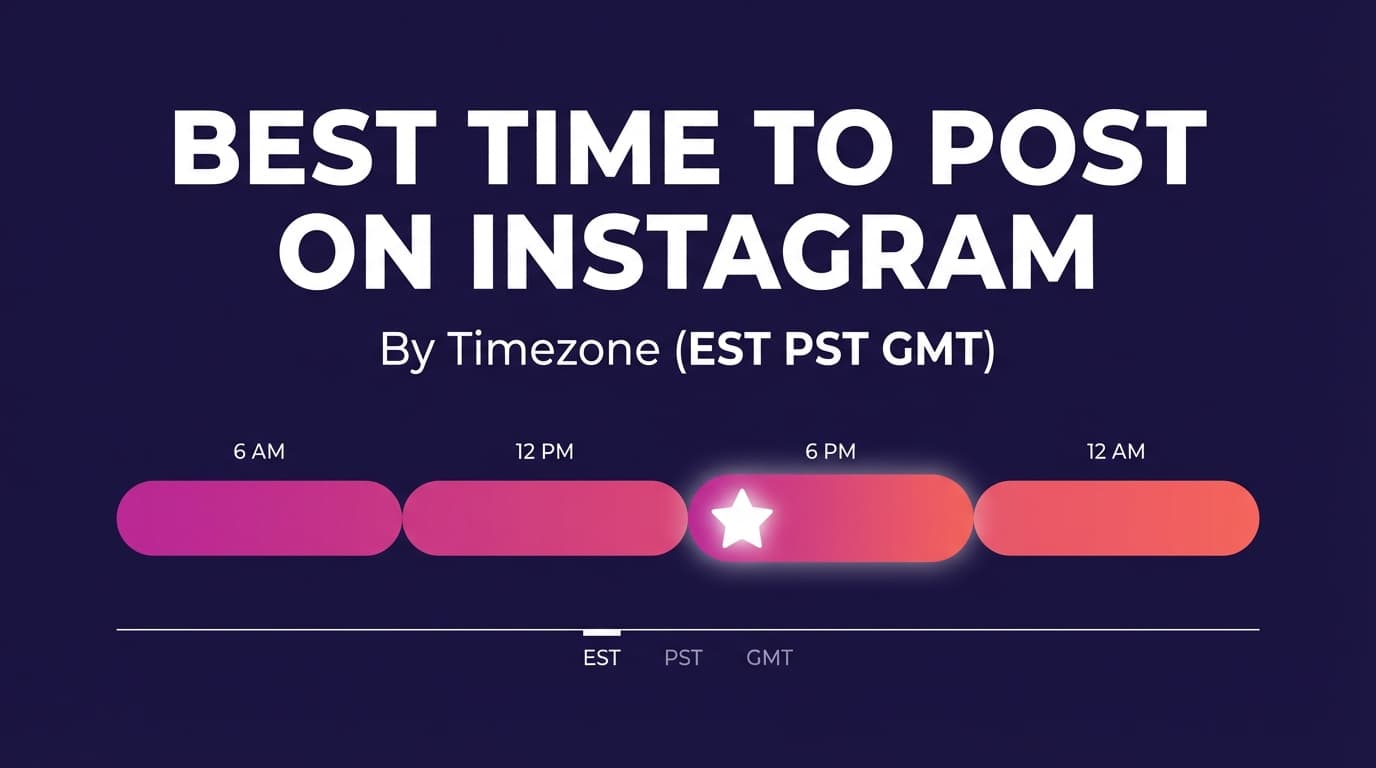
Best Time to Post Reels by Time Zone (How to Stop Guessing)
“Best time to post” advice often fails because of a time zone mismatch.
Step 1: Choose your audience’s time zone (not yours)
If your audience is mostly in: - US/Canada: test in ET first (many brands default to ET), then adjust - UK/Europe: test in GMT/BST/CET - India: test in IST - Australia: test in AEST/AEDT
Step 2: Use the routine-based windows (then validate with Insights)
Instead of fixating on a single hour, use routine windows: - Morning: 7am–10am - Lunch break: 11am–2pm - After work/school: 5pm–9pm
Then run a two-window test (details below).
Best Time to Post Reels by Audience Type (B2B vs B2C vs Local)
The best time changes a lot depending on why people follow you.
B2B / professional audiences
Test first: - 8am–10am (pre-work) - 12pm–2pm (lunch) - 5pm–7pm (end-of-day scroll)
Why: Their attention is structured around work blocks.
B2C / entertainment / creator audiences
Test first: - 11am–2pm (breaks + daytime scroll) - 6pm–9pm (relaxing scroll)
Why: Leisure consumption tends to spike later.
Local service businesses (restaurants, gyms, salons)
Test first: - 10am–1pm (planning) - 4pm–7pm (decision time)
Why: Your customer’s schedule is tied to daily planning and “when do I go?” moments.
Industry Matters: Why the Best Time for Reels Changes by Niche
If you’re an agency, you already know this: what works for a dentist account is not what works for an ecommerce fashion brand.
Rival IQ’s Reels timing breakdown across 14 industries shows that your industry changes when people are in the mood to watch video.
Source: https://www.rivaliq.com/blog/best-time-to-post-reels-on-instagram/
Practical “industry timing map” (starting points to test)
Use these as hypotheses:
- Food & restaurants: late morning + early evening
- Fitness: early morning + early evening
- Beauty/fashion: midday breaks + weekend browsing
- Education/creators: weekday afternoons + evenings
- B2B services: weekday mornings + lunch
You’re looking for the best time for your fitness audience, in your locations, with your content style. A generic “best time for fitness” is only a starting point.
How to Find Your Best Time to Post Reels (Using Instagram Insights)
Important: You may need 100 followers
Instagram’s Help Center notes you can view follower trends in Insights when you have at least 100 followers.
Source: https://help.instagram.com/788388387972460
If you’re under 100 followers: - Use the baseline schedule in this guide - Borrow timing from similar creators in your niche - Run a smaller test (even 6–10 Reels can reveal patterns)
Step-by-step: what to look for in Insights
- Identify your top follower locations (cities/countries)
- Find “most active times” by day and hour
- Pick two test windows: - Window A: closest to your activity peak - Window B: a different routine window (often evening)
Pro tip: don’t post exactly at peak hour
Test posting 30–60 minutes before your peak “most active time.”
Why: you want your Reel to be in circulation as the surge begins, and you may avoid peak competition.
The 14-Day Testing Plan (A/B Test Your Reels Posting Times)
This settles the question for your account quickly.
Goal
Find the best two posting windows for Reels that you can use consistently in 2026.
What you’ll test
- Window A vs Window B
- Same account, same niche, same general content style
What you’ll measure
Prioritize: - Reach to non-followers (discovery) - Average watch time / retention - Shares/sends (often a strong value signal) - Saves (especially for tutorials, checklists, tips)
Week 1 (example)
- Tue: Window A
- Wed: Window B
- Thu: Window A
- Sat: Window B
Week 2 (flip it)
- Tue: Window B
- Wed: Window A
- Thu: Window B
- Sat: Window A
Decision rule (simple and effective)
At the end of 14 days: - If one window wins on 2+ metrics (e.g., higher non-follower reach and higher watch time), it becomes your primary window. - Keep the other window as your secondary posting slot (and your future testing slot).
Don’t “overfit” your results
Two weeks is enough to pick a direction. Re-test quarterly or after major audience shifts (seasonality, new product line, new market, etc.).
Why Your Reels Underperform Even at “The Best Time”
Timing helps your Reel get early momentum. But you still need a Reel that earns watch time and sharing.
Meta’s ranking explanations emphasize prediction of what users will likely engage with and watch.
Source: https://transparency.meta.com/features/explaining-ranking/ig-reels-chaining/
That means your timing will work better when your Reel improves these basics:
1) Hook strength (first 1–2 seconds)
If you don’t win the first two seconds, timing won’t save you.
Hook templates that work well: - “Stop doing X. Do this instead.” - “3 mistakes in [niche] you’re probably making.” - “I tried [method] for 14 days. Here’s what happened.” - “If you’re in [audience], you need to see this.”
2) Match the Reel to the moment (time-of-day content fit)
Different windows favor different viewing moods:
- Morning: quick wins, routines, “save this” tutorials
- Lunch: punchy entertainment, fast tips, short storytelling
- Evening: longer storytelling, behind-the-scenes, transformations
3) Shares count for more than likes
Shares and sends often matter more than a quick double-tap.
CTAs that increase sends: - “Send this to someone who needs it.” - “Save this for later. Future you will thank you.” - “Comment ‘guide’ and I’ll share the checklist.”
4) Consistency (for humans and for your dataset)
If you post randomly, you’ll never get clean learnings.
Your goal is a schedule you can actually keep.
Common Mistakes That Make You Think Timing Doesn’t Matter
Mistake 1: You’re using a global chart for a local audience
If your audience is 80% in one region, a global average can mislead.
Fix: Test in your audience’s dominant time zone.
Mistake 2: You only tested one time slot
One slot can’t tell you anything, because you have nothing to compare it with.
Fix: Always run Window A vs Window B for two weeks.
Mistake 3: You changed everything at once
New niche + new style + new posting time = noise.
Fix: Change one variable per test cycle.
Mistake 4: You post at peak hour and get buried
Peak hour can mean peak competition.
Fix: Post 30–60 minutes before the peak.
Mistake 5: You’re measuring the wrong success metric
Some times drive reach; others drive comments; others drive conversions.
Fix: Decide your goal first: reach vs engagement vs leads/sales.
How to Schedule Reels So You Actually Hit Your Best Times
For most teams and agencies, posting by hand at the perfect time doesn’t work for long. Scheduling fixes that.
Native option: Meta Business Suite scheduling
Meta Business Suite provides official guidance for scheduling Instagram content (via Planner/Content workflows).
Source: https://www.facebook.com/business/help/942827662903020
Best for: - Single-brand operators - Simple Instagram + Facebook workflows
Limitations: workflow/collaboration needs vary.
Using a scheduler for consistency (and cross-platform workflows)
If you want to post at your best windows across multiple accounts (or batch content weekly), a scheduler helps you execute the strategy you’ve chosen.
PostQuickAI supports Instagram scheduling for: - Feed posts (single image) - Carousels (multi-image) - Video feed posts - Instagram Reels publishing (via its video publishing workflow)
Also supported: Instagram Stories scheduling and publishing.
Pricing: PostQuickAI is a paid subscription with a 7-day free trial on your first plan (card required); plans start at $15/month. (The separate “tools” section includes free tools.)
Helpful internal links while you implement: - /instagram-scheduler (schedule Instagram posts and Reels) - /tools/caption-generator (free tool, no signup required) - /tools/hashtag-generator (free tool, no signup required) - /tools/instagram-feed-planner (free grid/feed planner tool)
A Simple Weekly Workflow (Creator or Agency) That Makes Timing Easy
This workflow keeps you consistent and helps you learn from each week.
For solo creators / small businesses
- Batch create 4–8 Reels in one sitting
- Pick your two posting windows (A and B)
- Schedule your Reels into those windows for the next 7–14 days
- Spend your “peak time” minutes engaging (comments, DMs), not uploading
For agencies managing multiple clients
- Monday: pull last week’s metrics by posting window
- Tuesday: batch-produce client Reels (theme-based)
- Wednesday: schedule into each client’s two best windows
- Thursday/Friday: monitor comments and capture creative insights
- Monthly: run a new timing test for accounts that are plateauing
Reels Engagement Benchmarks (So You Don’t Panic Over Normal Results)
Benchmarks help you stay realistic, especially in 2026 when reach and engagement can fluctuate.
- Socialinsider reports 0.45% average Instagram engagement rate in the first half of 2025 and a 24.1% decrease YoY.
Source: https://www.socialinsider.io/social-media-benchmarks/instagram
Use benchmarks like this: - As a sanity check (you’re not alone) - As context for client expectations - Not as a hard target (your content type and audience size matter)
Tools to Help With Reels Timing (Practical Stack)
-
Instagram Insights / Professional Dashboard: find follower activity, top locations, content performance.
Best for: everyone (note the 100-follower threshold for some trends).
Source: https://help.instagram.com/788388387972460 -
Meta Business Suite: schedule Instagram content via Planner/Content workflows.
Best for: native scheduling with official support.
Source: https://www.facebook.com/business/help/942827662903020 -
Rival IQ: industry-level insights and analytics framing (especially useful for agencies).
Best for: benchmarking and industry segmentation.
Source: https://www.rivaliq.com/blog/best-time-to-post-reels-on-instagram/ -
PostQuickAI: schedule Instagram posts (including Reels) and use AI helpers for captions; plus free tools (caption + hashtag generators, feed planner).
Best for: consistency and batching, especially if you manage several platforms and want a repeatable workflow.
/instagram-scheduler, /tools/caption-generator, /tools/hashtag-generator, /tools/instagram-feed-planner
Key Takeaways
- A strong starting point for the best time to post Reels on Instagram 2026 is Tuesday–Thursday, 11am–3pm, with an evening test window 6pm–9pm.
- The fastest way to find your real best time is a 14-day A/B test (Window A vs Window B).
- Timing helps your early momentum; Reels performance still depends on hook + watch behavior + shares/saves.
- Scheduling is what turns knowing the best time into posting at it every week.
FAQ (People Also Ask)
What is the best time to post Reels on Instagram 2026?
A practical baseline is Tuesday–Thursday (11am–3pm), plus a second test window 6pm–9pm. Then run a 14-day A/B test using your account’s Insights to confirm.
Which days are best to post Reels on Instagram?
For many accounts, Tuesday, Wednesday, and Thursday are strong starting points because they often align with higher weekday engagement patterns in broad studies. But the best days depend on your niche and audience routine, so test to confirm.
Does posting time affect the Instagram algorithm?
Posting time can affect early performance because more of your audience is online to watch and engage. Those early signals can influence distribution. Meta’s Transparency Center describes ranking systems as predicting what people are likely to watch and engage with.
Source: https://transparency.meta.com/features/explaining-ranking/ig-reels-chaining/
Should I post when my followers are most active?
Usually yes, but many accounts perform better posting 30–60 minutes before the peak activity hour. That gives your Reel time to circulate as the activity surge begins.
Why do my Reels flop even when I post at the “best time”?
Common reasons include: weak hook, poor retention, unclear value, or your “best time” chart being in the wrong time zone for your audience. Timing helps, but it can’t compensate for low watch time or low shareability.
How do I find my best time to post Reels?
Use Instagram Insights/Professional Dashboard to check follower activity and top locations, then test two time windows over 14 days. Note that Instagram indicates follower trends require at least 100 followers for certain insights views.
Source: https://help.instagram.com/788388387972460
What if I don’t have Insights yet (new account)?
Start with the baseline schedule (11am–3pm and 6pm–9pm, Tue–Thu priority), stay consistent for two weeks, then let your performance data guide your next iteration.
Can I schedule Instagram Reels?
Yes. You can schedule via Meta Business Suite and certain schedulers. PostQuickAI supports scheduling Instagram content including Reels publishing (via its video publishing workflow), and Instagram Stories too. PostQuickAI requires a paid plan; plans start at $15/month.
Is it better to post Reels in the morning or at night?
Both can work. Morning can be strong for routine-based audiences; night can be strong for leisure browsing. The most reliable approach is to test one daytime window vs one evening window and pick the winner.
What’s the best time zone to use when posting?
Use the time zone where the majority of your audience lives. If your audience is split across regions, choose your top region first, then test a second window that overlaps other regions.
How many Reels should I post per week to test timing?
Aim for 4–8 Reels over 14 days (at minimum) so you have enough data points to compare Window A vs Window B without overreacting to one outlier.
What’s the single biggest timing mistake?
Posting by a generic global chart instead of your audience’s time zone and routine, and never running a controlled A/B test to see what works for your account.
To post on a schedule, use PostQuickAI's Instagram scheduler: write once, pick a time, and it publishes from our servers.