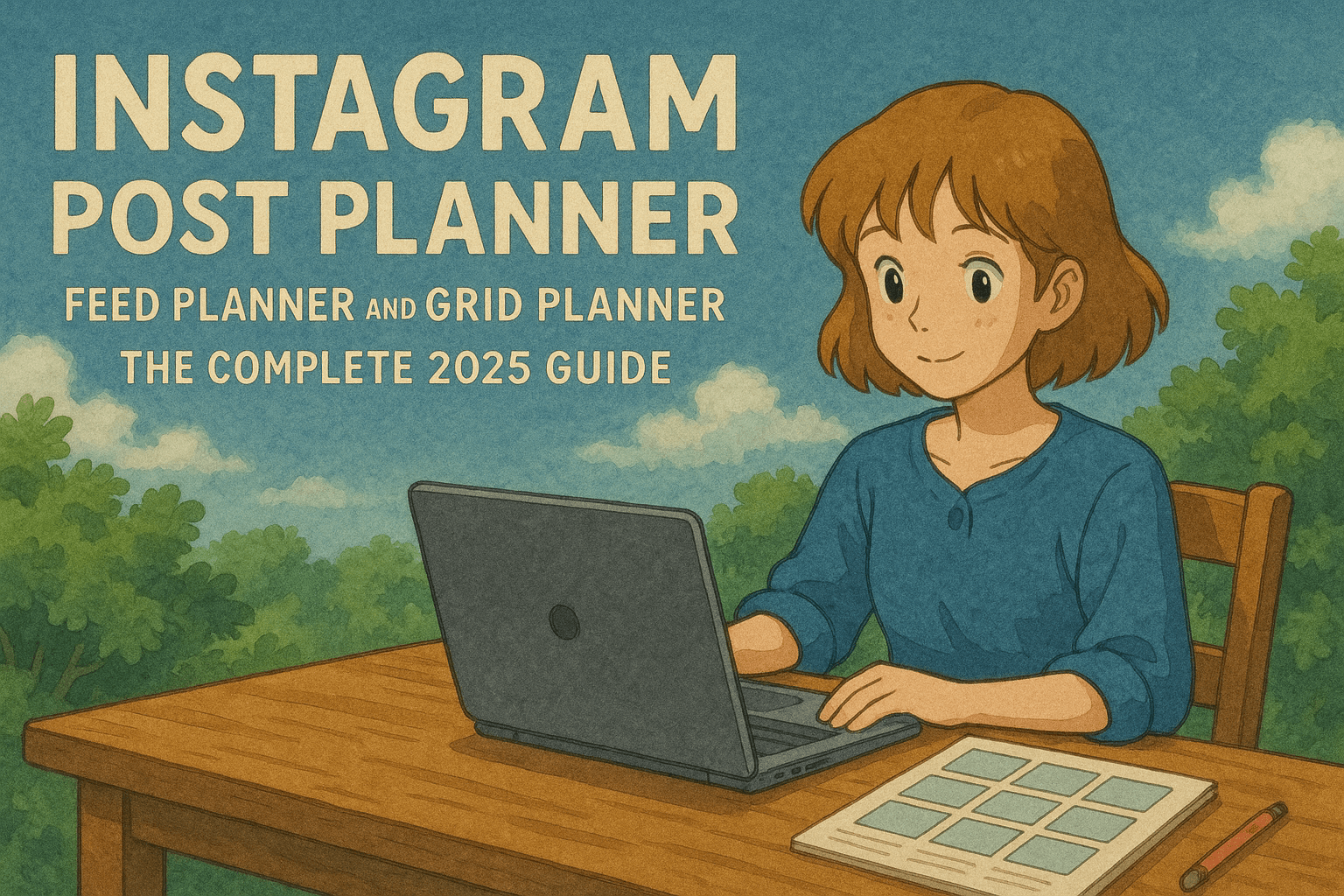
Instagram Post Planner, Feed Planner, and Grid Planner: The Complete 2025 Guide
Learn how to plan your Instagram posts, feed layout, and grid look, with practical workflows, tools, and templates. Includes tips for IG planner setups and desktop planning.

Author
Good Instagram accounts are planned ahead. You might call the tool an Instagram post planner, an Instagram feed planner, or an Instagram grid planner. Either way the job is to plan posts that look good together and publish them on a steady schedule, so you aren't scrambling at the last minute.
Quick Summary
- • Define 3–5 content pillars and rotate them predictably.
- • Use an IG planner to preview your grid and avoid clashes.
- • Batch-create weekly, then schedule everything on one calendar.
Instagram Planner: What It Actually Means
- Instagram post planner: plan and schedule individual posts.
- Instagram feed planner: ensure your sequence reads well in followers’ feeds.
- Instagram grid planner: design how posts look together on your profile.
- Instagram layout planner: organize rows/columns, colors, and formats.
- IG planner / IG post planner: shorthand for the same toolkit.
- Instagram desktop planner: do it comfortably on a big screen.
A Proven 4‑Step Workflow
1) Define 3–5 Content Pillars
Pick themes you can keep up (e.g., tips, behind‑the‑scenes, product, community, lifestyle). With a set rotation you don't have to decide what to post every day, and the feed still has variety.
2) Plan Your Grid Layout
Use a simple pattern: checkerboard (photo/graphic), diagonal color flow, or row‑by‑row. Seeing that pattern before you post is the main reason to use an instagram grid planner.
3) Create Posts in Batches
Draft a week’s worth of content at once. For captions, try our free AI Caption Generator. For tags, use the Hashtag Generator to get a mix of popular and niche hashtags.
4) Schedule and Cross‑Post
Schedule feed posts, carousels, and Reels with a single calendar. Cross‑post to other platforms when it makes sense, so one piece of content goes further.
Practical Grid Planning Tips
- • Lead with your strongest visual in every 3‑post row.
- • Use the same 2–3 brand colors across your posts.
- • Mix single images, carousels and Reels so the grid doesn't feel repetitive.
- • Turn lists into carousels to increase saves and session time.
Why Desktop Planning Helps
An instagram desktop planner gives you previews at a size you can actually judge, quick drag‑and‑drop, and easier file handling. That matters most when you batch posts or work with a team.
How PostQuickAI Fits Your Planner Stack
Planning + Scheduling
- • Plan a grid that hangs together and post every week
- • Schedule feed posts, carousels, and Reels on one calendar
- • Cross‑post to other platforms from the same workflow
Creation Helpers (Optional)
- • AI Caption Generator for fast on‑brand drafts
- • Hashtag Generator for relevant, balanced sets
- • Instagram Scheduler to queue posts ahead of time
Try PostQuickAI
Plan your grid, write and design posts, and schedule them from one place.
Use the Free Instagram Feed Planner to perfect your grid, then start on the homepage or check pricing.
Weekly Example: 5‑Post Rotation
- • Mon: Educational tip (single image)
- • Tue: Behind‑the‑scenes (carousel)
- • Wed: Product value (Reel)
- • Thu: Community feature (carousel)
- • Fri: Story‑driven post (single image)
Free Instagram Tools to Speed Up Planning
Free Instagram Feed Planner
Preview a 3×3+ instagram grid planner online. Upload and drag to perfect your layout before posting.
AI Caption Generator
Generate platform‑ready captions in seconds for your instagram post planner workflow.
Hashtag Generator
Get a mix of popular and niche tags so more people can find each post.
Image Converter
Resize to 1080×1080 or 1080×1350 and convert formats, without watermarks.
Collage Maker
Design on-brand instagram layout planner visuals for carousels, grid reveals, and launch posts.
Final Checklist
- 3–5 content pillars defined
- Grid pattern chosen (checkerboard/diagonal/row)
- One‑week batch created (captions + hashtags)
- All posts scheduled on the calendar