
Posts published with PostQuickAI:16,816
Post, schedule and analyze on YouTube, TikTok, Threads, Instagram, X, LinkedIn, Bluesky and Facebook from Claude, ChatGPT or any AI agent with PostQuickAI.








7-day free trial

Posts to
 X
X Instagram
 LinkedIn
 TikTok
 YouTube
 Facebook
 Threads
 Bluesky
What PostQuickAI lets you do
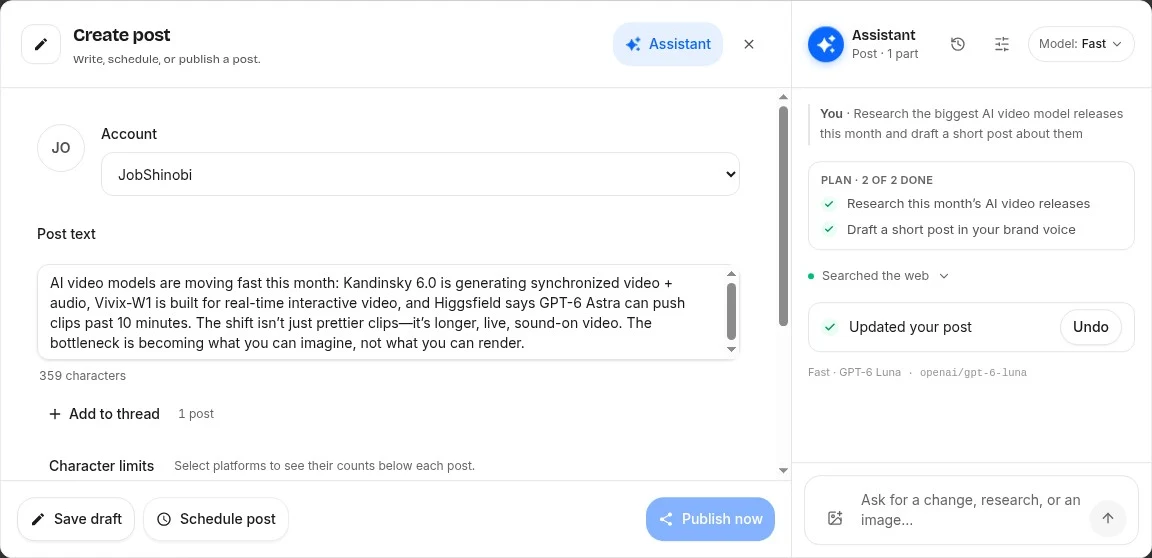

Research any topic with the AI assistant
State-of-the-art image and video models, available as soon as they release
We get access to the latest models as soon as they come out, so you can let your creativity loose without hopping between platforms or juggling subscriptions.
 Google's Nano BananaNano Banana 2.1, Nano Banana 2 Lite, Nano Banana 2, Nano Banana Pro, Nano Banana
 OpenAI's GPT ImageGPT Image 2.6 Sunburst, GPT Image 2.6 Flare, GPT Image 2.5 Sunburst, GPT Image 2.5 Flare, GPT Image 2, GPT Image 1 Mini, GPT Image 1
 Google's VeoVeo 3.1 Fast, Veo 3.1 Lite, Veo 3.1
 ByteDance's SeedanceSeedance 2.0 Mini, Seedance 2.5, Seedance 2.0 Fast, Seedance 2.0, Seedance 1.5 Pro
- ByteDance's SeedreamSeedream 5.0 Flash, Seedream 5.0 Lite, Seedream 5.0 Pro, Seedream 4.5
 Black Forest Labs's FLUXFLUX 3 Image Klein, FLUX 3 Image, FLUX.2 Klein 4B, FLUX.2 Max, FLUX.2 Flex, FLUX.2 Pro, FLUX 3 Video
 Alibaba's WanWan 3.0 Prime, Wan 3.0, Wan 2.7, Wan 2.6
- Sourceful's RiverflowRiverflow V2.6 Pro, Riverflow V2.5 Pro, Riverflow V2.5 Fast, Riverflow V2 Pro, Riverflow V2 Fast
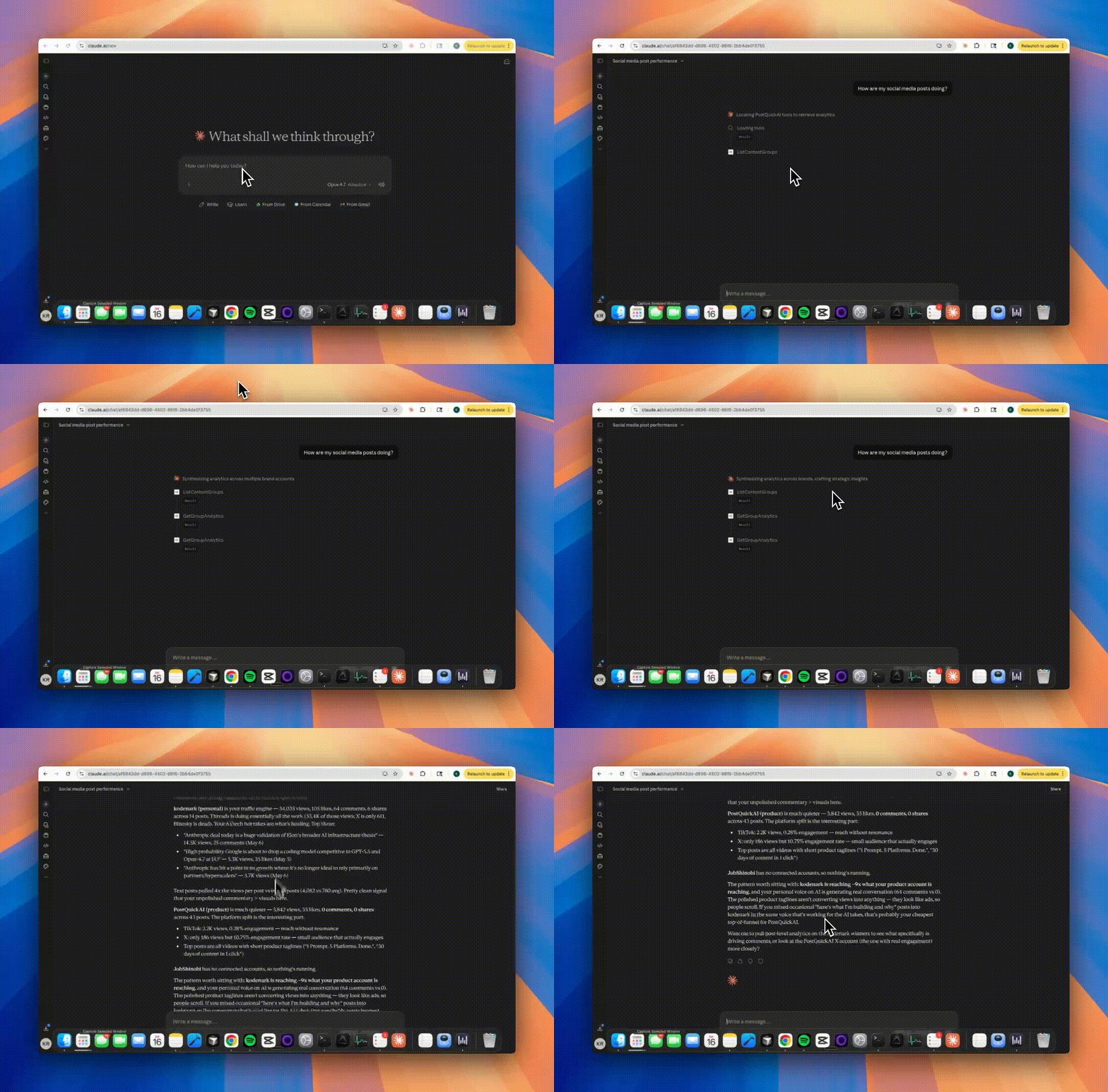
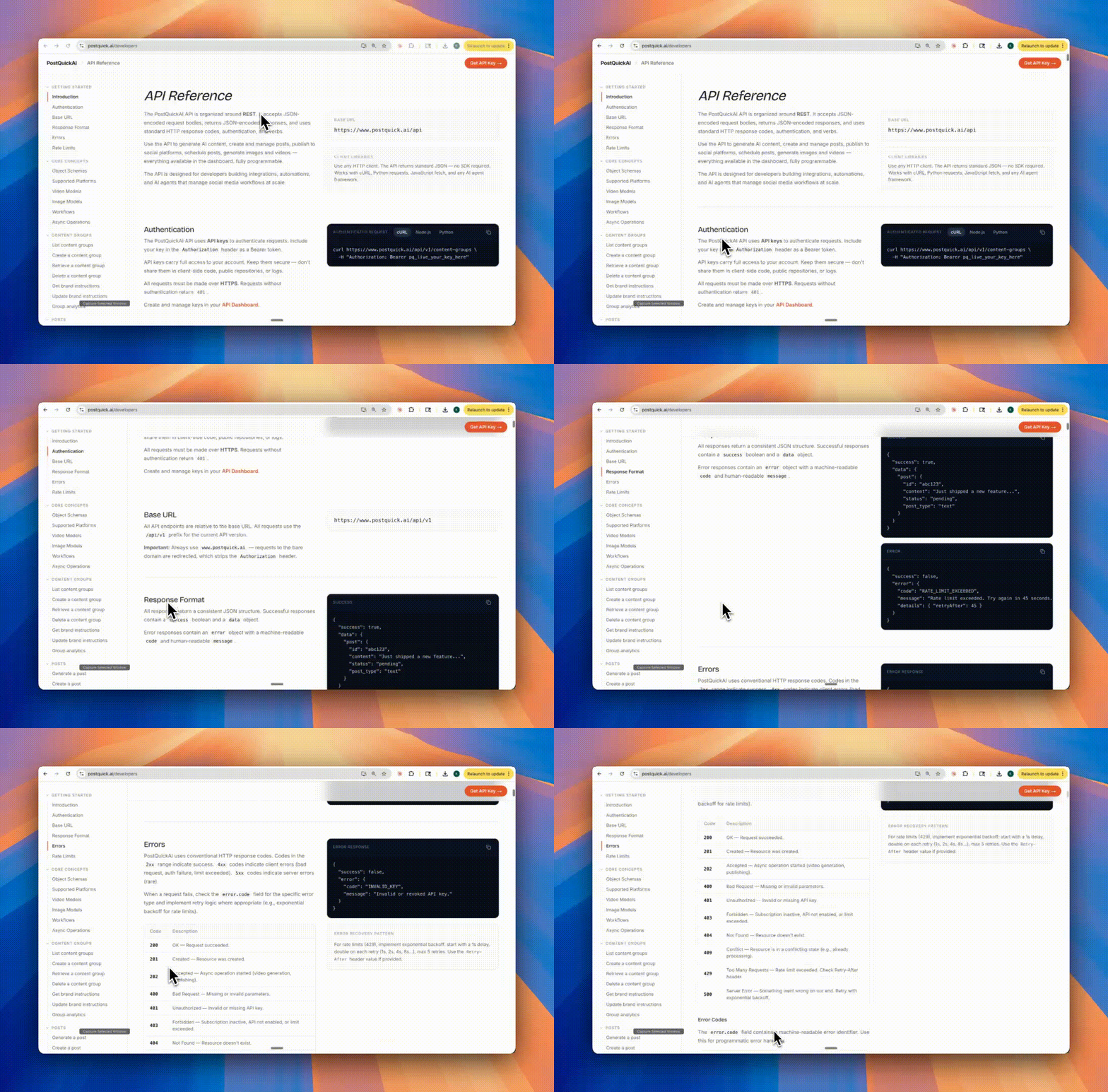
Use it where you already work
Also on every plan
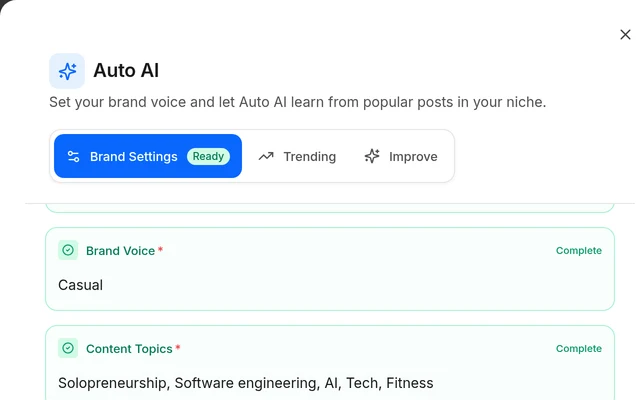
Brand voice
Drafts in each brand's own tone.
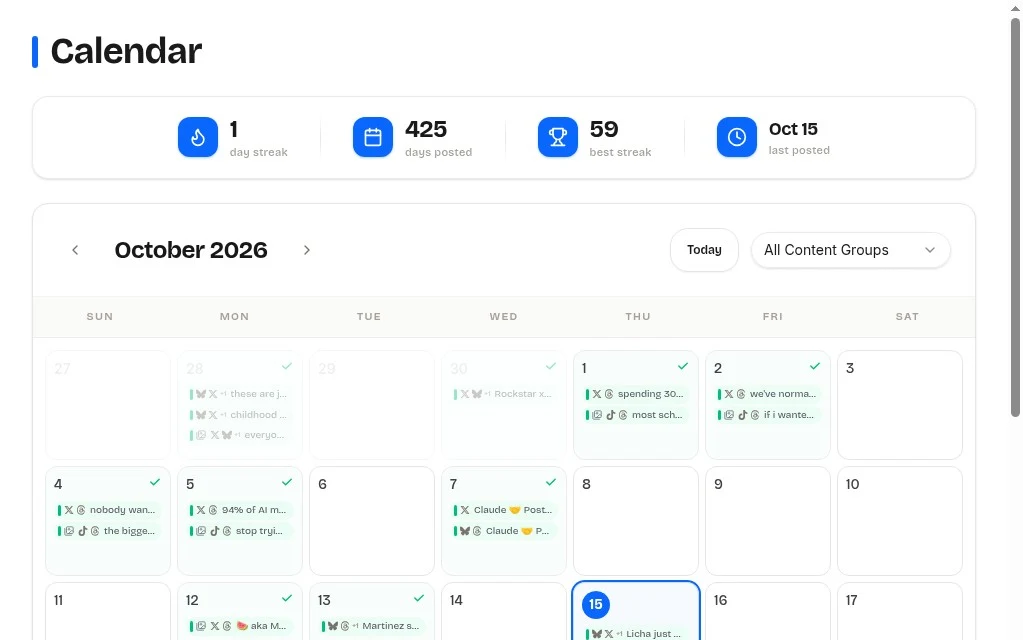
Calendar
Every post on one calendar.
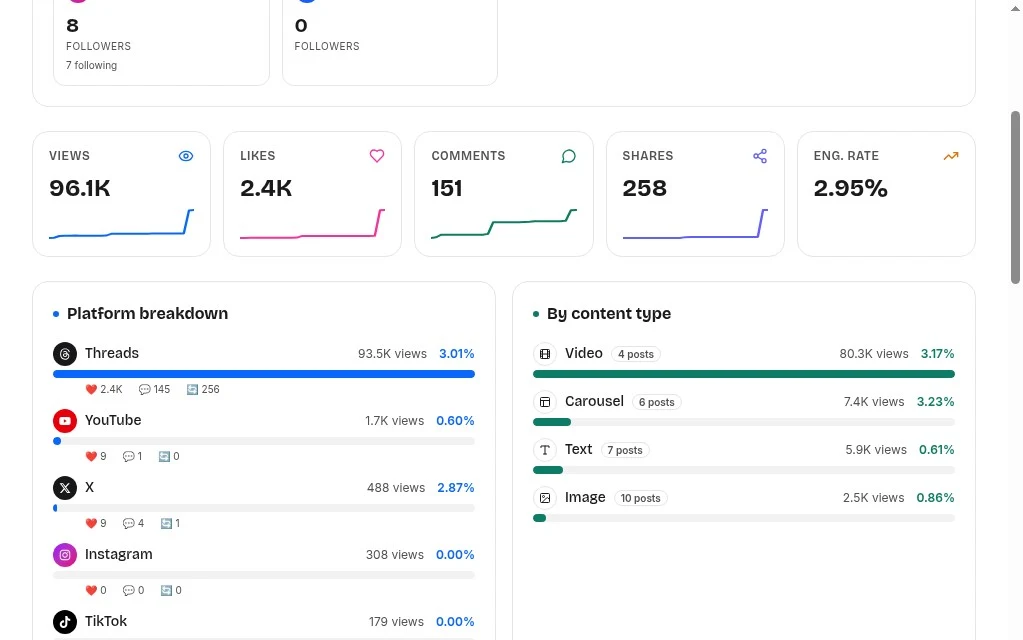
Analytics
Views and likes on posts you send here.
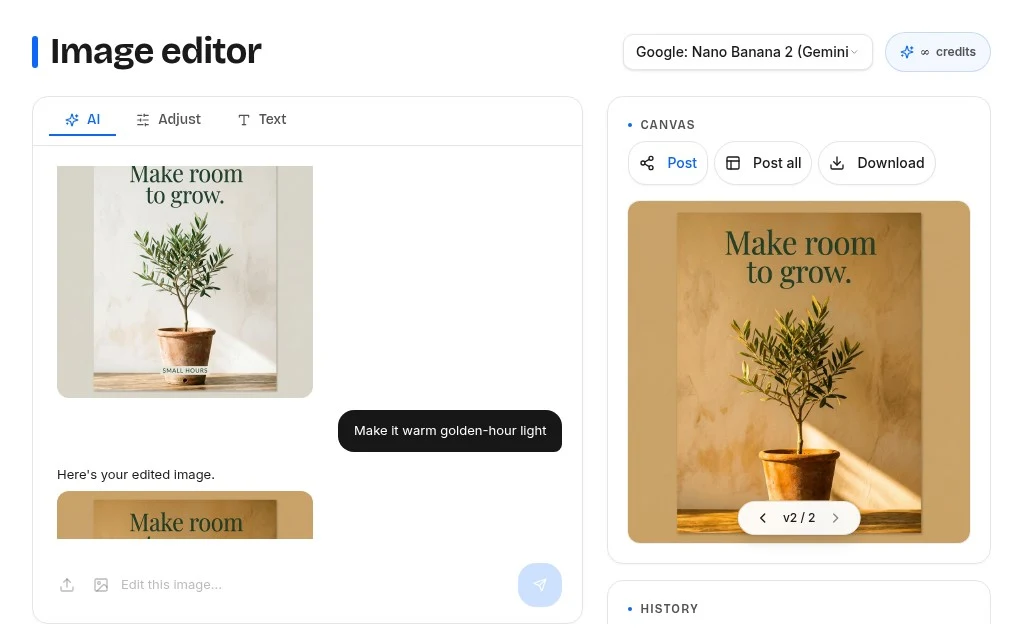
Image editing
Say what to change; AI edits the image.
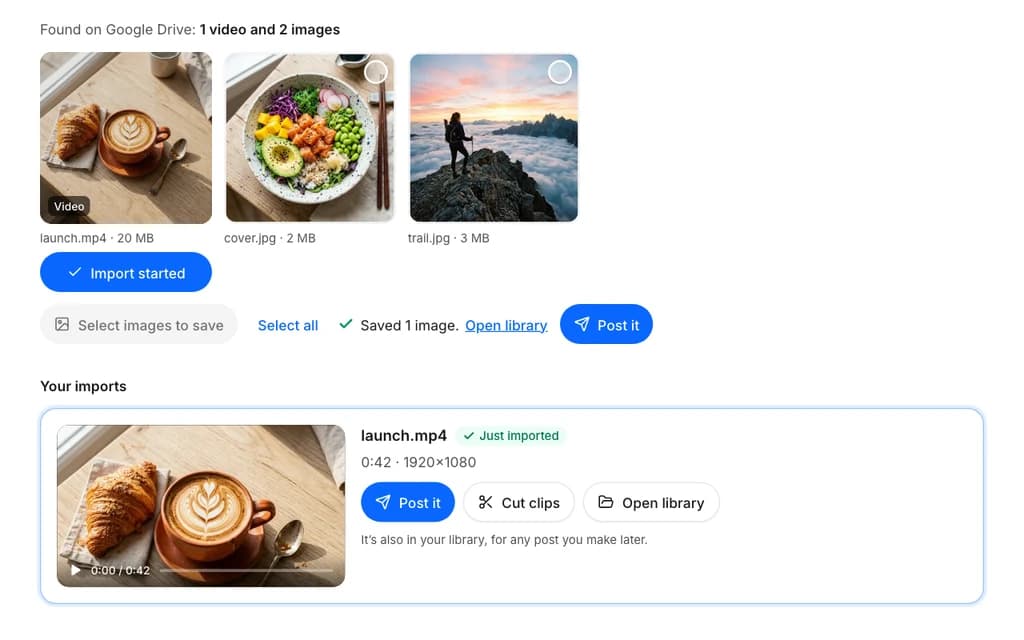
Import from links and Drive
Bring in videos from Google Drive or any post link.
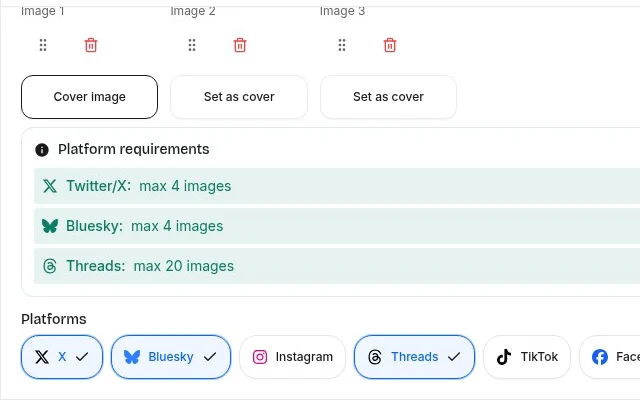
Cross-posting
One caption, tuned for each network.
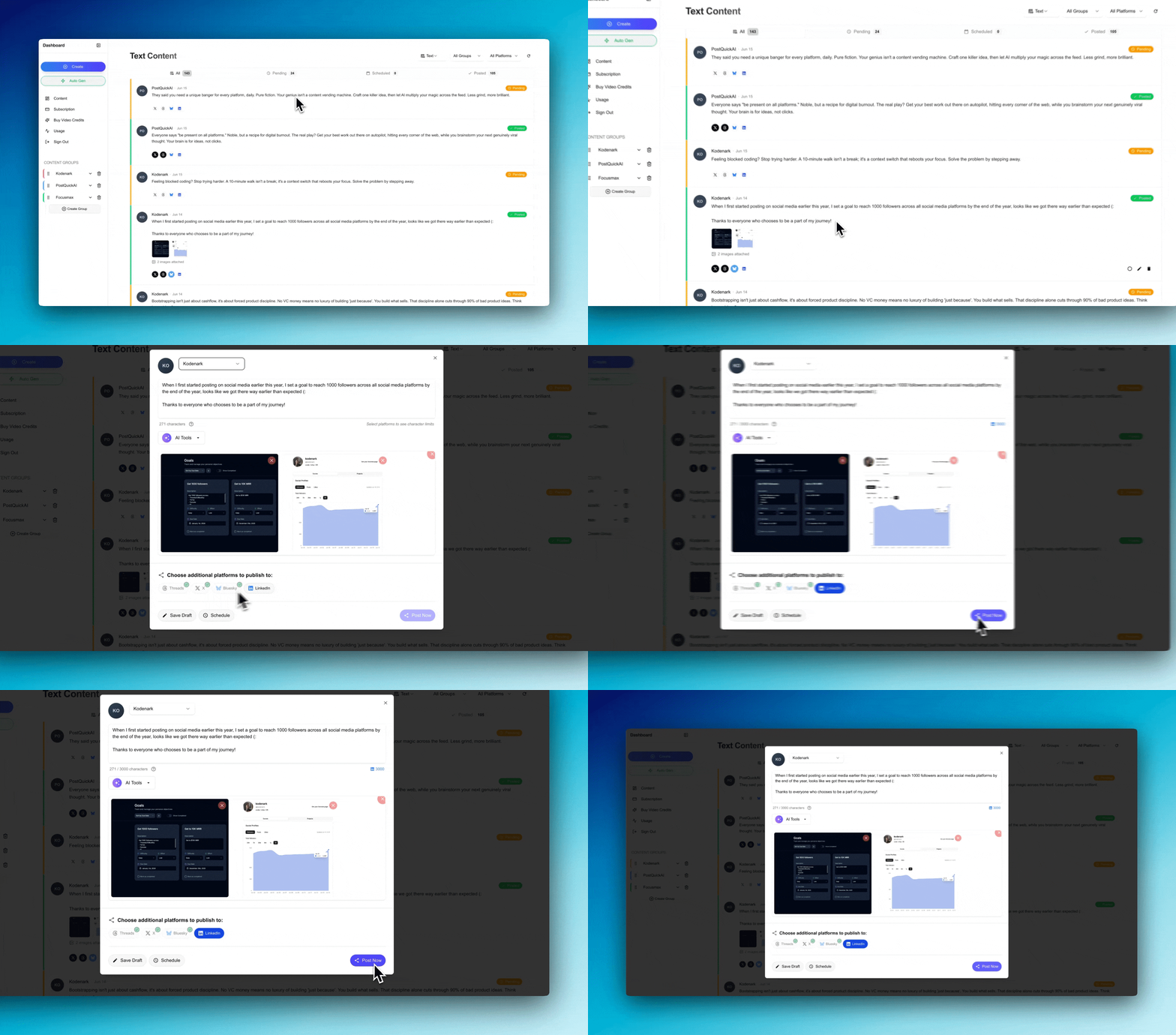
Watch the demo
Write, choose accounts, set a time.
01 · Write
Type it yourself or ask AI for a first draft.
02 · Choose accounts
Tick the connected accounts that should get it.
03 · Set a time
Post now or pick a date. It shows up on your calendar.
Plans for one brand or many.
Every plan schedules posts and includes the AI assistant. Higher plans add brands, images and video credits.
A content group keeps one brand or project’s content and AI instructions together. Your first plan is free for 7 days. Add a card at checkout; you are charged when the trial ends unless you cancel first.
Billed monthly
Post consistently for a handful of brands.
Cancel anytime. Payments are non-refundable except where required by law.
- 5 Content Groups
- 100 AI image generations / month
- 10 video credits / month
- Unlimited AI text generation
- Unlimited scheduled generation runs
- API and AI agent access
- Human support
Billed monthly
Manage more brands and make more images and videos.
Cancel anytime. Payments are non-refundable except where required by law.
- 25 Content Groups
- 300 AI image generations / month
- 30 video credits / month
- Every AI assistant model
- Everything in Basic
- Human support
Write a post or have AI draft one. Pick the social media accounts it goes to, then publish now or schedule it. Your posts show on a calendar, and results come in from the connected accounts.
Connect X, LinkedIn, Instagram, TikTok, YouTube, Facebook, Threads, and Bluesky. Supported post formats and account requirements vary by platform.
Scheduling sets when a post you wrote goes live. Autopilot has AI write new drafts on a schedule you pick. Enable automatic publishing separately if you want those posts to go live without review.
Yes. Choose your topics and how often you want drafts created, then turn on automatic generation. It stays off until you enable it.
Yes, when you enable YOLO mode. It publishes generated posts to the channels selected for each post type without asking you to review them. It is off by default.
Save your audience, tone, topics, and writing instructions for each brand or project. PostQuickAI includes those instructions when generating drafts.
Ask it to write, rewrite, or split a post, look through your past posts, search the web, or generate an image or video. It can work through a request with several steps. It suggests each change to your draft and you accept or discard it. Each chat is saved with its draft so you can reopen it later.
Choose from a list of current image and video models in the composer. Each one shows a short description and its cost before you generate. Images count toward your plan’s monthly image allowance. Videos use video credits, and the number depends on the model and the length.
Yes. Connect a compatible agent through MCP, the protocol that lets AI agents use external tools. Your agent can create posts, schedule content, and request analytics. Included in every plan.
See the metrics your connected platforms provide, including views, likes, comments, and shares where available. Available metrics differ by platform. To analyze those results with AI, use a connected AI agent.
Yes. Use the developer API to publish posts and read analytics from your own apps and scripts. Included in every plan.
Basic costs $15/month or $150/year. Pro costs $39/month or $390/year. Ultra costs $99/month or $990/year. API and AI agent access is included. Your first plan starts with a 7-day free trial; a card is required.
Yes. Your first plan starts with a 7-day free trial that includes 20 image generations and 2 video credits. You add a card at checkout and are charged when the trial ends, unless you cancel first. The trial is offered once per email. There is no free plan.
Yes, anytime. Payments are non-refundable except where required by law. Canceling does not refund the current billing period.
Yes. Scheduled publishing runs on our servers, so your browser and computer don’t need to stay on.