Instagram Scheduling Tools: Which One is Right for You?
Compare the best Instagram scheduling tools of 2025. Features, pricing, and recommendations for creators, businesses, and agencies.

Author
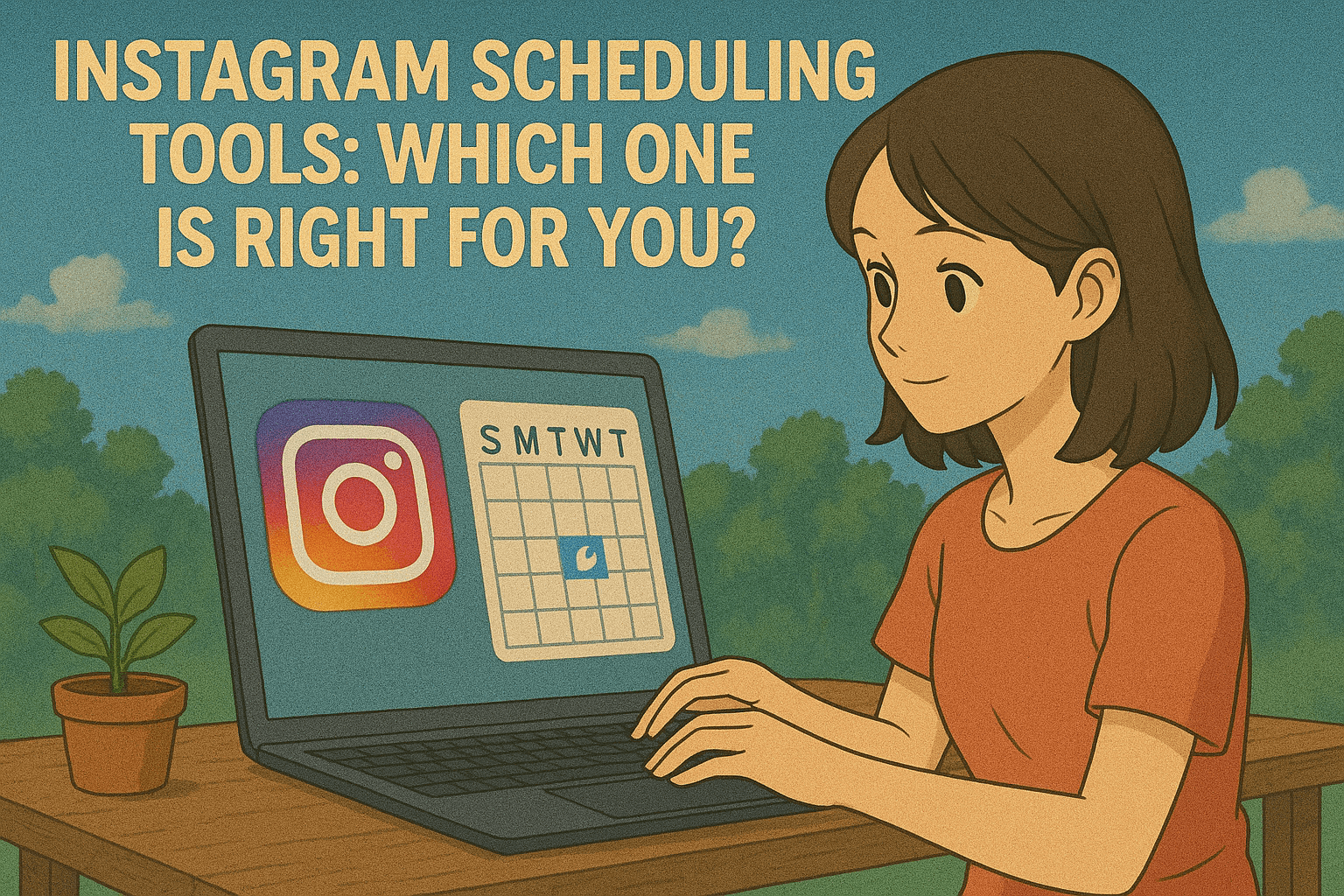
Instagram's algorithm favors accounts that post regularly, and posting by hand every day takes a lot of time. That's why most creators and brands use an Instagram scheduling tool. These are your options in 2025.
Instagram's Scheduling Requirements
Before choosing a tool, understand Instagram's technical requirements:
- • Business or Creator account needed for direct publishing
- • Facebook Business Manager connection required
- • Different APIs for different content types
- • Stories are now supported by select tools (including PostQuickAI) for direct scheduling
Essential Instagram Scheduler Features
Core Capabilities
-
✓
Visual planning: Preview how your grid will look
-
✓
Carousel support: Schedule multi-image posts
-
✓
Reels scheduling: Direct publishing for video content
-
✓
Hashtag management: Save and organize hashtag sets
-
✓
First comment: Schedule hashtags in first comment
Types of Instagram Schedulers
Visual-First Tools
These focus on how your grid looks:
- • Drag-and-drop grid planning
- • Color palette analysis
- • Visual consistency tools
- • Best for: Influencers, visual brands
Analytics-Focused Platforms
Tools emphasizing performance tracking:
- • Detailed engagement metrics
- • Follower growth tracking
- • Competitor analysis
- • Best for: Data-driven marketers
AI-Enhanced Schedulers
Newer tools with AI features:
- • Auto-generated captions
- • Smart hashtag suggestions
- • Content creation assistance
- • Best for: High-volume posters
Instagram Content Strategy Tips
Posting Frequency
- • Feed posts: 3-7 times per week
- • Stories: 1-2 times daily
- • Reels: 2-4 times per week
- • IGTV/Video: 1-2 times per week
Best Posting Times
- • Morning: 6-9 AM
- • Lunch: 11 AM-1 PM
- • Evening: 5-7 PM
- • Late night: 8-11 PM (for younger audiences)
Advanced Scheduling Features
Look for these advanced capabilities:
- • User-generated content: Collect and repost UGC
- • Link in bio tools: Convert posts to landing pages
- • Shopping tags: Schedule product-tagged posts
- • Collaboration tools: Client approval workflows
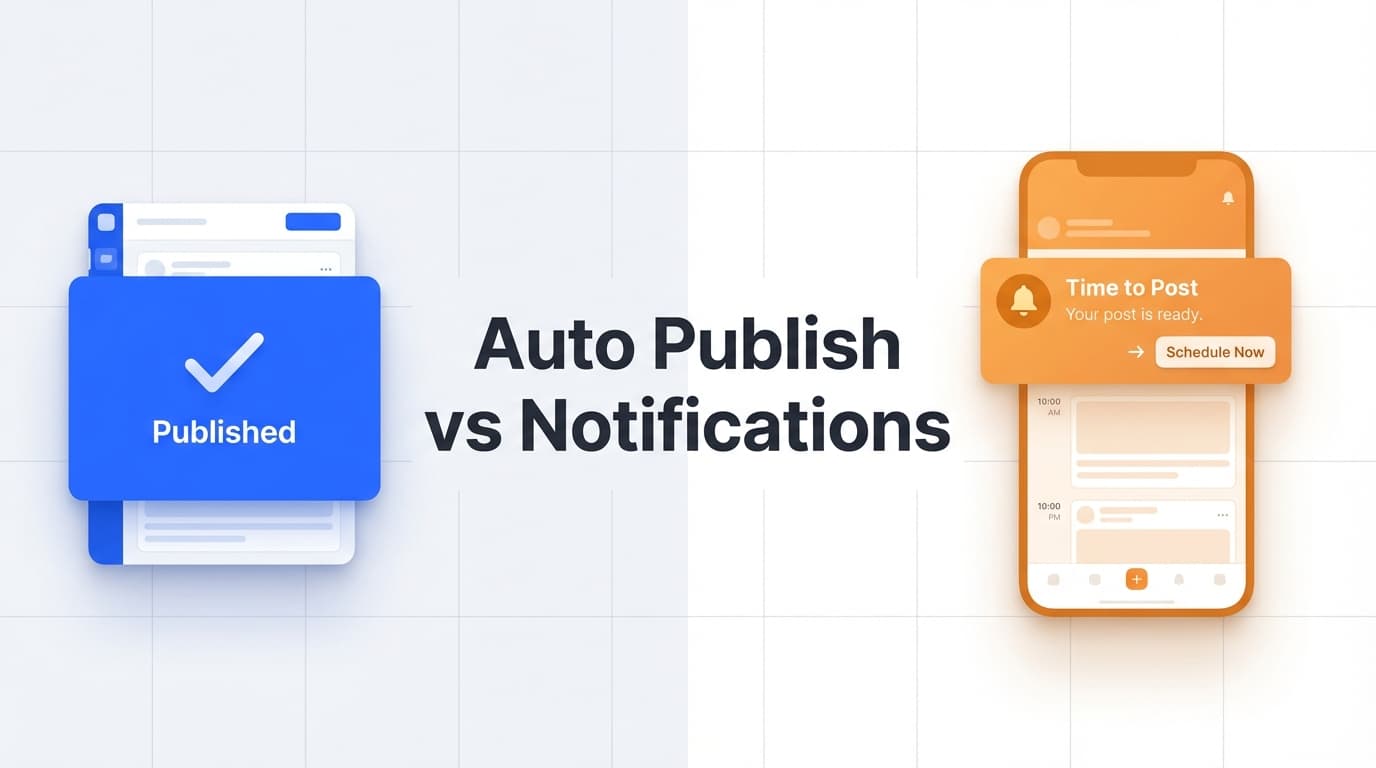
- • Auto-publishing: Post without notifications
Instagram Scheduler Pricing Tiers
Typical pricing structures:
- • Free plans: 10-25 posts/month, basic features
- • Starter ($10-25): 1-3 accounts, limited posts
- • Professional ($25-80): Unlimited posts, analytics
- • Business ($80-200): Team features, advanced analytics
Common Instagram Scheduling Challenges
Be aware of these limitations:
- • Story scheduling: Most tools only send reminders, though PostQuickAI now supports direct Stories publishing
- • Music in Reels: Can't be added via API
- • Tagged locations: Limited to business locations
- • Collaborator tags: Must be added manually
- • Interactive stickers: Not available via scheduling
Instagram Scheduler Alternatives
Here are top Instagram scheduling options for different needs:
AI-Enhanced: PostQuickAI
Complete content creation, agent automation, and scheduling:
- • Pricing: $15/month Basic, $39/month Pro, $99/month Ultra. API/MCP access included in every plan; 7-day free trial on your first plan (card required)
- • Unique Features: AI creates captions, images, and short video from a catalog of current models; schedules feed posts, carousels, and Reels; free Instagram feed/grid planner; cross-platform analytics; MCP server + Claude Skills + AGENTS.md drop-in
- • Advantages: AI makes the content as well as scheduling it, and Claude/Cursor/Codex can run the workflow
- • Best For: Creators and agencies who want to save hours on content creation and hand posting to an AI agent
Visual Planning: Later
Grid-focused scheduling:
- • Pricing: $15-40/month
- • Key Features: Visual calendar, link in bio, UGC tools
- • Best For: Brands focused on grid aesthetics
Multi-Platform: Buffer
Simple Instagram scheduling:
- • Pricing: $6-120/month per channel
- • Key Features: Basic scheduling, analytics
- • Best For: Users managing multiple social platforms
Choosing Your Instagram Scheduler
Match the tool to your needs:
- • Solo creators: Visual planning and affordable pricing
- • Small businesses: Multi-platform support and analytics
- • Agencies: Client management and approval workflows
- • E-commerce: Shopping features and link tools
Conclusion
Instagram schedulers do more than set a time now. Depending on the tool you get grid planning, AI content creation, or both, so pick the features you'll actually use.
If you spend hours making content before you even get to scheduling, try an AI tool like PostQuickAI that does both. For visual brands that care most about the grid, Later's drag-and-drop planner is still the one to beat. If you only need basic scheduling, Buffer is simple and works.
Most of these tools have free trials. Try two or three and keep the one you'll keep using.
Complete Instagram Resource Hub
Instagram Guides
Tool Comparisons
To post on a schedule, use PostQuickAI's Instagram scheduler: write once, pick a time, and it publishes from our servers.