Buffer Instagram Scheduling Guide: Auto-Publish vs Reminders for 2026
How Buffer's Instagram scheduling works: auto-publish vs reminders, setup steps, limitations, and when another tool such as PostQuickAI fits better. 2026 guide.

Author
Instagram is big enough that “I’ll just post when I remember” stops working fast. Backlinko reports Instagram has 2 billion monthly active users, which also means your audience is online at all hours, including when you aren’t.
Source: Backlinko, Instagram Users https://backlinko.com/instagram-users
If you’re using Buffer to stay consistent, one decision will keep coming up:
- Auto-publish (Buffer posts for you), or
- Reminders/notifications (Buffer preps the post, then prompts you to publish in the Instagram app)
This guide covers when to choose each, how to set them up, and the most common reasons a post doesn’t publish, especially for Reels, Stories, and carousels.
This guide covers: - The real difference between auto-publish vs reminders in Buffer (and what Instagram’s API can/can’t do) - A decision framework for each content type (Posts, Carousels, Reels, Stories) - Step-by-step setup + troubleshooting checklists for missed publishes - Best practices for creators and multi-client social media managers
What “Auto-Publish” vs “Reminders” Means in Buffer
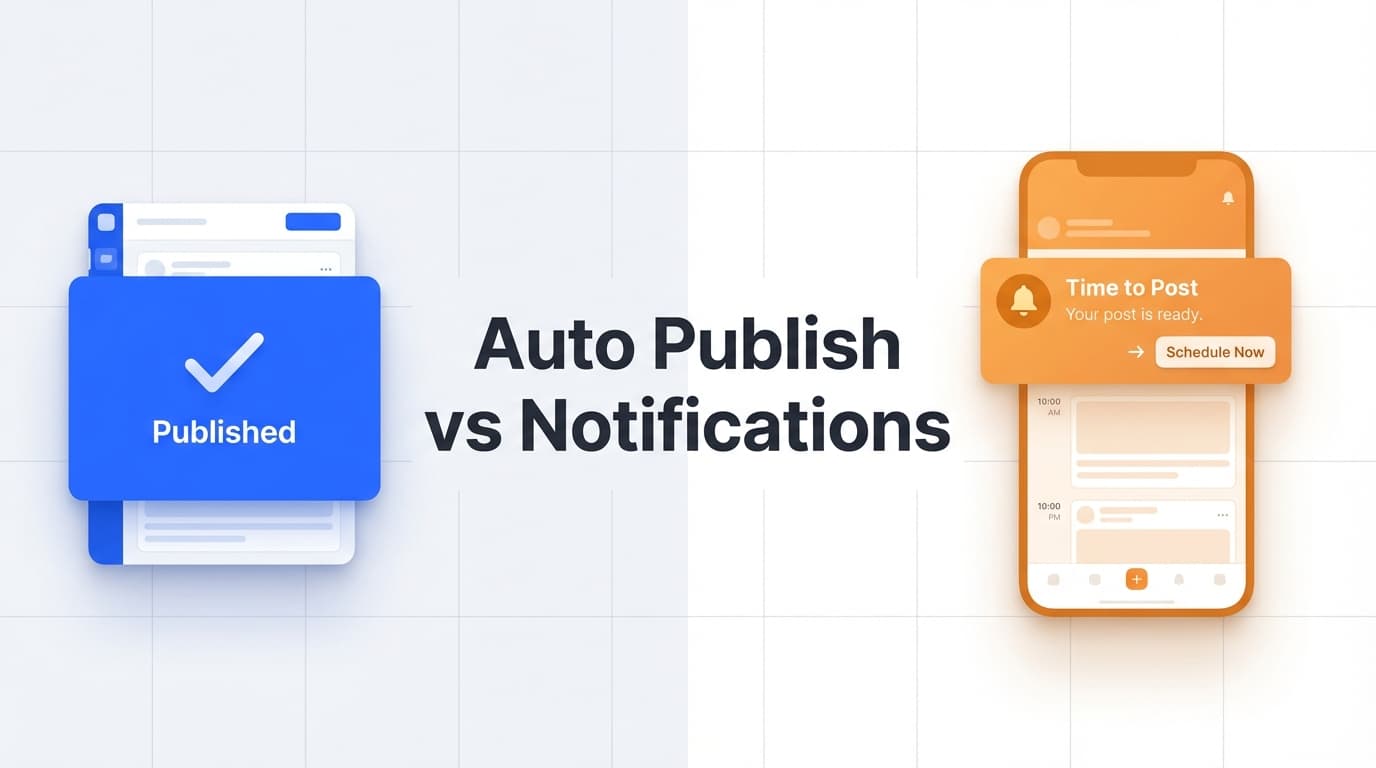
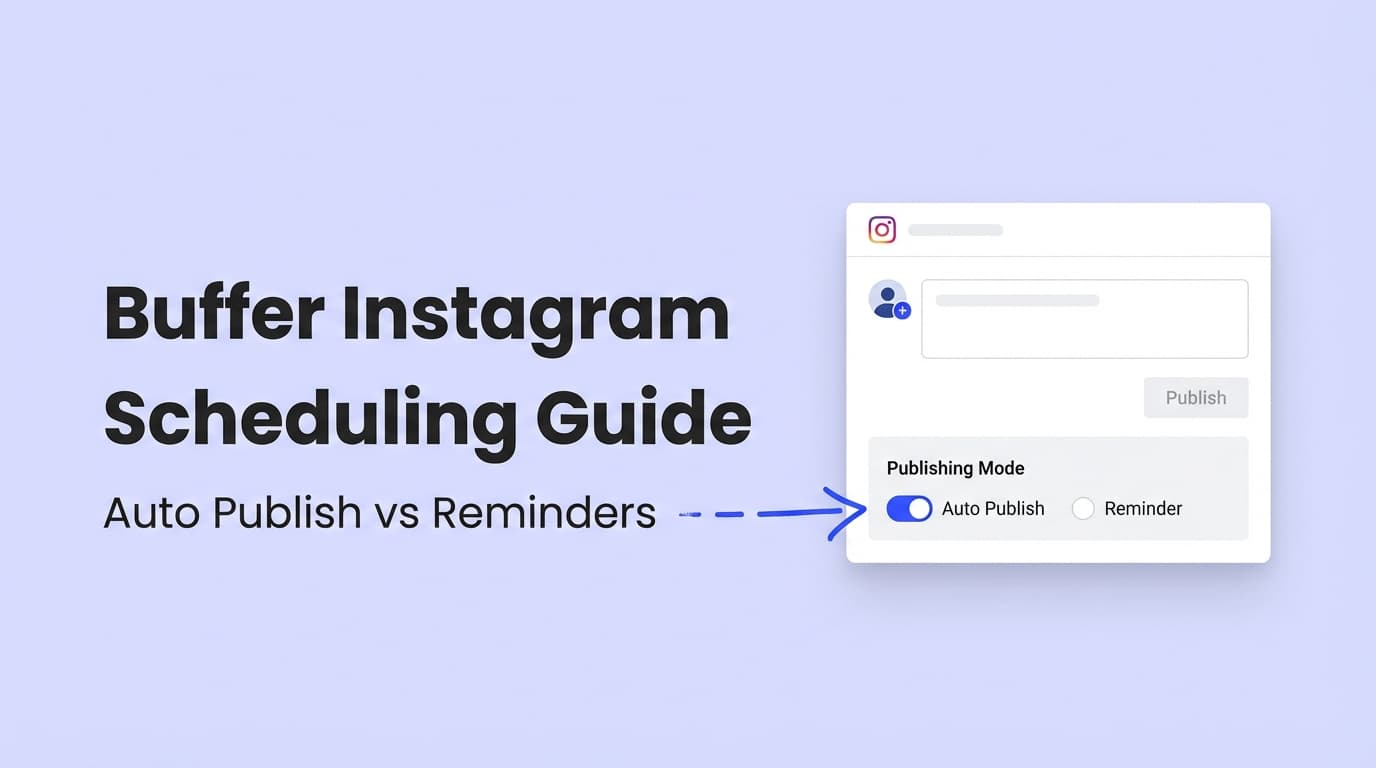
Buffer supports two publishing modes for Instagram:
Auto-publish (automatic publishing)
Buffer publishes the post to Instagram at the scheduled time without you doing anything.
Buffer Help Center overview:
https://support.buffer.com/article/657-scheduling-instagram-posts-and-reels
Reminders (notification publishing / “Notify Me”)
Buffer schedules the post and sends a push notification at publish time. You tap it, and Buffer guides you through finishing the post inside Instagram.
Buffer’s notification publishing explainer:
https://support.buffer.com/article/658-using-notification-publishing
Why there are two modes:
A lot of “missing features” are really Instagram API limitations. Third-party tools can only publish what Instagram’s official APIs allow them to publish.
Meta’s official documentation for Instagram content publishing:
https://developers.facebook.com/docs/instagram-platform/content-publishing/
Why Scheduling Method Matters in 2026 (Beyond Convenience)
The mode you choose decides what you can add to the post at publish time, as well as how much time you save. A few facts to plan around:
-
Native Instagram scheduling allows scheduling up to 75 days in advance.
Source: Meta Business Help (“You can schedule content up to 75 days in advance.”)
https://www.facebook.com/business/help/3294660970775616 -
The Instagram Content Publishing API originally launched with a limit of 25 API-published posts per 24 hours per business account (moving window).
Source: Meta for Developers blog announcement
https://developers.facebook.com/blog/post/2021/01/26/introducing-instagram-content-publishing-api/ -
Instagram caption length limits matter when drafting in a scheduler. Buffer notes Instagram captions can be up to 2,200 characters.
Source: Buffer Help Center (Character limits)
https://support.buffer.com/article/588-character-limits-for-each-social-network -
Carousels often outperform single-image posts on engagement in third-party studies.
Example figures cited by two separate sources: carousels ~1.92% average engagement vs images ~1.74% (and videos lower in that dataset).
Sources: - Embryo: https://embryo.com/blog/the-data-behind-the-performance-of-carousel-ads/ - Serotonin Digital (repeats the same numbers): https://www.serotonin.co.uk/news/do-carousels-still-matter-on-instagram -
Does scheduling hurt reach? Hootsuite ran an experiment and says the answer is no (no built-in penalty for using third-party scheduling).
Source: Hootsuite experiment
https://blog.hootsuite.com/experiment-third-party-scheduling-instagram/
Usually you’re choosing between control at publish time (reminders) and reliability and scale (auto-publish).
Auto-Publish vs Reminders: The Quick Decision Framework
Use this rule of thumb:
Choose Auto-Publish when…
- You need the post to go live no matter what (time zones, holidays, weekends).
- You’re scheduling at scale (multiple clients/accounts).
- The post doesn’t require last-minute in-app additions (like certain stickers/audio workflows).
- You want a clean, repeatable workflow: draft → schedule → done.
Choose Reminders when…
- You need to finish the post inside Instagram (for features that require native publishing).
- You want to add final touches at publish time (e.g., manual tweaks, sticker placement).
- You’re posting from a personal Instagram profile (which may be constrained by API-based auto-publishing). Buffer notes personal accounts can publish via notification publishing due to API limitations.
Source: Buffer “Using Instagram with Buffer”
https://support.buffer.com/article/554-using-instagram-with-buffer
What You Can Schedule in Buffer (and Where Auto-Publish vs Reminders Fits)
Buffer’s scheduling documentation is the best source of truth because it changes with Instagram API updates.
Start here:
- Scheduling Instagram posts, reels, stories, and notifications:
https://support.buffer.com/article/657-scheduling-instagram-posts-and-reels
- Scheduling on the Buffer mobile app (includes first comments + hashtag manager):
https://support.buffer.com/article/639-scheduling-instagram-posts-on-the-mobile-app
Key limitation to know: Instagram → Facebook cross-posting
Buffer notes that Instagram posts published through Buffer will not automatically publish to Facebook, even if that setting exists in Instagram.
Source: Buffer Help Center scheduling article (mentions API limitation)
https://support.buffer.com/article/657-scheduling-instagram-posts-and-reels
If you need the post on both platforms, plan to schedule/post to both channels explicitly (or use Meta’s native tools).
How to Schedule Instagram in Buffer: Step-by-Step (Auto-Publish and Reminders)
This walkthrough follows how most teams work: connect → draft → choose publish method → schedule → QA.
Step 1: Confirm your Instagram account type (this affects auto-publish)
Buffer states auto-publishing is available for Instagram professional accounts (Business/Creator), not personal profiles.
Source: Buffer “Using Instagram with Buffer”
https://support.buffer.com/article/554-using-instagram-with-buffer
Checklist - If you want auto-publish: confirm the account is Business or Creator - If you’re on a Personal profile: plan on notification publishing (reminders)
Pro tip: If you manage multiple client accounts, document each account’s type in a simple sheet (Account → Type → Auto-publish eligible?).
Step 2: Create the post inside Buffer (draft it like it’s final)
Draft your post with:
- Media (image/video/carousel)
- Caption (keep within Instagram limits; Buffer lists 2,200 characters for IG captions)
Source: https://support.buffer.com/article/588-character-limits-for-each-social-network
- Optional: hashtags (some teams put them in the first comment; Buffer’s mobile scheduling article covers first comments and the hashtag manager)
Source: https://support.buffer.com/article/639-scheduling-instagram-posts-on-the-mobile-app
Pro tip: Write your caption so it still works without last-minute edits. If you need last-minute edits every time, you probably want reminders, at least for that content type.
Step 3: Choose Auto-Publish or Reminders for that specific post
Buffer explicitly frames it as: Automatic vs. notification publishing.
Source: https://support.buffer.com/article/657-scheduling-instagram-posts-and-reels
Why this matters: Many teams try to force auto-publish for everything, then hit silent failures when a post doesn’t meet Instagram’s publish requirements.
Step 4: Schedule and QA (don’t skip this)
QA checklist (30 seconds per post) - Is the account type eligible for auto-publish? - Does the post type match what Instagram’s API can publish (for that format)? - Is the media compliant (dimensions, length, file type)? - If it’s reminders: is the correct phone logged in + notifications enabled?
For agencies, this check prevents most posts that silently fail to go out.
How Reminders (Notification Publishing) Work, and How to Make Them Painless
Notification publishing doesn’t mean posting from scratch. Buffer hands you a ready post and walks you through finishing it.
Buffer’s walkthrough:
https://support.buffer.com/article/658-using-notification-publishing
The friction points people hit (and how to avoid them)
-
Notifications aren’t enabled - Enable push notifications for Buffer (OS + app settings)
Source: Buffer notification publishing setup
https://support.buffer.com/article/658-using-notification-publishing -
Wrong Instagram account logged in on the phone - If you manage multiple accounts, confirm the phone is logged into the account that will publish (Buffer also has guidance for multiple IG accounts)
Source: Buffer Help Center, “Working with multiple Instagram accounts”. -
You need native-only features - This is what reminders are for: you finish the post in Instagram and add what you need.
Pro tip (workflow): For Stories and Reels that require native tweaks, schedule them as reminders by default and block 10 minutes/day for “publish window.” That’s usually easier than working around auto-publish limits.
Auto-Publish vs Reminders by Content Type (Practical Use Cases)
1) Single-image posts (feed photos)
Default recommendation: Auto-publish
Why: Stable, repeatable, minimal last-minute needs.
Use reminders if: you routinely add native-only elements at publish time or need to double-check tags/placement.
2) Carousels
Default recommendation: Auto-publish for scale; reminders for complex finishing steps
Carousels can be high-performing (see the engagement benchmarks cited above), so teams often batch-create them.
Use reminders if: you need to do a final pass for carousel order, tagging, or any native-only finishing touches.
3) Reels
Default recommendation: Decide based on whether you need trending audio or final in-app edits.
A common real-world scenario: - You edit the Reel in CapCut/Premiere with your music baked in → Auto-publish - You want to add trending Instagram audio at publish time → Reminders
There’s ongoing confusion here because “add music” can mean different things: - Music embedded in the video file (editing tool) vs - Music selected from Instagram’s audio library (native feature)
If your strategy depends on native audio selection, reminders often reduce frustration.
4) Stories
Default recommendation: Reminders (unless you’re confident your Story workflow is fully supported for auto-publish in your setup)
Stories often need native elements (stickers, links, polls, etc.). Many teams schedule Stories as reminders to preserve flexibility.
For step-by-step Stories scheduling, Buffer has a dedicated guide:
https://buffer.com/resources/how-to-schedule-instagram-stories/
And Vista Social’s guide shows how other tools approach Stories scheduling (useful for understanding trade-offs):
https://vistasocial.com/insights/schedule-instagram-stories/
Common Mistakes to Avoid (Especially for Busy Social Media Managers)
Mistake 1: Treating reminders like a failure
Reminders are a proper feature, especially for formats that Instagram makes you finish in the app.
Fix: Create two default content lanes: - Lane A: Auto-publish (feed posts, simple Reels) - Lane B: Reminders (Stories, Reels needing native audio, anything that needs final touches)
Mistake 2: Forgetting Buffer can’t auto-crosspost Instagram posts to Facebook
Buffer notes this is limited by the API: Instagram posts published through Buffer won’t auto-publish to Facebook.
Source: https://support.buffer.com/article/657-scheduling-instagram-posts-and-reels
Fix: If you need it on both channels, schedule to both explicitly (or use Meta tools).
Mistake 3: Missing auto-publish eligibility (personal vs professional account)
If the IG account is personal, you may be forced into reminders because personal accounts aren’t connected via the Instagram API for auto publishing.
Source: Buffer “Using Instagram with Buffer”
https://support.buffer.com/article/554-using-instagram-with-buffer
Fix: Standardize: Business/Creator for brands; reminders for personal creators who don’t want to switch.
Mistake 4: Not having a “didn’t publish” recovery routine
If a post doesn’t auto-publish, teams waste time hunting through tabs and logs.
Buffer provides guidance on why posts might not send automatically and where to find them:
https://support.buffer.com/article/659-why-arent-my-instagram-posts-sending-automatically
Fix: Make a simple escalation checklist (below).
Troubleshooting: “Why Didn’t My Instagram Post Auto-Publish?” (Buffer Checklist)
Buffer’s official troubleshooting starting point:
https://support.buffer.com/article/659-why-arent-my-instagram-posts-sending-automatically
Your automatic publishing checklist (fast triage)
-
Is the account a professional account?
Buffer states automatic posting is only available for Instagram professional accounts.
Source: https://support.buffer.com/article/659-why-arent-my-instagram-posts-sending-automatically -
Are notifications enabled by default (forcing reminders)?
Buffer notes that if “Enable Notifications for all posts” is turned on, posts will be scheduled as notifications.
Source: https://support.buffer.com/article/659-why-arent-my-instagram-posts-sending-automatically -
Does the post meet format requirements?
Buffer notes not all posts can be published automatically. For example, their troubleshooting article references Reels length constraints (posts outside certain durations may be scheduled as notifications).
Source: https://support.buffer.com/article/659-why-arent-my-instagram-posts-sending-automatically -
Where is the failed post stored?
Buffer’s troubleshooting article explains where to find posts that didn’t publish automatically.
Source: https://support.buffer.com/article/659-why-arent-my-instagram-posts-sending-automatically
Pro tip: If you manage several client accounts, add this troubleshooting page to your internal process doc. It’s quicker than working out fixes again for each client.
Best Practices: A Reliable Buffer Instagram Scheduling Workflow (Solo + Agency)
1) Build a weekly “publish mix”
If carousels do well in your niche (third-party benchmarks suggest they often do), make them a weekly staple and fit Stories and Reels around them.
Example weekly mix (starter) - 2 carousels - 1–2 Reels - Stories 3–5 days/week
2) Use “reminders” strategically for native-only finishing steps
Instead of fighting limitations, use reminders for: - Reels requiring native audio selection - Stories with stickers/polls/link flows - Any content that needs a final compliance check
3) Schedule at the right horizon (native vs third-party)
Native scheduling allows up to 75 days in advance.
Source: https://www.facebook.com/business/help/3294660970775616
Whatever tool you use, scheduling far ahead has risks: - product launches shift - creative updates change - captions need refreshing
Recommendation: Keep your content “locked” only 2–3 weeks out, and keep drafts beyond that.
4) Don’t worry about a “scheduler penalty,” but do worry about behavior
Hootsuite’s experiment suggests there isn’t an inherent reach penalty from third-party scheduling.
Source: https://blog.hootsuite.com/experiment-third-party-scheduling-instagram/
What does change with heavy scheduling is human behavior: - you stop engaging before/after posting - you stop responding quickly to comments - your content becomes too templated
Fix: Pair scheduling with a daily 15-minute engagement block.
Tools That Help (Buffer + Alternatives)
You don’t need a huge stack, but it helps to match tools to workflows.
Scheduling options to consider
- Buffer: Strong documentation for auto-publish vs notification publishing and Instagram-specific troubleshooting.
Start here: https://support.buffer.com/article/657-scheduling-instagram-posts-and-reels - Instagram native scheduler / Meta Business Suite: Useful if you want to stay within Meta’s own tools and their scheduling limits (e.g., up to 75 days in advance).
Source: https://www.facebook.com/business/help/3294660970775616 - PostQuickAI: If you want a separate planning + scheduling workflow outside Buffer, consider testing another scheduler. (Don’t switch tools mid-campaign; try it on one account first.)
See: /instagram-scheduler and /tools/instagram-feed-planner
(Features and pricing vary by plan, so check the product pages.)
If you’re evaluating alternatives specifically to Buffer, you may also want:
- /comparisons/buffer
Key Takeaways
- Auto-publish is best when you need reliability, scale, and fewer moving parts.
- Reminders/notification publishing is best when you need native Instagram finishing touches (and for personal profiles, which may not be eligible for API auto-publishing).
- If a post didn’t auto-publish, use Buffer’s official checklist and recovery steps:
https://support.buffer.com/article/659-why-arent-my-instagram-posts-sending-automatically - Scheduling itself doesn’t seem to hurt reach (Hootsuite’s experiment found no penalty), but engaging less after you schedule can.
FAQ (People Also Ask–Style)
Does Buffer automatically post to Instagram?
Yes. Buffer supports automatic publishing for eligible Instagram accounts and posts, and also supports notification publishing (reminders) when a post can’t be auto-published or when you prefer to publish via the Instagram app.
Source: https://support.buffer.com/article/657-scheduling-instagram-posts-and-reels
What’s the difference between Buffer auto-publish and reminders?
- Auto-publish: Buffer publishes the post at the scheduled time.
- Reminders/notification publishing: Buffer sends a notification, then you finish publishing inside Instagram.
Source: https://support.buffer.com/article/658-using-notification-publishing
Why aren’t my Buffer Instagram posts sending automatically?
Common causes include:
- The Instagram account is not a professional account
- Notifications are enabled for all posts
- The post doesn’t meet Instagram/Buffer auto-publish requirements for that format
Source: https://support.buffer.com/article/659-why-arent-my-instagram-posts-sending-automatically
Can Buffer schedule Instagram Stories?
Buffer provides guidance on scheduling Instagram Stories and explains the workflow (often via notifications depending on the setup and format constraints).
Source: https://buffer.com/resources/how-to-schedule-instagram-stories/
Does scheduling Instagram posts hurt reach?
There’s no clear official statement that scheduling inherently reduces reach. Hootsuite tested third-party scheduling and reported no penalty in their experiment.
Source: https://blog.hootsuite.com/experiment-third-party-scheduling-instagram/
How far in advance can you schedule Instagram posts natively?
Meta’s business help documentation states you can schedule content up to 75 days in advance.
Source: https://www.facebook.com/business/help/3294660970775616
Is there a posting limit when publishing via Instagram’s API?
Meta’s Content Publishing API launch announcement stated 25 API-published posts per 24 hours per Instagram Business account (moving window).
Source: https://developers.facebook.com/blog/post/2021/01/26/introducing-instagram-content-publishing-api/
(API limits change, so check Meta’s current developer docs.)
Why didn’t my Instagram post auto-share to Facebook when scheduled in Buffer?
Buffer notes that, due to API limitations, Instagram posts published through Buffer will not automatically publish to Facebook even if the setting is enabled in Instagram.
Source: https://support.buffer.com/article/657-scheduling-instagram-posts-and-reels