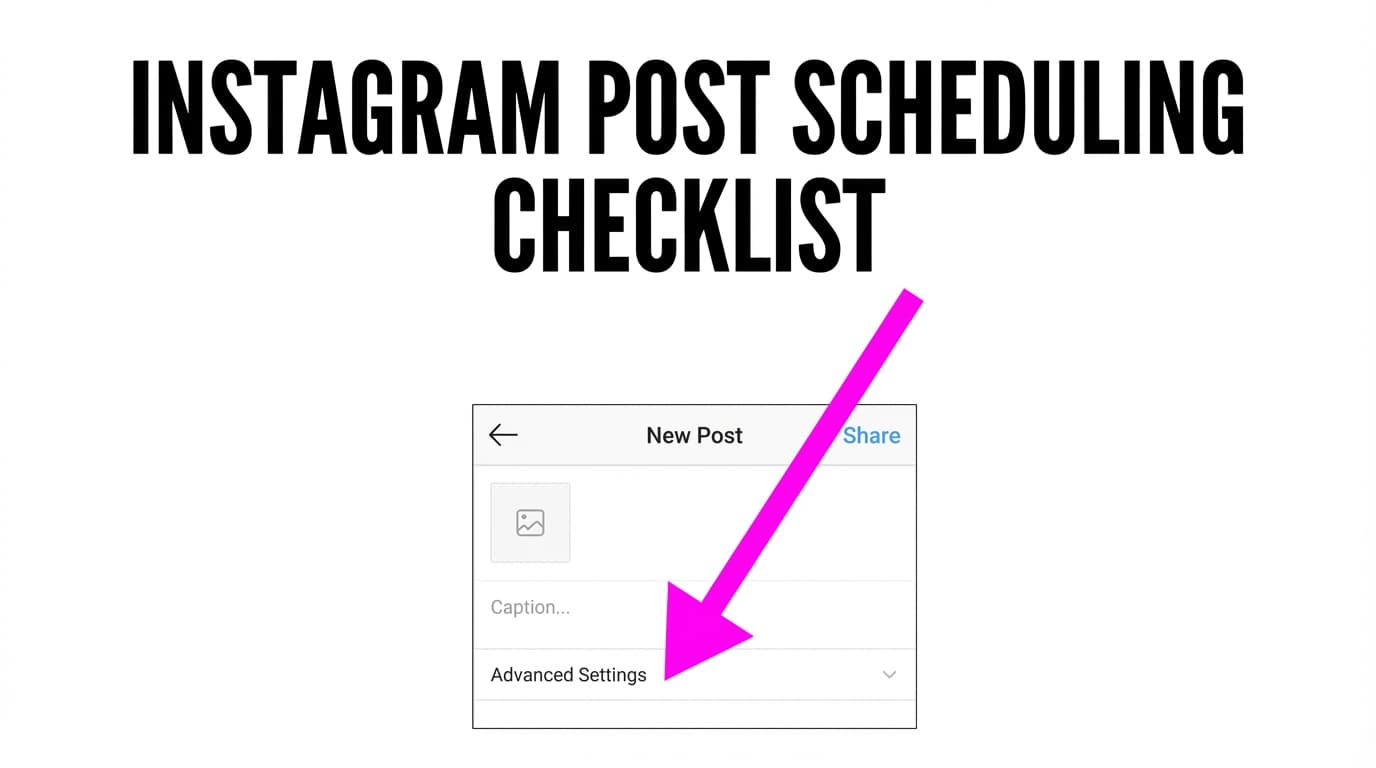
Instagram Post Scheduling Checklist (Caption, Hashtags & Alt Text)
Posting on a schedule usually breaks down in the process. A post goes out late or half-finished because a small detail got skipped: the first caption line doesn’t hook, the hashtags are random, or the alt text is missing.
This Instagram post scheduling checklist is a short routine to run before each post, so captions read clearly, hashtags fit the topic and every image has alt text.
Use the checklist now → Instagram Post Scheduling Checklist
What is an Instagram post scheduling checklist?
It’s a checklist you run before a post goes out, whether you schedule it or publish by hand. This one covers the parts that most often get rushed:
- Caption: hook, formatting, clarity, and a single next step (CTA)
- Hashtags: on topic and organized into reusable sets
- Alt text: a short description that improves accessibility for screen reader users
It works with Instagram’s own scheduling, Meta’s tools or any scheduler, because it checks the post itself.
If you schedule in PostQuickAI: Instagram feed posts (single image), carousels, video posts, Reels, and Stories are all supported. PostQuickAI accepts up to 10 items in an Instagram carousel.
How to Use PostQuickAI’s Instagram Post Scheduling Checklist
Step 1: Confirm your post type and that the creative is final
Before captions/hashtags, confirm the format matches what you’re scheduling:
- Single image (feed)
- Carousel (multi-image; up to 10 in PostQuickAI)
- Video post (feed)
- Reel
Tip: If you care about grid aesthetic, preview placement first (e.g., in PostQuickAI’s Instagram Feed Planner).
Step 2: Write the caption using a repeatable structure
Use a structure that works for most post types:
- Hook (first line): earn the “more…”
- Value: teach, explain, tell the story, or list the steps
- CTA (one action): comment / save / share / follow / DM
If you want help drafting, PostQuickAI includes an AI Caption Generator that generates 3 caption options with controls for: - tone (e.g., Casual, Professional, Funny, Inspirational) - platform (Instagram, Twitter/X, LinkedIn, TikTok, Facebook, YouTube) - length (short / medium / long) - include emojis, hashtags, and/or a CTA
Tip: Generate a few options, then rewrite the first 1 or 2 lines in your own voice, since those lines show before “more”.
Step 3: Add relevant hashtags
Hashtags go faster when you reuse sets instead of starting over each time.
PostQuickAI’s Hashtag Generator can generate hashtags based on: - topic - category - platform - hashtag count (options of 10 / 20 / 30; check Instagram’s current hashtag limit before you post)
Tip: Build 3–5 reusable hashtag sets (by content pillar), then rotate them.
Step 4: Write alt text (don’t skip it)
Alt text is a short description that helps people understand your image/carousel with a screen reader.
Cover these parts:
- What it is (photo / graphic / screenshot)
- Main subject (who/what)
- Important detail (action, setting, visible text that matters)
- Context (only if needed)
Tip: Many accessibility guides suggest about 100 to 125 characters. Above all, include what someone needs to understand the image, and skip keyword stuffing.
Step 5: Schedule and do a final preview
Before you hit schedule/publish:
- verify the right Instagram account
- confirm date/time (and timezone)
- re-check carousel order
- confirm caption formatting (line breaks)
- confirm hashtags and alt text are ready in your workflow
What This Checklist Covers
Caption checks
You’ll catch the usual caption mistakes: no hook, long blocks of text and an unclear CTA. Instagram cuts captions short in the feed, so the first line has to make people tap “more”.
A repeatable hashtag routine
The checklist steers you toward reusable, on-topic hashtag sets instead of chasing trends, which is faster and keeps irrelevant tags off your posts.
Alt text and readability
Alt text is part of a finished post. It lets screen reader users understand your images.
The Instagram Post Scheduling Checklist (Copy/Paste)
✅ A) Creative checklist (media)
- [ ] Post type selected: single image / carousel / video / reel
- [ ] Media uploaded at good quality (no pixelation)
- [ ] Visual is readable on mobile (text isn’t tiny)
- [ ] If carousel: slides are in the correct order (and no more than 10 items)
- [ ] Cover/first frame is strong (especially for carousels + reels)
✅ B) Caption checklist (hook → value → CTA)
- [ ] First line has a clear hook (promise, question, contrarian take, or “here’s how”)
- [ ] Caption is skimmable (short lines + line breaks)
- [ ] One clear takeaway (what should the viewer learn/feel/do?)
- [ ] One CTA (comment / save / share / follow / DM)
- [ ] Spelling + clarity check
- [ ] @mentions are correct (if used)
Fast caption template
- Hook:
If you’re doing ____ , try this instead. - Value:
Here are 3 steps: 1) … 2) … 3) … - CTA:
Save this for later / Comment “____” if you want the template.
✅ C) Hashtag checklist
- [ ] Hashtags match the actual topic (no irrelevant “viral” tags)
- [ ] Mix includes:
- 1–2 branded hashtags (if you have them)
- niche/long-tail hashtags (most specific)
- broader category hashtags (few)
- [ ] Total hashtag count is a deliberate choice and within Instagram’s current limit
- [ ] Multi-word hashtags use CamelCase/PascalCase when possible (e.g.,
#SocialMediaTips) for readability/accessibility
Note: Some creators put hashtags in the caption, others in the first comment. Either works; relevance matters more than placement.
✅ D) Alt text checklist
- [ ] Alt text describes what’s in the image clearly
- [ ] Includes key context (who/what/action/setting)
- [ ] Includes important on-image text (common on carousels)
- [ ] Avoids keyword stuffing; reads like a human description
- [ ] If carousel: alt text is prepared per slide (or at minimum describes the full carousel’s purpose)
Alt text template
Graphic with [subject]. Text reads “[headline]”.Photo of [subject] [doing what] in [setting].
✅ E) Scheduling checklist
- [ ] Correct Instagram account selected
- [ ] Date/time confirmed (and timezone verified)
- [ ] Caption formatting preserved (line breaks look right)
- [ ] Hashtags and alt text are included in your workflow
- [ ] Final preview looks right (first line + first frame)
Instagram Post Scheduling Checklist Use Cases
For creators batching a week of content
Prepare all the media first, then run each post through the checklist before scheduling.
For social media managers handling multiple brands
Use the checklist as a handoff between people: creative, then caption, hashtags, alt text and scheduling.
For accessibility-focused teams
Make alt text a required checkbox so it never gets skipped when you’re rushing.
Why Choose PostQuickAI alongside this checklist?
| This checklist + PostQuickAI | Posting without a checklist |
|---|---|
| The same checks before every post | Rewriting everything last-minute |
| AI Caption Generator creates 3 options with tone/length/platform controls | Starting from a blank page |
| Hashtag Generator generates sets by topic/category/count | Guessing hashtags manually |
| Instagram scheduling supports feed posts, carousels, video, Reels, and Stories | Posting by hand and missing details |
Pricing note: PostQuickAI offers Basic, Pro and Ultra plans starting at $15/month (or $12.50/month billed yearly). Pro starts at $39/month (or $32.50/month billed yearly). Ultra starts at $99/month (or $82.50/month billed yearly).
Related Tools
Explore more tools from PostQuickAI:
- AI Caption Generator: Generate 3 caption options with tone, platform, and length controls. (/tools/caption-generator)
- Hashtag Generator: Generate hashtag lists by topic, category, and platform. (/tools/hashtag-generator)
- Instagram Feed Planner: Preview a 3×3 grid and drag to reorder. (/tools/instagram-feed-planner)
- Image Converter: Convert and resize images for common social sizes. (/tools/image-converter)
- Photo Collage Maker: Make grid-style collages and exports. (/tools/collage-maker)
FAQ
Is this Instagram post scheduling checklist free?
This checklist is content you can copy and use in any workflow. Scheduling and publishing inside PostQuickAI is part of the paid product (plans start at $15/month).
Do I need to create an account?
You don’t need an account to follow a checklist. To schedule and publish through PostQuickAI, you’ll need an account and an active plan.
Does PostQuickAI schedule Instagram Stories?
Yes. PostQuickAI publishes Instagram Stories (image or video), as well as single-image feed posts, carousels, video posts and Reels.
Can PostQuickAI help me write captions and hashtags faster?
Yes:
- AI Caption Generator rate limit: 10 requests/hour/IP
- AI Hashtag Generator rate limit: 15 requests/hour/IP
Start Using the Checklist Now
Copy the checklist above and run it before your next scheduled post.
Use the Instagram Post Scheduling Checklist → /tools/instagram-post-scheduling-checklist-caption-hashtags-alt-text
FAQ
This checklist is content you can copy and use in any workflow. Scheduling and publishing inside PostQuickAI is part of the paid product (plans start at $15/month).
You don’t need an account to follow a checklist. To schedule and publish through PostQuickAI, you’ll need an account and an active plan.
Yes. PostQuickAI publishes Instagram Stories (image or video), as well as single-image feed posts, carousels, video posts and Reels.
Yes. The AI Caption Generator (10 requests/hour/IP) and AI Hashtag Generator (15 requests/hour/IP) give you caption and hashtag drafts to start from.