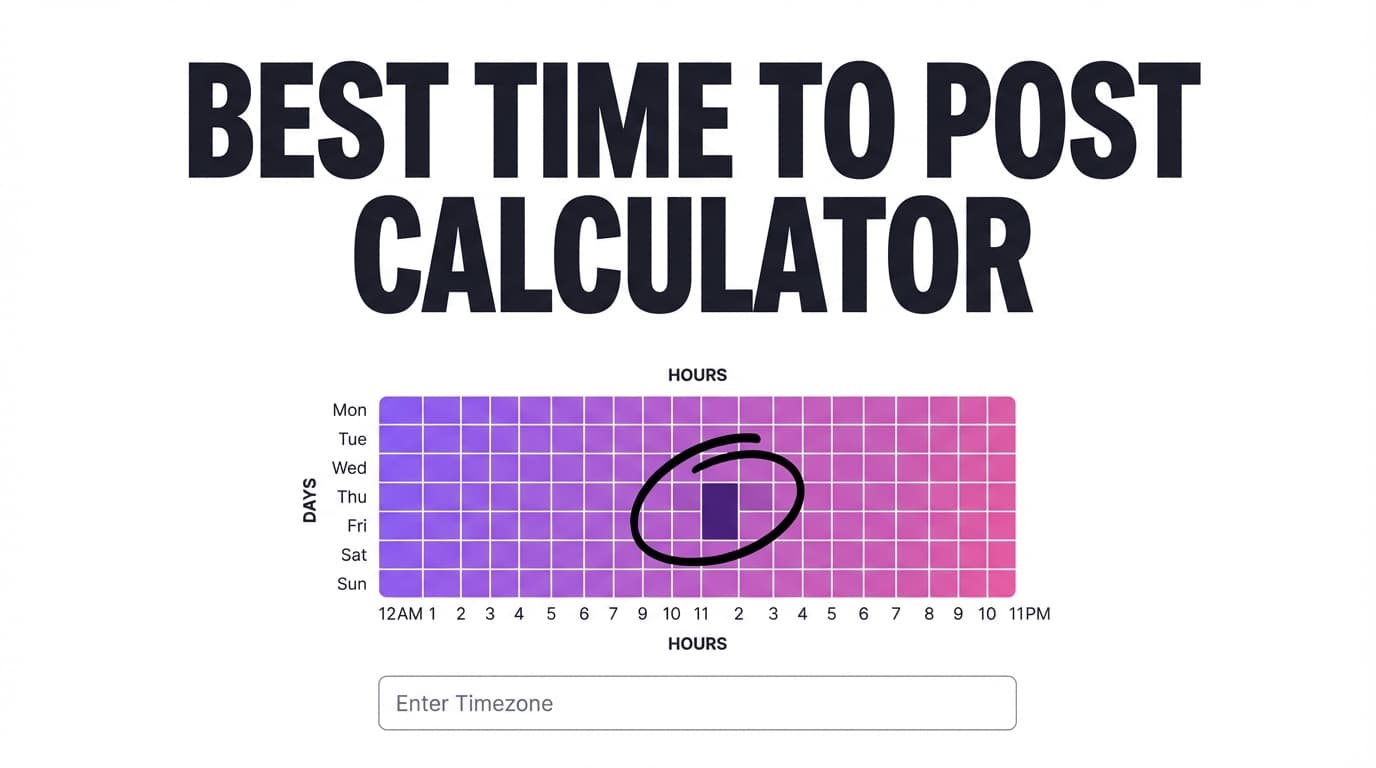
Best Time to Post on Instagram Calculator for Your Followers’ Timezone
To find the best time to post on Instagram when your audience lives in another timezone, “post at 9am” only helps once you convert it to your followers’ local time.
This page walks through a calculator-style method for picking posting windows in your followers’ timezone, and how to turn them into scheduled posts with PostQuickAI.
Start free trial → /pricing (7-day free trial, then from $15/mo. Card required.)
What is a “Best Time To Post” Instagram Calculator (with Followers’ Timezone)?
A best-time-to-post calculator helps you answer one question:
What time should I post in my timezone so it lands during peak hours in my followers’ timezone?
This matters when:
- You live in one timezone but your followers are elsewhere.
- Your audience is split across regions (e.g., US + UK).
- You want to post on schedule without watching the clock.
Note: The real “best time” comes from your own account’s results and follower activity. A calculator helps you start with the right timezone and window, then you refine using Instagram Insights and actual results.
How to Use PostQuickAI’s Best Time To Post Method (Timezone Calculator Workflow)
Step 1: Identify your followers’ primary timezone(s)
Use the best available signal:
- Instagram Insights (Professional accounts): follower top locations + “most active times”
- Your customer geography (for local businesses)
- Email list/community location
- Comment/DM patterns
Tip: Keep it simple. Choose:
- Primary timezone (largest follower cluster)
- Optional secondary timezone (second largest)
Step 2: Pick a posting “window” in your followers’ local time
Choose a window you can repeat each week, then test it.
Common starting windows:
- Morning: 7:00 to 9:00
- Lunch: 11:00 to 13:00
- Evening: 18:00 to 21:00
Test one window at a time, so you can tell what made the difference.
Step 3: Convert followers’ timezone → your timezone (the “calculator” step)
- Choose your target time in the followers’ timezone (example: 7:30 PM ET).
- Convert it to your timezone (example: 4:30 PM PT).
- Schedule/post at the converted time.
Example
- Followers: Eastern Time (ET)
- You: Pacific Time (PT)
- Target follower time: 7:30 PM ET
- You schedule: 4:30 PM PT
Tip: Watch for daylight saving changes, since Europe and the US switch on different dates.
Step 4: Schedule it so you don’t miss the window
Once you’ve converted the time, schedule the post so it goes out on time.
With PostQuickAI you can schedule and auto-publish:
- Instagram feed posts (single image)
- Instagram carousel posts (multi-image)
- Instagram video content (including Reels publishing)
PostQuickAI also publishes Instagram Stories (image or video).
Start free trial → /pricing
Features That Matter for Timezone-Based Posting
Scheduling that runs on our servers
Your followers’ best time may be the middle of your night. PostQuickAI publishes from its servers, so posts go out on time while you’re offline.
Instagram formats, published for you
For many creators, the posting window depends on the format:
- carousels for saves
- Reels for discovery
- single images for announcements/branding
PostQuickAI publishes each of these formats directly, instead of sending you a reminder to post by hand.
Captions ready before the posting time
Write captions ahead of time, so you aren’t rushing them 2 minutes before the post goes out.
Useful free tools from PostQuickAI:
- AI Caption Generator (/tools/caption-generator)
- Hashtag Generator (/tools/hashtag-generator)
- Instagram Feed Planner (/tools/instagram-feed-planner)
Best Time To Post on Instagram: Timezone Use Cases
For creators living abroad with a US-based audience
If your audience is mostly US-based, pick the main US timezone (often ET), then convert.
A practical approach:
- 3 posts/week at the same ET window
- schedule in advance so you’re not posting at 2am
For local businesses
Local businesses usually only need one timezone:
- use lunch + early evening windows
- keep it consistent
- review results monthly
For split audiences (US + Europe)
Try an “overlap” schedule:
- 2 posts/week optimized for your largest region
- 1 post/week optimized for the second region
You don’t have to find a time that suits both regions every day.
Why Choose PostQuickAI (After You’ve Picked Your Times)?
| PostQuickAI | Many “best time to post” pages |
|---|---|
| Lets you schedule Instagram feed posts, carousels, and Reels | Give advice but can’t schedule |
| Supports planning tools (captions, hashtags, grid preview) | Timing advice only |
| Paid plans start at $15/mo | Pricing and limits can be hard to find |
Related Tools
More tools from PostQuickAI:
- AI Caption Generator: generate 3 caption options with controls (/tools/caption-generator)
- Hashtag Generator: generate hashtag sets by topic/platform (/tools/hashtag-generator)
- Instagram Feed Planner: drag-and-drop grid preview (/tools/instagram-feed-planner)
- Image Converter: convert/resize/compress images (/tools/image-converter)
FAQ
Is this best time to post on Instagram calculator free?
This guide is free to read. PostQuickAI paid plans start at $15/month.
Does PostQuickAI automatically read my Instagram follower activity to calculate the best time?
No. This page doesn’t read your Instagram data. Check Instagram Insights for when your followers are active, convert that time to your timezone and schedule your posts for it.
Can I schedule Instagram Stories with PostQuickAI?
Yes. PostQuickAI publishes Instagram Stories (image or video), as well as single-image feed posts, carousels, videos and Reels.
What if my followers are in multiple timezones?
Pick a primary timezone and a secondary timezone, then test two posting windows per week rather than trying to optimize every post for everyone.
Start Posting in Your Followers’ Timezone
Keep the plan simple: 1) choose your followers’ timezone(s),
2) pick a repeatable window,
3) convert to your timezone,
4) schedule consistently, then improve based on performance.
Start free trial → /pricing
FAQ
This guide is free to read. PostQuickAI is a paid product with plans starting at $15/month. Your first plan starts with a 7-day free trial (card required).
No. This page doesn't read your Instagram data. Check Instagram Insights for when your followers are active, convert that time to your timezone and schedule your posts for it.
Yes. PostQuickAI publishes Instagram Stories (image or video), as well as single-image feed posts, carousels, videos and Reels.
Pick a primary timezone and a secondary timezone, then test two posting windows per week rather than trying to optimize every post for everyone.