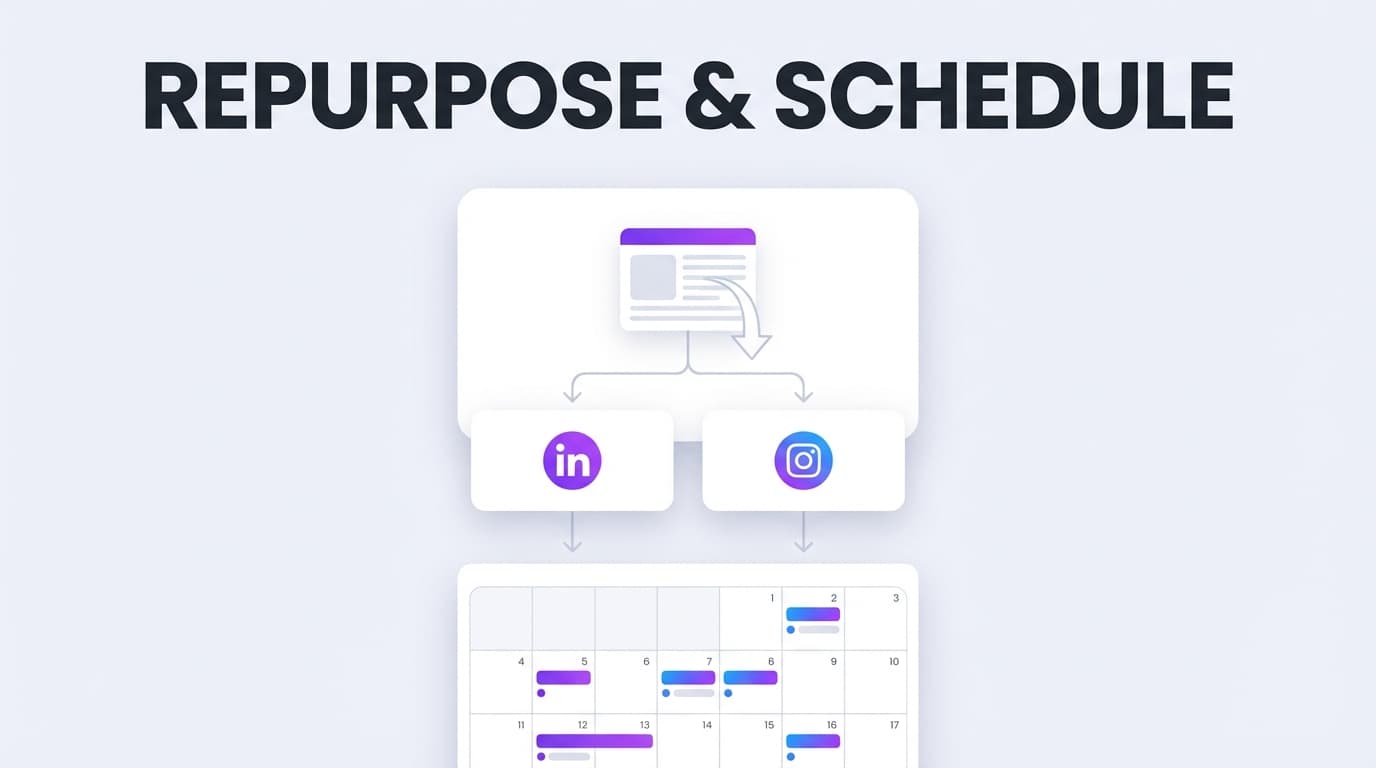
PostQuickAI is a tool to repurpose content and schedule to all platforms you've connected—so one idea becomes a full week of posts, published automatically across your social channels from one calendar.
Instead of rewriting the same message 7 different ways and manually posting at the right time, you can generate platform-ready variations, schedule everything on a calendar, and auto-publish server-side.
Plans start at $8/month · Free tools available without signup
Supported auto-publishing platforms:
Most tools focus on one side: repurposing tools specialize in moving content, schedulers help you queue posts. PostQuickAI is built for the workflow people actually want: repurpose → match platform constraints → schedule → auto-publish.
Repurposing breaks when you ignore platform rules. PostQuickAI is designed around real constraints:
Some tools rely on reminders or require a device to be online. PostQuickAI uses server-side scheduling—scheduled posts can publish automatically at the scheduled time without you keeping a browser tab open.
PostQuickAI includes in-app AI tools that speed up repurposing while keeping you in control:
When you want maximum automation, PostQuickAI includes YOLO Mode: generate content and publish it immediately to selected connected platforms. When you want more control, keep YOLO Mode off and use the standard draft → schedule → publish flow.
Your source can be a blog post topic, client result, product update, founder POV, or a long video you want to turn into multiple posts. Start with the core message—you'll tailor it next.
Inside PostQuickAI, create variations using AI tools: draft a base post with caption generation, run Proofread to tighten clarity, use Tone Adjustment for platform fit, use Make Concise to compress for short-form platforms.
Generate a visual using AI image generation, refine with the AI Image Editor, prepare multi-image content for carousels (with platform limits in mind), or generate a caption with AI video captioning for video posts.
Choose where each version should publish. For LinkedIn, choose between personal profile or organization/company page explicitly—this prevents posting to the wrong destination.
Pick date/time and schedule. A typical repurposing schedule: Monday (LinkedIn), Tuesday (X), Wednesday (Threads), Thursday (Facebook Page), Friday (TikTok/YouTube), Weekend (Bluesky).
At publish time, PostQuickAI auto-publishes to each selected platform. You don't need to be online.
| Feature | What It Does | Why It Matters |
|---|---|---|
| Multi-Platform Publishing | Publish to X, Threads, Bluesky, LinkedIn, Facebook Pages, TikTok, YouTube | One workflow for multiple channels |
| Server-Side Scheduling | Scheduled posts publish automatically at the scheduled time | Your calendar actually runs without you |
| Platform-Aware Constraints | Enforces key limits (X 280 chars, image caps, TikTok photo minimums) | Fewer failed publishes and rework |
| AI Caption Generation | Produces fast draft options for a post | Turn 1 idea into multiple angles quickly |
| Proofread + Tone Tools | Improves readability, rewrites tone, makes concise | "Same message" without "same wording" |
| AI Image Generation + Editor | Generate new visuals or edit existing images | Turn text ideas into publishable assets |
| LinkedIn Target Selection | Choose personal vs company | Avoid incorrect automated posting |
| Content Groups | Organize different brands/workstreams | Easier repurposing for agencies/multi-brand teams |
| YOLO Mode (Optional) | Auto-publish immediately after generation | Hands-off consistency when you want it |
Repurposing is not copy/paste. It's reframing: adapting the same idea so it fits how people read and share content on each platform.
For each source idea, create variations:
Then choose the best fit per platform:
Source idea: "We stopped posting daily and grew faster."
Hook + Point + Takeaway. Keep it short—280-char cap enforced.
Add context about burnout. Make it human. End with a question.
Open with test. 3 bullet points. Close with practical principle.
One sentence takeaway + one supporting line. Max 4 images.
Broader framing + image/carousel. CTA for engagement.
Hook in first 2 seconds. 3 supporting points. AI-generated caption.
PostQuickAI is a paid subscription with a 7-day free trial on monthly plans.
or $7.50/mo billed annually
Basic
or $16.67/mo billed annually
Pro
Free tools (no signup): AI Caption Generator + Hashtag Generator
See Full Plan DetailsPostQuickAI is a tool to repurpose content and schedule to all platforms you’ve connected—so one idea becomes a full week of posts, published automatically across your social channels from one calendar.
Instead of rewriting the same message 7 different ways and manually posting at the right time, you can:
Supported auto-publishing platforms (in-app): - X (Twitter) - Threads - Bluesky - LinkedIn (personal profile + company pages) - Facebook Pages - TikTok - YouTube
“All platforms” in this context means “all the major social platforms PostQuickAI supports and you choose to connect.” No scheduler supports every network and every format, so this page is intentionally specific.
CTA: Start a 7-day free trial →
Want to test the AI first? Use the free tools (no signup): AI Caption Generator + Hashtag Generator
Most tools focus on one side of the problem:
PostQuickAI is built for the workflow people actually want when they search “tool to repurpose content and schedule to all platforms”:
1) repurpose the idea into multiple versions,
2) match each platform’s constraints,
3) schedule and auto-publish with minimal friction.
Repurposing breaks down when you ignore the small rules that block publishing or make posts look sloppy. PostQuickAI is designed around real constraints, including:
Instead of claiming “post everywhere,” PostQuickAI focuses on posting reliably to the platforms it supports.
Some tools rely on reminders or require a device to be online. PostQuickAI uses server-side scheduling—scheduled posts can publish automatically at the scheduled time without you keeping a browser tab open.
PostQuickAI includes in-app AI tools that speed up repurposing while keeping you in control:
This helps you create “same idea, different platform” versions without sounding copied-and-pasted.
When you want maximum automation, PostQuickAI includes YOLO Mode: generate content and publish it immediately to selected connected platforms.
When you want more control, keep YOLO Mode off and use the standard draft → schedule → publish flow.
Your source can be: - a blog post topic - a client result or case study bullet list - a product update - a founder POV - a long video you want to turn into multiple posts
Start with the core message. You’ll tailor it next.
Inside PostQuickAI, you can create variations using AI tools and editing workflows:
This is where repurposing becomes efficient: you don’t rewrite from scratch—you transform.
Depending on the post type you’re scheduling:
You can also use free utilities to prep assets: - Collage Maker - Image Converter
Choose where each version should publish:
This prevents one of the most common automation failures: posting to the wrong destination.
Pick your date/time and schedule the post. PostQuickAI stores the schedule and publishes later.
A typical repurposing schedule looks like:
At publish time, PostQuickAI auto-publishes to each selected platform (supported formats only). You don’t need to be online.
| Feature | What it does | Why it matters for repurposing + scheduling |
|---|---|---|
| Multi-platform publishing | Publish to X, Threads, Bluesky, LinkedIn, Facebook Pages, TikTok, YouTube | One workflow for multiple channels |
| Server-side scheduling | Scheduled posts publish automatically at the scheduled time | Your calendar actually runs without you |
| Platform-aware constraints | Enforces key limits (e.g., X 280 chars; image caps; TikTok photo minimums) | Fewer failed publishes and rework |
| AI caption generation | Produces fast draft options for a post | Turn 1 idea into multiple angles quickly |
| Proofread + tone tools | Improves readability, rewrites tone, makes concise | “Same message” without “same wording” |
| AI hashtag generation | Generates hashtag sets | Faster packaging for hashtag-heavy strategies |
| AI image generation + Image Editor | Generate new visuals or edit existing images | Turn text ideas into publishable assets |
| AI video captioning | Creates captions from a video file | Faster video publishing with consistent messaging |
| LinkedIn target selection | Choose personal vs company | Avoid incorrect automated posting |
| Content Groups | Organize different brands/workstreams | Easier repurposing for agencies/multi-brand teams |
| YOLO Mode (optional) | Auto-publish immediately after generation | Hands-off consistency when you want it |
Repurposing is not copy/paste. It’s reframing: adapting the same idea so it fits how people read and share content on each platform.
A simple, repeatable framework is:
For each source idea, create variations like:
Then choose the best fit per platform:
PostQuickAI’s tone tools and concise rewrites make this fast: you’re swapping angle + packaging, not reinventing the idea.
Source idea: “We stopped posting daily and grew faster.”
X tip: keep it short—X publishing enforces the 280-character cap.
Threads tip: if you’re using a carousel, keep it within 2–10 images.
LinkedIn tip: choose the correct target (personal vs organization).
Bluesky tip: if you’re attaching images, remember it caps at 4.
Facebook tip: publishing supports Pages.
TikTok tip: photo posts require at least 2 images; single-image photo posts aren’t supported.
Once these versions exist, PostQuickAI lets you schedule them across the week so one idea becomes a full content cadence.
Link: /x-scheduler
Link: /threads-scheduler
Link: /bluesky-scheduler
Link: /linkedin-scheduler
Link: /facebook-scheduler
Link: /tiktok-scheduler
Link: /youtube-scheduler
This is the default—and it’s expensive:
Manual posting also kills batching: even if you create content in advance, publishing becomes a daily chore.
A scheduler alone helps with timing, but you still spend the bulk of your time on:
PostQuickAI closes that gap with AI writing tools, image generation/editing, and video captioning.
Many repurposing tools focus on distribution of one content type. That’s useful—but it doesn’t solve:
PostQuickAI is designed to keep the entire workflow in one place: create/repurpose → schedule → publish.
The biggest reason repurposing matters is consistency: you’re trying to get more value from fewer ideas.
PostQuickAI supports that with: - a visual calendar to see scheduled and published content by date, and - posting streak stats (current streak, longest streak, total days posted)
This gives you feedback on whether your repurposing system is actually creating a sustainable cadence.
Repurposing gets messy when you manage multiple clients or brands. PostQuickAI supports Content Groups so each brand/workstream can have its own setup and generation workflow.
This makes it easier to: - keep brand voice consistent using tone tools - batch content by client/brand - avoid cross-contaminating messaging and visuals
PostQuickAI includes a website scan flow that can extract brand-related information (such as visuals and styling cues) to reduce setup time.
Because it depends on an external scanning service, it’s best used as an accelerator—not your only setup method.
PostQuickAI is a paid subscription product with a 7-day free trial on monthly plans.
Video generation uses a separate credit system (purchased as needed).
See full details: /pricing
Free tools (no signup required): - AI Caption Generator - Hashtag Generator - Collage Maker - Image Converter - Instagram Feed Planner (grid preview)
If “all” means every social platform that exists, no app truly covers everything. PostQuickAI lets you publish from one workflow to the major platforms it supports: X, Threads, Bluesky, LinkedIn, Facebook Pages, TikTok, and YouTube—with server-side scheduling so posts can auto-publish.
It does both. PostQuickAI includes AI tools for caption generation, proofreading, tone adjustments, concise rewrites, hashtag generation, AI image generation/editing, and AI video captioning—then lets you schedule and auto-publish the final versions.
No. PostQuickAI uses server-side scheduling—your scheduled posts can publish automatically at the scheduled time even if you’re offline.
Yes, you can schedule/publish the same message to multiple supported platforms from one workflow. For best results, PostQuickAI also helps you create platform-specific variations (tone/length/structure) so repurposing doesn’t look like copy/paste.
Key constraints include: - X: 280-character cap enforced; max 4 images; video max 512MB - Threads: carousel supports 2–10 images - Bluesky: max 4 images - TikTok: photo posts require at least 2 images (single-image photo posts not supported) - LinkedIn: requires explicit target selection (personal vs organization/company page) - Facebook: publishing is for Pages (not personal profiles)
PostQuickAI offers a 7-day free trial on monthly plans, then paid plans start at $8/month. Separately, PostQuickAI also offers free tools (caption/hashtag generator, collage maker, image converter, and an Instagram feed planner) that don’t require signup.
If you’re searching for a tool to repurpose content and schedule to all platforms, PostQuickAI gives you one system to:
Start your 7-day free trial →
Or test-drive the AI tools first (no signup): AI Caption Generator and Hashtag Generator
PostQuickAI supports scheduling/publishing to X, Threads, Bluesky, LinkedIn (personal and company pages), Facebook Pages, TikTok, and YouTube—with platform-specific format constraints.
Yes. Scheduled posts can publish automatically at the scheduled time without you keeping a browser tab open.
Yes. PostQuickAI includes AI tools (caption generation, tone adjustment, proofreading, concise rewrites) that help you transform one idea into platform-specific versions quickly.
Key constraints: X has 280 char limit and max 4 images; Threads carousels are 2-10 images; TikTok photo posts require 2+ images; LinkedIn requires explicit target selection (profile vs company page); Facebook publishes to Pages only.
No. Stories scheduling/publishing is not supported for Instagram or Facebook.
YOLO Mode is an optional feature that generates content and publishes it immediately to selected connected platforms. Use it when you want maximum automation.
Yes. PostQuickAI includes a 7-day free trial on monthly plans. Plans start at $8/month after the trial.
Turn one idea into a full week of platform-ready posts. Schedule everything in one sitting. Let PostQuickAI auto-publish server-side.
Start 7-Day Free Trial