Twitter scheduling
Schedule Twitter Posts for the Week Ahead
Schedule Twitter posts in PostQuickAI from a laptop or your phone's browser. Write a week of tweets when you have time, and they post to X at the times you set, even on the days you are busy.
7-day free trial on your first plan. Card required. Cancel before it ends and you pay nothing.
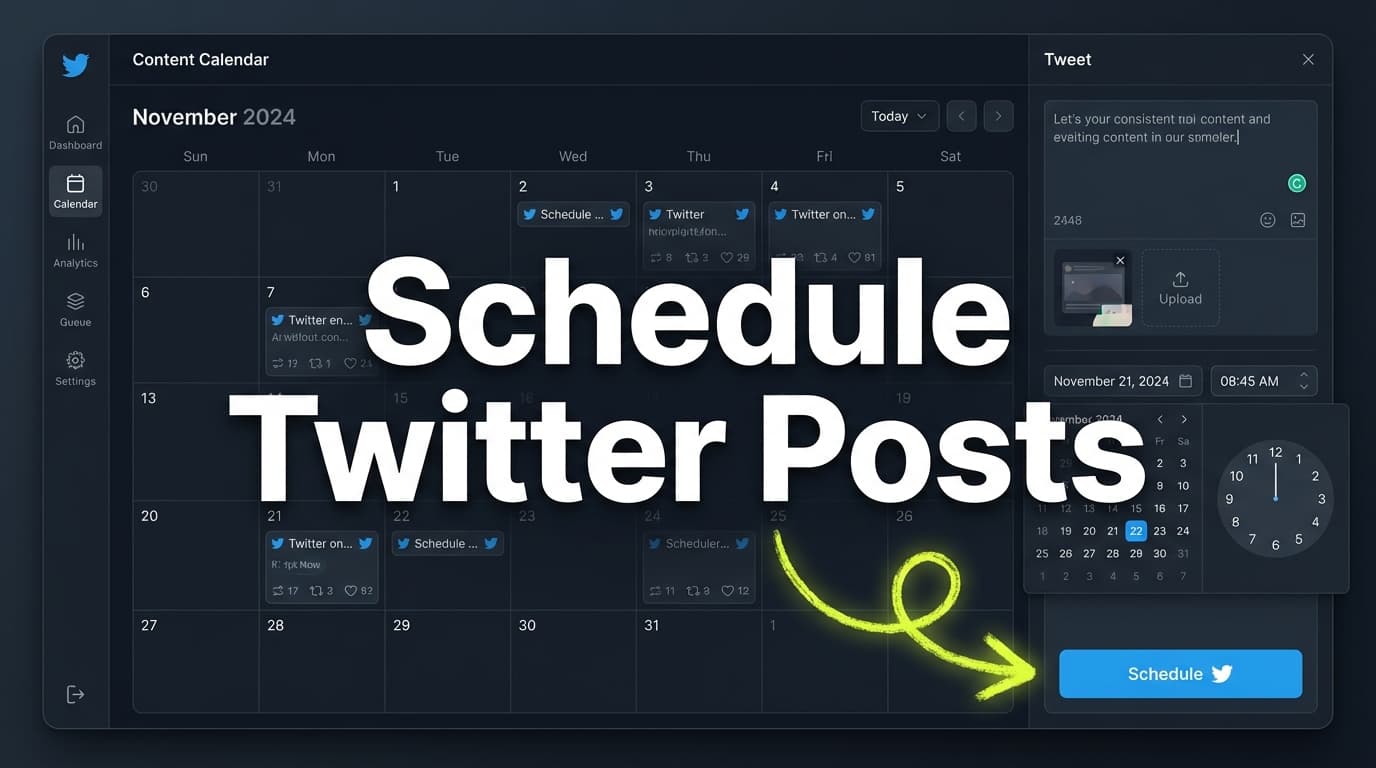
Most people who schedule Twitter posts are creators, founders or agencies who can't be on X at the right time every day.
PostQuickAI posts for them from our servers, so nobody has to keep a tab open.
What you can schedule
- Text posts and threads
- Image posts with up to 4 images
- Video posts up to 512MB
Who Schedules Twitter Posts, and Why
You might recognise one of these:
- “I write well on Sunday evenings but can't post at 9am on a Tuesday.”
- “I want to write the week's tweets in one go and stop thinking about them.”
- “I post for several brands and keep mixing up accounts.”
- “I need the tweet to go out when I said it would.”
In PostQuickAI you write, schedule and let it post, with an AI assistant if you want help writing.
1) Tweets post from our servers
Our servers post your tweets, so they go out when you:
- are asleep or on holiday,
- post for followers in another time zone,
- or have closed your laptop.
2) Text, images and video
Schedule the same formats you would post by hand:
Formats:
- Text
- Images: up to 4 per post
- Video: up to 512MB
A typical week mixes quick text posts with a couple of images and the odd video.
3) Help writing, if you want it
If writing is the slow part, use:
- The composer Assistant for a first draft, a proofread, a tone change, a shorter version or a thread; you accept or discard each change
- AI Caption Generator (free, gives several options)
- Hashtag Generator (optional)
4) Content groups for several brands
If you post for several brands or clients:
each one gets a content group with its own X account:
- Basic plan: 5 content groups
- Pro plan: 25 content groups
- Ultra plan: unlimited content groups
Each group keeps its own brand voice, media and posts.
How to Schedule Twitter Posts
Step 1: Connect your X account
Sign in with X and allow PostQuickAI to post for you.
Step 2: Write the post
Any of these:
- Write it yourself
- Get options from the AI Caption Generator
- Ask the assistant in the composer to proofread or change the tone, then accept or discard each suggestion
- Ask it to shorten a draft or split it into a thread
Step 3: Add media (optional)
Attach:
- Images: up to 4 images per post
- Video: one, up to 512MB
Step 4: Pick a date and time
Times use your browser's time zone.
Step 5: It posts on time
You don't need to be online. Check the calendar afterwards to see that it went out.
Features for Scheduling Twitter Posts
| Feature | What It Does | Why It Matters |
|---|---|---|
| Scheduled posting | Posts to X at your scheduled time | You post daily without opening X |
| Publishing from our servers | Works while you are offline | No tab to keep open |
| Text, images and video | Text, up to 4 images, or video up to 512MB | A mixed feed |
| Calendar | Shows tweets by date | You spot empty days |
| Composer assistant | Writes a first draft for you to edit | You start from a draft |
| Proofreading and tone | Suggests edits you accept or discard | Fewer typos in public |
| Content Groups | Keeps brands or clients apart | Each has its own X account |
What Scheduling Covers
So you know what to expect:
What it does
- Posts at the date and time you choose
- Handles text, images, video and threads
- Runs on our servers, so you can be offline
What it doesn't do
- Reply to DMs or comments
- Like, follow or repost for you
- Control reach, which X's algorithm decides
Three Ways People Use It
Creators who want to post daily
Scheduling lets you:
- write when you feel like writing,
- post when your followers are online,
- and keep posting on busy days.
A simple week:
- 3 to 5 text posts with opinions or tips
- 1 or 2 image posts, such as a checklist
- 1 video, if you have one
Founders with unpredictable days
When meetings fill your day, posting slips first.
Block an hour a week:
- Turn customer questions and lessons from the week into posts
- Schedule the best ones
- Use a few minutes a day for replies, which is where followers come from
Agencies with several clients
Scheduling helps by:
- keeping each client's posts apart,
- letting you fill weeks ahead during quiet periods,
- and cutting last-minute mistakes.
Each client is a content group, and you schedule them all from one login.
Tips for Scheduled Tweets
Scheduling won't fix a weak tweet, but it makes good habits easier.
1) Use formats you can repeat
They are easy to write in bulk. For example:
- a point, why it matters, and an example
- mini checklists
- weekly themes, such as a Monday lesson and a Friday link
- simple images
2) Leave room for live posts
A good X feed usually has:
- planned posts that don't date,
- and posts about what is happening today.
Scheduled posts keep the feed going, so live posts are extra.
3) Keep answering replies
The tweets post themselves, but growth comes from what you do after:
- reply to comments,
- quote other people's posts,
- join conversations in your field.
Scheduling gives you the time to do it.
Compared with Other Ways to Post
Posting by hand
It slips when you get busy or forget.
Scheduling separates writing time from posting time.
X's own scheduler
X's own scheduler posts to X only. PostQuickAI adds a calendar, an AI assistant, content groups for several brands, and posting to seven other networks.
Thread-only schedulers
PostQuickAI schedules both single posts and threads, where each part posts as a reply to the one before.
Pricing
Your first plan starts with a 7-day free trial (card required):
- Basic: $15/mo (or $12.50/mo billed annually)
- 5 content groups
- 2 GB storage
- 100 AI image generations/month
- 10 monthly video credits
- Unlimited text generation
- Unlimited auto-generation runs
- Pro: $39/mo (or $32.50/mo billed annually)
- 25 content groups
- 10 GB storage
- 300 AI image generations/month
- 30 monthly video credits
- Everything in Basic
- Ultra: $99/mo (or $82.50/mo billed annually)
- Unlimited content groups
- 50 GB storage
- 1,000 AI image generations/month
- 80 monthly video credits
- Everything in Pro
See full details on /pricing
Start Scheduling Twitter Posts
With PostQuickAI you can:
- schedule tweets days or weeks ahead
- have them posted while you are offline
- add up to 4 images or a video
- ask the AI for a draft when you are stuck
Frequently Asked Questions
Yes. Connect your X account, write the post, choose a date and time, and PostQuickAI posts it then.
No. Our servers post scheduled tweets, so you can be offline.
Yes, up to 4 images per post.
Yes, up to 512MB.
PostQuickAI posts through X's official API, like any other app. Views depend on the post, the time and the replies, and scheduling lets you post at times you would otherwise miss.
Yes. PostQuickAI runs in your phone's browser, so you can write and schedule there. Your phone doesn't need to be on when the tweet posts.
Yes. Each part of a thread posts as a reply to the one before.
No. Plans start at $15/month, and your first plan starts with a 7-day free trial (card required).
Fill Next Week on X Today
Write a week of tweets in one sitting, add images or video, and let PostQuickAI post them.