Instagram scheduling tool
Instagram Scheduling Tool That Shows What Worked
PostQuickAI is an Instagram scheduling tool for creators, small teams and agencies. It publishes your posts, carousels, Reels and Stories at the times you set, then shows views, reach, likes, saves and shares, so you know which posts to make more of.
7-day free trial on your first plan. Card required. Cancel before it ends and you pay nothing.
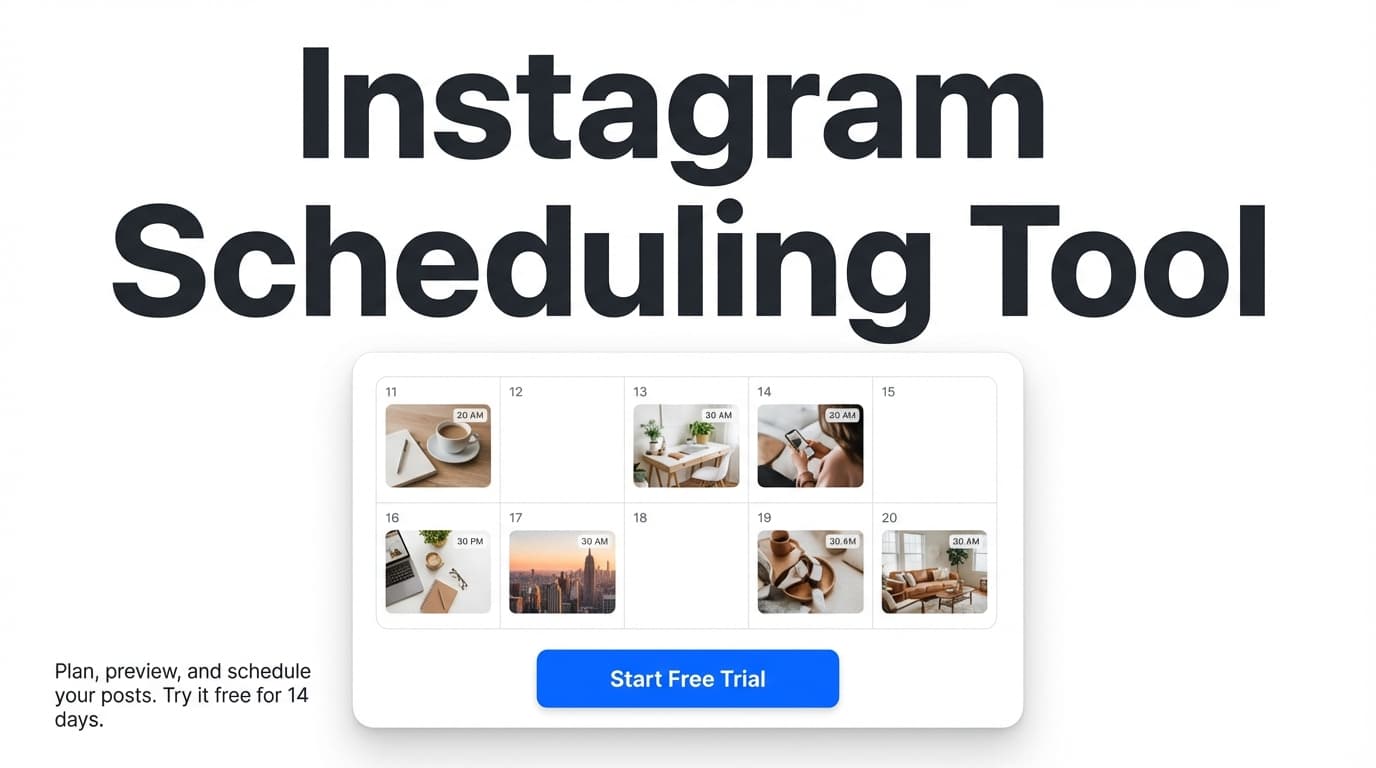
When you compare Instagram scheduling tools, check three things: whether it publishes directly or only reminds you, which formats it handles, and whether it reports results. Here is where PostQuickAI stands.
It publishes directly:
- Single-image posts
- Carousels of up to 10 images
- Reels (every video goes out as a Reel)
- Stories, image or video
You also get a calendar with your posting streak, content groups for separate brands, and an AI assistant for captions, hashtags, proofreading and images.
See also:
See plans
Preview your grid → /tools/instagram-feed-planner
What to look for in an Instagram scheduling tool
These are the parts that make a difference week to week.
1) Results for each post
For 30 days after a post goes out, PostQuickAI collects its views, reach, likes, comments, shares and saves. The calendar also shows your posting streak, so you can see whether you are keeping up.
2) Posts, carousels, Reels and Stories
PostQuickAI publishes:
- Single-image posts
- Carousels
- Stories
- Reels
So a week can mix teaching carousels, brand photos and short videos.
3) Separate spaces for each brand
If you run several Instagram accounts, each one goes in its own content group with its own settings and AI instructions.
- Basic: 5 content groups
- Pro: 25 content groups
- Ultra: unlimited content groups
4) AI help with writing and images
When writing slows you down:
- AI Caption Generator (free; 3 caption options for the tone, network and length you pick) → /tools/caption-generator
- AI Hashtag Generator (free; by topic, category and network) → /tools/hashtag-generator
- The assistant in the composer: ask for a caption, a proofread or a new tone, then accept or discard each suggestion
- AI images, within your plan's monthly allowance
- AI video, paid with video credits that depend on the model and length
- Captions from video: the AI watches your video and writes a caption
PostQuickAI does not like, comment or follow for you.
How it works
Step 1: Connect a Business or Creator account
Instagram only lets apps post to Business or Creator accounts. Switching a personal account is free in Instagram's settings.
Step 2: Add media and a caption
What you attach decides the format:
- One image → single-image post
- Multiple images → carousel post
- Video → Reel
- Image or video in the Story composer → Story
Ask the assistant for a caption or hashtags if you want, then finish the text.
Step 3: Pick a time
Choose the date and time. Our servers publish it, so your browser can be closed.
Step 4 (optional): Check the grid first
In the free Instagram Feed Planner you can:
- Upload images
- Drag them into order
- See 3 to 12 rows of the grid
Open it here: /tools/instagram-feed-planner
Step 5 (optional): Post elsewhere too
Tick TikTok, Facebook or another network and the same post goes there as well, if that network accepts the format.
Key Features for Instagram Scheduling
| Feature | What It Does | Why It Matters |
|---|---|---|
| Direct publishing | Posts to Instagram at the set time | No phone reminder to finish the post |
| Single-image posts | One image and a caption | The everyday post |
| Carousel scheduling | Up to 10 images in one post | Good for steps and stories |
| Stories | Image or video Stories | Stories planned with the feed |
| Reels | Videos publish as Reels | Short video on a schedule |
| Visual content calendar | Shows scheduled and posted items by day | You see gaps at a glance |
| Posting streak stats | Counts days in a row you posted | A nudge to keep posting |
| Content Groups | Keeps brands or clients apart | Useful for agencies |
| AI Caption Generator | Gives 3 caption options | A starting point |
| AI Hashtag Generator | Suggests hashtags by topic and network | Less time looking up tags |
| Proofread + tone (assistant) | Suggests edits you accept or discard | Fewer typos in captions |
| AI image generation | Makes images, within your plan's allowance | A visual when you have no photo |
What you can schedule to Instagram
Yes
- Single image posts
- Carousels
- Videos, published as Reels
- Stories (image, or video up to 60 seconds)
PostQuickAI can't add a first comment, alt text, a location, user tags or collaborators, and it can't post text-only.
Compared with other Instagram tools
Instagram and Meta Business Suite
Free and fine for basics. PostQuickAI adds:
- A calendar across all your networks
- AI help with captions and hashtags
- Separate spaces for each brand
- Posting to TikTok, LinkedIn, X and others
If you only post to Instagram once a week, Meta's tools may be enough.
Instagram-only planners
Tools like Later and Planoly have an in-app grid preview, which PostQuickAI doesn't. PostQuickAI offers instead:
- A calendar with your posting streak
- An AI assistant for drafts
- Posting to 7 other networks from the same draft
For grid planning, use our free feed planner next to it.
Enterprise suites
They add inboxes, listening and approvals, at a higher price. PostQuickAI starts at $15/month.
Optional: auto-generation and YOLO mode
Auto-generation
Fill in your brand, audience, tone and topics. PostQuickAI writes drafts twice a day, daily or weekly, so there are always drafts to review.
YOLO mode
With YOLO mode on, those drafts publish without review to the platforms you pick, skipping any platform that can't take the format.
Pricing
Pay monthly or yearly. Your first plan starts with a 7-day free trial (card required).
- Basic: $15/month (or $12.50/month billed yearly) - 5 content groups, 2 GB storage, 100 AI image generations/month, 10 monthly video credits, 500 AI assistant messages/month, unlimited text generation and auto-generation runs.
- Pro: $39/month (or $32.50/month billed yearly) - 25 content groups, 10 GB storage, 300 AI image generations/month, 30 monthly video credits, 2,000 AI assistant messages/month.
- Ultra: $99/month (or $82.50/month billed yearly) - unlimited content groups, 50 GB storage, 1,000 AI image generations/month, 80 monthly video credits, 5,000 AI assistant messages/month.
See plans: /pricing
Frequently Asked Questions
What is an Instagram scheduling tool?
It is software that publishes your Instagram posts at a time you choose. PostQuickAI publishes single-image posts, carousels, Reels and Stories, and then reports how each one did.
Can PostQuickAI auto-publish Instagram posts?
Yes. Our servers publish directly to Instagram at the scheduled time, with no reminder on your phone.
Can I schedule Instagram carousels with PostQuickAI?
Yes, with up to 10 images.
Can I schedule Instagram Reels with PostQuickAI?
Yes. Videos scheduled to Instagram publish as Reels.
Can I schedule Instagram Stories with PostQuickAI?
Yes, image Stories and video Stories up to 60 seconds.
Do I need to keep my browser open for scheduled posts to publish?
No. Our servers publish the post.
Does PostQuickAI have a grid/feed preview tool?
Yes, as a free separate tool at /tools/instagram-feed-planner: upload images, drag them into order and preview the grid. It isn't built into the scheduler.
Is PostQuickAI free?
No. Plans start at $15/month, and your first plan starts with a 7-day free trial (card required).
Try It on Your Next Week of Posts
A quick way to test it:
- Lay out your next 9 posts → /tools/instagram-feed-planner
- Draft captions and hashtags → /tools/caption-generator, /tools/hashtag-generator
- Schedule them in PostQuickAI
- Check views and saves after a week
Frequently Asked Questions
It is software that publishes your Instagram posts at a time you choose. PostQuickAI publishes single-image posts, carousels, Reels and Stories, and then reports how each one did.
Yes. Our servers publish directly to Instagram at the scheduled time, with no reminder on your phone.
Yes, with up to 10 images.
Yes. Videos scheduled to Instagram publish as Reels.
Yes, image Stories and video Stories up to 60 seconds.
No. Our servers publish the post.
Yes, as a free separate tool at /tools/instagram-feed-planner: upload images, drag them into order and preview the grid. It isn't built into the scheduler.
No. Plans start at $15/month, and your first plan starts with a 7-day free trial (card required).
Schedule Your Next Nine Posts
Lay them out in the free planner, write the captions, schedule them, and see which ones people saved.