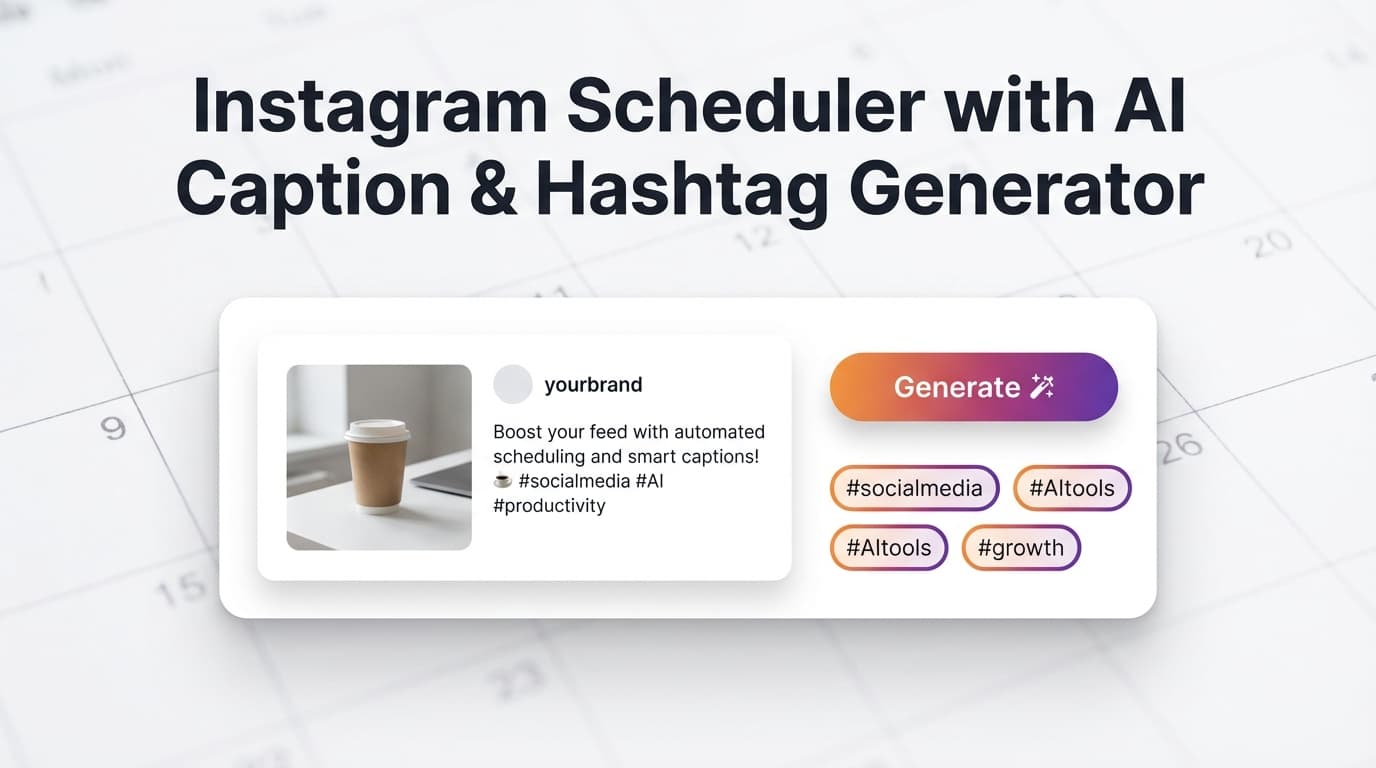
Stop staring at a blank caption box. PostQuickAI's AI Caption Generator creates 3 caption variations instantly. The AI Hashtag Generator finds 5-50 relevant hashtags.
Schedule to Instagram with auto-publishing. AI handles the writing—you focus on the visuals.
Plans start at $8/month · 7-day free trial included
3 caption variations in seconds
Describe your post — Enter your topic, product, or what's in your image/video
Choose tone & length — Casual, professional, humorous, etc. Short to long.
Get 3 variations — Pick your favorite or use as inspiration
5-50 relevant hashtags organized by category
Describe your content — Enter keywords, topics, or your niche
Choose quantity — Generate 5 to 50 hashtags
Get organized results — Tags sorted by category
Specific to your industry or content type
Popular tags for broader reach
Tags to reach engaged communities
Stop spending 30 minutes per caption. Generate options in seconds.
Never stare at a blank caption box again. AI gives you a starting point.
AI finds relevant hashtags you might miss. Boost discoverability.
Add your image, carousel, or Reel video.
Describe your post, pick a tone, get 3 variations. Choose or edit.
Get 5-50 relevant hashtags. Copy and add to your caption.
See how it looks, pick a date/time, schedule for auto-publishing.
Your post goes live automatically. Server-side, no browser needed.
AI captions + hashtags for single images
AI captions for multi-image posts
AI captions + hashtags for video
Generate captions and hashtags for any platform:
AI Caption & Hashtag Generators included in all plans:
Basic
✓ AI tools included
Pro
✓ AI tools included
PostQuickAI is an Instagram scheduler with an AI caption generator and hashtag generator built for the real job: create your post, generate a few strong caption options, add platform-appropriate hashtags, and auto‑publish at the exact time you planned—without keeping a laptop open.
Schedule and publish to Instagram single-image feed posts, carousel posts, video feed posts, and Reels—then reuse the same workflow to cross‑post to other supported networks when it makes sense.
Important: PostQuickAI does not support Instagram Stories publishing.
CTAs: - Start scheduling on Instagram: /login (7‑day trial included on monthly plans) - Try the tools first: /tools/caption-generator and /tools/hashtag-generator
Most schedulers talk about “AI” in vague terms. PostQuickAI makes it practical:
1) You get multiple caption options quickly (so you can choose a strong angle, not settle for the first draft).
2) You generate hashtags that match the platform (Instagram ≠ LinkedIn ≠ X).
3) You schedule supported Instagram formats and auto‑publish server‑side (so posting happens even when you’re offline).
And we’re explicit about what’s supported vs. not—so you don’t find out after you’ve built a workflow.
PostQuickAI’s Caption Generator creates 3 different caption options per request, with controls for: - Tone (e.g., casual vs. more professional) - Platform (Instagram, TikTok, LinkedIn, etc.) - Length (short / medium / long) - Optional toggles to include emojis, hashtags, and a CTA
Try it here: /tools/caption-generator
PostQuickAI’s Hashtag Generator is built around practical constraints: - All lowercase - No spaces - A mix of popular + niche hashtags (designed as a 30% popular / 70% niche mix) - Platform guidance (e.g., fewer hashtags on LinkedIn; different patterns on TikTok)
Try it here: /tools/hashtag-generator
Instagram publishing isn’t instant—media often needs processing. PostQuickAI’s Instagram publishing flow checks processing status before publishing, helping avoid “posted too early / failed publish” frustration.
To schedule via Instagram’s API, connect an Instagram Business or Creator account through Meta permissions.
If you’re using a personal account type, you may need to switch to Creator/Business to connect.
Choose the format you’re publishing: - Single-image feed post - Carousel (multi-image) - Video feed post - Reel (published via PostQuickAI’s Reels publishing service)
Open the caption generator and request captions for your topic. You’ll get three different angles so you can: - pick the one that best matches your brand voice, or - combine the best lines into a final caption
Optional: include emojis, hashtags, and/or a CTA directly in the output.
Generate a set of hashtags aligned to your content category and platform. If you’re posting on Instagram, you can generate up to 30 in the tool UI (Instagram’s common cap).
Pick a date/time in your scheduler. PostQuickAI handles publishing server‑side, so the post can publish even if you’re offline.
| Feature | What It Does | Why It Matters |
|---|---|---|
| Instagram scheduling (supported formats) | Schedule single-image, carousel, and video feed posts | Covers the core posting formats most brands use |
| Instagram Reels publishing | Publishes Reels via a dedicated Reels publishing path | Lets you keep Reels in your planned schedule |
| AI Caption Generator (3 options) | Generates 3 captions per request with tone/platform/length controls | Faster drafting + better creative variety |
| AI Hashtag Generator | Generates hashtags with platform-specific guidance and formatting rules | Saves manual research and reduces “spammy tag” risk |
| Grid planning (optional tool) | Preview and plan your Instagram grid visually | Helps maintain a cohesive feed aesthetic |
Also available: /tools/instagram-feed-planner
If Stories are essential to your workflow, you can still use PostQuickAI for feed posts/carousels/videos/Reels and publish Stories separately.
Native tools can work for simple needs, but many teams still look for: - a cleaner create → write → hashtag → schedule workflow - faster caption iteration (multiple options) - dedicated tools like a hashtag generator and grid planner pages
PostQuickAI is designed to keep those steps in one repeatable flow.
Tools like standalone hashtag generators can be useful, but they stop at “copy/paste.” PostQuickAI combines: - caption generation - hashtag generation - scheduling + auto‑publishing (for supported formats)
If you want to test the AI first, start here: - /tools/caption-generator - /tools/hashtag-generator
Many competitors prominently claim Stories scheduling/publishing. PostQuickAI does not publish Stories today, and we call that out clearly so you can plan accurately.
PostQuickAI is a paid product with a trial: - Basic: $8/month - Pro: $20/month - 7-day free trial included on monthly billing
See details: /pricing
Yes. You can use PostQuickAI to schedule Instagram feed posts (single image, carousel, and video) and publish Reels, while using the built‑in AI Caption Generator (3 options) and AI Hashtag Generator to speed up writing.
No. Instagram Stories publishing is not supported in PostQuickAI.
PostQuickAI supports: - single-image feed posts - carousel (multi-image) posts - video feed posts - Reels publishing (via PostQuickAI’s Reels publishing service)
Yes. Scheduled publishing runs server‑side, so your posts can publish at the scheduled time even when you’re offline.
The Caption Generator returns 3 caption options per generation, with controls for tone, platform, and length.
The Hashtag Generator can generate a configurable number of hashtags. The tool UI supports up to 30 for Instagram (a common platform maximum).
To connect for API-based scheduling, you typically need an Instagram Business or Creator account type connected through Meta permissions.
If your goal is to schedule Instagram content and stop wasting time rewriting captions and researching hashtags every time, start with the exact workflow you came for:
Want to plan your aesthetic before you publish? Use the grid preview tool: /tools/instagram-feed-planner
Enter your post topic or describe your content. Select your preferred tone (casual, professional, humorous, etc.) and length (short, medium, long). The AI generates 3 different caption variations. Pick your favorite or edit as needed.
Describe your post or enter keywords. The AI analyzes your content and generates 5-50 relevant hashtags organized by category (niche, trending, community). Copy and add to your caption.
Options include: Casual, Professional, Humorous, Inspirational, Educational, Promotional. Each generates different styles of captions suited to your brand voice.
You can generate between 5-50 hashtags per request. They're organized by category so you can choose the right mix of niche, trending, and community hashtags.
Absolutely. AI generations are a starting point. Edit captions and hashtags freely before scheduling. Many users generate, then customize to their exact needs.
Yes. AI caption and hashtag generation works for all Instagram content types: feed posts, carousels (up to 10 images), and Reels.
Yes. AI Caption and Hashtag Generators are included in all paid plans. The 7-day free trial gives you full access to test these features.
AI tools work across all platforms in PostQuickAI: Instagram, TikTok, LinkedIn, Facebook, X, Threads, YouTube, and Bluesky.
Generate captions in seconds. Get relevant hashtags. Schedule with auto-publishing.