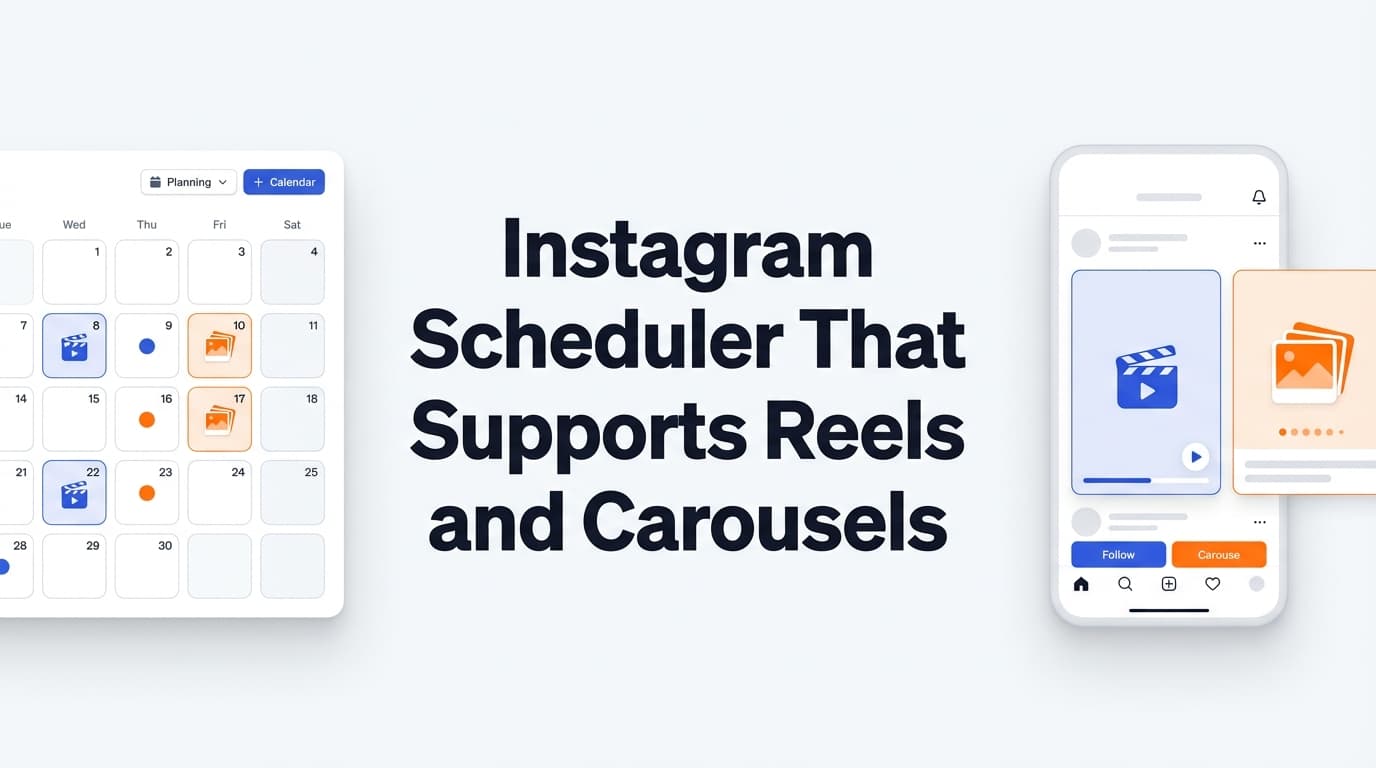
Need an Instagram scheduler that actually supports Reels and carousels? PostQuickAI offers full support for both—with server-side auto-publishing.
Schedule Reels up to 15 minutes. Schedule carousels with up to 10 images. All with AI caption generation.
Plans start at $8/month · 7-day free trial included
Full support for Instagram Reels with auto-publishing
Multi-image posts with full auto-publishing
Single image posts with auto-publishing
Multi-image posts (up to 10)
Video posts (up to 15 min)
Upload video for Reels or multiple images for carousels. Drag to reorder carousel slides.
Write your caption or use the AI Caption Generator for 3 variations. Add hashtags with the AI Hashtag Generator.
See how your Reel or carousel will look before scheduling. Check all carousel slides.
Pick date and time. Your content publishes automatically—server-side, no browser needed.
Generate engaging captions for your Reels and carousels:
Get relevant hashtags for better discoverability:
Repurpose your Reels and carousel content across platforms:
If you’re searching for an instagram scheduler that supports reels and carousels, you’re not browsing—you’re trying to solve a real workflow problem:
PostQuickAI is built for the exact “Reels + carousels” use case: schedule the formats you rely on, then let scheduled publishing run server‑side so your posts can publish at the scheduled time even when your computer is off.
PostQuickAI supports Instagram: - Single‑image feed posts - Carousel feed posts (multi‑image) - Video feed posts - Instagram Reels publishing (via PostQuickAI’s publishing service)
And it includes AI tools to speed up the part that slows most people down: captions, tone, and rewrites.
Start here: Start a 7‑day free trial → /pricing
Prefer to plan visuals first? Use the free Instagram Feed Planner (no signup required) → /tools/instagram-feed-planner
Most scheduling tools say they support “Instagram scheduling,” but your keyword is more specific: Reels and carousels. That specificity matters because many tools either:
PostQuickAI keeps it straightforward: schedule supported Instagram formats + publish automatically, with creation tools built into the workflow.
PostQuickAI is designed to support: - Carousels (multi‑image feed posts) for swipeable education, product storytelling, FAQs, transformations, and step‑by‑step posts. - Reels publishing via PostQuickAI’s publishing service (Reels are handled through a video publishing pipeline). - Standard feed formats (single image and video)
Important note (so you don’t waste time):
Instagram Stories publishing/scheduling is not supported in PostQuickAI.
If Stories are essential for you, you can still use PostQuickAI for feed posts, carousels, and Reels—and handle Stories separately.
PostQuickAI’s scheduled publishing runs server‑side via a cron job. That means: - you can schedule content ahead of time, - close your laptop, - and your scheduled post can still publish at the scheduled time.
This is the core difference between “planning” and “reliable scheduling.”
PostQuickAI sends an email notification after a scheduled publish. If you’re scheduling across formats and accounts, this is a simple but powerful safety net—especially when you’re trying to stay consistent without babysitting scheduled posts.
PostQuickAI includes AI endpoints and tools to help you produce better posts faster: - AI caption generation - Tone analysis - Tone adjustment - Proofreading - Make concise rewriting - Custom edit rewriting - AI image generation (with usage/storage limits enforced) - AI video generation (short videos; credit-based)
This is especially useful for carousel workflows where the writing and structure often take longer than the design.
PostQuickAI also offers a separate, free tool: - Instagram Feed Planner (grid preview) - Upload images, drag-and-drop to reorder, preview a 3‑column grid layout - No signup required
Use it here: /tools/instagram-feed-planner
Note: The Feed Planner is a quick preview tool. It does not claim persistent saved layouts beyond the current session.
To schedule via Meta permissions, you’ll connect an Instagram Business or Creator account.
This connection enables API-based publishing for supported formats.
Create the post you want to publish: - Carousel: Upload multiple images, add your caption, schedule. - Reel / video: Upload video content and publish via PostQuickAI’s publishing service (Reels are published through the video pipeline).
For high-output schedules, writing becomes the bottleneck. PostQuickAI helps you move quickly while staying on-brand:
Pick the exact day/time you want it published.
Scheduled publishing runs server-side—so your post can publish even if you’re offline.
If you repurpose content beyond Instagram, PostQuickAI supports publishing one post to multiple platforms (format support and constraints vary by platform).
Examples of real constraints PostQuickAI enforces: - X (Twitter) images: max 4 images per post - Bluesky images: max 4 images per post - TikTok photo posts: require 2+ images (single-image photo posts aren’t supported)
| Feature | What It Does | Why It Matters |
|---|---|---|
| Instagram carousel publishing | Publishes multi-image feed posts | Supports “saveable” swipe content and product storytelling |
| Instagram Reels publishing | Publishes Reels via PostQuickAI’s publishing service | Keeps your short-form cadence consistent |
| Server-side scheduled publishing | Scheduled publishing runs server-side via cron | Posts can publish even when you’re offline |
| Scheduled publish email notifications | Email sent after scheduled publish | Confidence and visibility without manual checking |
| AI caption generation | Generate caption options | Speeds up posting while keeping you in control |
| Tone analysis + adjustment | Analyze and rewrite tone | Helps maintain a consistent voice across posts |
| Proofreading + concise rewrites | Clean up grammar, tighten copy | Better readability and professionalism |
| Free Instagram Feed Planner | Drag-and-drop grid preview (no signup) | Plan visuals before you schedule |
If you’re comparing tools, these are the decision criteria that matter for this keyword:
A lot of schedulers “support Instagram,” but not all support the formats you need—or they support them with caveats.
With PostQuickAI, the supported Instagram formats are: - single-image feed posts - carousel feed posts (multi-image) - video feed posts - Reels publishing via PostQuickAI’s publishing service
And Stories are explicitly not supported, so you can decide quickly.
If a tool relies on: - device reminders, - manual “finish publishing” steps, - or needing your computer open,
…that’s not the same as server-side scheduling.
PostQuickAI supports scheduled publishing server-side.
For most brands, consistent output is limited by: - writing carousels (hooks, slide-by-slide structure), - writing Reel captions that don’t feel generic, - and adapting tone to the audience.
PostQuickAI’s writing tools (caption generation, tone analysis/adjustment, proofreading, concise/custom edits) are built specifically to remove that friction.
A separate—but important—factor: grid planning is often a different need than scheduling.
PostQuickAI offers a free Instagram Feed Planner that requires no signup: /tools/instagram-feed-planner
Native scheduling can work if: - you only need Instagram/Meta platforms, - you don’t need cross-posting, - and you don’t need built-in creation helpers.
Where PostQuickAI is different: - You get scheduling plus AI creation tools (captions, tone, proofreading, concise rewrites). - You can also use PostQuickAI’s free grid preview tool without signup.
If Stories are the primary format you need to schedule, PostQuickAI won’t be a fit—because Stories publishing isn’t supported.
If your priority is Reels + carousels, PostQuickAI is purpose-built for exactly that.
Some schedulers use reminders (you get a ping, then finish publishing manually). That can be fine for occasional posting—but it breaks down when: - you batch schedule weeks ahead, - you travel, - or you’re managing multiple accounts.
PostQuickAI is designed around server-side scheduled publishing so you don’t have to be online at publish time.
If you want to stay consistent without burnout, use a structure like this:
Pick 3–5 themes: - FAQ / objections - “how it works” - behind-the-scenes - results / testimonials - offer / promo
A simple carousel template: 1. Hook (clear promise) 2. Why this matters (context) 3. Steps / framework (3–5 bullets) 4. Example (make it real) 5. CTA (save, share, comment, click)
Use PostQuickAI’s writing tools to: - draft the caption quickly, - run tone analysis, - adjust tone, - proofread and tighten.
Film/edit 2 Reels. Then: - generate captions quickly, - keep tone consistent with tone adjustment, - schedule them in advance.
Choose your publish times and let PostQuickAI publish server-side.
Before a campaign or launch, preview visuals with: /tools/instagram-feed-planner
PostQuickAI’s scheduler is a paid product with a 7-day free trial (on monthly plans). Plans start at:
See full pricing: /pricing
Free tools (no signup required) are available separately, including: - Instagram Feed Planner (grid preview) - AI Caption Generator tool page - Hashtag Generator tool page - Collage Maker - Image Converter
Yes. PostQuickAI supports Instagram carousel feed posts (multi-image) and Instagram Reels publishing (via PostQuickAI’s publishing service), plus single-image and video feed posts.
No. Instagram Stories publishing/scheduling is not supported in PostQuickAI.
Yes. Scheduled publishing runs server-side, so your post can publish at the scheduled time even if you’re offline.
Yes. PostQuickAI supports email notifications after scheduled publishing.
You’ll need an Instagram Business or Creator account to connect through Meta permissions for API-based scheduling.
Yes. Use the free Instagram Feed Planner (no signup required):
/tools/instagram-feed-planner
The scheduler is paid (with a 7-day free trial). PostQuickAI also offers free tools that require no signup (like the Instagram Feed Planner and caption/hashtag generators).
No. PostQuickAI helps you stay consistent and publish reliably, but it does not promise guaranteed virality or guaranteed growth.
Yes. PostQuickAI supports multi-platform publishing, but format support depends on each platform’s constraints (for example: TikTok photo posts require 2+ images; X and Bluesky support up to 4 images per post).
If you want an instagram scheduler that supports reels and carousels, PostQuickAI gives you a workflow designed around what matters:
Start a 7-day free trial: /pricing
Use the free Instagram Feed Planner: /tools/instagram-feed-planner
Yes! PostQuickAI fully supports Instagram Reels scheduling with server-side auto-publishing. Upload your video, add a caption, schedule, and it posts automatically.
Absolutely. PostQuickAI supports Instagram carousels with up to 10 images. Arrange your slides, add your caption, and schedule for auto-publishing.
Reels are Instagram's short-form video format that appear in the Reels tab and get broader distribution. PostQuickAI schedules Reels specifically (not IGTV or other formats).
PostQuickAI accepts MP4 videos up to 15 minutes for Reels. Recommended: 9:16 aspect ratio (vertical), 1080x1920 resolution. Instagram may compress during processing.
Up to 10 images per carousel post. Supported formats: JPEG, PNG. Square (1:1), portrait (4:5), or landscape (1.91:1) aspect ratios work.
Yes. Both Reels and carousels publish automatically via server-side scheduling. No need to keep your browser open or post manually.
Yes. The AI Caption Generator works for all content types. Generate 3 caption variations for your Reels or carousel posts with tone and length controls.
Yes. 7-day free trial with full access to Reels and carousel scheduling. Plans start at $8/month.
Full support for Instagram's most engaging content formats. Auto-publish included.