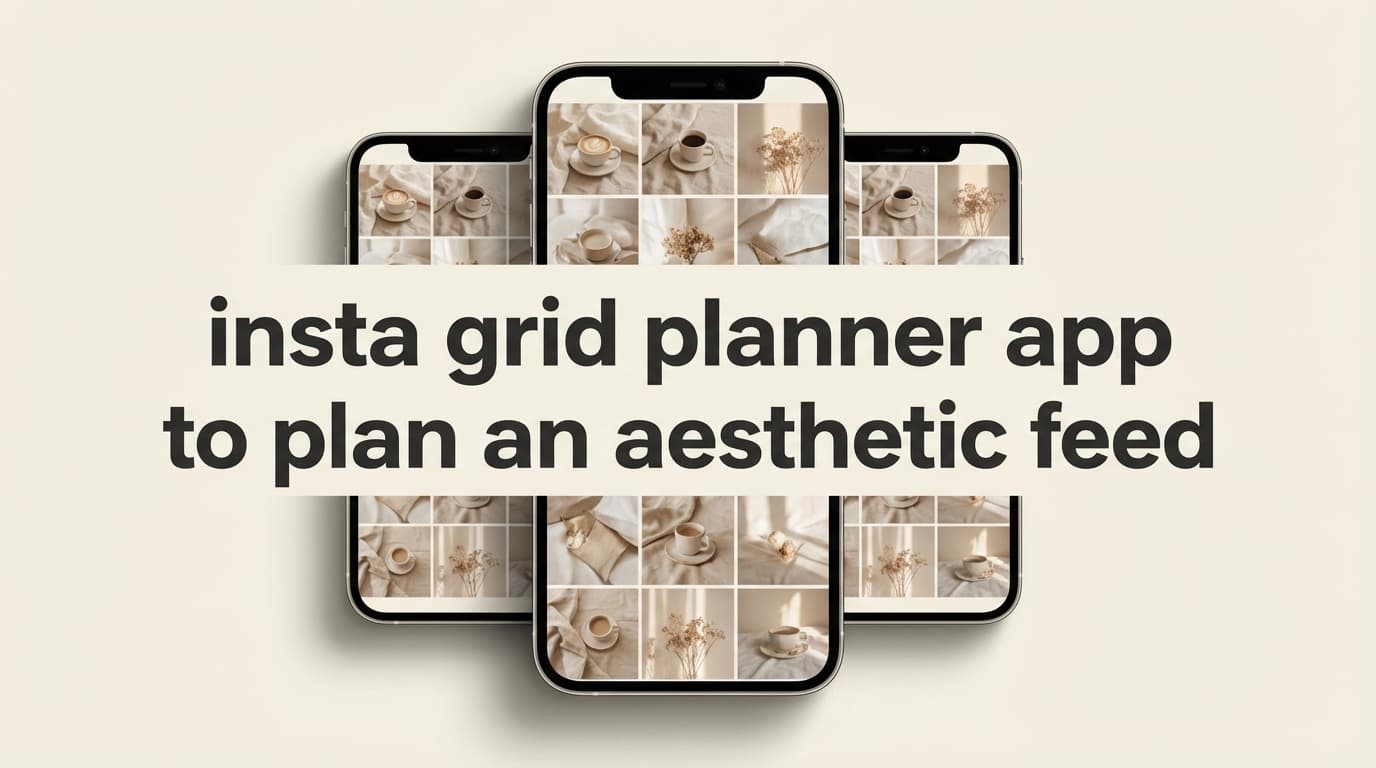
Planning an aesthetic Instagram feed? While PostQuickAI focuses on scheduling and auto-publishing rather than visual grid preview, it offers the calendar planning, AI captions, and auto-publishing you need to execute your feed strategy.
Schedule feed posts, carousels, and Reels with server-side publishing. Use AI to generate engaging captions.
Plans start at $8/month · 7-day free trial included
Specialize in:
Specializes in:
Pro tip: Many creators use a grid preview tool for visual planning, then PostQuickAI for scheduling and auto-publishing.
While we don't do grid preview, here's what PostQuickAI brings to your Instagram workflow:
See your scheduled posts by date. Plan your content week or month at a glance on a visual calendar.
Posts publish automatically at scheduled times—server-side, no browser required. Your aesthetic feed goes live on time.
Generate 3 caption variations with tone and length controls. Spend less time writing, more time creating visuals.
Generate 5-50 relevant hashtags organized by category. Boost discoverability for your aesthetic content.
Single image posts—the core of any aesthetic feed
Multi-image posts (up to 10 slides)
Video content for the Reels feed
Use a grid preview tool or simple mockup to plan how your posts will look together in your feed.
Upload your images/videos and write captions (or generate them with AI). See individual post previews.
Pick dates and times. Use the calendar view to maintain consistent posting rhythm.
Posts go live automatically. Your aesthetic feed builds itself while you create more content.
Planning an Instagram aesthetic is hard when you’re guessing. PostQuickAI’s Instagram Feed Planner is an insta grid planner app to plan an aesthetic feed that runs in your browser—so you can upload your photos, drag-and-drop to reorder, and see how your grid will look before you publish.
It’s built for speed and simplicity: no login required, no watermarks, and you can preview anywhere from a classic 3×3 to 12 rows (3–12).
Use it now: /tools/instagram-feed-planner
Want to schedule after you plan? Use the PostQuickAI Instagram Scheduler: /instagram-scheduler
Most grid planner apps fall into one of two buckets:
1) “Pretty” planners that make you sign up, connect accounts, or wade through extra features you don’t need just to rearrange a grid.
2) Basic preview tools that don’t match how the Instagram profile grid behaves—so your “plan” still feels like a guess.
PostQuickAI’s grid planner is intentionally focused on the core job: visual planning. It uses a 3-column grid and places newest posts at the top-left, matching the way Instagram displays your profile grid preview.
It’s also designed to work alongside the rest of PostQuickAI when you’re ready to go from “looks good” to “scheduled and published.” After you’ve mapped your next 9–36 posts visually, you can move into PostQuickAI’s paid scheduler workflow for Instagram posts, carousels, video posts, and Reels (Stories publishing is not supported).
If you just want to test an aesthetic—colors, contrast, subject balance, typography density—logging in is friction. PostQuickAI’s planner works without an account, so you can: - try a new look in 60 seconds - explore multiple layout ideas - reset instantly and start over
Instagram profile grids show the most recent post first. PostQuickAI’s planner follows that behavior so you can plan post order with fewer surprises.
Aesthetic consistency is rarely “one post.” It’s usually: - a 9-post story arc - a 12-post color transition - a 3-row launch - a repeating row-by-row theme
With PostQuickAI you can preview 3–12 rows, so you can plan for campaigns and collections—not just “what’s next.”
Go to: /tools/instagram-feed-planner
You’ll start with a 3×3 preview (9 tiles).
You can add images in two ways:
Once images are in the grid, you can: - drag any filled tile - drop it into another position - instantly see the new order
This is where you “tighten” the feed: balance colors, faces, text posts, product shots, and whitespace.
Use the Rows selector to expand your plan beyond 9 posts: - 3 rows (9 posts) - 6 rows (18 posts) - 12 rows (36 posts)
Hit Clear All when you want to test a new direction without leftover clutter.
| Feature | What It Does | Why It Matters |
|---|---|---|
| Drag-and-drop grid preview | Rearrange images by dragging tiles | Quickly test different post orders until the grid feels cohesive |
| 3–12 row preview | Expand from 9 up to 36 tiles | Plan launches, themes, and campaigns—not just your next 3 posts |
| Newest-post placement (top-left) | Shows newest content first in the grid | Matches how Instagram’s profile grid behaves |
| “Add Recent (top)” multi-upload | Add multiple images and push them to the newest area | Fast batching when you’re planning a week/month at a time |
| No login required | Use the tool instantly | Lower friction for quick planning and experimentation |
| No watermarks | Clean previews | Your assets stay yours—no branded overlays |
Current limitation (so there are no surprises): the planner is a quick preview tool and doesn’t include a built-in “save layout” feature.
A grid planner is only as good as the decisions you make inside it. Here’s a lightweight system you can use while you drag-and-drop in PostQuickAI.
Choose one structure for the next 9–12 posts:
You can test these quickly by rearranging the same set of images into multiple patterns.
When everything is high-contrast, text-heavy, or saturated, the grid feels chaotic.
A quick grid check: - Aim for 1 “busy” tile per row (text overlay, collage, high-detail scene) - Pair it with 2 calmer tiles (clean backgrounds, consistent lighting, less visual noise)
If your feed feels random, it’s often a color problem—not a content problem.
Pick: - 1 primary - 1 secondary - 1 neutral
Then use the planner to ensure those show up repeatedly across the visible grid.
Anchors are posts that “hold” the grid visually: - a consistent template tile - a recurring quote style - a repeated product background - a signature framing (e.g., face centered, same crop)
Place anchors first, then fill the gaps.
What happens: You scroll screenshots and try to imagine order.
Problem: It’s slow, and rearranging is frustrating.
PostQuickAI advantage: Drag-and-drop grid preview with multi-row planning.
What happens: You list post ideas by date or theme.
Problem: You can’t see the aesthetic—so the grid can still clash visually.
PostQuickAI advantage: Visual-first planning (use it alongside your calendar, not instead of it).
What happens: You sign up and navigate features you don’t need.
Problem: Too much friction for a simple task (“I just want to see the grid”).
PostQuickAI advantage: The free tool is focused: open, upload, reorder, done.
Once your grid looks right, consistency is what turns “aesthetic” into growth. PostQuickAI’s paid app is designed for that next step: scheduling.
With PostQuickAI’s Instagram Scheduler, you can schedule and auto-publish: - single-image feed posts - carousel posts (multi-image) - video feed posts - Instagram Reels (published via PostQuickAI’s publishing service)
Not supported: - Instagram Stories publishing (you’ll need to handle Stories separately)
If you also publish across networks, PostQuickAI supports scheduling/auto-publishing to multiple platforms (availability depends on platform formats and constraints).
Use it here: /tools/instagram-feed-planner
Scheduling is part of the paid product. Public pricing is listed on /pricing: - Plans start at $8/month - 7-day free trial included on monthly plans (per /pricing)
See pricing: /pricing
Start scheduling: /instagram-scheduler
It’s a tool that lets you preview your Instagram profile grid before posting, so you can plan the order of upcoming content and keep a consistent look. PostQuickAI’s planner does this with a 3-column grid, drag-and-drop reordering, and a newest-post-first (top-left) layout.
No. PostQuickAI’s Instagram Feed Planner is a no-login tool. You can open it and start uploading images immediately.
Yes. You can preview 3–12 rows, which means planning 9 to 36 posts in one view.
The planner uses square (1:1) tiles in a 3-column grid, and it places the newest posts at the top-left, matching the way Instagram’s profile grid behaves.
Not currently. The tool is designed as a quick preview experience. If you need a persistent plan, you can keep your assets organized in a separate folder and rebuild your preview quickly using Add Recent (top).
A common best practice is 1080×1080 (square) for grid consistency. Portrait posts like 1080×1350 can look great in-feed, but your profile grid preview will still appear as a square crop. If you need quick resizing, use PostQuickAI’s Image Converter: /tools/image-converter
Yes—scheduling is part of the paid app. PostQuickAI supports scheduling and auto-publishing Instagram single-image posts, carousels, video posts, and Reels. Instagram Stories publishing is not supported.
Open the tool and start rearranging your next posts: - /tools/instagram-feed-planner
Move from “planned” to “posted” with the Instagram Scheduler:
- /instagram-scheduler
- Pricing (plans start at $8/month, 7-day free trial on monthly plans): /pricing
PostQuickAI focuses on scheduling and auto-publishing rather than dedicated grid preview. You can see your scheduled posts on a calendar, but for visual grid planning (seeing how posts will look side-by-side in your feed), you may want to use a dedicated grid preview tool alongside PostQuickAI for scheduling.
PostQuickAI schedules feed posts (single image), carousels (multi-image), and Reels (video) to Instagram Business/Creator accounts with server-side auto-publishing.
PostQuickAI shows individual post previews when creating content. For full grid/feed preview (seeing how multiple posts will look together), dedicated grid planning tools specialize in that visualization.
For aesthetic feed planning (color coordination, grid layouts), many creators use a combination: grid preview tools for visual planning + PostQuickAI for actual scheduling and auto-publishing.
Yes. The AI Caption Generator creates 3 caption variations with tone and length controls. The AI Hashtag Generator produces relevant hashtags.
Yes. PostQuickAI publishes server-side—posts go live automatically without keeping your browser open.
Yes. 7-day free trial with full access. Plans start at $8/month after the trial.
Instagram, TikTok, LinkedIn, Facebook, X, Threads, YouTube, and Bluesky.
Plan your visuals, then let PostQuickAI handle the scheduling and auto-publishing.