November 24, 2025
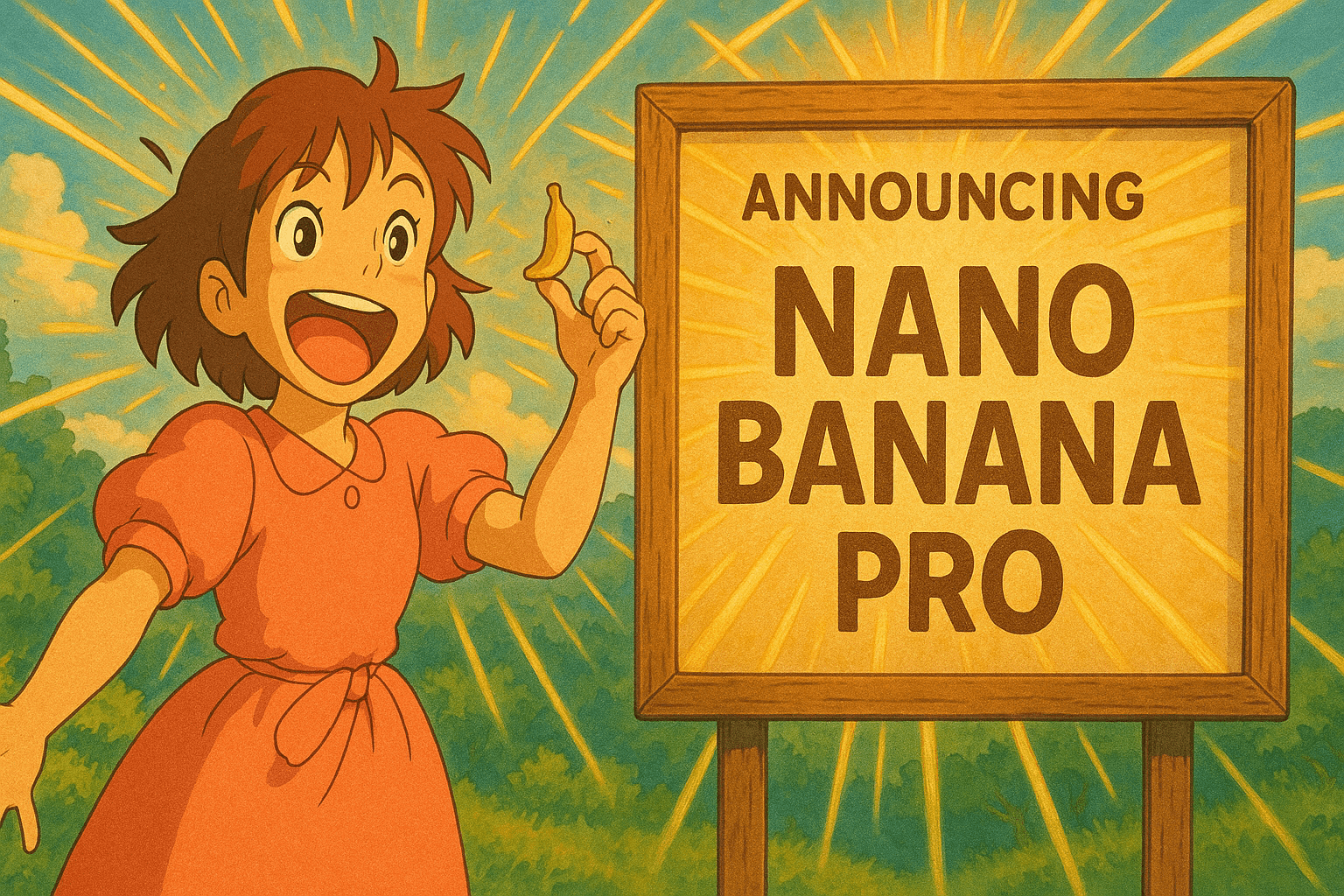
How to Generate Images with Google Nano Banana Pro

What is Google Nano Banana Pro?
Google Nano Banana Pro is Google DeepMind's image generation model built on Gemini 3 Pro. Released in late 2025, it gives you much more control over the result than earlier text-to-image models, which matters for professional work.
Its standout skill is putting clean, legible text directly in images, which AI image generators have long struggled with. With 4K output and multi-image composition on top, it suits marketing materials, infographics, and branded content. PostQuickAI offers Nano Banana Pro to all subscribers for professional-quality image generation.
Key Features
- 4K Resolution: Generate images up to 5632×3072 pixels, large enough for print and high-resolution displays
- Text Rendering: Accurately render legible text in 100+ languages, including long passages and stylized fonts
- Multi-Image Composition: Use up to 14 reference images to guide style, maintain brand consistency, or combine multiple subjects
- Real-World Knowledge: Integrates with Google Search to pull factual, up-to-date information into infographics and visualizations
- Advanced Editing Controls: Adjust lighting, camera angles, depth of field, and aspect ratios through natural language
- Brand Style Matching: Upload website images to maintain your brand's visual aesthetic across all generated content
Technical Specifications
- Model: Gemini 3 Pro Image (gemini-3-pro-image)
- Maximum Resolution: 4K+ (up to 5632×3072 pixels)
- Text Languages: 100+ languages with accurate typography
- Input: Text prompts + optional reference images (up to 14)
- Context Window: 32,768+ tokens for detailed, complex prompts
- Availability: All PostQuickAI plans (Basic, Pro and Ultra); images count against your monthly image allowance
How to Use Nano Banana Pro in PostQuickAI
- Log into your PostQuickAI account and navigate to your content group
- Open your content group settings (gear icon)
- Under Image Generation, pick Nano Banana Pro from the model catalog. Each model shows a short description and its cost before you generate
- Optionally enable "Use Website Style" to match your brand's visual aesthetic
- Write your prompt. Be specific about any text, labels, or typography you want included
- Generate content and your images will be created with Nano Banana Pro
When to Choose Nano Banana Pro
PostQuickAI has a catalog of current image models. Here's when to choose some of them:
Nano Banana Pro
- Images with text, labels, or typography
- Infographics and data visualizations
- Marketing materials and ads
- Professional brand content
- Multi-language content
GPT Image 2
- Balanced quality and creativity
- Diverse artistic styles
- General-purpose image generation
- Creative exploration
Nano Banana (Fast)
- Quick iterations and testing
- High-volume content creation
- Creative brainstorming
- Speed over maximum quality
Imagen Ultra
- Maximum photorealism
- Product photography style
- Realistic portraits and scenes
- Ultra-high quality output
Get Started Today
Nano Banana Pro is one of the most capable image models available, and you can use it in PostQuickAI next to your scheduling. It works well for marketing materials with text in them and for visuals that need to match your brand.
Start Generating Images with Nano Banana Pro →
Already have an account? Log in to start generating images with Nano Banana Pro.
Choose a plan for your posting workflow
Review account limits, generation allowances and pricing before subscribing.
Compare plans