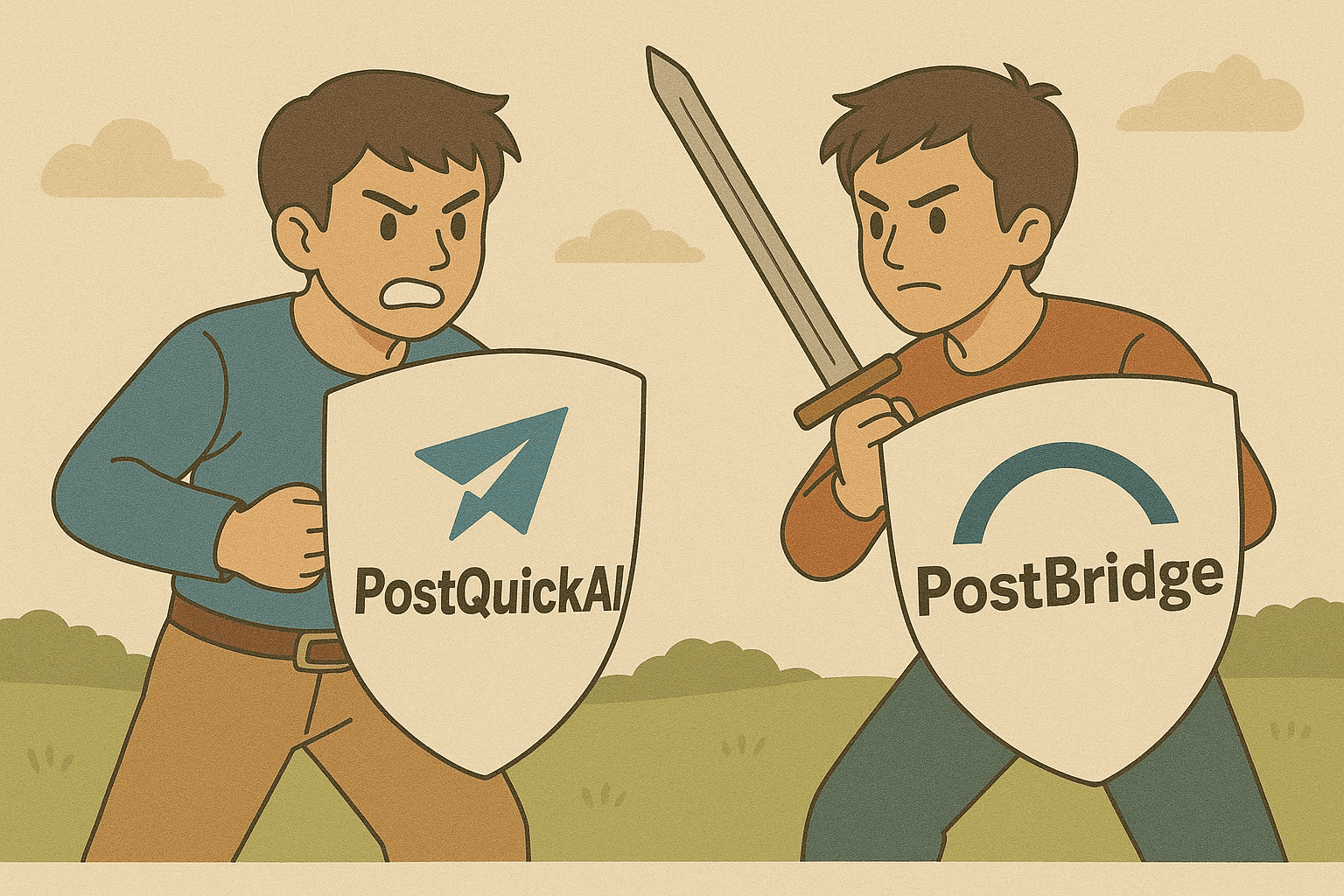
post bridge: Cross-Post Faster With AI + Visual Calendar
If you searched post bridge, you likely want one thing: post once and publish across multiple social platforms without wasting your day. PostQuickAI is a creator-first social media scheduler built for that exact outcome—plus a visual content calendar, posting streaks, built-in AI tools, and optional automation with Auto-Gen Workflow and YOLO Mode.
Why Choose PostQuickAI for the post bridge Use Case?
Most people searching post bridge want reliable cross-posting and a workflow that makes it easy to stay consistent. PostQuickAI is designed around the practical reality of shipping content every week: create (or generate) content quickly, choose platforms in one place, schedule and publish automatically (server-side).
✓ Built to Post Across Major Platforms
PostQuickAI supports publishing across platforms including:
- • Instagram (feed posts, carousels, Reels)
- • Facebook Pages (text, photos, multi-image, video)
- • TikTok (photo carousels, video)
- • Threads (text, images, carousels, video)
- • LinkedIn (posts, video, profile vs company page)
- • X/Twitter (posts, video)
- • YouTube (video uploads)
- • Bluesky (posting implemented)
✓ A Calendar You Can Actually Plan With
PostQuickAI includes a calendar view that groups scheduled and posted content by day, shows what is coming up, and helps you spot gaps. It also computes streak stats to measure consistency:
- • Current streak
- • Longest streak
- • Last posted date
- • Total days posted
✓ Built-In AI Tools to Speed Up Creation
PostQuickAI includes AI utilities that help you draft and polish content faster:
- • AI Caption Generator (3 options with tone/platform/length controls)
- • AI Hashtag Generator
- • AI Proofreading (suggestions + optional revised content)
- • Tone Analysis + Tone Adjustment
- • AI images and videos (credit-based)
✓ Automation When You Want It
PostQuickAI includes two automation modes you can opt into:
- • Auto-Gen Workflow: set your content settings once; the system generates content on an ongoing schedule
- • YOLO Mode: a hands-free mode that can auto-generate and publish to the platforms you select
Approach and Capabilities
PostQuickAI
- • AI-powered scheduling: generate captions, images, and short videos and post quickly
- • Unified scheduling across Instagram, TikTok, X, LinkedIn, YouTube, Threads, Bluesky, and more
- • Content calendar with drag-and-drop and posting streaks
- • Optional automations: Auto-Gen Workflow + YOLO Mode
- • Content Groups to separate brands/clients
- • AI tools: Caption Generator, Hashtag Generator, Proofreading, Tone Analysis/Adjustment
Postbridge
- • Scheduler + templates: plan and publish across social channels
- • Visual calendar for organizing campaigns and queues
- • Team and workflow features vary by plan
- • Bulk upload and scheduling capabilities
- • Supports Pinterest (not supported by PostQuickAI)
PostQuickAI Pricing
- • Basic: $8/mo (or $7.50/mo billed annually)
- Includes: 5 Content Groups, 2 GB storage, 100 AI image generations/month, 10 monthly video credits, unlimited text generation, unlimited Auto-gen runs
- • Pro: $20/mo (or $16.67/mo billed annually)
- Includes: Unlimited Content Groups, 10 GB storage, higher AI image limits, 25 monthly video credits, everything in Basic
- paid plan required
Postbridge Pricing
- • Flat: $9/mo
- Includes: 5 content groups at this tier
- Based on current pricing. Confirm on their site for latest details.
Key Features Comparison
| Feature | PostQuickAI | Postbridge |
|---|---|---|
| AI Caption Generation | ✓ | ✗ |
| AI Image Generation | ✓ | ✗ |
| AI Video Generation | ✓ (credit-based) | ✗ |
| Visual Calendar | ✓ | ✓ |
| Posting Streak Stats | ✓ | — |
| Auto-Gen + YOLO Mode | ✓ | ✗ |
| Bluesky Support | ✓ | ✓ |
| Pinterest Support | ✗ | ✓ |
| Team Collaboration | Limited | ✓ |
| Starting Price | $8/mo | $9/mo |
Best Use Cases
PostQuickAI is Best For:
- ✓Creators who need AI to generate content ideas and posts
- ✓Solo creators and small businesses wanting affordable automation ($8/month)
- ✓Anyone who needs image and video generation built-in
- ✓Users who want set-and-forget automation (YOLO Mode)
- ✓Creators who post to Bluesky and YouTube in addition to major platforms
Postbridge is Best For:
- ✓Agencies managing multiple client accounts with team collaboration needs
- ✓Teams that need collaboration features and approval workflows
- ✓Users who already have content and just need distribution
- ✓Brands that use templates heavily
- ✓Pinterest users (not supported by PostQuickAI)
The Verdict
Choose PostQuickAI if you want AI-assisted content creation (text, images, short video) alongside scheduling, a consolidated calendar, posting streak tracking, and optional automation with Auto-Gen + YOLO Mode. Best for solo creators and small teams who want to create and publish faster.
Choose Postbridge if you primarily need scheduling, team collaboration, and reporting for content you have already created. Best for agencies and teams with established content workflows.
Both tools serve different needs effectively. PostQuickAI emphasizes creation + scheduling + automation; Postbridge emphasizes scheduling + collaboration + templates.
Ready to automate your social media?