Free Instagram Scheduler Comparison
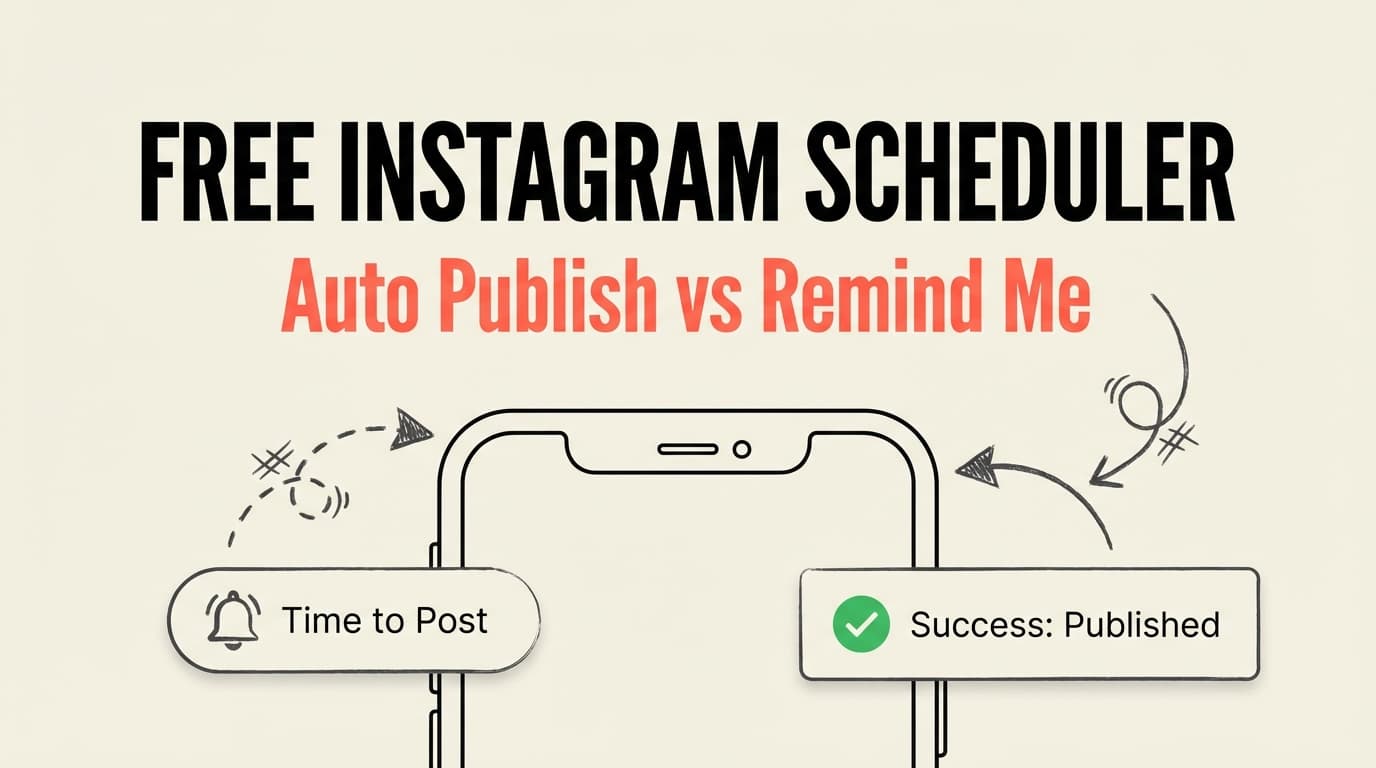
If you’re searching for a free Instagram scheduler, you’ll run into two very different workflows: auto-publish scheduling (the tool posts for you) and remind-me scheduling (the tool reminds you to post manually). This comparison breaks down which approach actually fits your needs.

| Feature | PostQuickAI | Remind Me (using Call) |
|---|---|---|
| Primary purpose | Scheduling + content workflow | Personal reminders + call alerts |
| Instagram auto-publish | Yes (designed for scheduling & publishing) | No |
| Reels/carousels scheduling | Yes (explicitly positioned) | No |
| Content planning/calendar | Yes | No |
| AI help for captions/content | Yes (AI-powered content generation) | No |
| Works without Instagram connection | No (auto-publish requires connection) | Yes |
| Free option | Free tools + 7-day trial | Free app (up to 5 reminders) |
| Starting price | $8/month (Basic) | Free; paid upgrade in-app |
PostQuickAI positions itself as a social media tool built around scheduling and a visual workflow—not just setting a time and hoping you remember. The Instagram scheduler page explicitly includes posts, carousels, and Reels, with planning features like a content calendar and AI-assisted content generation.
Remind Me (using Call) isn’t an Instagram scheduler in the auto-publish sense. It’s a reminder application that lets you record voice reminders, schedule alerts, and receive phone calls as a nudge to post manually.
PostQuickAI is designed to schedule and publish content automatically. Remind Me schedules reminders so you can post manually. Pick PostQuickAI for automation, Remind Me for manual posting with reminders.
Auto-publishing requires connecting Instagram accounts and meeting Meta requirements. Remind Me doesn’t require account connections because it never posts for you.
PostQuickAI is positioned around a content calendar and consistent posting. Remind Me offers no content planning—just standalone reminders.
PostQuickAI offers AI assistance for captions and content ideas. Remind Me does not include content tooling or AI.
Some people mean free auto-publishing, others mean free reminders. PostQuickAI offers a trial for auto-publishing and free tools like the grid planner. Remind Me is free for a small number of reminders if you stay manual.
| Plan / Cost Area | PostQuickAI | Remind Me (using Call) |
|---|---|---|
| Free | Free tools + trial | Free app (up to 5 reminders) |
| Entry paid plan | $8/month Basic (trial included) | Paid upgrade via in-app purchase; pricing varies |
| Higher tier | $40/month Pro (public references) | N/A |
They solve different problems. PostQuickAI is an Instagram scheduling and auto-publishing tool, while Remind Me is a reminder app that calls you so you remember to post manually.
No. Remind Me (using Call) only schedules reminders and does not connect to Instagram or auto-publish posts, reels, or carousels.
Remind Me is free up to five scheduled reminders. PostQuickAI’s entry paid plan is commonly listed at $8/month and may include a free trial. The best value depends on whether you need automation or just reminders.
Auto-publish tools post your content automatically at the scheduled time. Remind-me tools notify you (or call you) so you can post manually yourself.
If you’re searching for a free Instagram scheduler, you’ll quickly run into two very different workflows:
This page compares PostQuickAI (auto-publish Instagram scheduling + content planning) vs Remind Me (using Call) (a reminder app that calls you), so you can pick the approach that actually matches your needs—without marketing fluff.
Quick Verdict:
- Choose PostQuickAI if you want a true Instagram scheduler that can plan and auto-publish posts/carousels/reels and help you stay consistent with a content calendar.
- Choose Remind Me (using Call) if you don’t need auto-publishing and simply want a free reminder (including attention-grabbing phone calls) to post manually—especially if you don’t want to connect your Instagram account to a third-party tool.
| Feature | PostQuickAI | Remind Me (using Call) |
|---|---|---|
| Primary purpose | Social media scheduling + content workflow | Personal reminders (voice reminders + call alerts) |
| Instagram auto-publish | ✅ Yes (designed for scheduling & publishing) | ❌ No (not an Instagram publishing tool) |
| Best for “free Instagram scheduler” searches | ✅ If you want a scheduler/trial + free tools | ✅ If you literally just need a free reminder to post |
| Scheduling Instagram Reels/Carousels | ✅ Yes (Instagram scheduler page explicitly includes posts, carousels, reels) | ❌ No |
| Content planning / calendar | ✅ Yes (content calendar positioning on site) | ❌ No |
| AI help for captions/content | ✅ Yes (AI-powered content generation positioning) | ❌ No |
| Works without connecting Instagram | ❌ No (auto-publish tools generally require account connection) | ✅ Yes (it’s just reminders) |
| Free option | Free tools available (e.g., free IG grid planner); paid plans include a 7‑day free trial | ✅ Free app includes up to 5 reminders (per Cards site) |
| Starting price | $8/month (Basic plan, per PostQuickAI pricing page snippet) | Free (up to 5 reminders). Paid upgrade exists, but exact prices aren’t listed publicly on Cards’ terms page. |
| Best For | Creators/brands who want autopublish + planning | Anyone who wants “manual posting, but don’t let me forget” |
PostQuickAI positions itself as a social media tool built around scheduling + a visual workflow—not just setting a time and hoping you remember. On PostQuickAI’s Instagram scheduler page, it explicitly frames itself as an Instagram Scheduler for posts, carousels, and reels, with supporting features like planning and content assistance.
From PostQuickAI’s public pages, the core value proposition is: - Plan content ahead of time (content calendar / scheduling) - Auto-publish to Instagram (instead of sending reminders) - Use AI-powered content generation to speed up writing and creation - Support for managing multiple accounts (positioning on IG scheduler page)
Remind Me (using Call) is not an Instagram scheduler in the “auto-publish” sense. It’s a reminder application by Cards that lets you: - Record a voice reminder - Schedule reminders - Get reminded via a phone call (their core differentiator)
On the official Cards landing page, it states you can schedule up to 5 reminders in the free app and upgrade to schedule unlimited reminders. The Google Play listing also shows the app contains ads and includes in-app purchases.
So if your “Instagram scheduling” process is basically:
“I’ll post manually, I just need something to remind me”
…then this app can absolutely fit that workflow.
PostQuickAI:
PostQuickAI is designed to do the thing most people mean when they say “Instagram scheduler”: schedule content and publish it automatically. Its Instagram scheduler page explicitly emphasizes planning and auto-publishing for multiple Instagram content types.
Remind Me (using Call):
Remind Me is a “scheduler” only in the sense that it schedules reminders. It won’t publish to Instagram. It supports a manual-post workflow: you still open Instagram and post.
Winner: Depends on your workflow
- Want content posted automatically? PostQuickAI
- Want to stay manual but never forget? Remind Me
PostQuickAI:
Auto-publishing generally requires connecting social accounts and complying with Meta/Instagram requirements. That’s normal—and also why auto-publish tools can save so much time once set up.
Remind Me (using Call):
No Instagram connection required. You’re not giving a third party access to your social accounts because it doesn’t publish anything—it simply reminds you.
Winner: Remind Me (simplicity)
If you want zero setup beyond “install and schedule,” reminders are simpler.
PostQuickAI:
PostQuickAI positions itself around a content calendar and consistent posting. This is ideal if you batch content weekly/monthly and want a repeatable workflow.
Remind Me (using Call):
No calendar planning for social content—just individual reminders.
Winner: PostQuickAI
If consistency is your goal, planning + scheduling beats scattered reminders.
PostQuickAI:
PostQuickAI positions AI as part of the product (AI-powered content generation). If you’re staring at a blank caption box, this matters.
Remind Me (using Call):
No AI writing, no caption tools—because it’s not a content tool.
Winner: PostQuickAI
A quick but important clarification: many people search “free Instagram scheduler” but actually mean one of these:
PostQuickAI:
- Offers free tools (example: free Instagram feed/grid planner with no login required).
- Paid scheduling plans exist, and the pricing page references a 7-day free trial for the Basic plan.
Remind Me (using Call):
- Free tier includes up to 5 scheduled reminders (verified on Cards site).
- Beyond that, you’ll need to upgrade for unlimited reminders.
Winner: Tie—because they solve different “free” needs
- “Free reminder to post manually” → Remind Me
- “Try auto-publishing and a real scheduler workflow” → PostQuickAI
Note: Pricing and plan terms can change quickly. Info below was last verified on 2026-01-08.
| Plan / Cost Area | PostQuickAI | Remind Me (using Call) |
|---|---|---|
| Free | Free tools available (e.g., free Instagram grid planner) | Free app includes up to 5 reminders |
| Entry paid plan | $8/month Basic plan (pricing page snippets reference Basic at $8/mo and a 7-day free trial) | Paid upgrade exists (in-app purchases). Cards’ terms describe weekly/monthly/yearly subscriptions and/or one-time payment, but exact prices are not clearly listed on the public terms page. |
| Higher tier | $40/month Pro plan is referenced across PostQuickAI pages/snippets | N/A (not a multi-tier social publishing suite) |
Value Analysis:
- If your goal is publishing content reliably, $8/month for a real scheduling workflow can be inexpensive compared to the time cost of manual posting.
- If your goal is simply “don’t let me forget”, Remind Me’s free tier can be enough (especially if you post less frequently).
You’ll prefer PostQuickAI if you: - Want an actual Instagram scheduler that can auto-publish (instead of “remind me”) - Post multiple content types (posts, carousels, reels) and want to plan ahead - Want a content calendar workflow (batching, planning, staying consistent) - Want AI help to generate or polish captions/ideas faster
You’ll prefer Remind Me (using Call) if you: - Want to keep posting manually (for control, preference, or simplicity) - Just need a free reminder system to post on time - Don’t want to connect your Instagram account to any third-party tool - Like the idea of a phone call reminder (harder to ignore than push notifications)
If you’ve been using a reminder-based workflow and you’re ready for auto-publishing:
They’re not direct equivalents. PostQuickAI is a publishing + scheduling tool, while Remind Me is a reminder app. If you want auto-publish, PostQuickAI is the better fit. If you want manual posting with strong reminders, Remind Me can be the better (and simpler) option.
No. Remind Me (using Call) is designed to remind you (including via phone call). It does not connect to Instagram or publish content.
If you stay within 5 reminders, Remind Me can be effectively free. PostQuickAI’s entry paid plan is commonly referenced at $8/month. The “cheapest” option depends on whether you value automation (PostQuickAI) or are fine with manual posting (Remind Me).
Consider checking: - Instagram/Meta’s native scheduling (availability depends on account type and features) - Tools that offer a free trial for auto-publishing (like PostQuickAI’s paid plan trial) - Or use a reminder-based workflow if you don’t qualify for or don’t want auto-publish
{
"@context": "https://schema.org",
"@type": "FAQPage",
"mainEntity": [
{
"@type": "Question",
"name": "Is PostQuickAI really better than Remind Me?",
"acceptedAnswer": {
"@type": "Answer",
"text": "They solve different problems. PostQuickAI is an Instagram scheduling and auto-publishing tool. Remind Me (using Call) is a reminder app that calls you so you remember to post manually."
}
},
{
"@type": "Question",
"name": "Can Remind Me auto-publish to Instagram?",
"acceptedAnswer": {
"@type": "Answer",
"text": "No. Remind Me (using Call) does not connect to Instagram and does not auto-publish posts, reels, or carousels. It only schedules reminders."
}
},
{
"@type": "Question",
"name": "Which is cheaper: PostQuickAI or Remind Me?",
"acceptedAnswer": {
"@type": "Answer",
"text": "Remind Me includes a free tier with up to 5 scheduled reminders. PostQuickAI is commonly listed with a Basic plan at $8/month and may include a free trial. The best value depends on whether you need auto-publishing or just reminders."
}
},
{
"@type": "Question",
"name": "What’s the difference between auto-publish and remind-me scheduling for Instagram?",
"acceptedAnswer": {
"@type": "Answer",
"text": "Auto-publish tools post your content to Instagram automatically at the scheduled time. Remind-me tools notify you (or call you) so you can post manually yourself."
}
}
]
}