Social Media Tool Comparison
Buffer vs Hootsuite vs Sprout vs Later vs PostQuickAI: 2026 Comparison
Buffer vs Hootsuite vs Sprout vs Later vs PostQuickAI comes down to cost, the team features you need, and how much AI help you want. Here are the main differences between the five in 2026.
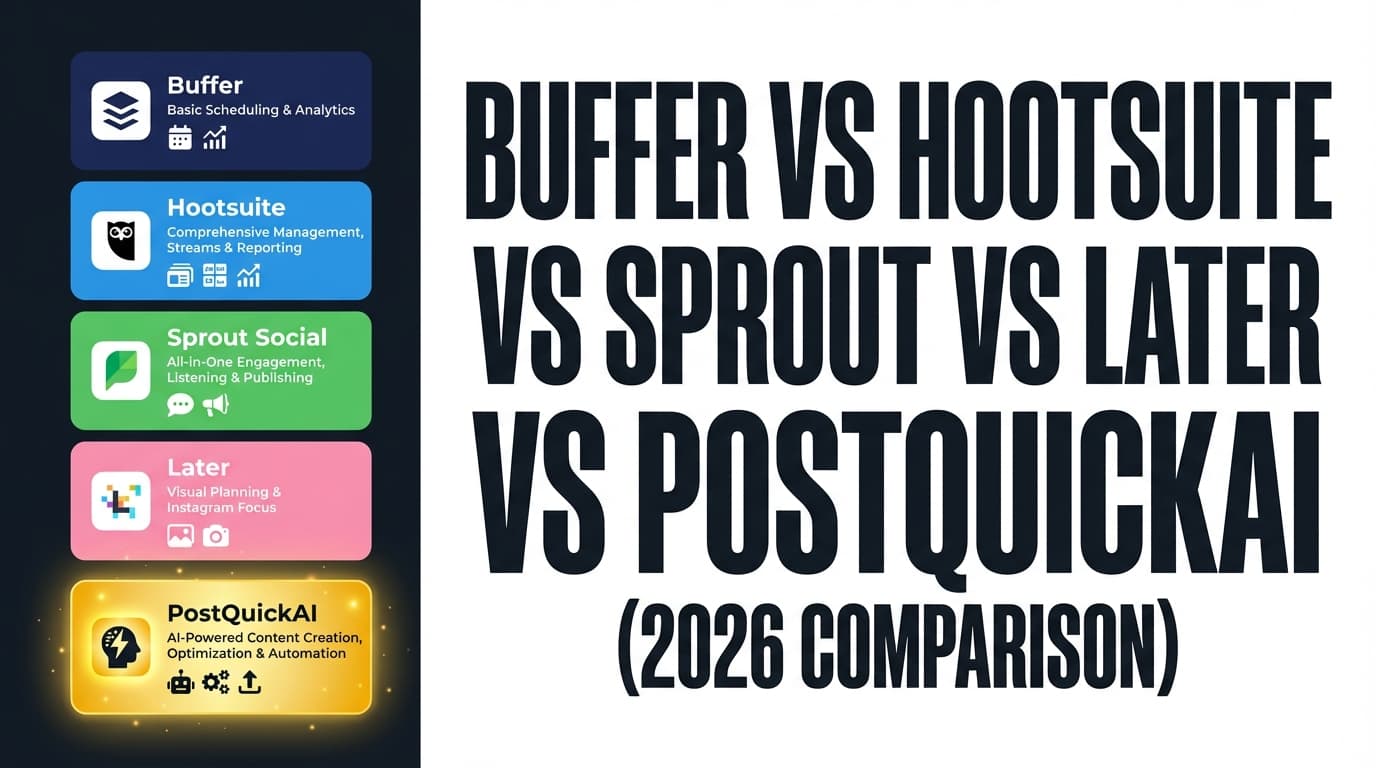
If you’re comparing Buffer vs Hootsuite vs Sprout Social vs Later vs PostQuickAI, you’re usually weighing these:
1) Cost (especially if you’re solo or a small team)
2) The features your team uses (approvals, inbox, reporting, listening)
3) Speed (AI help with posts and quick scheduling)
No single tool is best at everything, so this guide shows where each one fits.
Short answer:
- Choose PostQuickAI if you want a scheduler with AI writing, a content calendar and posting streaks from $15/month, and you don’t need enterprise listening, inbox or approval workflows.
- Choose Buffer if you want a simple, reliable scheduler with an easy learning curve and a well-known free plan.
- Choose Hootsuite if you need a broader suite (publishing, analytics and listening options) and you’re fine with higher cost and complexity.
- Choose Sprout Social if you’re a team that needs top-tier reporting, engagement (Smart Inbox) and social listening, and budget isn’t your main limit.
- Choose Later if you’re focused on Instagram and visuals and want visual planning and link-in-bio in the same tool.
7-day free trial on your first plan, card required. Cancel before it ends and you pay nothing.
Comparison at a Glance
| Category | PostQuickAI | Buffer | Hootsuite | Sprout Social | Later |
|---|---|---|---|---|---|
| Best for | Creators & small teams who want AI + scheduling + content calendar on a budget | Individuals/SMBs who want straightforward scheduling | Teams needing a broader “suite” and governance options | Mid-market/enterprise teams needing deep reporting + inbox + listening | Visual/Instagram-first brands & creators |
| Starting price (official) | $15/mo (Basic) | $5/mo per channel (annual billing shown on pricing page) | Official plans page lists Standard/Advanced/Enterprise (pricing may vary by region; often not fully visible without flow) | $199/seat/mo starting | Starter/Growth/Scale tiers; Starter commonly shown around $25/mo |
| Free plan | No free plan (7-day free trial on first plan, card required) | ✅ Yes (up to 3 channels, 10 scheduled posts/channel) | Not positioned as a free plan product (trial-based) | Trial (30 days) | Trial (14 days) |
| Scheduling + calendar | ✅ Visual calendar + scheduling | ✅ Scheduling + planner | ✅ Scheduling + calendar | ✅ Scheduling + publishing workflow | ✅ Visual planner focus |
| AI assistance | ✅ AI content generation + AI tools (site messaging) | ✅ “AI Assistant” positioned as supportive | ✅ AI-supported content features (suite messaging) | ✅ AI features integrated across platform | Some AI/creation tools (varies by plan/credits) |
| Engagement / inbox | Limited vs enterprise suites | Limited (and engagement features are network-limited) | ✅ Messaging features (plan-dependent) | ✅ Strong (Smart Inbox) | Limited vs Sprout |
| Social listening | ❌ Not positioned as listening platform | ❌ Not core | ✅ Available on higher tiers | ✅ Strong listening offering | Limited (Later emphasizes management + creator/UGC ecosystem) |
| Analytics depth | Basic (positioned for speed) | Solid for basics | Stronger suite reporting | ✅ Best-in-class for many teams | Good for visual/IG-centric analytics |
Prices change often and can differ by billing cycle and region. Buffer and Sprout prices come from their official pricing pages. Hootsuite doesn’t show a clear price on its pages and Later focuses on tiers, so for those two we used commonly cited figures.
Creators and small teams who want AI writing and a calendar: PostQuickAI plans start at $15/month for 5 content groups.
Compare plansPostQuickAI Overview
PostQuickAI is a lightweight social tool for creators, built around AI drafting and scheduling, a visual content calendar and posting streaks. It also offers free caption and hashtag tools, and schedulers for specific networks such as Threads.
Its main features:
- Scheduling with AI drafts
- Visual content calendar
- Posting streak tracking
- AI content generation
- Quick publishing to several networks at once
Key Strengths
- Entry price: Basic starts at $15/month; Pro is $39/month and Ultra is $99/month.
- Posting streaks: show how regularly you post.
- Built for creators: quick planning and scheduling, plus free tools for writing captions and hashtags.
Limitations
- Not an enterprise suite: If you need strong social listening, a unified inbox, complex approvals, or governance, tools like Sprout or Hootsuite are typically better fits.
- Less public documentation: compared with larger, older tools, there’s less published detail on advanced reporting, permissions and compliance controls.
Buffer Overview
Buffer is a well-known social media management tool focused on easy scheduling and publishing, with extras like an AI assistant and a link-in-bio product (Start Page). It’s popular with creators and small businesses that want a simple tool without enterprise complexity.
Key Strengths
- Good free plan for the basics: up to 3 channels with 10 scheduled posts per channel, per Buffer’s own help pages.
- Simple scheduling: an easy interface for individuals and small teams.
- Resources: a large library of marketing guides and free tools.
Limitations (common themes from reviews)
- You may outgrow it: users often move on when they need deeper listening, an inbox or enterprise reporting.
- Some publishing complaints: review sites mention reliability problems and media edge cases, depending on the network and the time.
Hootsuite Overview
Hootsuite is a long-standing suite that combines scheduling, content creation support, analytics and social listening, with plans that range from smaller teams to enterprise.
Key Strengths
- Breadth: scheduling, analytics and listening in one place.
- Plans that grow with you: Hootsuite lists Standard, Advanced and Enterprise plans on its official pages.
Limitations (common themes from reviews)
- Cost and complexity: many teams say Hootsuite feels expensive next to lighter tools, and takes more work to set up.
- Prices are hard to find: depending on region, the official pages may not show a simple price up front, so budgeting takes extra steps.
Sprout Social Overview
Sprout Social is the heaviest platform in this comparison. It is usually strongest for teams that need engagement workflows, reporting and listening at scale.
Key Strengths
- Smart Inbox: one inbox for engagement across networks.
- Listening and analytics: reporting, analysis and listening run through the whole platform.
- Clear starting price: the pricing page says from $199 per seat/month on paid plans.
Limitations (common themes from reviews)
- Per-seat pricing adds up: even for 3 to 5 users, costs rise fast compared with per-channel or flat-fee tools.
- Too much for solo creators: if you only need quick scheduling, Sprout is more than you need.
Later Overview
Later is best known for visual planning and its Instagram focus, and has added wider social management, link-in-bio and creator economy features.
Key Strengths
- Visual Planner: Later leads with visual planning and scheduling, especially for how the feed looks.
- Link in bio: a core part of what Later offers.
- Tiers for brands and agencies: the pricing page shows Starter / Growth / Scale with add-ons (users, social sets, AI credits).
Limitations (common themes from reviews)
- Posting limits: Later’s plans are often described with post limits per profile, which matters if you post a lot.
- Little listening: compared with Sprout (and some Hootsuite tiers), Later does less listening and inbox work.
Feature-by-Feature Comparison
1) Scheduling & Content Calendar
PostQuickAI:
Scheduling with a visual content calendar, built for speed and for posting regularly.
Buffer:
Very good for plain scheduling from a queue. Individuals and small businesses can set it up and leave it.
Hootsuite:
Solid scheduling inside a larger suite, which helps when you need central control across accounts and teams.
Sprout Social:
Publishing is strong, and it connects to the inbox, reporting and listening, which is where Sprout stands apart.
Later:
Often the best visual planner, especially for brands that care how their grid looks.
Winner:
- Best AI + calendar workflow from $15/mo: PostQuickAI
- Best simple scheduler: Buffer
- Best visual planner: Later
- Best for enterprise publishing: Sprout Social (with Hootsuite close, depending on needs)
Pricing Comparison (2026)
Prices change often. We used official pricing pages where they show a price, and say so where they don’t.
| Product | Entry pricing | Pricing model | Free plan |
|---|---|---|---|
| PostQuickAI | $15/mo (Basic) | Flat monthly plans (site messaging also references upgrading when you need more) | No free plan (7-day free trial on first plan, card required) |
| Buffer | $5/mo per channel | Per-channel pricing | ✅ Free plan (3 channels) |
| Hootsuite | Standard / Advanced / Enterprise | Suite plans | Trial-based |
| Sprout Social | $199/seat/mo | Per-seat pricing | ✅ paid plans |
| Later | Starter around $25/mo | Tiered plans | ✅ paid plans |
A simple way to decide:
- If you want AI + a calendar from $15/mo: PostQuickAI is built for that.
- If you want a well-tested free plan to try scheduling: Buffer is the easiest place to start.
- If you need a full platform (listening, governance, customer care workflows): budget for Sprout (or evaluate Hootsuite depending on your org structure and preferred suite).
Switching to PostQuickAI
Most social tools can’t move your scheduled posts across in one click. A realistic plan:
- Accounts: Connect your social profiles inside PostQuickAI.
- Content/calendar: Recreate the next 2 to 4 weeks of scheduled posts first.
- Workflow: if you rely on approvals, listening or inbox triage today, check you can do without them before leaving Sprout or Hootsuite.
- Trial: your first plan starts with a 7-day free trial. You add a card at checkout, and if you cancel before it ends you pay nothing, so you can run both tools side by side for a week.
Plans start at $15/month.