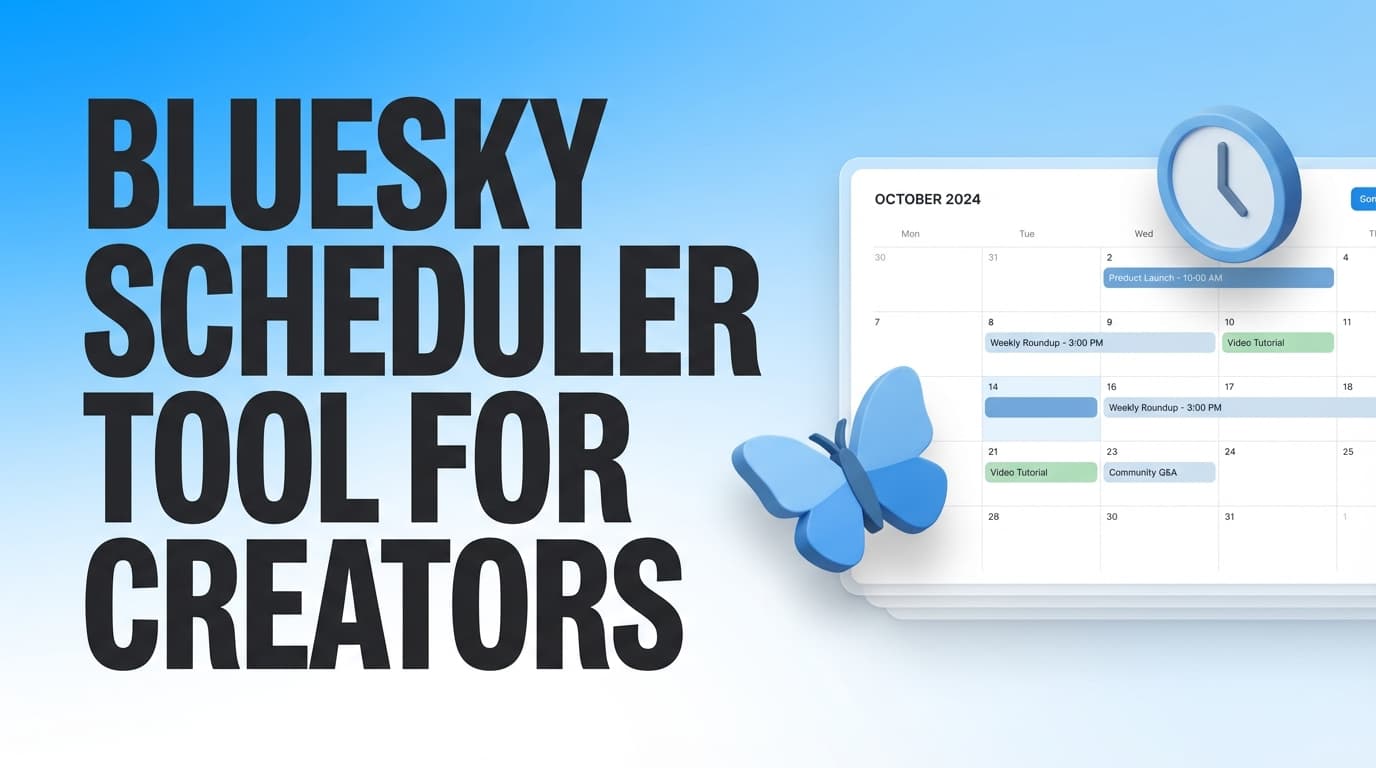
Schedule Bluesky posts with auto-publishing. PostQuickAI helps creators maintain consistent presence on Bluesky and cross-post to other platforms.
Text posts, image posts, video posts—all scheduled and published automatically.
Plans start at $8/month · 7-day free trial included
Up to 300 characters. Perfect for thoughts, updates, and conversations.
Up to 4 images per post. Add alt text for accessibility.
Full formatting support. @mentions and links work automatically.
Sign up and connect using your handle and app password (from Bluesky settings).
Write your post or use AI to generate content. Add images if desired.
Pick when your post should go live. Schedule days or weeks ahead.
Your post goes live automatically. Server-side publishing—no browser needed.
Bluesky is rapidly growing. Early presence helps build your audience.
Bluesky has an active, engaged community. Great for creator conversations.
Own your presence. Bluesky's open protocol puts creators in control.
Post to Bluesky and X simultaneously. Reach both audiences efficiently.
Generate engaging Bluesky posts:
Find relevant tags:
Share your content across all major platforms:
PostQuickAI is a Bluesky scheduler tool for creators that helps you plan content ahead of time and auto-publish to Bluesky from a calendar—so you can keep posting consistently without being online at the exact moment you want your post to go out.
Bluesky support in PostQuickAI includes: - Text posts - Image posts (single or multi-image, with Bluesky’s max 4 images per post enforced) - Video posts (with clear Bluesky requirements and limits)
If you create in batches, post across time zones, or simply want a predictable cadence without daily manual posting, this page walks you through exactly how PostQuickAI works for Bluesky creators—what it supports, how to set it up, and how to avoid common “scheduled but failed” issues.
Primary CTA: Connect Bluesky Account
Secondary CTA: See pricing & trial (Plans start at $8/month, 7-day free trial on monthly plans)
Creators don’t just need “a time picker.” You need a workflow that’s reliable, fast to use, and built around how creators actually work: batch creation, a visible calendar, and support for the content formats that perform.
PostQuickAI focuses on four things that matter most for creators using Bluesky:
1) Server-side auto-publishing (so scheduling still works when your laptop is closed)
2) A calendar-first planning workflow (so you can see your week at a glance)
3) Real media support (text, images up to 4, and video—within platform constraints)
4) Creator organization features (like Content Groups for multiple brands/clients and posting streak stats)
A common frustration with scheduling is discovering you still have to keep a tab open—or that your post doesn’t publish when you expected.
With PostQuickAI, scheduled publishing runs server-side. That means you can schedule your post, close your browser, and your post can still publish at the scheduled time.
Why creators care: You can batch your content when you have energy (or time), and publish when your audience is online—without living inside the app all day.
Creators often don’t fail because they “can’t write.” They fail because planning is invisible—so gaps appear unexpectedly.
PostQuickAI includes a visual content calendar so you can: - See what’s scheduled and what’s already published - Plan your week (or month) without guessing - Spread content out intentionally instead of posting randomly
If you’re a creator running multiple pages/projects—or an agency managing multiple accounts—one shared calendar becomes chaos quickly.
PostQuickAI supports Content Groups, which help you separate: - Brands / clients - Content streams - Connected social accounts per group - A clean calendar per project
Plan note: Basic includes 5 Content Groups; Pro includes Unlimited Content Groups.
Consistency matters on any platform, but it’s hard to maintain without feedback.
PostQuickAI includes posting streak stats (current streak, best streak, and days posted), so you can build consistency intentionally—especially helpful when you’re posting 3–7 times/week and want to keep momentum.
Start here: Connect Bluesky Account
You’ll connect using: - Your Bluesky handle - A password
Security best practice: Use a Bluesky app password (you can generate one in your Bluesky account settings). App passwords are designed for third-party tools so you don’t have to use your main login password.
Create the post you want to publish:
Want faster drafting? Use these optional tools: - AI Caption Generator (generates multiple caption options): /tools/caption-generator - Hashtag Generator: /tools/hashtag-generator
Note: These tools are available as part of PostQuickAI’s tool suite. The tools pages can be used without signup, and the main scheduler is part of the paid product with a 7-day free trial.
Pick the exact time you want your post to publish. Your scheduled post will appear on your content calendar so you can quickly verify: - What’s going out today - What’s going out this week - Where you have gaps
At the scheduled time, PostQuickAI publishes your post to Bluesky.
You can also enable email notifications confirming successful publication—useful when you’re scheduling a lot of content, scheduling for clients, or scheduling across time zones.
| Feature | What It Does | Why It Matters |
|---|---|---|
| Server-side auto-publishing | Publishes at your chosen time without keeping a browser open | Schedule once, then get your time back |
| Bluesky text scheduling | Create and schedule text posts | Batch content and stay consistent |
| Bluesky image posts (up to 4) | Supports single + multi-image posts; enforces 4-image limit | Prevents failed posts from exceeding limits |
| Bluesky video posts | Upload and schedule video posts | Supports richer content formats (within Bluesky constraints) |
| Visual content calendar | View scheduled and published posts by day/week | Makes planning obvious and repeatable |
| Content Groups | Separate brands/clients/content streams | Keeps multi-project calendars clean |
| Posting streak stats | Tracks current streak, best streak, days posted | Helps build a consistency habit |
PostQuickAI supports the Bluesky formats creators use most:
Write a text post and schedule it for any future date/time.
Schedule image posts on Bluesky, including multi-image posts.
Hard limit: Bluesky supports a maximum of 4 images per post. PostQuickAI enforces this limit automatically.
Schedule and auto-publish video posts to Bluesky.
Video requirements and limits to plan for: - Format: MP4 - Max size: 50MB - Max duration: 90 seconds
If you’re exporting clips for Bluesky, it helps to keep these constraints in your content pipeline so your scheduled post doesn’t fail due to file format, size, or duration.
Creators often try scheduling tools, get burned by failed posts, and then revert to manual posting. One of the biggest reasons scheduling fails is media handling—file size, format requirements, and upload constraints.
PostQuickAI’s Bluesky publishing is designed around Bluesky’s API requirements.
Why it matters: The most common “oops” with scheduling is attaching too many images. PostQuickAI prevents that from becoming a failed scheduled post.
Bluesky video publishing involves uploading the video and publishing the post with a video embed.
PostQuickAI’s Bluesky video publishing flow: - Downloads the video from your upload - Uploads it to Bluesky as a blob - Publishes the post with a video embed attached
Why it matters: Bluesky video has non-negotiable limits (MP4, size, duration). A scheduler tool for creators should make those constraints clear so you can create repeatable exports.
A good scheduler isn’t just “set a time.” It’s a system that fits how you create.
If you post 3–7 times per week, scheduling turns a daily task into a single focused work session.
A simple creator workflow: 1. Draft 5–10 posts in one sitting 2. Attach images or video where needed 3. Schedule the full week from the calendar 4. Spend the rest of the week engaging (instead of scrambling to post)
Optional speed boost: Generate a few caption options in /tools/caption-generator, pick the best one, and customize it in your own voice.
If you’re active on multiple platforms, PostQuickAI supports scheduling across Bluesky and other platforms—so you can plan content in one place.
Supported scheduler pages include: - X (Twitter): /x-scheduler - Instagram: /instagram-scheduler - LinkedIn: /linkedin-scheduler - Threads: /threads-scheduler - Facebook Pages: /facebook-scheduler - TikTok: /tiktok-scheduler - YouTube: /youtube-scheduler
This is especially useful if you reuse ideas across networks but want to plan your cadence centrally.
If you manage more than one brand, Content Groups help you: - Separate calendars per brand/client - Keep connected accounts organized by group - Prevent the “everything mixed together” problem
If you’re an agency social media manager, Content Groups are often the difference between a manageable workflow and an error-prone one.
Manual posting can work when you’re posting occasionally, but it becomes fragile when you want consistency.
Manual posting tends to: - Require you to be online at the right time - Break down during busy weeks (travel, launches, client work, life) - Turn “I’ll post later” into “I missed it”
Scheduling with PostQuickAI helps you: - Create when you have time (batch creation) - Publish automatically at predictable times - Use the calendar to see gaps before they happen - Build a consistency habit with streak stats
Some workflows are basically reminders (“post at 10am”) rather than auto-publishing.
PostQuickAI is designed for server-side auto-publishing, so scheduled posts can publish even if you’re offline.
If you want consistency without being chained to a posting time, true auto-publishing matters.
Many creators don’t want a scheduler that only handles text. Images and short video clips are often what make a Bluesky post stand out.
PostQuickAI supports: - Text - Images (including multi-image up to 4) - Video (MP4, 50MB max, 90 seconds max)
PostQuickAI is a paid product with a trial (not a “free forever” plan).
See details: View Pricing
Yes. PostQuickAI lets you create a post, choose a date/time, and auto-publish to Bluesky at the scheduled time.
Many creators use third-party tools because Bluesky scheduling isn’t typically handled directly inside Bluesky’s core posting flow. If you want to plan ahead and publish automatically, a scheduler tool is the common approach.
You can schedule: - Text posts - Image posts (including multi-image, up to 4 images per post) - Video posts
Bluesky supports a maximum of 4 images per post. PostQuickAI enforces this limit by using the first 4 images if more are attached.
No. PostQuickAI uses server-side publishing, so posts can publish even if your browser is closed or your laptop is off.
When you connect your account, PostQuickAI accepts your handle and password. For better security, use a Bluesky app password (generated in your Bluesky settings) instead of your main account password.
For Bluesky video posts, plan for: - MP4 format - Max size: 50MB - Max duration: 90 seconds
Yes. PostQuickAI supports Content Groups to help separate brands/clients and keep each calendar organized. Basic includes 5 content groups; Pro offers unlimited.
PostQuickAI is a paid product with a 7-day free trial. Plans start at $8/month.
PostQuickAI also offers free tools (like the Caption Generator and Hashtag Generator) that can be used without signup, but the scheduler itself is part of the paid product/trial.
If you want a Bluesky scheduler tool for creators that supports text, images, and video—and actually fits a creator workflow—start here:
1) Connect your Bluesky account: /connect/bluesky
2) Draft posts (text, images up to 4, or video)
3) Schedule your week from the calendar
4) Let server-side auto-publishing handle the timing
Start now: Connect Bluesky Account
Not ready yet? See pricing & 7-day trial
Yes! PostQuickAI supports Bluesky scheduling with auto-publishing. Schedule text posts, image posts (up to 4 images), and video posts.
Yes. PostQuickAI publishes server-side—your Bluesky posts go live automatically at scheduled times without keeping your browser open.
Connect using your Bluesky handle and an app password (generated in your Bluesky settings). This keeps your main password secure.
Schedule text posts (300 characters), image posts (up to 4 images), and video posts. Full Bluesky formatting supported.
Yes! PostQuickAI makes it easy to post to both Bluesky and X. Great for creators building presence on both platforms.
Currently, PostQuickAI schedules individual Bluesky posts. Thread scheduling is on our roadmap for future updates.
Yes. The AI Caption Generator creates post variations. Perfect for Bluesky's conversational community style.
Yes. 7-day free trial with full access to Bluesky scheduling. Plans start at $8/month.
Build your Bluesky presence. Schedule posts, auto-publish, cross-post to other platforms.