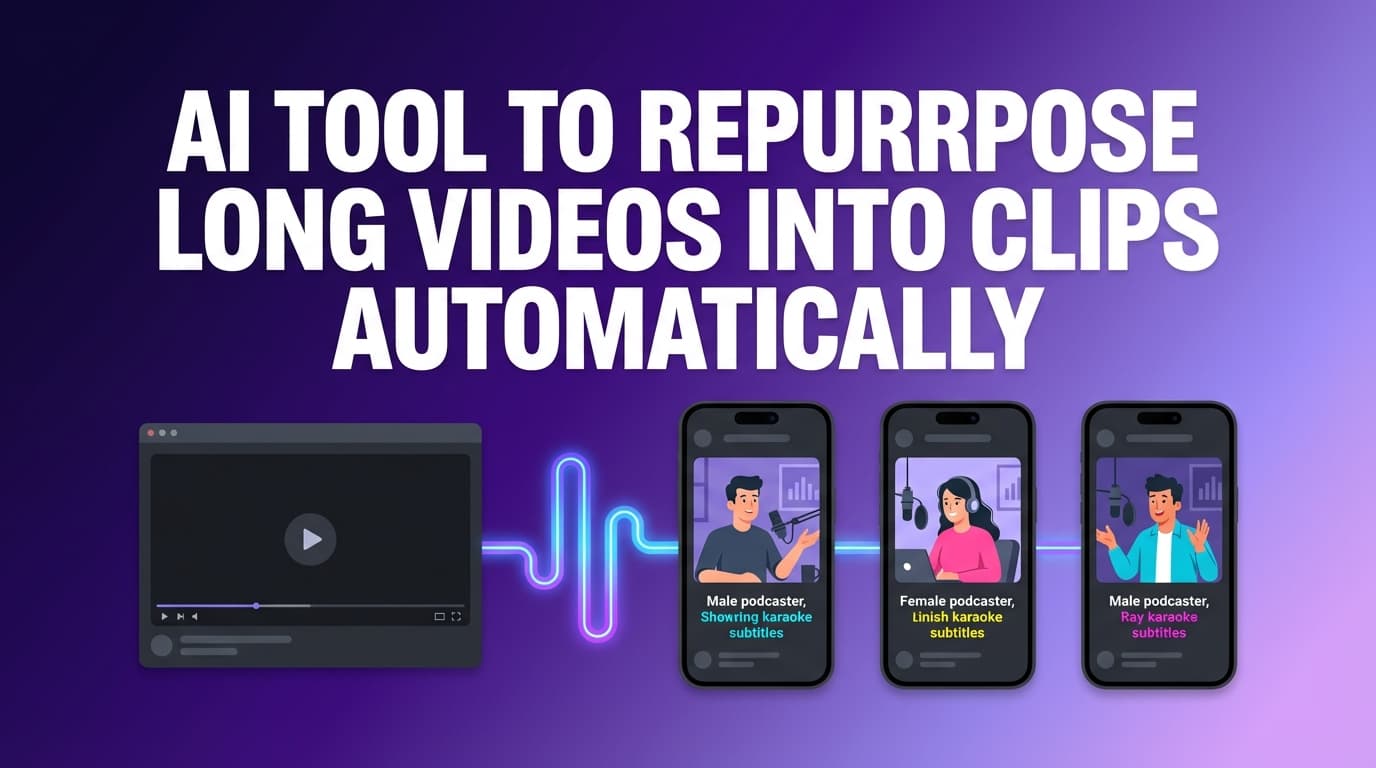
AI Tool to Repurpose Long Videos into Clips
PostQuickAI is an AI tool to repurpose long videos into clips you can post. Import a video by its link, let the AI suggest up to 6 moments worth clipping, trim them on a timeline, and crop to 9:16, 1:1 or 16:9. Then caption each clip and schedule it.
7-day free trial, then from $15/month. Card required. Cancel before it ends and you pay nothing.
What "Automatically" Means Here
The AI suggests clips; it does not cut and post them on its own. Each suggestion is a start and end time you can add with one click or adjust. Suggesting clips uses one AI generation. If you want dozens of clips cut and reframed with no input, a dedicated clipping tool will do more.
Clipping works on videos you import by link from X, TikTok, Instagram, Facebook or Pinterest. For a YouTube video or a file on your computer, cut the clips elsewhere and upload them.
From Long Video to Posted Clips in One Place
Most clip tools stop once the clips are exported. PostQuickAI also writes the captions and posts the clips on a schedule.
Clips Publish on Schedule
Our servers publish each clip at its scheduled time, so you can line up a month of daily clips and switch your computer off.
One Clip to Several Networks
Send one clip to TikTok, Instagram, YouTube, LinkedIn, X, Threads and Bluesky in a single post instead of uploading it in each app.
Captions Written from the Clip
Twenty clips need twenty captions. In the video composer, ask the assistant to write one from the clip, then to proofread it or change the tone. You accept or undo each suggestion.
Where You Can Post Clips
YouTube
Video uploads. YouTube shows vertical or square videos of 3 minutes or less as Shorts.
Learn more →🧵Threads & Bluesky
Video posts on both.
What PostQuickAI Does for You and What It Doesn't
PostQuickAI Does
- Suggests up to 6 clips from an imported video
- Crops clips to 9:16, 1:1 or 16:9
- Writes a caption from each clip when you ask
- Publishes clips at the scheduled time
- Sends one clip to several networks
- Shows every scheduled clip on a calendar
✗PostQuickAI Doesn't
- ✗Cut and post clips without you choosing them
- ✗Import from YouTube links
- ✗Add YouTube end screens or cards
- ✗Reply to comments or messages
How to Turn One Video into Clips
Import the Video and Pick Clips
Paste the video's link on the import page. Press Suggest clips to see the AI's picks, or drag the start and end handles yourself. Keep Story clips under 60 seconds.
Write a Caption from the Clip
Open the clip in the video composer and ask the assistant for a caption. For example, ask for one that:
- • Opens with the most interesting line
- • Says what happens in the clip
- • Ends with a question or a link to the full video
- • Is short enough for TikTok, Reels or Shorts
Adjust the Caption for Each Network
Ask the assistant in plain words:
- • Change the tone: more professional for LinkedIn, more playful for Reels
- • Shorten it: one line and a call to action for X or Threads
- • Review each change: edits appear as suggestions you accept, discard or undo
Pick Networks and a Time
Choose where the clip goes and when. Our servers publish it while you are offline.
Check the Calendar
The calendar shows every scheduled clip and a count of how many days in a row you have posted.
Clip and Caption Features
| Feature | What It Does | Why It Matters |
|---|---|---|
| Suggested clips | The AI watches an imported video and proposes up to 6 moments | You don't scrub through an hour of video |
| Captions from the clip | The assistant writes a caption from the video | Twenty clips, twenty captions, less typing |
| Tone changes and proofreading | Rewrites a caption for LinkedIn or TikTok and fixes grammar | The same clip reads right on each network |
| Crop to shape | Crops a clip to 9:16, 1:1 or 16:9 | One source video fits Reels and LinkedIn |
| Cross-posting | Publishes one clip to several networks | One upload instead of seven |
| Server-side scheduled publishing | Publishes at the scheduled time | Clips keep going out while you work on the next video |
| Content Groups | Keeps brands or clients apart | Basic: 5 groups; Pro: 25; Ultra: unlimited |
| Calendar and streaks | Shows clips by date and your posting streak | You see gaps before they happen |
One Long Video, Two Weeks of Clips
A routine that works for a weekly podcast or webinar:
Step 1: Record One Long Video a Week
A podcast episode, webinar replay, interview, product demo or coaching call (with permission).
Step 2: Cut 10 to 20 Clips
Mix them: a few strong opinions, a few practical tips and a few short stories. Start with the AI's suggestions and add your own.
Step 3: Write Captions from Different Angles
Ask for a caption per clip, then try other angles:
- Contrarian: "Stop doing X. Do Y instead."
- How-to: "Three steps to…"
- Story: "I learned this the hard way…"
Pick the caption you like best for each clip, or post the same clip twice with different angles.
Step 4: Fit Each Network
- • TikTok / Reels / Shorts: an opening line, one or two sentences and a short call to action
- • LinkedIn: context, one clear takeaway and a question
- • X / Threads / Bluesky: one or two short lines and a link
Step 5: Schedule Two Weeks at Once
Spread the clips over 7 to 14 days so you don't post five on Monday and none on Friday.
Step 6: Watch the Streak
The calendar counts how many days in a row you have posted.
By Hand Compared with PostQuickAI
✗ By Hand
- •Scrub the video and export each clip
- •Upload to TikTok and write a caption
- •Upload to Reels and write another
- •Upload to Shorts with a title
- •Rewrite it for LinkedIn
- •Do it all again tomorrow
Most people manage this for a week or two.
PostQuickAI Workflow
- Import the video and add the suggested clips
- Ask for a caption from each clip
- Pick the networks
- Give each clip a date
- Our servers publish them
You spend one sitting a week instead of a little every day.
PostQuickAI Compared with Clipping Tools like OpusClip, Kapwing and VEED
Clipping Tools Are Better For:
- •Cutting many clips with little input
- •Detailed editing, subtitles and reframing
- •Working from YouTube links or long files
PostQuickAI Is Better For:
- Posting clips to eight networks
- Captions written from the clip
- Rewriting captions for each network
- Scheduling and publishing
- A calendar of every clip
For a few clips a week, PostQuickAI can do it all. For heavy editing, cut in a clipping tool and post with PostQuickAI.
Free Tools
These are free, with a limit on how often you can run them.
Pricing
Plans start at $15/month, and Ultra is $99/month with unlimited content groups. Your first plan starts with a 7-day free trial (card required).
Basic
- 5 content groups
- 2 GB storage
- 100 AI image generations/mo
- 10 video credits a month
- Unlimited text generation
Pro
- 25 content groups
- 10 GB storage
- 300 AI image generations/mo
- 30 video credits a month
- Everything in Basic
Frequently Asked Questions about Video Repurposing
Partly. Import a video by its link, press Suggest clips, and the AI watches it and proposes up to 6 moments. You add the ones you want, or set the start and end yourself on the timeline. Nothing is cut until you choose.
Yes. Ask the assistant in the video composer to write a caption from the clip. Then ask it to change the tone or shorten it, and accept or undo each suggestion.
TikTok, YouTube, Instagram (as Reels), LinkedIn, Facebook Pages, X, Threads and Bluesky.
Yes. Our servers publish them at the scheduled time.
Yes. Story videos can be up to 60 seconds, so keep clips meant for Stories short.
Yes. For each post you choose your personal profile or a company page you manage.
No. Plans start at $15/month, and your first plan starts with a 7-day free trial (card required). The Caption Generator and Hashtag Generator on our site are free, with a limit on how often you can use them.
X, TikTok, Instagram, Facebook and Pinterest. YouTube links don't work, so download your own YouTube video and upload the clips instead.
Repurposing Tools & Guides
TikTok Scheduler
Schedule TikTok videos and photo posts.
Instagram Reels Scheduler
Schedule Reels and Stories.
YouTube Shorts Scheduler
Schedule YouTube videos and Shorts.
LinkedIn Scheduler
Schedule video to a LinkedIn profile or company page.
Free AI Caption Generator
Write a caption for a clip, free.
See All Plans
Compare Basic, Pro and Ultra.
Schedule next week's posts today
Connect your accounts, write a post or ask the assistant for a draft, and pick a time. Our servers publish it on time, even with your laptop closed.
Plans from $15/month. Your first plan has a 7-day free trial, card required. Cancel before it ends and you pay nothing.
See plansWatch the demo