AI Content Repurposing Tool to Turn Articles into Posts and Threads
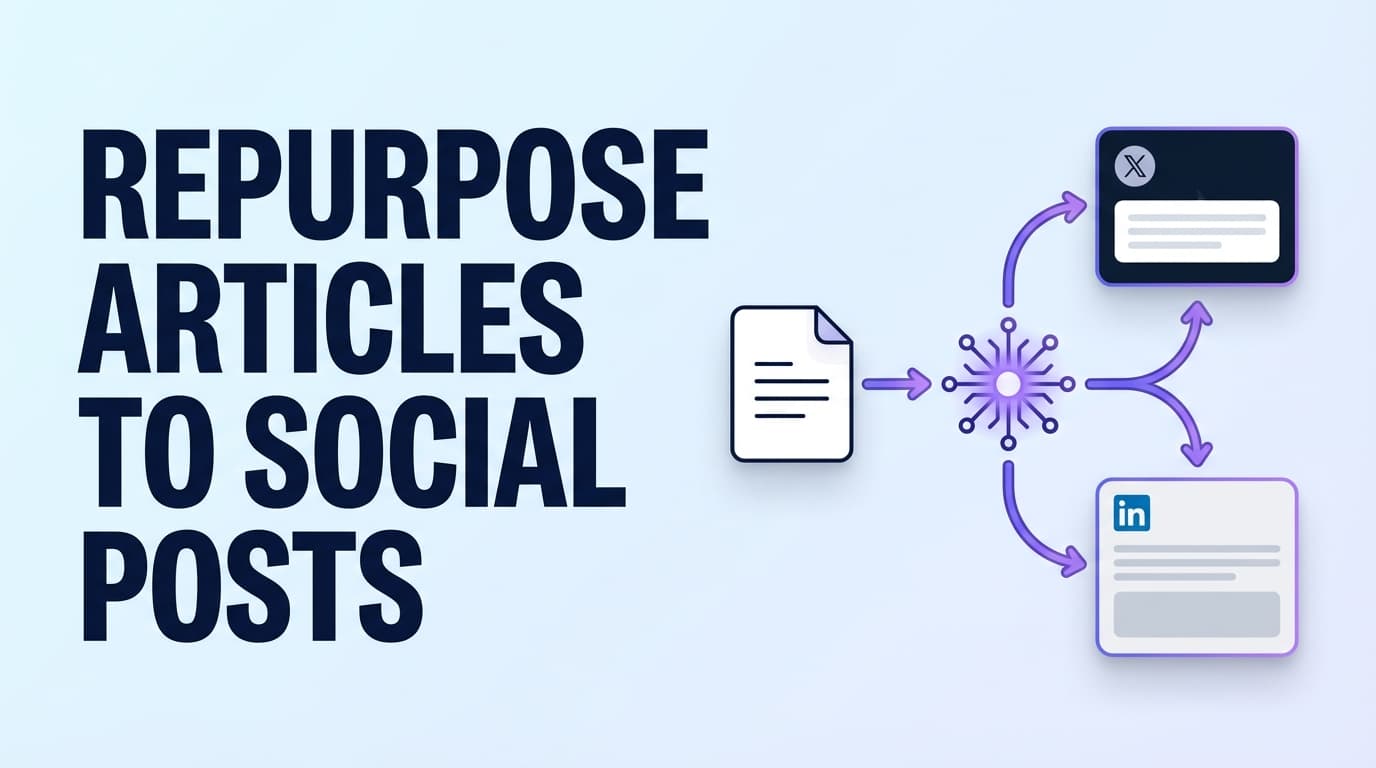
PostQuickAI is an AI content repurposing tool for writers who already have the article. Paste its link into the composer, ask for a thread or a few posts, and the assistant reads the page and drafts them. You edit, pick X, LinkedIn, Threads or Bluesky, and schedule.
7-day free trial, then from $15/month. Card required. Cancel before it ends and you pay nothing.
Why Repurpose Articles in PostQuickAI
Many article-to-thread generators hand you text to copy and paste. In PostQuickAI the draft stays in the composer, so you edit it, schedule it and it publishes from the same place.
Several Posts from One Article
Ask for a post per section of the article, such as the list, the case study or the main argument. Then ask for a LinkedIn version in a professional tone and a shorter, casual one for Threads.
Scheduled Publishing
Our servers publish each post at its scheduled time, so you can spread one article's posts over a week and be offline while they go out.
Eight Networks
X, Threads, LinkedIn, Instagram, Facebook Pages, TikTok, YouTube and Bluesky. The composer counts characters for each network as you type.
How to Turn an Article into Posts
Share the Article
Give the assistant one of these:
- • The article's link
- • One section pasted in, such as a checklist or a list of mistakes
- • A short excerpt you want as the opening line
For a long article, ask for one post per section rather than one post for the whole thing.
Or Use the Free Caption Generator
Without an account, open the caption generator and fill in:
- • Topic: your excerpt or bullet points
- • Platform: Instagram, X, LinkedIn, TikTok, Facebook or YouTube
- • Tone: for example Professional, Casual or Storytelling
- • Length: short, medium or long
- • Whether to add emojis, hashtags or a call to action
It returns 3 caption options to edit.
Adjust Each Draft
In the composer, ask the assistant in plain words to:
- • Proofread or shorten the draft, or change its tone, such as more direct for X
- • Show each change as a suggestion you accept, discard or undo
- • Add hashtags where they help, such as on Instagram
Split It into a Thread
A thread from an article often looks like this:
- • Post 1: the opening claim or the most surprising point
- • Posts 2 to 6: one point each, readable on its own
- • Last post: a short recap and a link to the article or your newsletter
On X, Threads and Bluesky, PostQuickAI publishes this as a real thread, each part replying to the one before. On LinkedIn the parts are joined into one post.
Schedule It
Choose the networks, pick a date and time for each post, and our servers publish them. Spread the posts over a week to keep one article working for several days.
What You Can Post Where
Text Networks
- X (Twitter): text, up to 4 images, video and threads
- Threads: single posts, threads, images, carousels and video
- LinkedIn: text, images and video, to a profile or company page
- Bluesky: text, up to 4 images, MP4 video and threads
Image and Video Networks
- Instagram: single image, carousel, Reels and Stories (no text-only posts)
- Facebook Pages: text, one or more images, video and Stories
- TikTok: video, and photo carousels of 2 or more images
- YouTube: videos; vertical videos of 3 minutes or less show as Shorts
Features for Article Repurposing
| Feature | What It Does | Why It Matters |
|---|---|---|
| Link reading | The assistant opens an article link you share and drafts from it | You don't paste the whole article |
| Thread splitting | Splits a long draft into thread parts | Each part fits the network's limit |
| Composer assistant: proofreading | Fixes grammar and unclear sentences, as suggestions | The post reads as written for social, not cut from an essay |
| Composer assistant: tone and platform rewrites | Rewrites in the tone you ask for, using your brand voice | One article can become a formal LinkedIn post and a casual Threads post |
| Server-side scheduled publishing | Our servers publish at the scheduled time | Spread one article over a week |
| Multi-platform publishing | X, Threads, LinkedIn, Instagram, Facebook Pages, TikTok, YouTube, Bluesky | One draft can go to several networks |
| Content Groups | Keeps each brand or client separate | Each has its own accounts and brand voice |
Templates for Common Article Formats
Blog post to 5 X posts
Good for: founders and marketers who publish one long article a week.
- • Post 1: the main claim and why it matters
- • Post 2: the problem the article solves
- • Posts 3 to 5: one insight each
Blog post to a LinkedIn post
Good for: agencies, B2B marketers and consultants.
- • Ask for a draft in a professional tone
- • Ask the assistant to tighten it
- • Put the strongest line first, since LinkedIn cuts the rest behind "see more"
Blog post to an Instagram carousel
Good for: brands that grow mainly on Instagram.
- • Pull 6 to 10 points, one per slide
- • Ask the assistant for a caption that sums up the slides
- • Ask it to add a few hashtags
Blog post to a Threads post
Good for: short lessons and questions that start a conversation.
- • Ask for a casual rewrite
- • Keep it under Threads' 500-character limit
- • Add an image or a carousel if it helps
X Threads and Threads (Meta): What Works
"Threads" means two things: a chain of posts on X, and Meta's app called Threads. PostQuickAI handles both.
Threads on X
- ✓ Single X posts with text, up to 4 images, or video
- ✓ Threads that publish as a chain of replies
Write the parts in the composer and each one posts as a reply to the one before.
Threads (Meta)
- ✓ Single Threads posts
- ✓ Images, carousels and video
- ✓ Multi-post threads, each part replying to the last
You can send the same thread to X, Threads and Bluesky at once.
PostQuickAI Compared with Article-to-Thread Generators
Most generators turn a blog post into an X thread and stop there. Here is what PostQuickAI adds:
It Publishes Too
You draft, edit and schedule in the composer, and our servers publish the posts. Nothing to copy into X.
More Than X
Ask for versions for LinkedIn, Threads, Instagram, Facebook Pages and Bluesky as well.
Plain Limits
We list what PostQuickAI can't post, such as Facebook Groups or LinkedIn documents.
If you only want text to paste somewhere, a free generator may be enough. If you want one article to fill a week of scheduled posts, PostQuickAI does the whole job.
Pricing
Plans start at $15/month. Your first plan starts with a 7-day free trial (card required).
See All PlansFrequently Asked Questions about Content Repurposing
Paste the article's link into the assistant in the PostQuickAI composer and ask for posts. It reads the page and drafts a post or a thread, and you accept or edit each suggestion before you schedule it. You can also paste one section into the free Caption Generator for three short options.
Yes. Share the link and ask the assistant to split the article into a thread. Check the parts, then schedule; PostQuickAI posts each part on X as a reply to the one before.
Yes. On Threads you can schedule single posts, image carousels, video, and multi-post threads where each part replies to the one before.
X, Threads, LinkedIn, Instagram, Facebook Pages, TikTok, YouTube and Bluesky. Each accepts different formats; Instagram, for example, needs an image or video.
Yes. Our servers publish them at the scheduled time.
Yes, with an image or a video, on both.
No. PostQuickAI posts LinkedIn text, images and video. Publish PDFs, polls, newsletters and articles inside LinkedIn.
No. PostQuickAI helps you write and schedule posts. It does not reply to comments or send messages.
Related Tools & Guides
AI Caption Generator
Get 3 caption options from a pasted excerpt. Free, no account.
AI Hashtag Generator
Get hashtag ideas by topic and network.
X Scheduler
Schedule single X posts and threads.
LinkedIn Scheduler
Schedule posts to your profile or a company page.
Threads Scheduler
Schedule Threads posts, carousels and multi-part threads.
Instagram Scheduler
Schedule feed posts, carousels, Reels and Stories.
Turn One Article into a Week of Posts
Share your next article with the assistant, keep the drafts you like, and schedule them across X, LinkedIn, Threads, Bluesky and the other networks you use.
See plans7-day free trial, then from $15/month. Card required. Cancel anytime.